
AS03
AS03 WiFi Camera User Manual
Model: AS03 | Brand: Generic
Zavedení
This user manual provides comprehensive instructions for the setup, operation, and maintenance of your AS03 WiFi Camera. Please read this manual thoroughly before using the device to ensure proper functionality and safety.

Figure 1: AS03 WiFi Camera with stand.
The AS03 WiFi Camera is a compact, low-power consumption device designed for home security and sports monitoring. It features HD night vision, two-way intercom functionality, and supports local storage via TF card.
Obsah balení
Ověřte, zda jsou v balení přítomny všechny položky:
- 1 x AS03 WiFi Camera
- 1 x Stojan
- 1 x nabíjecí kabel typu C
- 1 x Návod k obsluze (tento dokument)
Konec produktuview
Seznamte se s komponenty a rozměry fotoaparátu.

Figure 2: Various angles of the AS03 WiFi Camera.

Figure 3: AS03 WiFi Camera dimensions.
The camera measures approximately 36mm x 40mm x 36mm, making it highly compact and discreet.
Nastavení
1. Nabíjení fotoaparátu
Before initial use, fully charge the camera using the provided Type-C charging cable and a 5V/1A power adapter (not included).

Figure 4: Charging the AS03 WiFi Camera.
The camera can record while charging, allowing for continuous operation when connected to a power source.
2. Vložení TF karty (volitelné)
For local video storage, insert a TF (microSD) card into the designated slot. The camera supports up to a 32GB TF card (not included). Ensure the camera is powered off before inserting or removing the card.
3. Instalace a připojení aplikace
The AS03 WiFi Camera uses the iWFCam application for remote monitoring and control. Download the app from your device's app store (iOS/Android).
- Stáhněte a nainstalujte iWFCam aplikace
- Power on the camera. The camera will emit a WiFi hotspot.
- On your smartphone, go to WiFi settings and connect to the camera's hotspot (usually named something like "iWFCam-XXXXXX").
- Otevřete iWFCam app. The camera should automatically be detected and added.
- Follow the in-app instructions to connect the camera to your home 2.4GHz WiFi network for remote access.

Figure 5: Connecting to the camera via iWFCam app.
Návod k obsluze
Žít View a Nahrávání
Once connected to the iWFCam app, you can access the live video feed from your camera. The app allows you to:
- View video v reálném čase.
- Initiate manual video recording.
- Zachyťte statické snímky.
- Zapojte se do obousměrné zvukové komunikace.
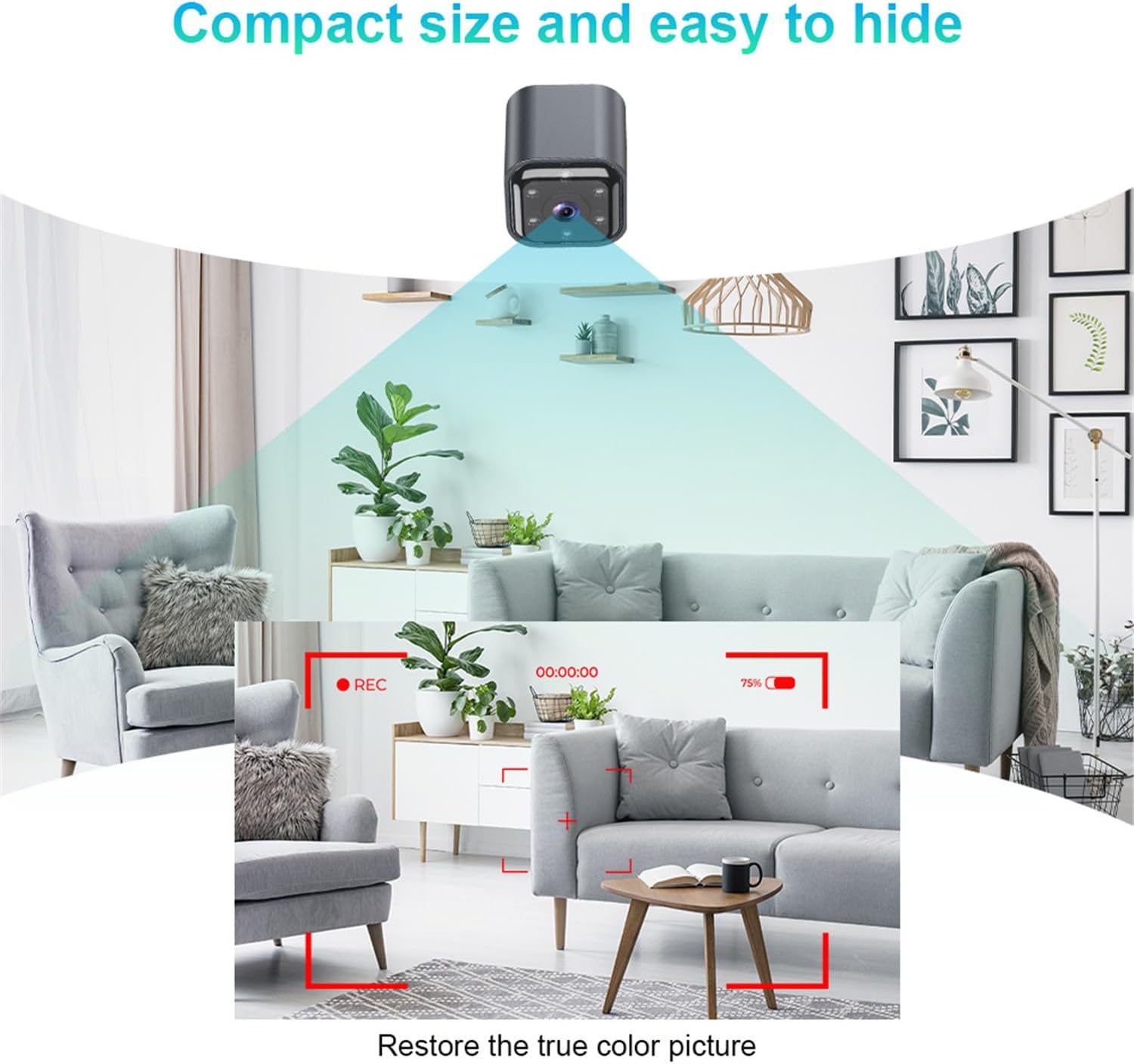
Figure 6: Camera's field of view a jasnost obrazu.
Noční vidění
The camera features automatic infrared night vision, enabling clear video capture in low-light or no-light conditions. The infrared irradiation distance is effective up to 5 meters, with optimal results within 2 meters.
Obousměrný interkom
Utilize the built-in microphone and speaker for two-way audio communication through the iWFCam app. This allows you to speak to and hear from the area where the camera is placed.
Detekce pohybu a alarmy
The camera supports motion detection. When motion is detected, the camera can trigger an alarm and send push notifications to your smartphone via the iWFCam app.
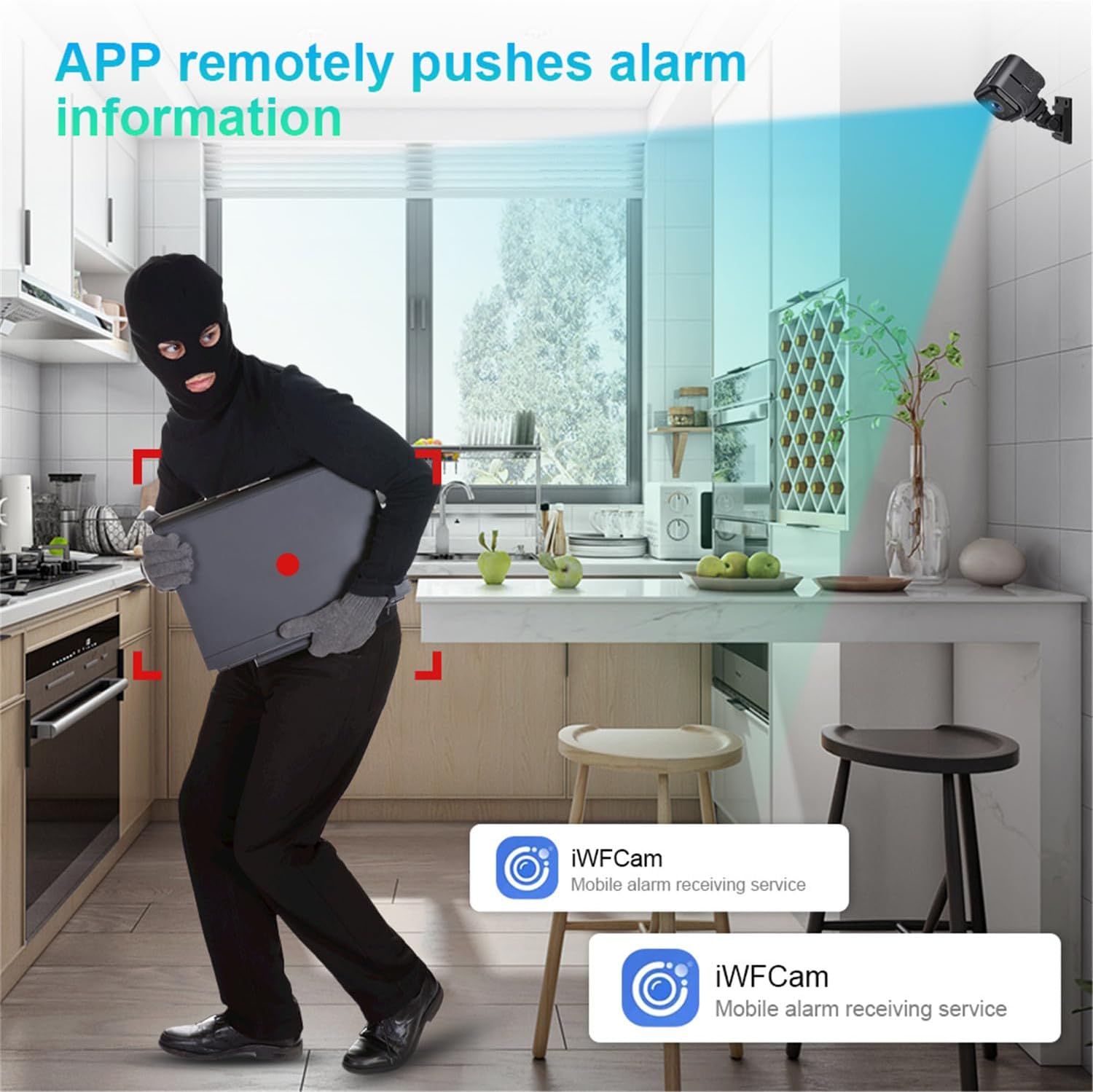
Obrázek 7: Detekce pohybu a upozornění na alarm.
Nahrávání ve smyčce
When a TF card is inserted, the camera supports loop recording. This means that when the memory card is full, the oldest video files will be automatically overwritten by new recordings, ensuring continuous surveillance.
Údržba
- Čištění: K čištění objektivu a těla fotoaparátu používejte měkký, suchý hadřík. Nepoužívejte tekuté čisticí prostředky ani abrazivní materiály.
- Skladování: Pokud fotoaparát skladujete delší dobu, ujistěte se, že je plně nabitý a uložen na chladném a suchém místě.
- Aktualizace firmwaru: Periodically check the iWFCam app for any available firmware updates for your camera to ensure optimal performance and security.
Odstraňování problémů
| Problém | Možná příčina | Řešení |
|---|---|---|
| Fotoaparát se nezapíná. | Slabá baterie; vadný nabíjecí kabel/adaptér. | Charge the camera for at least 2 hours. Try a different Type-C cable and 5V/1A adapter. |
| Cannot connect to camera WiFi hotspot. | Camera not powered on; too far from camera; WiFi interference. | Ensure camera is on. Move closer to the camera. Restart camera and phone. |
| Camera offline in iWFCam app. | No internet connection; incorrect WiFi password; camera too far from router. | Check your home WiFi. Reconfigure camera's WiFi settings in the app. Move camera closer to router. |
| Není možné nahrávat na TF kartu. | TF card not inserted; card full; card corrupted; incorrect format. | Ensure TF card is inserted correctly. Check card capacity. Format the TF card via the app or on a computer. Try a different TF card. |
| Špatná kvalita nočního vidění. | Obstruction in front of lens; camera too far from subject. | Clean the lens. Ensure no objects are blocking the infrared lights. Position camera closer to the area of interest (optimal within 2 meters). |
Specifikace
| Název produktu | AS03 WiFi Camera |
| Číslo modelu | AS03 |
| Obrazový snímač | COMS |
| Rozlišení displeje | 640*480P (30W) |
| Podpora TF karet | Max 32 GB (není součástí dodávky) |
| Vstup | Vestavěný mikrofon |
| Výstup | Reproduktor |
| Nabíjecí svtage | 5V/1A |
| Kapacita baterie | 960 mAH / 4.2 V |
| Pohotovostní doba baterie | Approx. 6.2 hours continuous use; 45 days low power standby |
| Infračervená vzdálenost | 1-5 meters (optimal 2 meters) |
| Provozní teplota | -10 ℃ ~ 50 ℃ |
| Síť | 2.4G Wireless Connection (IEEE802.11b/g/n) |
| Zvuk | Built-in noise cancelling microphone, Two-way intercom |
| Napájecí konektor | Typ-C |
| App | iWFCam |
| Rozměry | 36 mm x 40 mm x 36 mm |
| Hmotnost | 166 g |

Figure 8: Versatile applications of the AS03 WiFi Camera.
Záruka a podpora
For warranty information and technical support, please refer to the seller's policy on the purchase platform or contact the seller directly. Keep your purchase receipt as proof of purchase.
prodejce: Kasongde
ASIN: B0DFQ1TDRH
Datum první dostupnosti: 30. srpna 2024
Ask a question about this manual
Ask about setup, troubleshooting, compatibility, parts, safety, or missing instructions. Manuals+ will review the question and use this page’s manual context to help answer it.