
Logitech M550
Uživatelská příručka bezdrátové myši Logitech Signature M550
Model: M550 | Značka: Logitech
Zavedení
The Logitech Signature M550 mouse is designed for enhanced comfort and productivity, featuring SmartWheel scrolling for versatile navigation. It offers seamless wireless connectivity and silent clicks, making it suitable for various computing environments. This manual provides instructions for setting up, operating, maintaining, and troubleshooting your Signature M550 mouse.
Klíčové vlastnosti
- Rolování pomocí SmartWheel: Provides both line-by-line precision and super-fast scrolling, automatically switching modes based on your scrolling speed.
- Ergonomický design: Contoured shape with a soft thumb area and rubber side grips for comfortable use over extended periods.
- Technologie SilentTouch: Reduces click noise by over 90% compared to standard Logitech mice, creating a quieter workspace.
- Duální konektivita: Connects via Bluetooth Low Energy or the Logi Bolt USB receiver, offering a reliable wireless connection up to 10 meters.
- Kompatibilita s více platformami: Works with Windows, macOS, Linux, iPadOS, Android, and is Works With Chromebook Certified.
- Prodloužená životnost baterie: Up to 24 months of battery life with the included AA battery.
- Programovatelná tlačítka: Features 3 programmable buttons for customized functionality.
Nastavení
Follow these steps to set up your Logitech Signature M550 mouse:
- Vložte baterii: Open the battery compartment on the underside of the mouse and insert the included AA battery, ensuring correct polarity.
- Zapnutí: Zapněte myš pomocí vypínače, který se nachází na spodní straně.
- Vyberte způsob připojení:
- Logi Bolt USB přijímač: Plug the Logi Bolt USB receiver into an available USB port on your computer. The mouse should connect automatically.
- Bluetooth:
- Press and hold the Easy-Switch button on the bottom of the mouse until the LED light starts blinking rapidly, indicating pairing mode.
- On your computer or device, go to Bluetooth settings and select "Logitech M550" from the list of available devices to pair.
- Instalace softwaru (volitelné): For advanced customization of buttons and SmartWheel settings, download and install the Logitech Options+ software from the official Logitech webmísto.

Figure 1: Connect via Bluetooth or Logi Bolt USB Receiver.
Návod k obsluze
The Logitech Signature M550 mouse is designed for intuitive use. Here are some key operational aspects:
- Rolování pomocí SmartWheel: The scroll wheel automatically switches between line-by-line precision and hyper-fast scrolling. Scroll slowly for precise control, or flick the wheel for rapid navigation through long documents or web stránky.
- Left and Right Clicks: Standard left and right click functionality. The SilentTouch technology ensures minimal noise during clicks.
- Programovatelná tlačítka: The mouse features additional buttons that can be customized using the Logitech Options+ software. This allows you to assign specific functions, shortcuts, or gestures to these buttons for increased productivity.
- Přepínání více zařízení: If you have paired the mouse with multiple devices using Bluetooth, use the Easy-Switch button on the bottom of the mouse to quickly switch between connected devices.
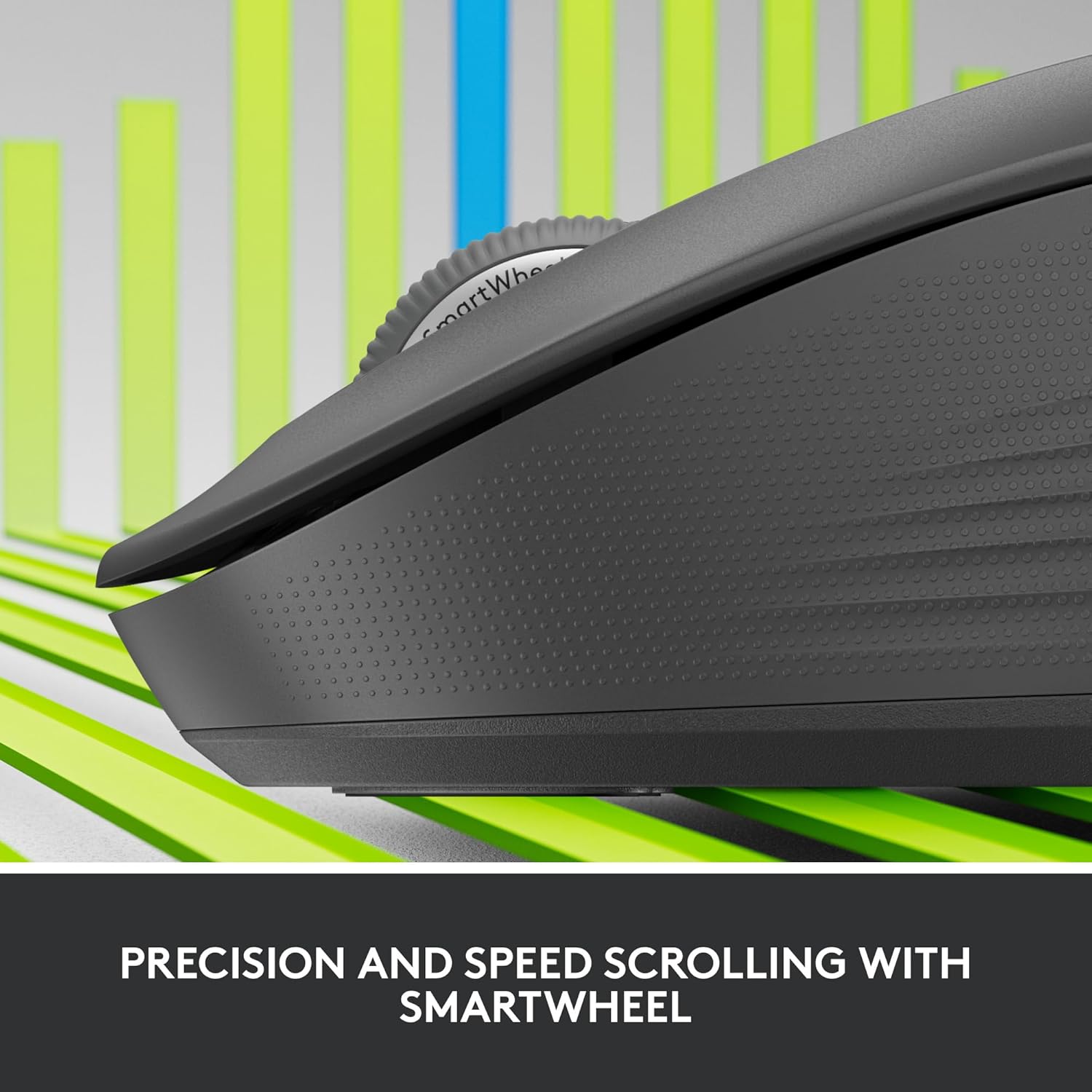
Figure 2: Precision and Speed Scrolling with SmartWheel.

Figure 3: Experience 90% Less Clicking Noise.
Údržba
- Čištění: Použijte měkký hadřík, který nepouští vlákna dampened with water or an electronics cleaner to wipe the surface of the mouse. Avoid using harsh chemicals or abrasive materials.
- Výměna baterie: The mouse uses one AA battery. When the battery indicator light (if present) signals low power, or if performance degrades, replace the battery. The battery compartment is located on the underside of the mouse.
- Skladování: When not in use for extended periods, turn off the mouse to conserve battery life. Store in a cool, dry place away from direct sunlight.
Odstraňování problémů
| Problém | Možné řešení |
|---|---|
| Myš neodpovídá |
|
| Pohyb kurzoru je nepravidelný nebo trhaný |
|
| Nelze se připojit přes Bluetooth |
|
Specifikace
| Funkce | Detail |
|---|---|
| Model | M550 |
| Technologie připojení | Wireless (Bluetooth Low Energy, Logi Bolt USB Receiver) |
| Bezdrátová provozní vzdálenost | Až 10 metrů (32.81 stop) |
| Detekce pohybu | Optický |
| Rozlišení pohybu (DPI) | 4000 dpi |
| Tlačítka | 3 Button(s), 3 Programmable Button(s) |
| Rolovací kolečko | Yes (SmartWheel) |
| Typ baterie | 1 x AA (součástí balení) |
| Životnost baterie | Až 24 měsíců |
| Barva | Grafit |
| Hmotnost položky | 4.6 unce |
| Rozměry balení | 6.89 x 4.65 x 2.52 palce |
| Kompatibilita | Windows, macOS, Linux, iPadOS, Android, Works With Chromebook Certified |

Figure 4: Key features and specifications of the Logitech Signature M550 mouse.

Figure 5: The perfect fit for your hand, illustrating M550 and M550 L sizes.
Záruka a podpora
Informace o záruce a technickou podporu získáte od oficiálního prodejce Logitech. webnebo se obraťte na zákaznický servis Logitech. Uschovejte si doklad o koupi pro případ reklamace.
Podpora Logitech Webmísto: support.logi.com