
Konec produktuview
The Mesqool CR1025 Digital Alarm Clock is a versatile bedside device combining multiple functions. It features a clear LED display, Bluetooth 5.0 connectivity for audio streaming, a digital FM radio with station presets, dual USB charging ports (Type-C and USB-A), and an adjustable night light. Designed for convenience, it includes a 5-level dimmer for display brightness, adjustable volume, 12/24-hour format, snooze function, and battery backup to retain settings during power outages.
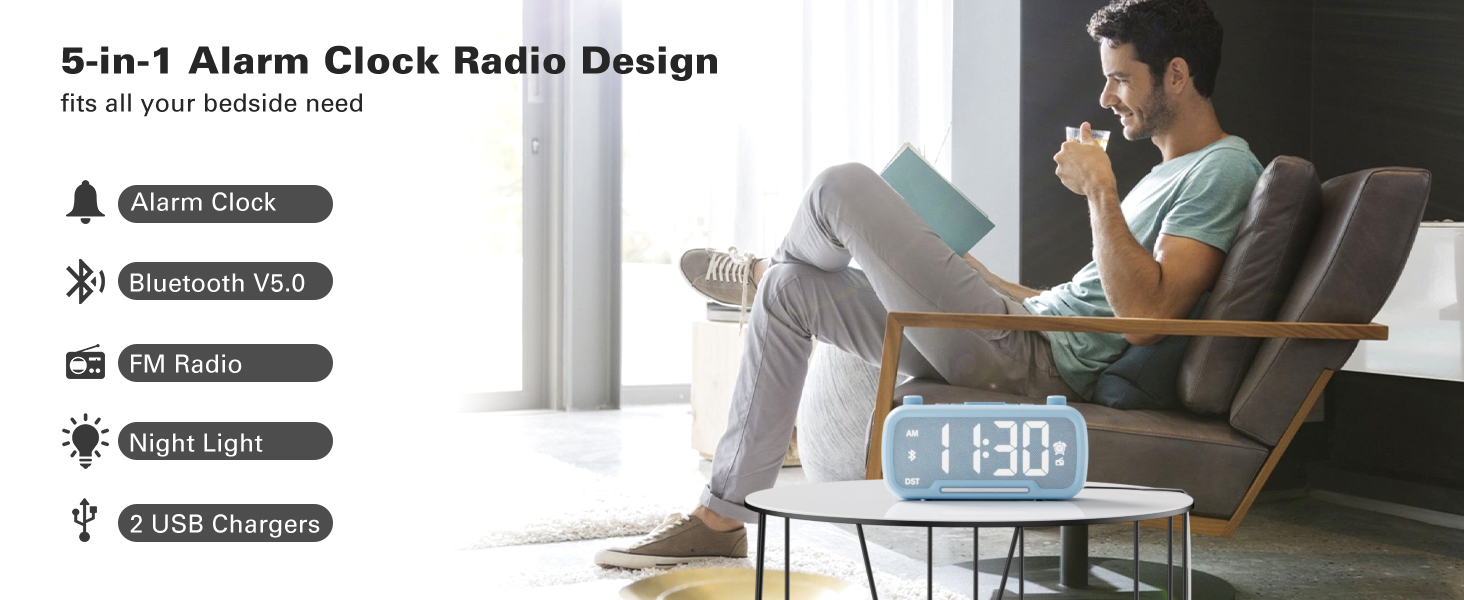
Image: The Mesqool CR1025 Digital Alarm Clock showcasing its 5-in-1 features: Alarm Clock, Bluetooth V5.0, FM Radio, Night Light, and 2 USB Chargers.
Pokyny pro nastavení
1. Připojení napájení
- Connect the provided AC adapter to the clock and plug it into a standard wall outlet. The clock requires AC power for primary operation.
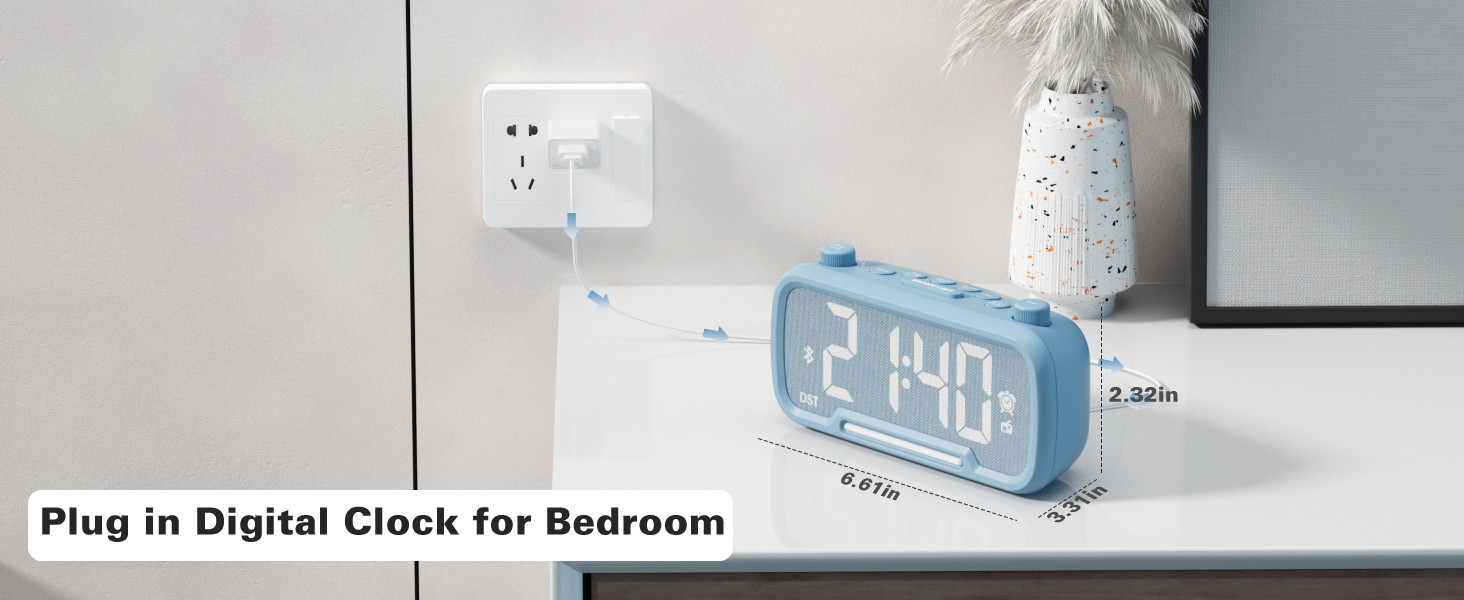
Image: The Mesqool CR1025 Digital Alarm Clock connected to a wall outlet via its power adapter, illustrating the power connection.
2. Záložní baterie
- Hodiny obsahují záložní baterii CR2032. Tato baterie uchovává čas a nastavení budíku i při výpadku napájení.tage, but the display will not be lit.
3. Nastavení času
- Stiskněte tlačítko Čas 12 jednou tlačítko. Číslice hodin budou blikat.
- Rotate the left knob (Sleep Timer/Vol) to adjust the hour.
- Stiskněte tlačítko Čas 12 znovu stiskněte tlačítko. Číslice minut budou blikat.
- Rotate the right knob (Scan) to adjust the minute.
- Stiskněte tlačítko Čas 12 ještě jednou tlačítko pro potvrzení a ukončení nastavení času.
Video: Demonstrates how to set the time, adjust the 12/24 hour format, and activate/deactivate DST mode on the alarm clock.
4. Formát času 12/24 hodin
- Stiskněte a podržte Čas 12 button for 2 seconds to switch between 12-hour and 24-hour time formats.
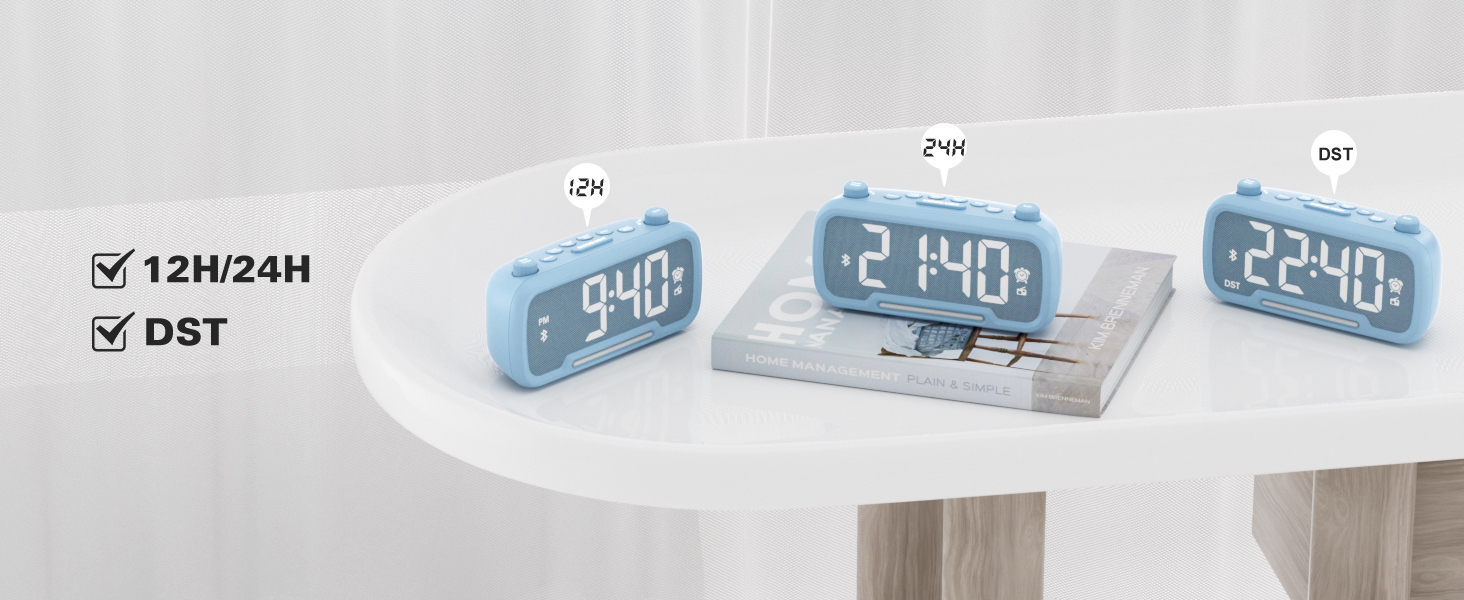
Image: The clock display showing both 12-hour (PM) and 24-hour time formats, along with the DST indicator.
5. Daylight Saving Time (DST) Mode
- Stiskněte tlačítko Dimmer DST button to enter or exit DST mode. When active, the DST indicator will appear on the display.
- Refer to the video above for a demonstration of DST mode activation.
Návod k obsluze
1. Bluetooth reproduktor
- Stiskněte tlačítko Režim napájení button repeatedly until "bt" appears on the display, indicating Bluetooth mode. The Bluetooth icon will flash.
- On your device, search for "CR1025" in the Bluetooth settings and pair.
- Once connected, the Bluetooth icon will stop flashing.
Video: Demonstrates how to activate Bluetooth mode and pair with a device.

Image: Illustrates the Bluetooth 5.0 speaker functionality, showing the clock connected to a smartphone playing music.
2. Provoz rádia FM
- Stiskněte tlačítko Režim napájení opakovaně stiskněte tlačítko , dokud se na displeji nerozsvítí ikona rádia, která signalizuje režim FM rádia.
- Automatické skenování: Stiskněte tlačítko Skenovat button to automatically search and store up to 20 stations.
- Ruční vyhledávání: Otočte Skenovat knob to browse frequencies manually.
- Uložit předvolbu: Chcete-li uložit stanici, stiskněte a podržte tlačítko Preset Pair button for 2 seconds. The display will show "P01", "P02", etc. Rotate the Skenovat knoflíkem vyberte číslo předvolby a poté stiskněte Preset Pair znovu uložit.
- Upravit hlasitost: Turn the left knob (Sleep Timer/Vol) to adjust the volume (16 levels, L01-L16).
Video: Demonstrates FM radio tuning, auto-scan, and saving preset stations.

Image: The clock displaying an FM radio frequency, indicating its radio function.
3. Nastavení alarmu
- Stiskněte a podržte Poplach tlačítko po dobu 2 sekund. Číslice hodin budou blikat.
- Rotate the left knob (Sleep Timer/Vol) to adjust the alarm hour.
- Stiskněte tlačítko Poplach znovu stiskněte tlačítko. Číslice minut budou blikat.
- Rotate the right knob (Scan) to adjust the alarm minute.
- Stiskněte tlačítko Poplach button once more to select the alarm sound: either a buzzer or the last played FM radio station.
- Rotate the left knob (Sleep Timer/Vol) to adjust the alarm volume (L01-L16).
- Stiskněte tlačítko Poplach button again to confirm and activate the alarm. The alarm icon will appear on the display.
- To cancel the alarm, press the Poplach jednou tlačítko. Ikona budíku zmizí.
Video: Demonstrates setting the alarm time, choosing alarm sound (radio or buzzer), and adjusting alarm volume.
4. Funkce odložení buzení
- Když zazní alarm, stiskněte SNOOZE / SVĚTLO tlačítko pro aktivaci funkce odložení. Budík se na 9 minut pozastaví a poté znovu zazvoní.
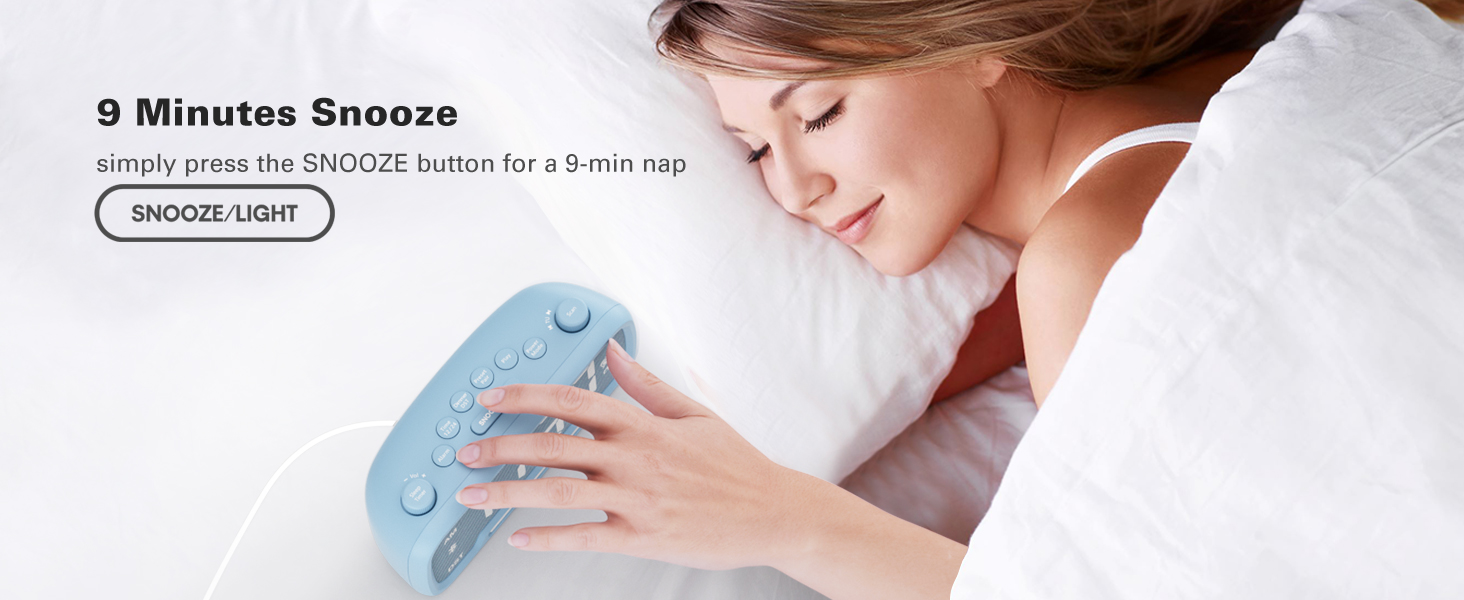
Image: A hand pressing the SNOOZE/LIGHT button on the clock, illustrating the 9-minute snooze feature.
5. Night Light & Dimmer
- Noční světlo: Stiskněte tlačítko SNOOZE / SVĚTLO button to turn the night light on or off.
- Stmívač displeje: Stiskněte tlačítko Dimmer DST button repeatedly to cycle through 5 brightness levels for the main display (L01-L05).
Video: Shows how to adjust the display brightness using the dimmer function.

Image: The clock with its warm night light illuminated, providing ambient lighting.

Obrázek: Vícenásobný views of the clock demonstrating the five different brightness levels of its display.
6. Nastavení časovače spánku
- When using FM radio or Bluetooth speaker, press the Časovač spánku tlačítko.
- Rotate the left knob (Sleep Timer/Vol) to select the desired duration: 15, 30, 60, 90, 120 minutes, or OFF. The device will automatically turn off after the selected time.
Video: Illustrates how to set the sleep timer for the FM radio or Bluetooth speaker.
7. Nabíjecí porty USB
- The clock features one USB-A and one Type-C charging port (5V/1A each).
- Connect your smartphone, tablet, or other USB-powered devices to these ports for charging.
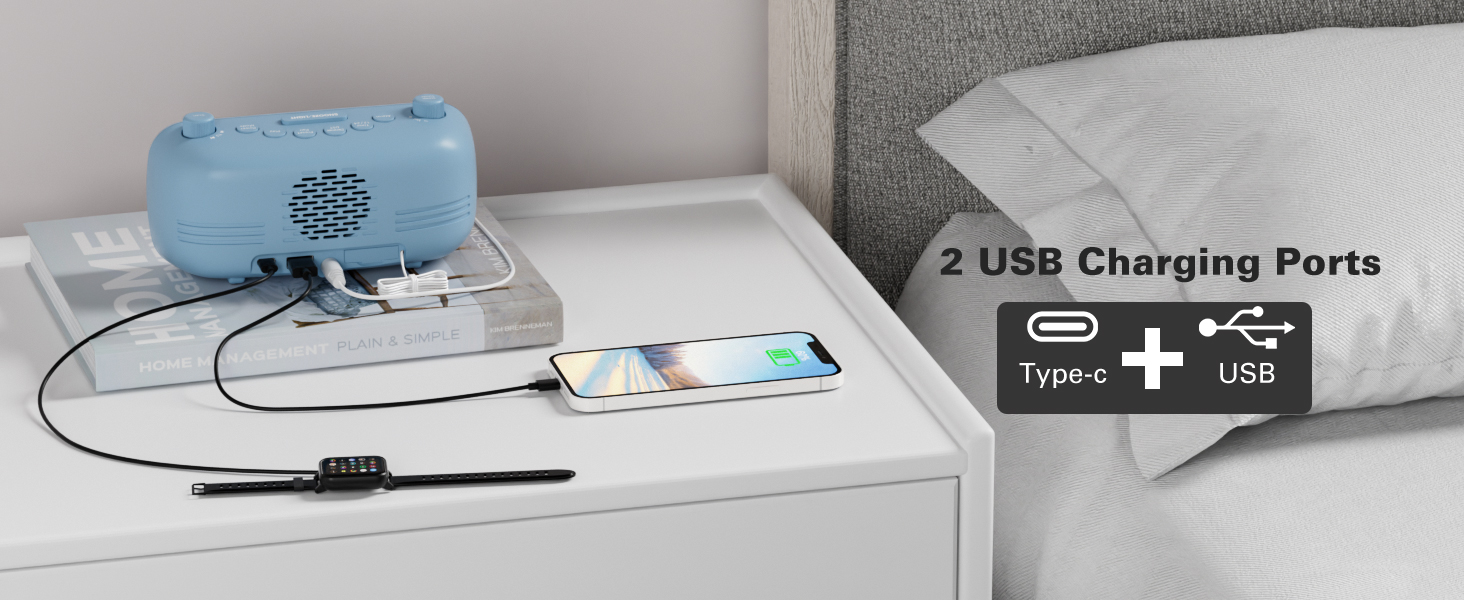
Image: The back of the clock showing the USB-A and Type-C charging ports with devices connected for charging.
Údržba
- Čištění: Use a soft, dry cloth to clean the surface of the clock. Avoid abrasive cleaners or solvents.
- Skladování: If storing the device for an extended period, disconnect it from power and remove the backup battery. Store in a cool, dry place.
Odstraňování problémů
- Bez napájení/Vypnutí displeje: Ensure the AC adapter is securely plugged into both the clock and a working power outlet. Check if the backup battery is correctly installed.
- Alarm nezní: Verify that the alarm is set and activated (alarm icon visible). Check the alarm volume level.
- Špatný příjem FM rádia: Extend the antenna fully. Try repositioning the clock to improve signal reception.
- Problémy s párováním Bluetooth: Ensure the clock is in Bluetooth mode and the Bluetooth icon is flashing. Make sure your device's Bluetooth is on and within range. Try restarting both the clock and your device.
- Nabíjení přes USB nefunguje: Ensure the clock is powered on. Check the charging cable and device for proper connection.
Specifikace
| Funkce | Detail |
|---|---|
| Značka | Mesqool |
| Číslo modelu | CR1025 |
| Barva | Modrá (dle aktuální varianty produktu) |
| Typ zobrazení | Digitální |
| Speciální funkce | Adjustable Brightness, Adjustable Volume, Alarm, Charging Port, Radio |
| Rozměry produktu | 3.31 cm Š x 2.32 cm V |
| Zdroj napájení | Elektrický kabel (AC adaptér) |
| Typ pokoje | Ložnice |
| Materiál | Plast |
| Hmotnost položky | 7.7 unce |
| Baterie | 1 CR2032 battery required (included for backup) |
| Technologie připojení | Bluetooth 5.0, AC adapter |
| Rozsah FM rádia | 87.5-108 MHz |
Záruka a podpora
Mesqool products are designed for reliability and performance. For product support, troubleshooting assistance, or warranty inquiries, please contact Mesqool customer service.
Contact information can typically be found on the product packaging, the official Mesqool webwebu nebo prostřednictvím svého prodejce.