
1. Úvod
Děkuji za nákupasing the Salange HY300Pro Mini Projector. This manual provides essential information for setting up, operating, and maintaining your projector. Please read it thoroughly before use to ensure optimal performance and longevity of your device.
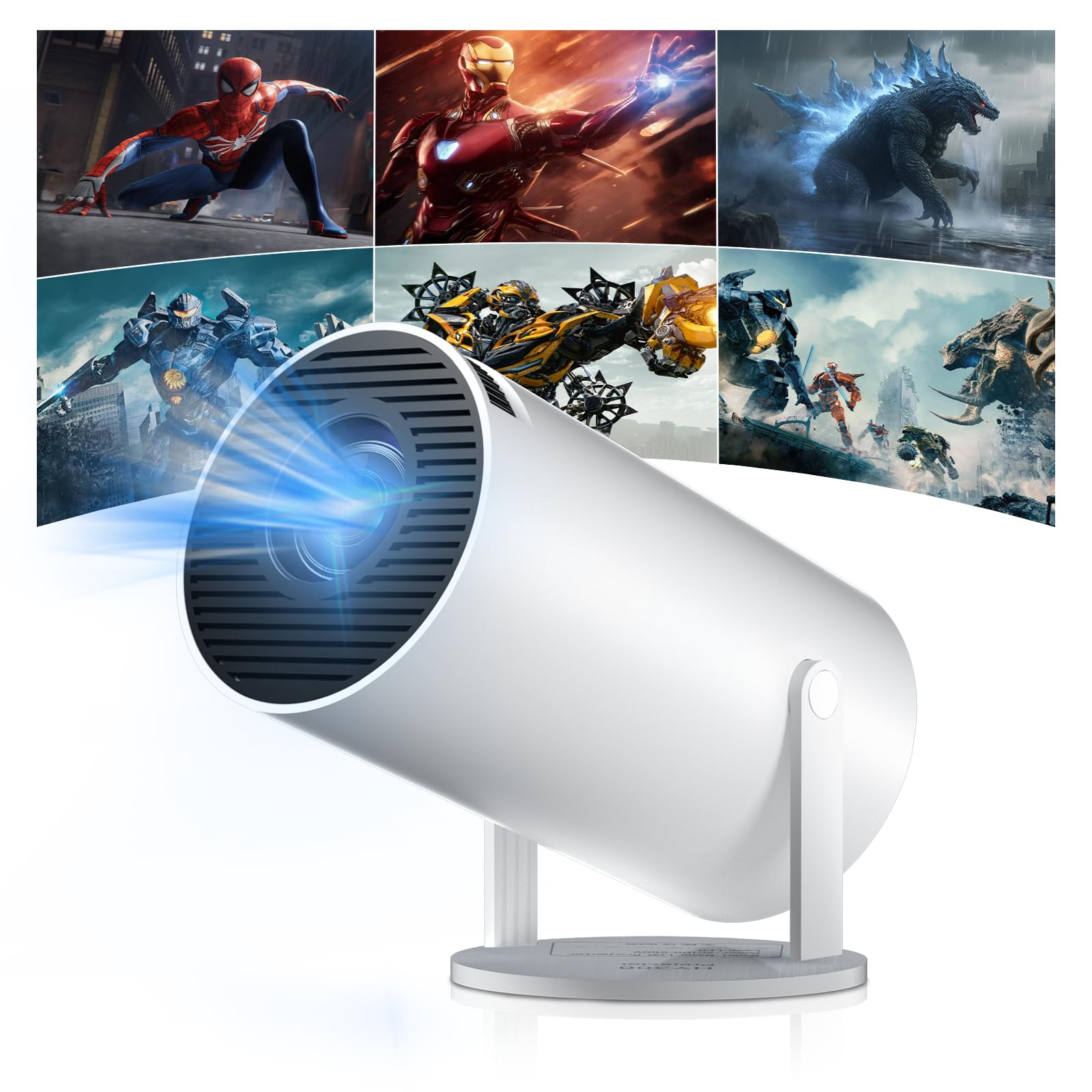
Figure 1: Salange HY300Pro Mini Projector
2. Konec produktuview
Klíčové vlastnosti
- Dual-Band WiFi 6 & Bluetooth 5.4: Ensures fast and stable network connectivity and seamless audio pairing with external speakers or headphones.
- Operační systém Android 11.0: Supports installation of various applications directly on the projector for versatile entertainment and productivity.
- 4K Support & Native 720P Resolution: Delivers clear and vibrant images, supporting 1080P and 4K video playback.
- Otočení o 180°: Flexible projection angles for various setups, including ceiling, wall, or angled surfaces.
- Automatic Keystone Correction & Manual Focus: Intelligently corrects image distortion and allows for fine-tuning clarity.
- Kompaktní a přenosný design: Weighs only 700g, making it easy to transport for outdoor activities or different rooms.

Obrázek 2: Přesview of Salange HY300Pro features including 8K support, WiFi 6, Bluetooth 5.4, 180° rotation, and auto keystone correction.
Co je v krabici
- 1 x Salange HY300Pro Projector
- 1 x Uživatelská příručka
- 1 x napájecí kabel
- 1 x Dálkové ovládání

Figure 3: Contents of the Salange HY300Pro package.
3. Nastavení
3.1 Vybalení a umístění
- Opatrně vyjměte všechny součásti z obalu.
- Umístěte projektor na stabilní, rovný povrch. Zajistěte dostatečné větrání kolem zařízení.
- The projector's 180° rotation feature allows flexible placement. Adjust the projector's angle to project onto a wall, ceiling, or screen as desired.

Figure 4: Projector demonstrating 180-degree rotation for various projection surfaces.
3.2 Připojení napájení
Connect the provided power cable to the projector's power input and then to a power outlet.
3.3 Počáteční zapnutí a nastavení zaostření
- Stisknutím tlačítka napájení na projektoru nebo na dálkovém ovladači zapněte zařízení.
- The projector features automatic keystone correction. It will intelligently detect and correct image distortion to ensure a square image.
- For fine-tuning the image clarity, use the manual focus adjustment ring on the projector.

Figure 5: Illustration of automatic keystone correction and manual focus adjustment.
3.4 Síťové připojení (WiFi)
- Na domovské obrazovce projektoru přejděte do nabídky „Nastavení“.
- Vyberte „Síť a internet“ a povolte Wi-Fi.
- Choose your desired Wi-Fi network from the list and enter the password if prompted. The projector supports dual-band 2.4G + 5G WiFi 6 for fast and stable connections.

Figure 6: Visual representation of the projector's WiFi 6 capabilities for ultra-fast streaming.
3.5 Párování Bluetooth
- From the 'Settings' menu, select 'Connected Devices' or 'Bluetooth'.
- Povolte Bluetooth a vyhledejte dostupná zařízení.
- Vyberte ze seznamu Bluetooth reproduktor nebo sluchátka, která chcete spárovat.

Figure 7: Projector connected to various Bluetooth audio devices.
3.6 Připojení externích zařízení
The projector supports HDMI and USB connections.
- HDMI: Connect your laptop, game console, Blu-ray player, or TV stick using an HDMI cable. Select the corresponding HDMI input source from the projector's input menu.
- USB: Vložte USB disk pro přehrávání médií files directly. Access the files through the media player application on the Android OS.
4. Návod k obsluze
4.1 Navigace v operačním systému Android
The Salange HY300Pro runs on Android 11.0, providing a smart TV experience.
- Use the remote control to navigate through the home screen, applications, and settings.
- The interface is intuitive, similar to an Android smartphone or tablet.

Figure 8: Projector displaying the Android OS home screen with various streaming apps.
4.2 Správa aplikací
You can install and manage applications directly on the projector.
- Access the app store (e.g., Google Play Store) to download streaming services, games, and productivity tools.
- To uninstall an app, go to 'Settings' > 'Apps' and select the desired app.
4.3 Zrcadlení obrazovky
Mirror your smartphone or tablet screen to the projector wirelessly.
- Ujistěte se, že vaše zařízení i projektor jsou připojeny ke stejné síti Wi-Fi.
- On the projector, select the screen mirroring function (e.g., 'Miracast', 'AirPlay', or 'Screen Share').
- On your smartphone/tablet, enable screen mirroring and select the projector from the list of available devices.
4.4 Nastavení obrazu a zvuku
Adjust various settings to optimize your viewzkušenosti.
- Nastavení obrazu: Access 'Settings' > 'Display' to adjust brightness, contrast, color, and aspect ratio.
- Nastavení zvuku: Access 'Settings' > 'Sound' to adjust volume, sound mode, and output device.

Figure 9: Projector displaying a large image, illustrating its ability to create a home cinema experience.
5. Údržba
5.1 Čištění objektivu
K jemnému otření čočky projektoru použijte měkký hadřík bez žmolků, speciálně určený pro optické čočky. Nepoužívejte abrazivní čisticí prostředky ani nadměrnou sílu.
5.2 Větrání
Ensure the projector's ventilation vents are clear of dust and obstructions. Blocked vents can lead to overheating and reduced performance. Periodically clean the vents with a soft brush or compressed air.
5.3 Skladování
Pokud projektor delší dobu nepoužíváte, skladujte jej na chladném a suchém místě mimo dosah přímého slunečního záření a extrémních teplot. Používejte originální obal nebo ochranné pouzdro, abyste zabránili hromadění prachu a poškození.
6. Řešení problémů
| Problém | Možná příčina | Řešení |
|---|---|---|
| Není zobrazen žádný obrázek | Power cable disconnected; Incorrect input source; Projector in standby mode. | Check power connection; Select correct HDMI/USB input; Press power button to wake up. |
| Obraz je rozmazaný | Není nastavené zaostření; Projektor je příliš daleko/blízko k promítacímu plátnu. | Adjust manual focus ring; Ensure projector is within optimal projection distance. |
| Žádný zvuk | Volume too low; Muted; Incorrect audio output selected; Bluetooth device not paired. | Increase volume; Unmute; Check audio settings; Re-pair Bluetooth device. |
| Problémy s připojením k Wi-Fi/Bluetooth | Incorrect password; Out of range; Interference. | Verify password; Move closer to router/device; Reduce interference from other electronics. |
| Dálkové ovládání nefunguje | Dead batteries; Obstruction; Not paired. | Vyměňte baterie; Odstraňte překážky; V případě potřeby znovu spárujte dálkový ovladač. |
7. Specifikace
| Funkce | Detail |
|---|---|
| Značka | Salange |
| Číslo modelu | X-HY300PRO |
| Série | Salange Mini Beamer |
| Barva | Bílý |
| Typ zobrazení | LCD |
| Nativní rozlišení | 1280 x 720P |
| Maximální rozlišení displeje | 3840 × 2160 (podpora 4K) |
| Technologie připojení | Bluetooth, Wi-Fi (WiFi 6) |
| Hardwarové rozhraní | Bluetooth, HDMI, USB |
| Kompatibilní zařízení | Smartphones, Laptops, Game Consoles, Blu-ray Players, Media Players |
| Rozměry položky (D x Š x V) | 9.5 x 9.5 x 15.7 centimetrů |
| Speciální funkce | Wi-Fi Compatible, Digital Keystone Correction, Lightweight, Portable, 180° Rotation |
| Doporučená použití | Obchod, Domácí kino, Hraní her, Vzdělávání |
| Form Factor | Přenosný |
| Typ montáže | Stolní držák |
8. Záruka a podpora
For warranty information and technical support, please refer to the documentation included with your purchase or visit the official Salange webUschovejte si doklad o koupi pro případ reklamace.