
Zavedení
The WAAW by ALOK BOOM 200 is a powerful Bluetooth speaker designed to deliver an immersive audio experience. Featuring 80W RMS power, IPX4 splash protection, dynamic light shows, and TWS (True Wireless Stereo) technology, it's built for versatility and high-quality sound. This manual provides essential information for setting up, operating, and maintaining your speaker.
Mezi klíčové vlastnosti patří:
- Technologie TWS: Connects up to two BOOM 200 speakers for enhanced stereo sound.
- Bluetooth 5.3: Ensures stable and extended wireless connectivity.
- Až 12 hodin přehrávání: Enjoy long-lasting music on a single charge.
- Krytí IPX4: Resistant to splashes, making it suitable for various environments.
- 3 Reproduktory: Equipped with one subwoofer and two tweeters for clear bass, mids, and highs.
- Výkon 80 W RMS: Delivers robust and clear audio output.
- Dynamická světelná show: Integrated LED lighting to enhance your listening experience.
- Power Bass: Feature for powerful bass reinforcement.
- Více možností připojení: USB and 3.5mm AUX IN ports.
Obsah balení
Po vybalení se prosím ujistěte, že jsou přítomny všechny následující komponenty:
- WAAW by ALOK BOOM 200 Bluetooth Speaker
- Nabíječka
- USB-C kabel
- Uživatelská příručka

Image: WAAW BOOM 200 speaker, USB-C cable, and user manual.
Nastavení
Nabíjení reproduktoru
Before initial use, fully charge your WAAW BOOM 200 speaker.
- Připojte dodaný kabel USB-C k nabíjecímu portu na reproduktoru.
- Connect the other end of the USB-C cable to the charger, then plug the charger into a power outlet.
- A red LED indicator will illuminate, indicating that the speaker is charging.
- The LED indicator will turn off once charging is complete.
Poznámka: When the battery level is low, you will hear an audible notification.

Image: Close-up of the charging port on the WAAW BOOM 200 speaker.
Návod k obsluze
Zapnutí/vypnutí
To power on or off the speaker, press and hold the power button located on the control panel.

Obrázek: Nahoře view of the speaker showing the power button and other controls.
Párování pomocí Bluetooth
- Ensure the speaker is powered on and in Bluetooth pairing mode (indicated by a flashing LED, refer to product for specific indicator).
- Na svém zařízení (chytrý telefon, tablet, notebook) povolte Bluetooth a vyhledejte dostupná zařízení.
- Select "WAAW BOOM 200" from the list of devices.
- Po připojení reproduktor vydá zvukové potvrzení a LED indikátor se změní (např. bude svítit modře).
Párování TWS (True Wireless Stereo)
The WAAW BOOM 200 features TWS technology, allowing you to connect two BOOM 200 speakers for a true stereo sound experience.
- Ensure both BOOM 200 speakers are powered on and not connected to any other Bluetooth device.
- On one of the speakers, press and hold the TWS button (refer to product for specific button). The speakers will search for each other.
- Once connected, you will hear an audible confirmation, and the LED indicators on both speakers will synchronize.
- Nyní připojte zařízení k jednomu ze spárovaných reproduktorů přes Bluetooth, jak je popsáno v části „Párování přes Bluetooth“. Oba reproduktory budou přehrávat zvuk stereo.

Image: Illustration of two WAAW BOOM 200 speakers wirelessly connected using TWS technology.
Ovládací prvky a funkce
- Ovládání hlasitosti: Use the '+' and '-' buttons on the control panel to adjust the volume.
- Přehrát/pozastavit: Stisknutím tlačítka přehrávání/pauzy můžete ovládat přehrávání hudby.
- Dynamická světelná show: The speaker features integrated LED lighting. Use the light button (often indicated by a sun icon) to cycle through different light modes or turn them off.
- Power Bass: Activate this feature for enhanced bass. Refer to the product's physical buttons for the specific Power Bass control.
- Vstup USB: Connect USB devices for audio playback.
- AUX IN (3.5mm Audio Input): Connect devices using a 3.5mm audio cable (not included).
- Microphone Input (P10 6.35mm): Připojte mikrofon pro karaoke nebo hlášení.

Obrázek: Podrobný view of the WAAW BOOM 200 speaker, highlighting the control panel and various input ports (USB, AUX, Mic).
Údržba
Voděodolnost (IPX4)
The WAAW BOOM 200 is rated IPX4, meaning it is resistant to splashes of water. This allows for use in environments where it might be exposed to light water spray, such as near pools or at the beach. However, it is ne waterproof and should not be submerged in water.
Resetování reproduktoru
If the speaker experiences issues or becomes unresponsive, you can perform a reset:
- Locate the reset button (typically a small pinhole).
- Using a pointed object (e.g., a paperclip), gently insert it into the reset button hole.
- Press and hold the reset button for 6 seconds. The speaker will automatically reset.
Specifikace
| Funkce | Detail |
|---|---|
| Verze Bluetooth | 5.3 |
| Výstupní výkon (RMS) | 80W |
| Hodnocení ochrany vody | IPX4 (odolnost proti stříkající vodě) |
| Prázdno | Až 12 hodin |
| Kapacita baterie | 4400 mAh (lithium-iontová) |
| Konfigurace reproduktorů | 1x 5" Subwoofer, 2x 2.75" Tweeters |
| Frekvenční odezva | 70 Hz ~ 20 KHz |
| Bluetooth Profiles | A2DP/AVRCP/VDP/HFP |
| Maximální dosah | 10 m |
| Nabíjecí port | USB-C |
| Audio vstupy | USB, 3.5mm AUX IN, P10 (6.35mm) Microphone Input |
| Rozměry (DxŠxV) | 19.3 x 19.3 x 34 cm |
| Hmotnost | 3.14 kg |
| Automatické vypnutí | Ano, po 10 minutách nečinnosti |
Informace o záruce
The WAAW BOOM 200 speaker comes with the following warranty:
- Záruka na produkt: 1 Year (3 months legal warranty + 9 months special manufacturer warranty).
- Záruka na baterie: 6 Months (3 months legal warranty + 3 months special manufacturer warranty).
Please retain your proof of purchase for warranty claims. For further support, contact WAAW customer service.
Konec produktuview
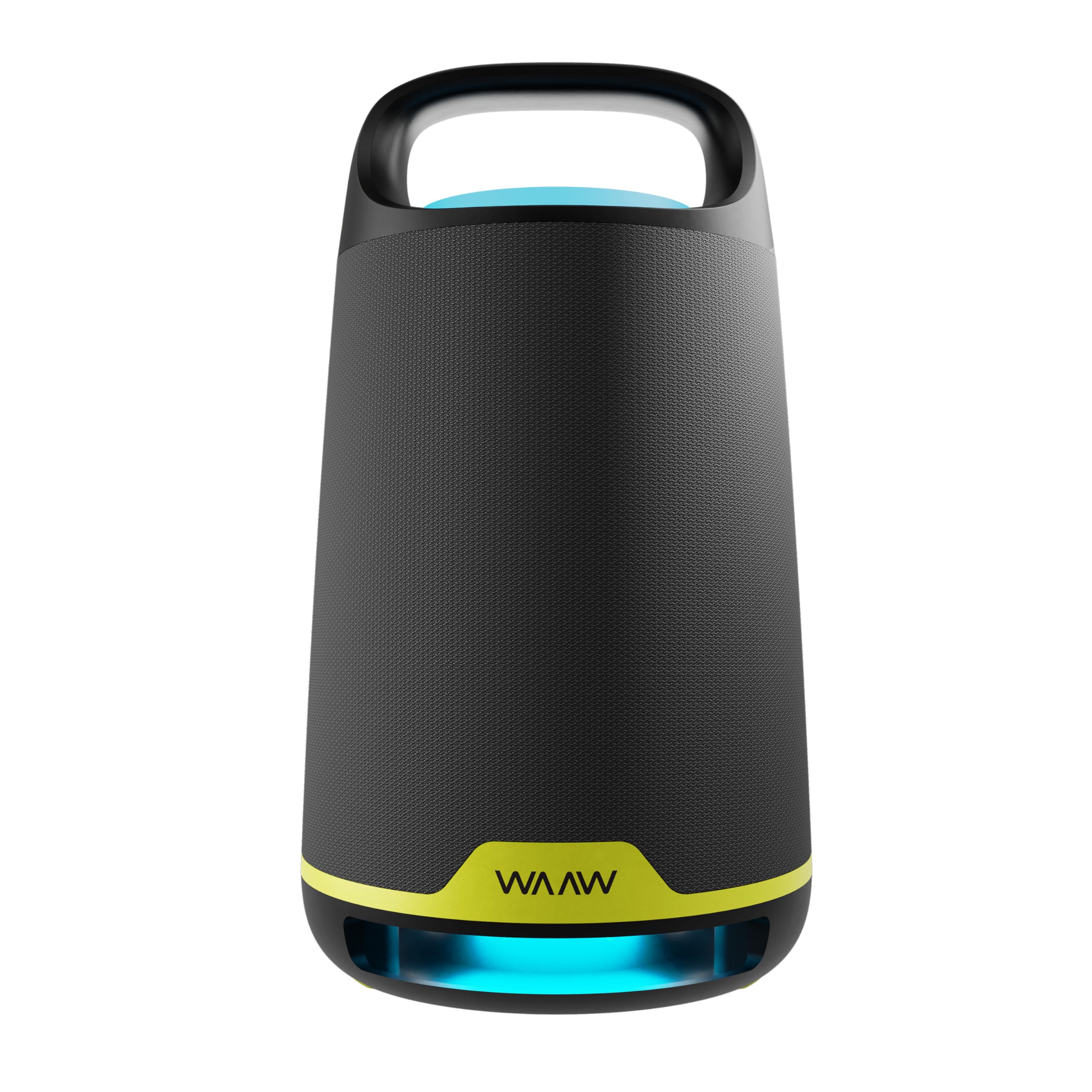
Obrázek: Přední strana view of the WAAW BOOM 200 Bluetooth Speaker, showcasinjeho design.

Obrázek: Boční view of the WAAW BOOM 200 Bluetooth Speaker, highlighting its ergonomic handle.
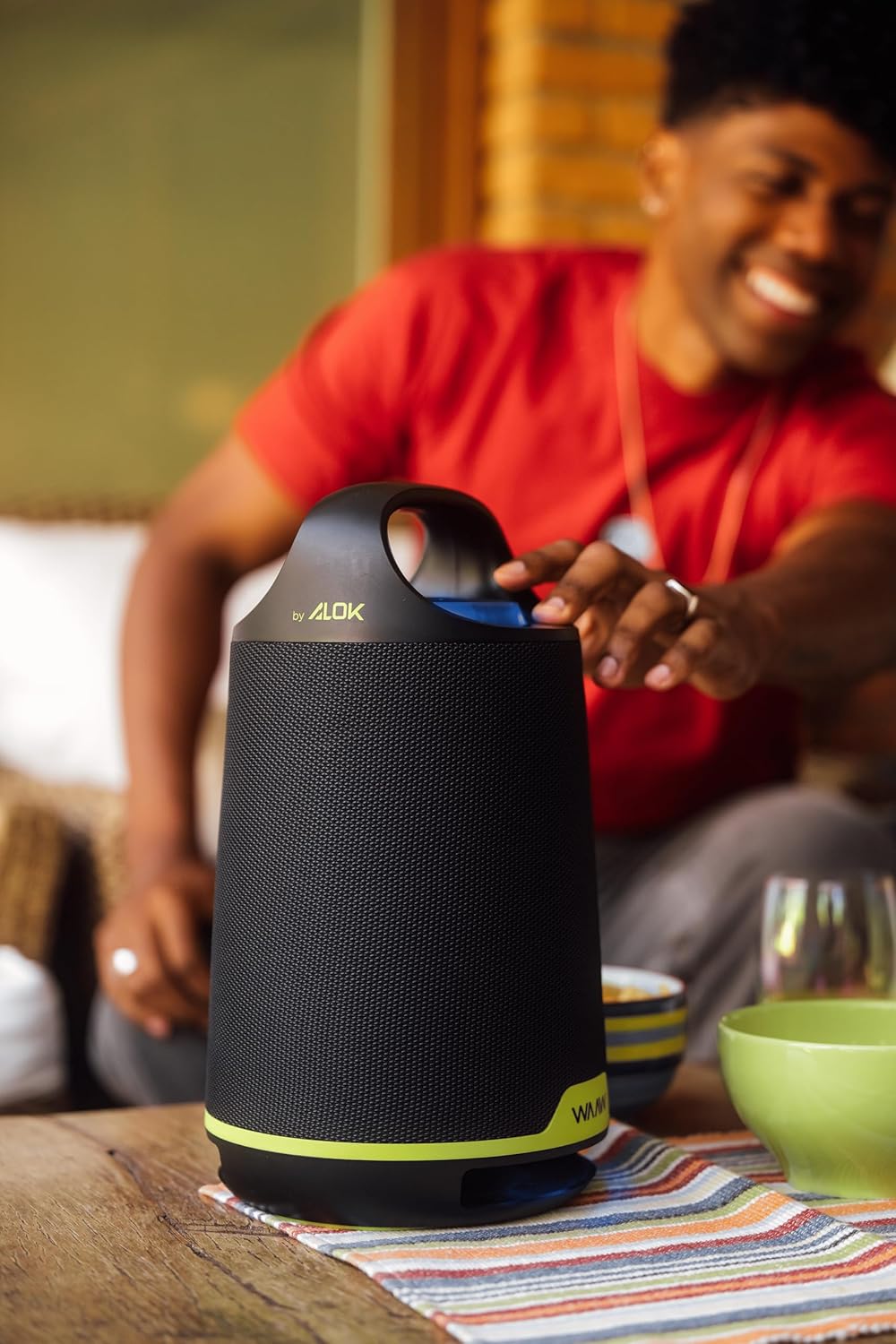
Obrázek: Zpět view of the WAAW BOOM 200 Bluetooth Speaker.
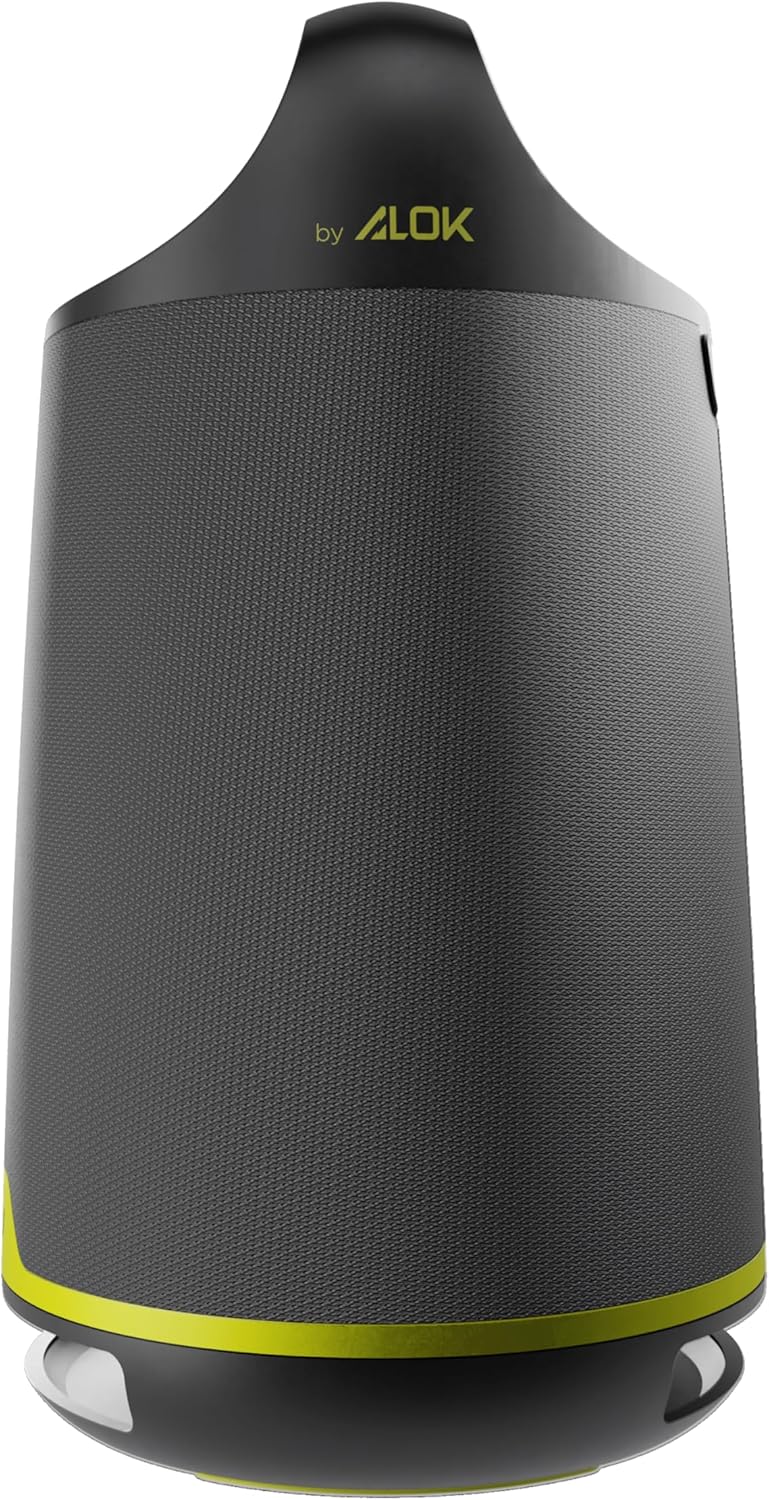
Image: The WAAW BOOM 200 speaker displaying its dynamic LED light feature.

Image: The WAAW BOOM 200 speaker with a visual representation of its powerful bass reinforcement (Power Bass) feature.

Image: The WAAW BOOM 200 speaker emphasizing its 80W RMS output power for clear and strong sound.
Další informace
Product in Use

Image: The WAAW BOOM 200 speaker being used in a relaxed outdoor social gathering.
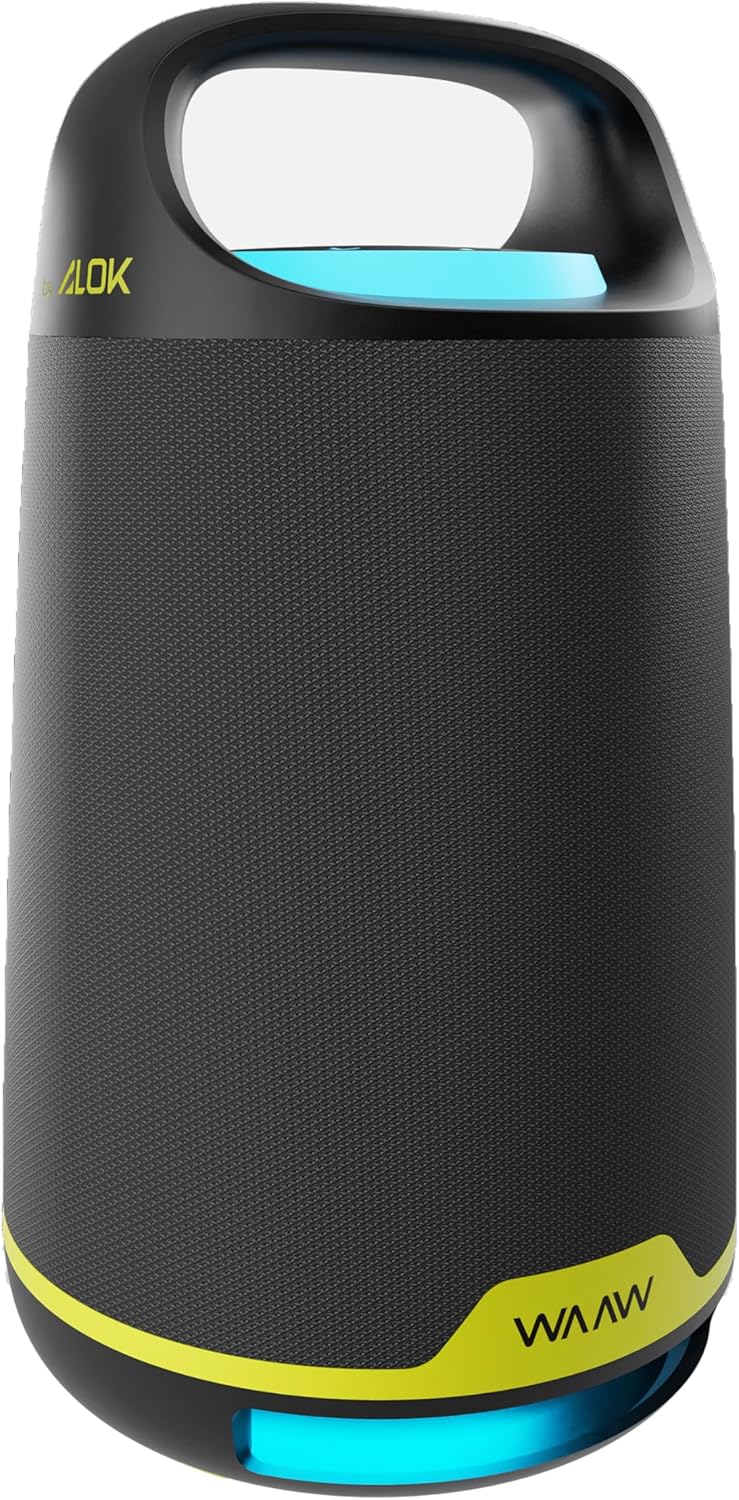
Image: A person adjusting the WAAW BOOM 200 speaker on a table.

Image: A person carrying the WAAW BOOM 200 speaker by its integrated handle.

Image: The WAAW BOOM 200 speaker positioned on a table, with a person relaxing in the background.

Image: Two WAAW BOOM 200 speakers enhancing the audio experience in a social environment.
Vizuální vlastnosti

Image: Three WAAW BOOM 200 speakers demonstrating various dynamic LED light colors.

Image: Two WAAW BOOM 200 speakers, one with blue and one with green LED lighting, showcasinjejich vizuální přitažlivost.