
Konec produktuview
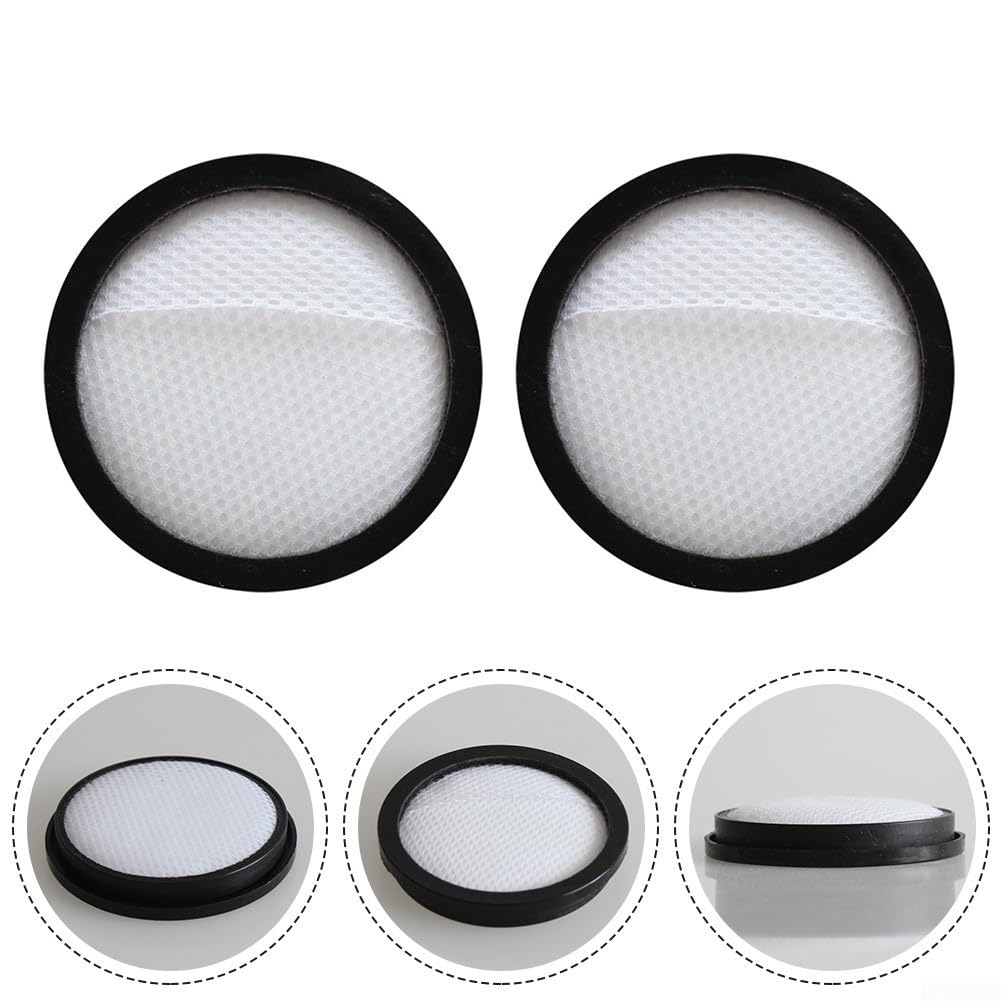
These SPORTARC replacement filters are specifically designed for the Anko VC101 22.2V Handheld Cordless Stick Vacuum. They are essential for maintaining the vacuum's optimal suction power and protecting its motor from damage. Regular replacement and cleaning ensure efficient filtration of dust, smoke particles, and other airborne debris, contributing to a cleaner environment and extending the operational life of your vacuum cleaner.
Pokyny k instalaci
Follow these steps to replace the filter in your Anko VC101 Handheld Cordless Stick Vacuum:
- Ensure the vacuum cleaner is turned off and unplugged (if applicable for charging) before proceeding.
- Locate the filter compartment on your Anko VC101 vacuum. This is typically found near the dustbin.
- Open the filter compartment or remove the dustbin according to your vacuum's specific design.
- Carefully remove the old, dirty filter. Dispose of it properly.
- Insert the new SPORTARC filter into the compartment, ensuring it is seated correctly and securely.
- Close the filter compartment or reattach the dustbin.
- Váš vysavač je nyní připraven k použití s novým filtrem.
Funkce filtru
The filter plays a vital role in your vacuum cleaner's operation. It captures fine dust particles, allergens, and other debris, preventing them from being released back into the air or damaging the vacuum's motor. A clean filter ensures optimal airflow, which is essential for strong suction performance and overall cleaning efficiency.
Údržba a čištění
To ensure the best performance and longevity of your Anko VC101 vacuum, regular filter maintenance is essential.
Čištění filtru
The washable motor filter should be cleaned regularly:
- Remove the filter from the vacuum cleaner as described in the "Installation Instructions" section.
- Gently tap the filter over a waste bin to remove loose dust and debris.
- Wash the foam strainer under running water until the water runs clear. It can also be washed in a washing machine for thorough cleaning.
- Allow the filter to air dry completely for at least 24 hours before reinserting it into the vacuum. Do not use the vacuum with a damp filtr.
Harmonogram výměny
For optimal performance, the foam strainer should be washed every 2 weeks and replaced every 6 months. Adhering to this schedule prevents a decrease in suction power and protects the motor from overheating.

Odstraňování běžných problémů
Most performance issues related to vacuum filters can be resolved with proper maintenance.
Snížený sací výkon
If your vacuum's suction power decreases, the filter is likely dirty or clogged.
- Remove and clean the filter according to the "Maintenance and Cleaning" instructions.
- If cleaning does not restore suction, replace the filter with a new one.
Přehřátí motoru
A dirty or clogged filter can restrict airflow, causing the vacuum motor to work harder and potentially overheat.
- Immediately turn off and unplug the vacuum.
- Nechte motor vychladnout.
- Clean or replace the filter before resuming use.
Specifikace produktu
| Funkce | Detail |
|---|---|
| Značka | SPORTARC |
| Kompatibilita | Anko VC101 22.2V Handheld Cordless Stick Vacuum |
| Rozměry produktu | 10 x 10 x 3 cm |
| Množství | 2 Filters per pack |
| Omyvatelný | Ano |

Záruka a zákaznická podpora
Specific warranty information for this product is not provided in the available documentation. For warranty claims, technical support, or further assistance, please contact the manufacturer, SPORTARC, directly through their official website or customer service channels. Always retain your purchase receipt as proof of purchase.