
1. Úvod
The Optex ORT8915-UHD is a state-of-the-art 4K DVB-T2 terrestrial digital television receiver. This device allows you to receive terrestrial digital television programs in stunning 4K quality, providing a high-quality visual and audio experience. It supports HEVC encoding for efficient broadcasting and offers various features to enhance your viewzkušenosti.
2. Obsah balení
Před zahájením instalace se ujistěte, že balení obsahuje všechny položky:
- Optex ORT8915-UHD 4K DVB-T2 Receiver x1
- Napájecí adaptér x1
- 1.5V Batteries x2
- Uživatelská příručka x1
- Dálkové ovládání x1
- Kabel HDMI x1

Image 2.1: The Optex ORT8915-UHD receiver along with its included accessories: power adapter, batteries, user manual, remote control, and HDMI cable.
3. Konec produktuview
3.1 Přední panel
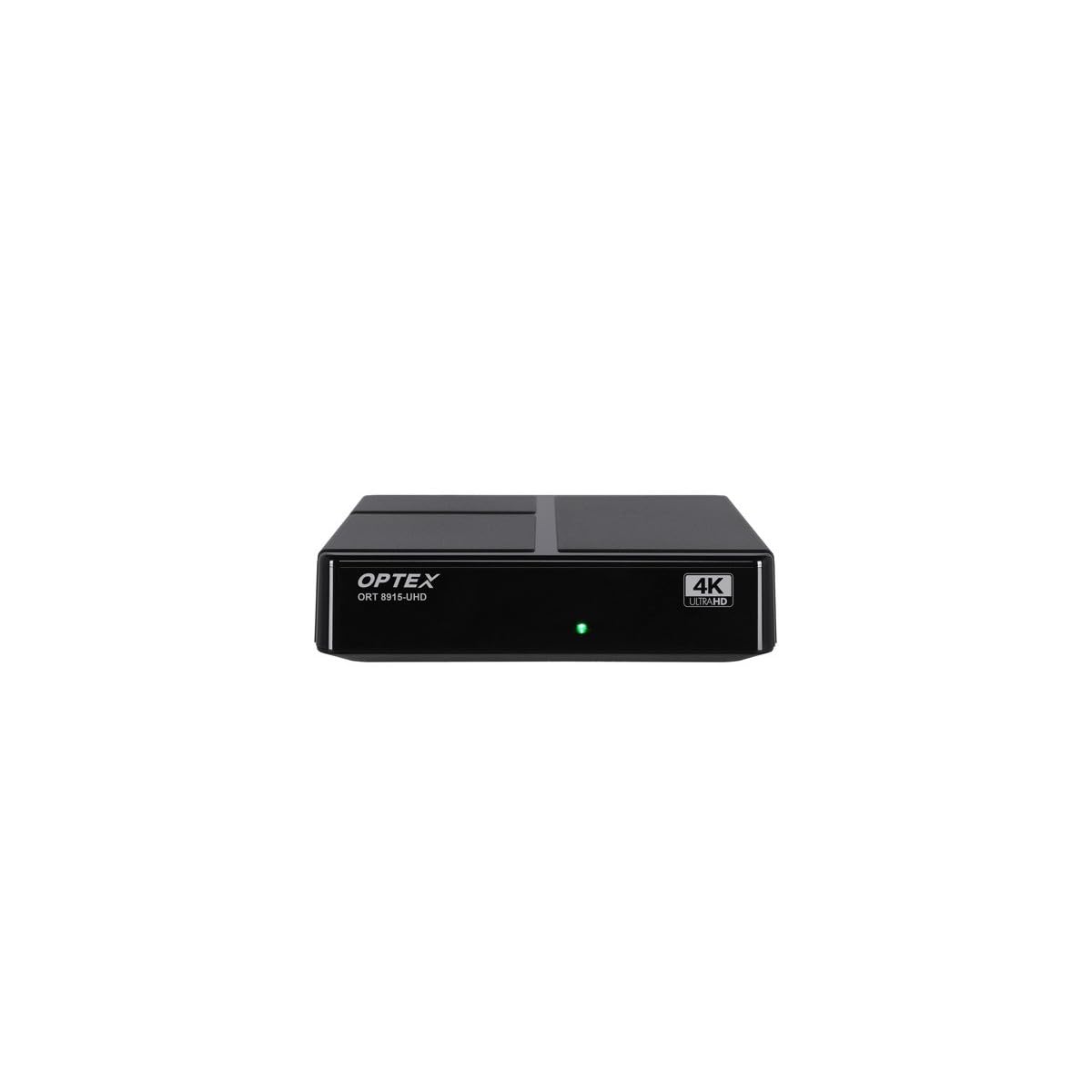
Obrázek 3.1: Přední strana view of the Optex ORT8915-UHD receiver, showing the USB port and control buttons.
The front panel features a USB port for connecting external storage devices, along with basic control buttons for power, menu navigation, channel selection (CH+/CH-), and volume adjustment (V+/V-).
3.2 Zadní panel

Obrázek 3.2: Zadní strana view of the Optex ORT8915-UHD receiver, displaying various input/output ports.
Zadní panel obsahuje následující připojení:
- ANT IN: For connecting your terrestrial antenna.
- OPTIC: Optický digitální audio výstup.
- AV: Analogový video/audio výstup.
- HDMI: High-Definition Multimedia Interface output for connecting to a TV.
- DC IN: Vstupní napájení pro adaptér.
3.3 Dálkové ovládání

Image 3.3: The remote control for the Optex ORT8915-UHD receiver, featuring various function buttons.
The remote control provides full functionality for navigating menus, changing channels, adjusting volume, accessing program guides, and utilizing special features like Timeshift and USB recording.
4. Nastavení
- Připojte anténu: Connect your terrestrial antenna cable to the "ANT IN" port on the rear panel of the receiver.
- Připojení k televizi:
- For High-Definition (HD) connection: Use the provided HDMI cable to connect the "HDMI" port on the receiver to an HDMI input on your television.
- For Standard-Definition (SD) connection: Use an AV cable (not included) to connect the "AV" ports on the receiver to the corresponding AV inputs on your television.
- Připojte napájení: Plug the power adapter into the "DC IN" port on the receiver, then plug the adapter into a power outlet.
- Vložení baterií do dálkového ovladače: Open the battery compartment on the back of the remote control and insert the two 1.5V batteries, ensuring correct polarity.
- Zapnutí: Press the power button on the receiver or the remote control to turn on the device.
- Vyberte televizní vstup: On your television, select the correct HDMI or AV input source that corresponds to the connection you made in step 2.
5. Návod k obsluze
5.1 Počáteční skenování kanálů
Upon first use or after a factory reset, the receiver will guide you through an initial setup process, including a channel scan. Follow the on-screen prompts to automatically search for available DVB-T2 channels in your region. Ensure your antenna is properly connected for optimal results.
5.2 Základní funkce
- Navigace kanálu: Použijte CH+ a CH- buttons on the remote or front panel to change channels.
- Ovládání hlasitosti: Použijte V+ a V- tlačítka pro nastavení hlasitosti.
- Přístup do menu: Stiskněte tlačítko MENU tlačítko pro přístup do hlavní nabídky s nastaveními a funkcemi.
- Programový průvodce (EPG): Stiskněte tlačítko EPG tlačítko na view the Electronic Program Guide, which displays broadcast schedules.
- teletext: Access teletext services by pressing the TTX tlačítko.
5.3 Pokročilé funkce
- Timeshift (Live Control): Connect a USB storage device to the receiver. Press the Časový posun button (often a pause/play icon) to pause live TV, allowing you to resume viewpozději.
- USB Recording (PVR): With a USB storage device connected, you can record live TV programs. Use the REC tlačítko na dálkovém ovladači pro spuštění nahrávání.
- Přehrávání multimédií: The USB port also supports playback of various multimedia files (audio, video, images) from a connected USB storage device. Navigate to the multimedia section in the main menu to access this feature.
- Rodičovská kontrola: Set up parental control features through the menu to restrict access to certain channels or programs based on age ratings.
- Seznamy oblíbených: Create customized lists of your favorite channels for quick access.
6. Údržba
- Čištění: K čištění vnější strany přijímače používejte měkký, suchý hadřík. Nepoužívejte tekuté čisticí prostředky ani abrazivní materiály.
- Větrání: Ensure the receiver is placed in a well-ventilated area to prevent overheating. Do not block the ventilation holes.
- Aktualizace softwaru: Periodically check for software updates via USB to ensure optimal performance and access to new features. Refer to the main menu settings for update options.
7. Řešení problémů
| Problém | Možná příčina | Řešení |
|---|---|---|
| Žádný obraz ani zvuk | Incorrect TV input selected, loose cable connections, power issue. |
|
| Nenalezeny žádné kanály | Antenna not connected or positioned correctly, no channel scan performed. |
|
| Dálkové ovládání nefunguje | Dead batteries, obstructed signal, remote not paired (if applicable). |
|
| Špatná kvalita obrazu | Weak antenna signal, incorrect resolution settings. |
|
8. Specifikace
| Funkce | Detail |
|---|---|
| Model | ORT8915-UHD |
| Značka | Optex |
| Typ produktu | 4K DVB-T2 Terrestrial Receiver |
| Kódování videa | HEVC |
| Kompatibilní zařízení | Television, Game Console, Tablet, Personal Computer, Amplifier, reproduktor, chytrý telefon |
| Technologie připojení | USB |
| Režim zvukového výstupu | Stereo |
| Typ zvukového výstupu | HDMI, optický |
| Konfigurace kanálů prostorového zvuku | 5.1, 7.1, 9.2 |
| Speciální funkce | Detektor pohybu |
| Celkový počet portů HDMI | 1 |
| Spotřeba energie (pohotovostní režim) | <0.5 W |
| Rozměry (délka x šířka) | 126.0 mm x 125.0 mm |
| Hmotnost produktu | 470 g |
9. Záruka a podpora
Informace o záruce a technickou podporu získáte od oficiálního prodejce Optex. webnebo se obraťte na místního prodejce. Uschovejte si účtenku jako doklad o koupi pro případné reklamace.
Software updates are guaranteed until an unknown date, as per product information. For the latest information, please visit the manufacturer's support page.