
Zavedení
Thank you for choosing the ATTACK SHARK R2PRO Superlight Magnesium Alloy Gaming Mouse. This manual provides detailed instructions for setting up, operating, maintaining, and troubleshooting your new gaming mouse. The R2PRO is engineered for high-performance gaming, featuring a PixArt PAW3950 sensor, 8000Hz wireless polling rate, and a superlight 45g magnesium alloy design for unparalleled precision and comfort.

Image: The ATTACK SHARK R2PRO gaming mouse, showcasing its lightweight magnesium alloy frame and ergonomic design.
Klíčové vlastnosti
- New-Gen Flagship Sensor (PixArt PAW3950): Provides exceptional accuracy and precision with up to 42,000 programmable DPI, 750 IPS speed, and 50g acceleration.
- Superlight Magnesium Alloy Design: Crafted from lightweight magnesium alloy with a CNC-integrated metallic frame and hollowed-out design, weighing only 45g for effortless movement and optimal airflow.
- Bezdrátová frekvence dotazování 8000 Hz: Achieves a response time as low as 0.125ms in wireless mode, ensuring highly responsive cursor movements and faster trigger response.
- Hyperspeed Connectivity: Offers versatile connection options including ultra-fast 2.4G wireless, agile Bluetooth, and a stable wired USB-C connection. Features prolonged 200-hour battery life.
- Durable Omron Optical Microswitches: Equipped with switches rated for over 100 million clicks, providing crisp feedback and eliminating unintended double clicks. Includes an F-Switch scroll wheel encoder for precise stepping.
- Fully Customizable: Program buttons, adjust DPI settings, polling rate, and lift-off distance using the dedicated driver software.
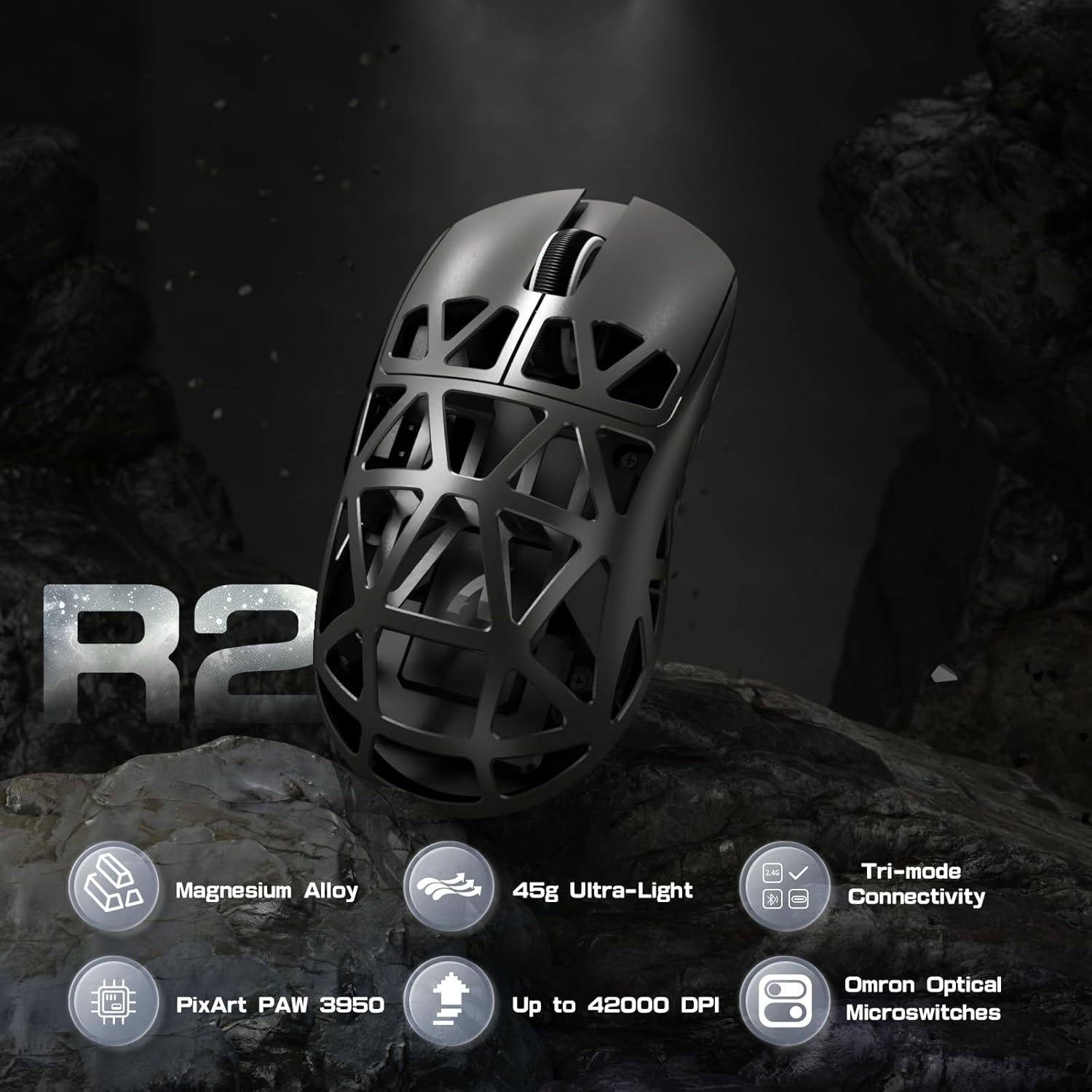
Obrázek: Overview of R2PRO's key features including Magnesium Alloy, 45g Ultra-Light, Tri-mode Connectivity, PixArt PAW 3950, Up to 42000 DPI, and Omron Optical Microswitches.
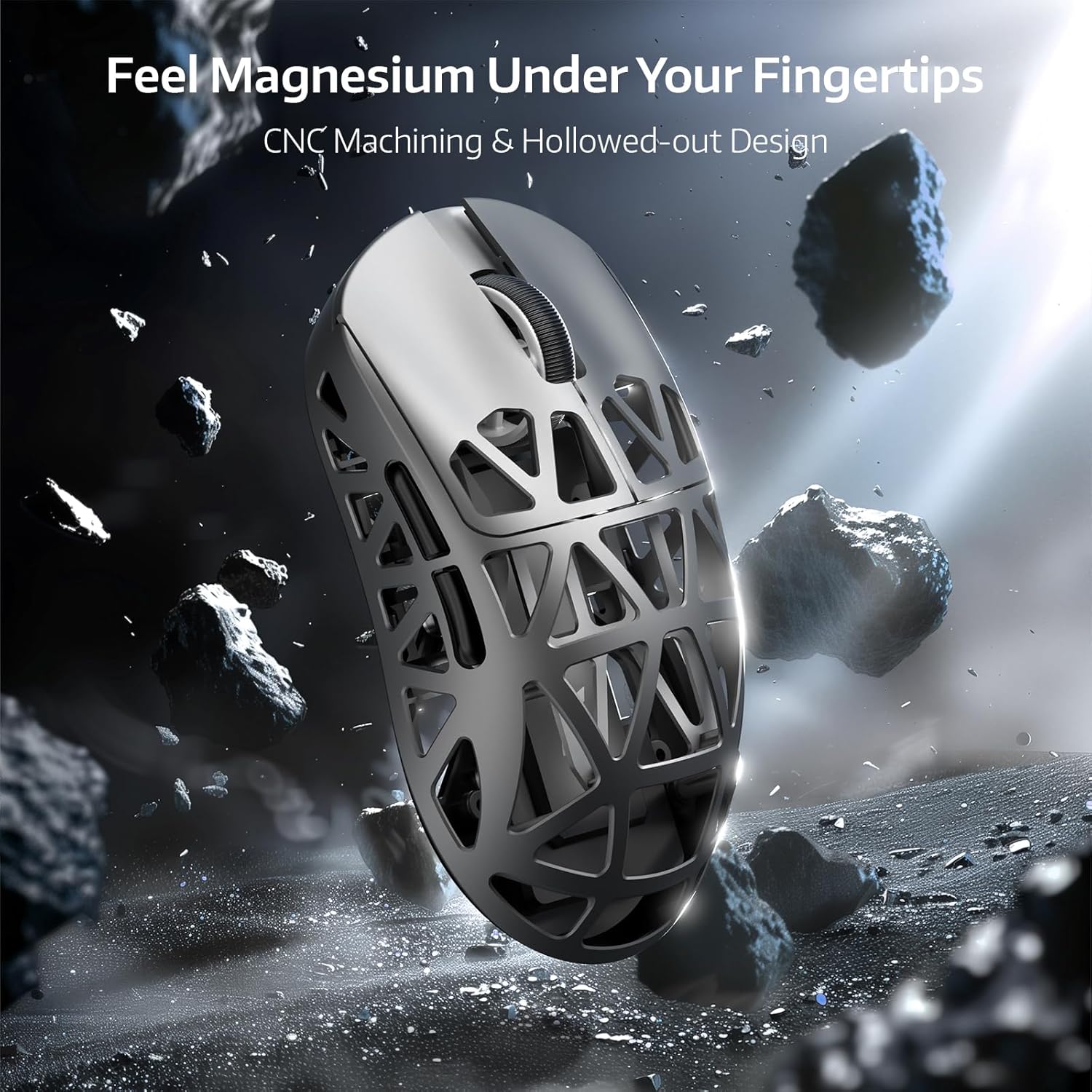
Image: Close-up of the R2PRO mouse highlighting its magnesium alloy construction and hollowed-out design for reduced weight and improved grip.

Image: Diagram illustrating the PixArt PAW3950 sensor, emphasizing its 50G acceleration, 42000 max DPI, and 8KHz polling rate capabilities.

Image: The R2PRO mouse wirelessly connected, illustrating the 8000Hz polling rate with a light beam from the dongle to the mouse.

Obrázek: Interní view of the Omron Optical Microswitches, highlighting their durability and precision with 100 million click lifespan and F-Switch encoder.

Image: The R2PRO mouse connected via its various modes: Performance Mode (2.4Ghz), Efficiency Mode (Bluetooth 5.2), and Wired USB-C Mode (Play While Charging).
Obsah balení
Prosím, ověřte, zda jsou v balení přítomny všechny položky:
- ATTACK SHARK R2PRO Gaming Mouse
- Bezdrátový 2.4G přijímač (USB adaptér)
- USB-C to USB-A Coiled Cable
- Uživatelská příručka
- Grip Tape (for specific variants)
- Extra Mouse Skates
Průvodce nastavením
Nabíjení myši
Before first use, it is recommended to fully charge the mouse. Connect the provided USB-C coiled cable to the mouse's front port and the USB-A end to a computer's USB port or a USB wall adapter. The mouse's indicator light will show charging status.

Image: The R2PRO mouse connected via its USB-C cable to a power source, indicating charging.
Možnosti připojení
- 2.4G bezdrátový režim:
- Locate the 2.4G wireless receiver (USB dongle) usually stored in a compartment on the underside of the mouse.
- Zapojte USB dongle do volného USB portu v počítači.
- Zapněte myš pomocí přepínače na její spodní straně. Myš by se měla automaticky připojit.
- Režim Bluetooth:
- Turn on the mouse and switch it to Bluetooth mode (refer to the switch on the mouse's underside for mode selection).
- V počítači otevřete nastavení Bluetooth a vyhledejte nová zařízení.
- Select "ATTACK SHARK R2PRO" from the list of available devices to pair.
- Kabelový režim:
- Connect the provided USB-C coiled cable to the mouse and the USB-A end to your computer.
- Myš bude v kabelovém režimu fungovat okamžitě a zároveň se bude nabíjet.
Návod k obsluze
Úprava DPI
The R2PRO mouse features a dedicated DPI button, typically located on the top of the mouse, behind the scroll wheel. Press this button to cycle through preset DPI levels. The indicator light on the mouse may change color or flash to indicate the current DPI setting.
Programovatelná tlačítka
The R2PRO mouse comes with multiple programmable buttons. Their default functions include left click, right click, scroll wheel click, and side buttons (forward/back). For advanced customization, refer to the "Customization" section.
Přizpůsobení
To unlock the full potential of your ATTACK SHARK R2PRO mouse, download and install the official driver software from the ATTACK SHARK webwebu. Software vám umožňuje:
- Program all buttons with custom functions, macros, or multimedia controls.
- Adjust DPI levels and create multiple DPI profiles.
- Set the polling rate (up to 8000Hz).
- Configure lift-off distance.
- Manage power settings and battery life.

Image: Screenshots of the ATTACK SHARK R2PRO driver software interface, showing options for button programming, DPI settings, and other parameters.
Údržba
Čištění
To maintain optimal performance and appearance, regularly clean your mouse. Use a soft, dry, lint-free cloth to wipe the surface. For stubborn dirt, slightly dampen the cloth with water. Avoid using harsh chemicals or abrasive materials. Use compressed air to clear dust from the hollowed-out sections and sensor area.
Péče o baterie
To prolong battery life, avoid fully discharging the mouse frequently. Charge the mouse when the battery indicator is low. If storing the mouse for an extended period, charge it to about 50% and turn it off.
Odstraňování problémů
| Problém | Možné řešení |
|---|---|
| Myš nereaguje (bezdrátová) |
|
| Myš nereaguje (kabelová) |
|
| Nekonzistentní sledování nebo pohyb kurzoru |
|
| Myš se nenabíjí |
|
| Software nerozpoznává myš |
|
Specifikace
| Funkce | Detail |
|---|---|
| Značka | ÚTOČNÉHO ŽRALOKA |
| Model | R2PRO |
| Senzor | Optický senzor PixArt PAW3950 |
| DPI | Až 42 000 (programovatelné) |
| Míra hlasování | Bezdrátové připojení až 8000 Hz |
| Akcelerace | 50G |
| Rychlost IPS | 750 IPS |
| Konektivita | Bezdrátové 2.4G, Bluetooth, Kabelové (USB-C) |
| Spínače | Omron Optical Microswitches (100 Million Clicks) |
| Hmotnost | Přibližně 45 g (1.59 unce) |
| Rozměry | 6.85 x 4.13 x 2.91 palce (rozměry balení) |
| Země původu | Čína |
Záruka a podpora
The ATTACK SHARK R2PRO Gaming Mouse comes with a manufacturer's warranty. Please refer to the warranty card included in your product packaging or visit the official ATTACK SHARK website for detailed warranty terms and conditions. For technical support, driver downloads, or further assistance, please visit the ATTACK SHARK official support page or contact their customer service.
Výrobce: ÚTOČNÉHO ŽRALOKA
Webmísto: ATTACK SHARK Official Store on Amazon