
1. Konec produktuview
The Maclean SOL1803S is a solar-powered dummy camera designed to deter potential intruders. It features a realistic appearance, an integrated solar panel for power, a flashing red LED, and a PIR motion detector with additional LEDs for illumination. This device does not record or transmit images; its primary function is visual deterrence.
Klíčové vlastnosti:
- Realistic camera design
- Integrated solar panel for continuous power
- Flashing red LED for enhanced realism
- PIR motion detector with 24 additional LEDs for illumination
- Stupeň krytí IP65 pro venkovní použití
- Adjustable mounting bracket with 360-degree rotation
2. Obsah balení
- Maclean SOL1803S Dummy Camera
- Montážní příslušenství (šrouby, hmoždinky)
- Bezpečnostní nálepka
- Uživatelská příručka
3. Nastavení a instalace
3.1 Identifikace součásti
Familiarize yourself with the dummy camera's components:
- Solar Panel (top surface)
- LED Array (front)
- PIR Motion Sensor (below LED array)
- Flashing Red LED (small indicator light)
- ON/OFF Switch (bottom front)
- Adjustable Mounting Bracket (rear)
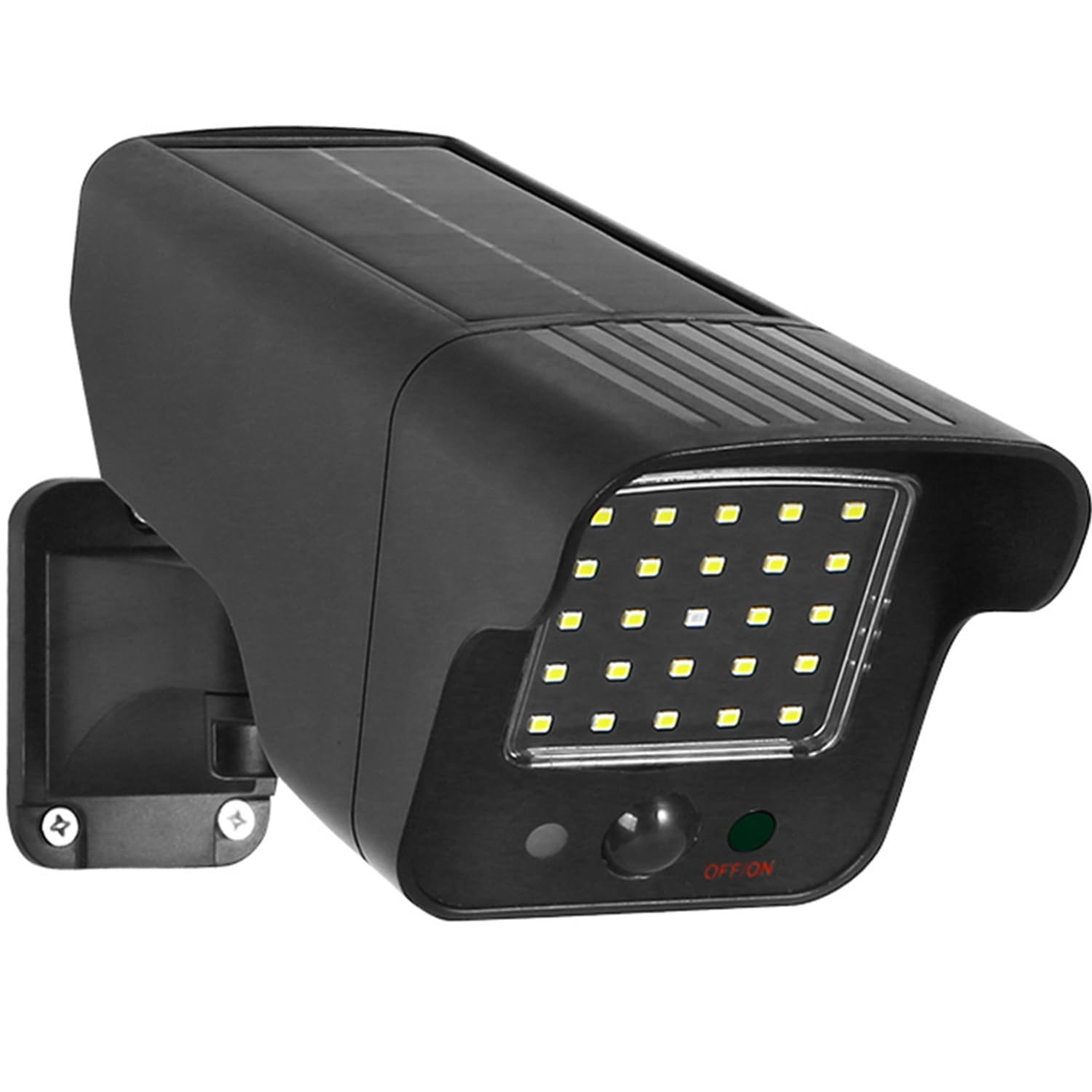
Figure 1: Maclean SOL1803S Dummy Camera Dimensions and Adjustable Bracket
3.2 Výběr místa montáže
Select a location that provides:
- Maximum Sunlight Exposure: For optimal solar charging, ensure the solar panel receives direct sunlight for several hours daily.
- Jasná přímka: Position the camera to cover the desired area for motion detection.
- Viditelnost: Mount it in a prominent location where it can be easily seen by potential intruders.
- Secure Surface: A sturdy wall or eaves is recommended for wall mounting.
3.3 Montážní kroky
- Mark the desired mounting points on the wall using the bracket as a template.
- Na vyznačených místech vyvrtejte vodicí otvory.
- Vložte hmoždinky (pokud je to pro váš typ zdi nutné).
- Připevněte montážní držák ke zdi pomocí dodaných šroubů.
- Připevněte atrapu kamery k namontovanému držáku.
- Adjust the camera angle to cover the desired area. The bracket allows for 360-degree rotation.
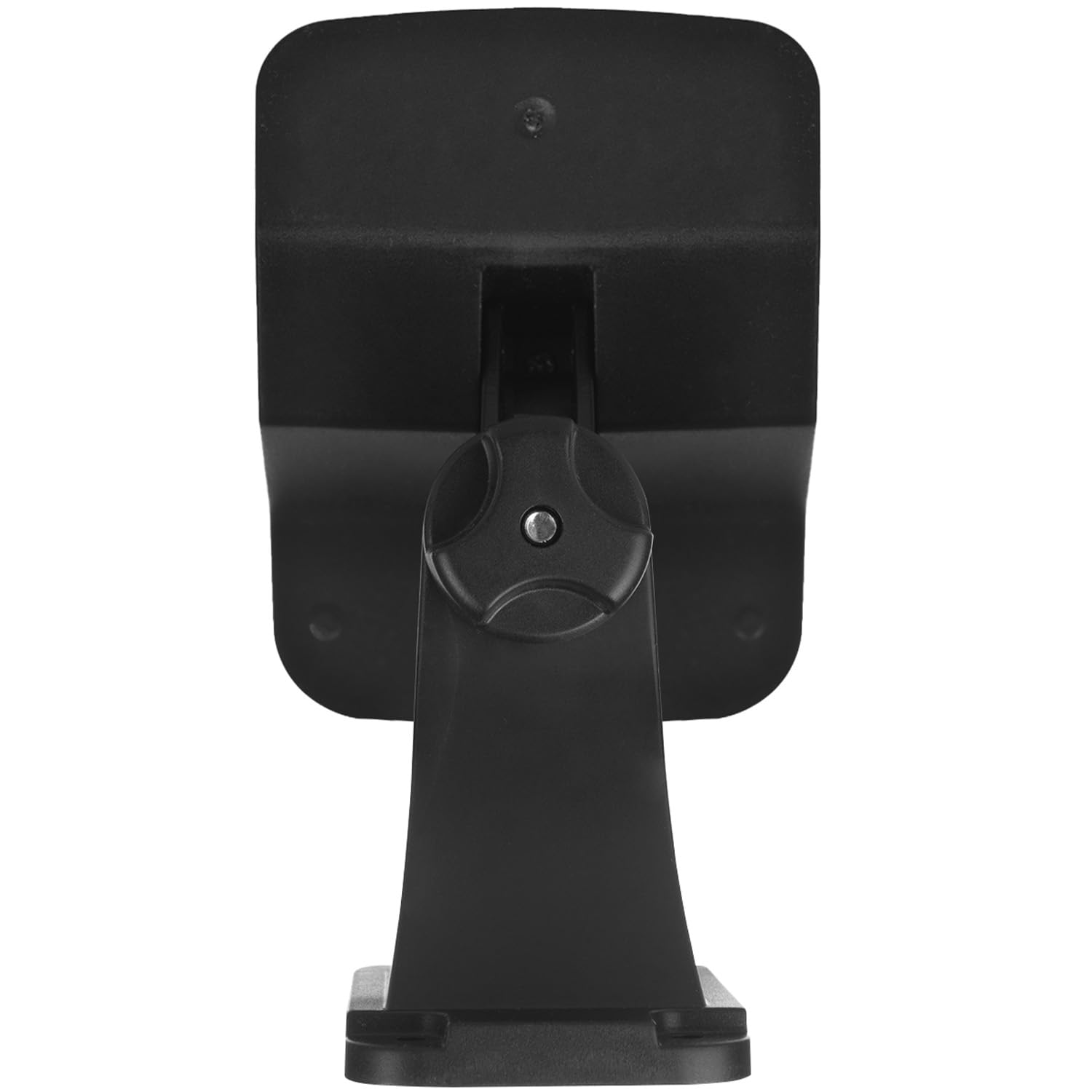
Obrázek 2: Zadní view of the dummy camera showing mounting points
4. Návod k obsluze
4.1 Počáteční aktivace
Before first use, ensure the dummy camera is fully charged. Place it in direct sunlight for at least 8-10 hours. Locate the ON/OFF switch, usually found on the bottom front of the unit, and switch it to the 'ON' position.
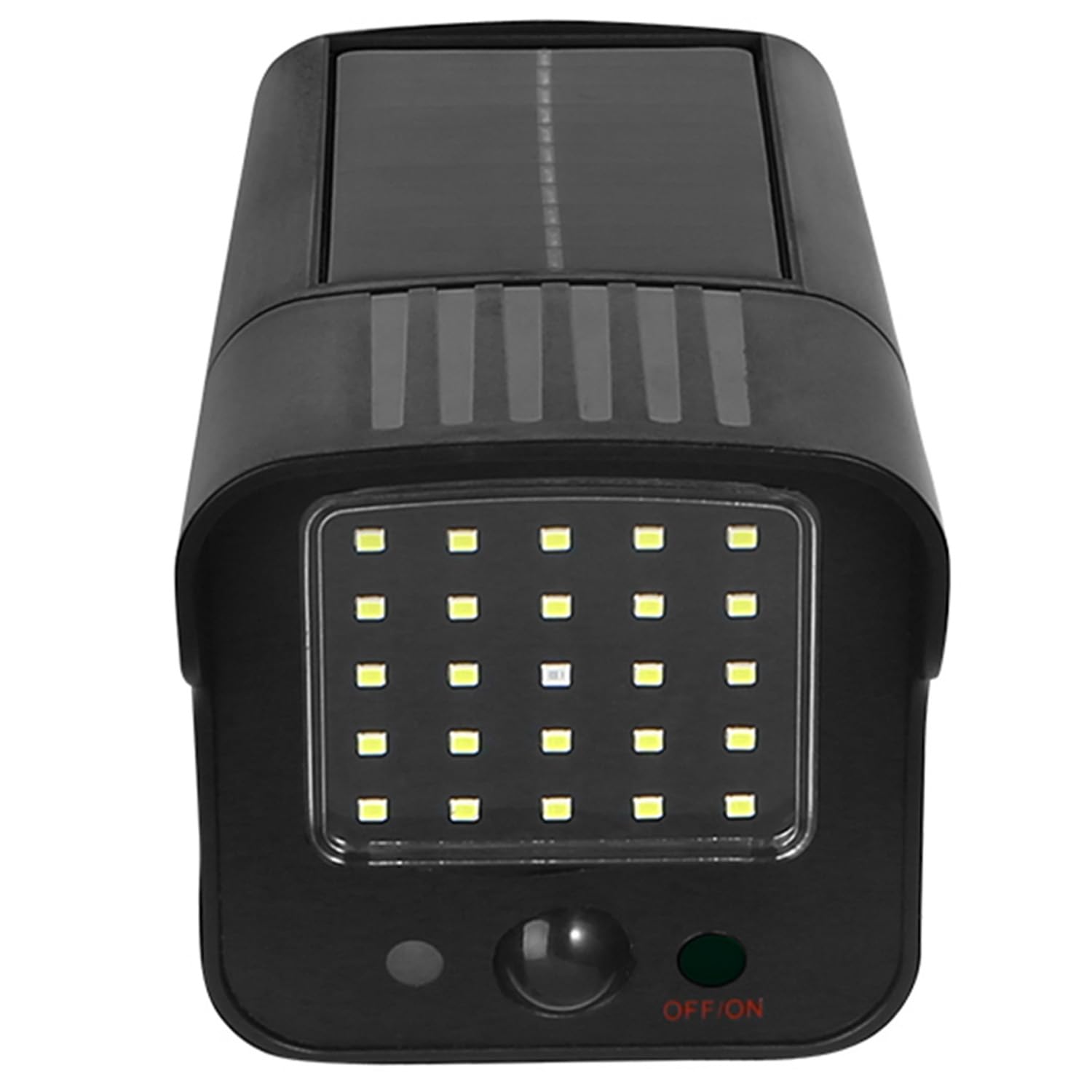
Obrázek 3: Přední strana view s vypínačem ZAP/VYP
4.2 Automatický provoz
Once activated and sufficiently charged, the dummy camera operates automatically:
- Denní doba: The solar panel charges the internal Lithium-ion battery. The flashing red LED may or may not be active depending on light conditions.
- noční: The flashing red LED will activate. When the PIR motion sensor detects movement within its range (up to 8 meters and 120-degree angle), the 24 additional LEDs will illuminate, simulating a real security light and camera recording activity.
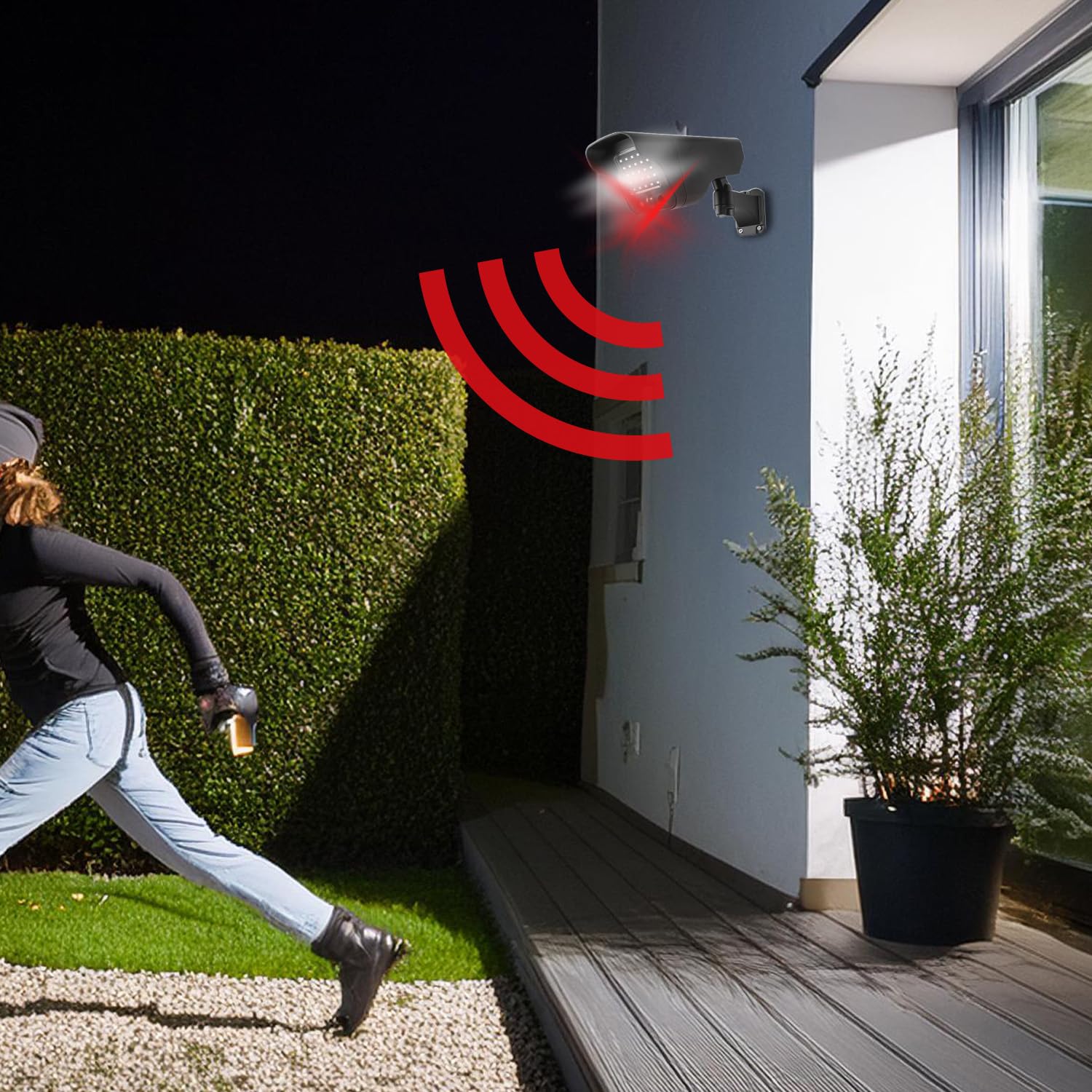
Figure 4: Motion detection in action
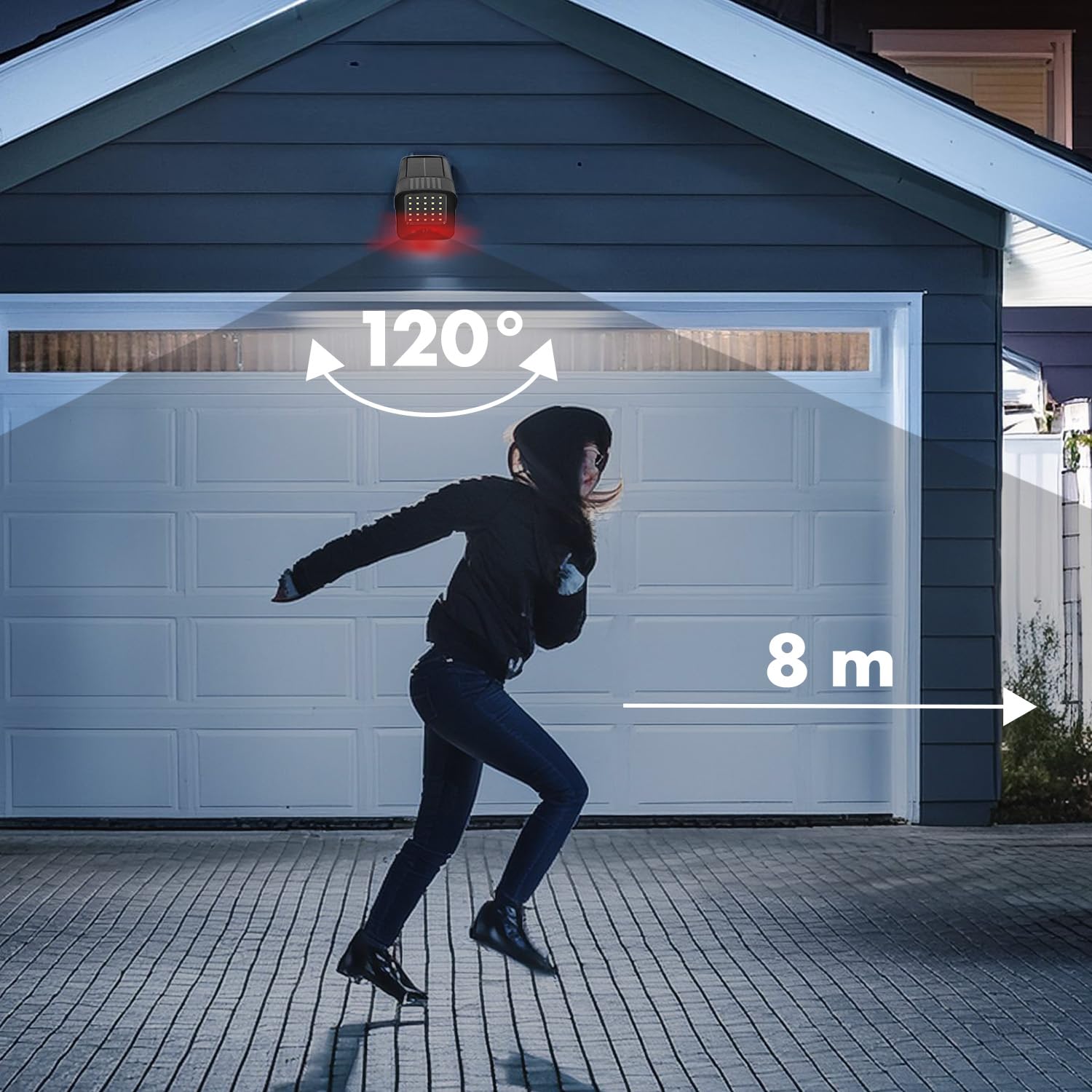
Figure 5: Motion detection range and angle
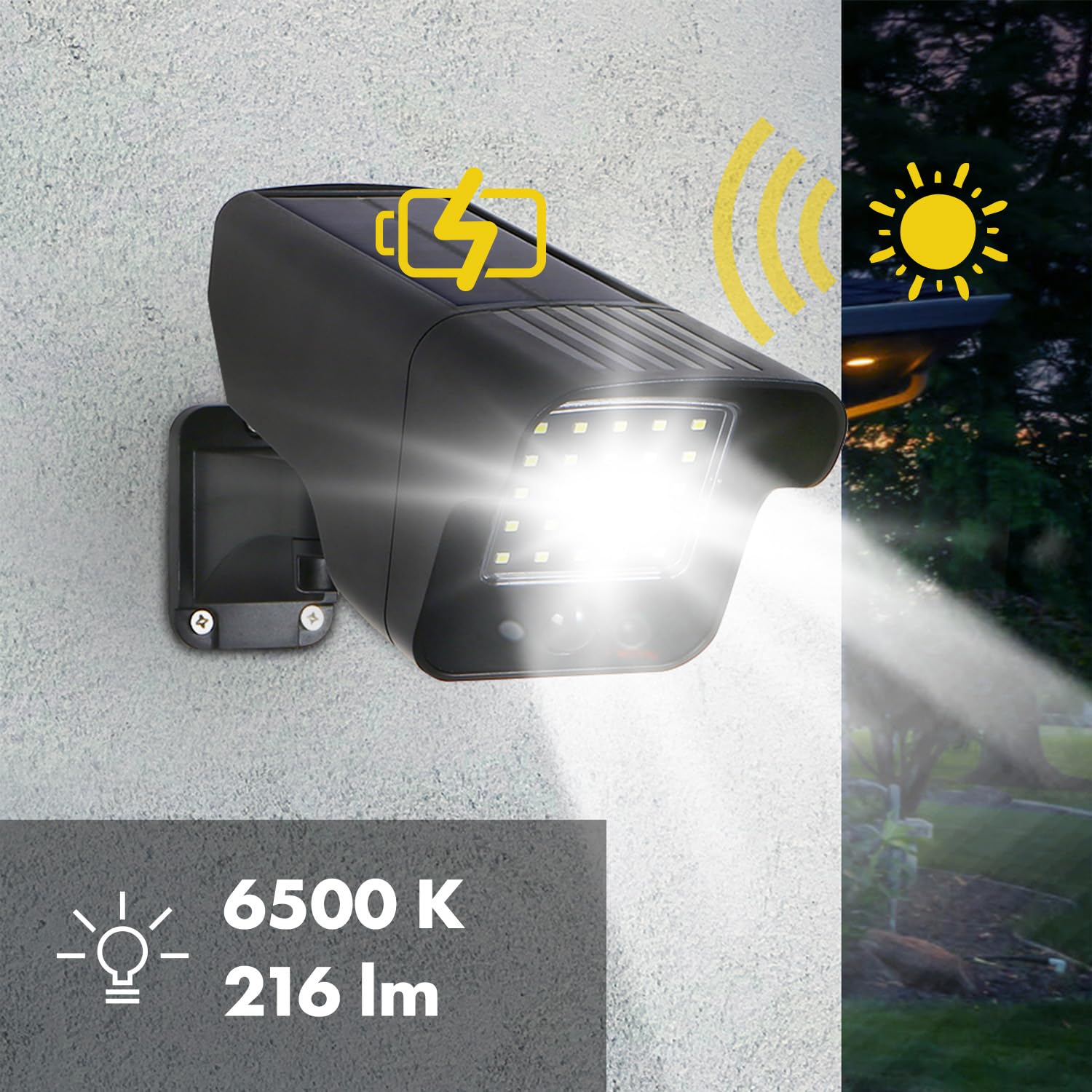
Figure 6: Solar charging and LED illumination
5. Údržba
The Maclean SOL1803S dummy camera requires minimal maintenance due to its durable construction and IP65 rating.
- Čištění: Periodically wipe the solar panel and LED array with a soft, damp cloth to remove dust, dirt, or debris that may obstruct sunlight or light output. Do not use abrasive cleaners.
- Baterie: The integrated Lithium-ion battery is designed for long-term use. If the device is stored for an extended period, ensure it is fully charged before storage and recharged every few months to maintain battery health.
- Ochrana životního prostředí: The IP65 rating ensures protection against dust and water jets, making it suitable for various weather conditions.

Obrázek 7: Odolnost proti povětrnostním vlivům IP65
6. Řešení problémů
- Dummy camera not lighting up or flashing:
- Ujistěte se, že je vypínač v poloze „ON“ (ZAPNUTO).
- Verify the solar panel is receiving adequate direct sunlight for charging. Relocate if necessary.
- Allow sufficient time (8-10 hours) for initial charging.
- Check if the ambient light is too bright; the motion-activated LEDs typically only activate in low-light conditions.
- Motion detection is inconsistent:
- Ujistěte se, že je kamera umístěna tak, aby pokrývala požadovanou oblast bez překážek.
- Verify the detection range (up to 8 meters) and angle (120 degrees) are suitable for your needs.
- Avoid placing the camera near heat sources or objects that might cause false triggers (e.g., swaying branches in strong wind).
7. Specifikace
| Číslo modelu | SOL1803S |
| Rozměry (D x Š x V) | 27.5 x 13.7 x 9 cm |
| Hmotnost | 450 gramů |
| Zdroj napájení | Solární napájení |
| Typ baterie | 1 lithium-iontová (součástí balení) |
| LED diody | 24 white LEDs + 1 flashing red LED |
| Světelný výkon | 216 lumens (6500K) |
| Pohybový senzor | PIR (pasivní infračervený) |
| Rozsah detekce | Až 8 metrů |
| Detekční úhel | 120 stupňů |
| Hodnocení ochrany | IP65 |
| Provozní teplota | -20°C to +50°C (estimated based on -2E+1) |
| Typ montáže | Držák na stěnu |
8. Záruka a podpora
Information regarding warranty and customer support for the Maclean SOL1803S dummy camera is not available in this manual. Please refer to the product packaging or contact the retailer/manufacturer directly for details on warranty coverage and support options.