
Zavedení
This manual provides detailed instructions for the safe and effective use of your Andoer 1080P Digital Camera. Please read this manual thoroughly before operating the device and retain it for future reference. This camera is designed to capture high-quality photos and videos, featuring a 56MP picture resolution and 1080P video recording capabilities. It includes an 8X digital zoom, AF auto-focus, and a 2.88-inch IPS screen for clear viewIng.
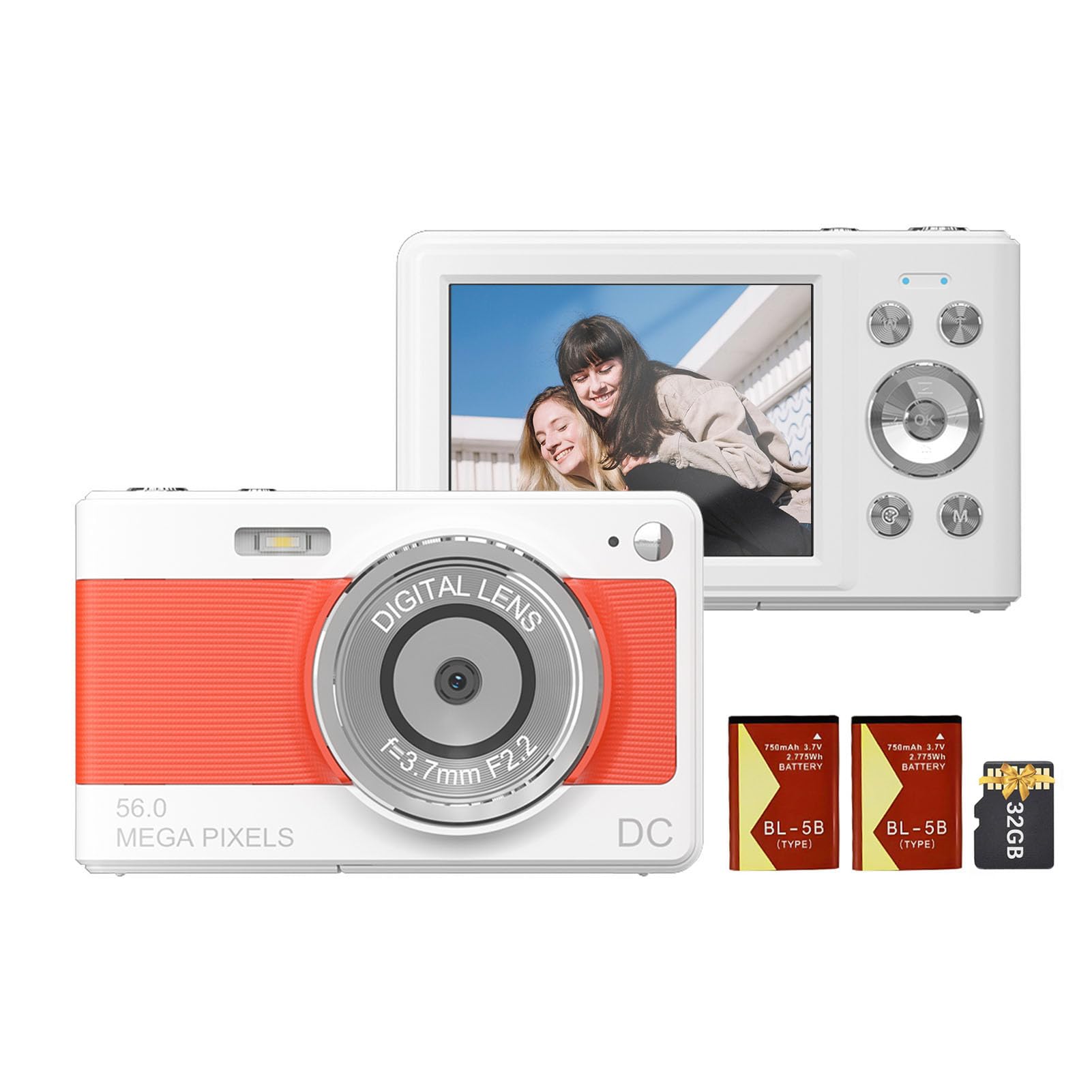
Přední view of the Andoer 1080P Digital Camera, showcasinjeho objektiv a kompaktní design.
Obsah balení
Ověřte, zda jsou v balení přítomny všechny položky:
- 1 x Andoer Digital Camera
- 2 x Lithium Batteries (3.7V 750mAh)
- 1 x USB Charge Cable (Type-C)
- 1 x řemínek na zápěstí
- 1 x taška na přenášení
- Paměťová karta 1 x 32GB
- 1 x Uživatelská příručka (anglicky)
Nastavení
1. Instalace a nabíjení baterie
The camera uses a rechargeable lithium battery. Two batteries are included to ensure extended usage.
- Locate the battery compartment on the bottom or side of the camera.
- Otevřete kryt bateriového prostoru.
- Insert a fully charged battery, ensuring the correct polarity as indicated inside the compartment.
- Bezpečně zavřete kryt bateriového prostoru.
- To charge the battery, connect the camera to a power source using the provided Type-C USB cable. The charging indicator light will illuminate.
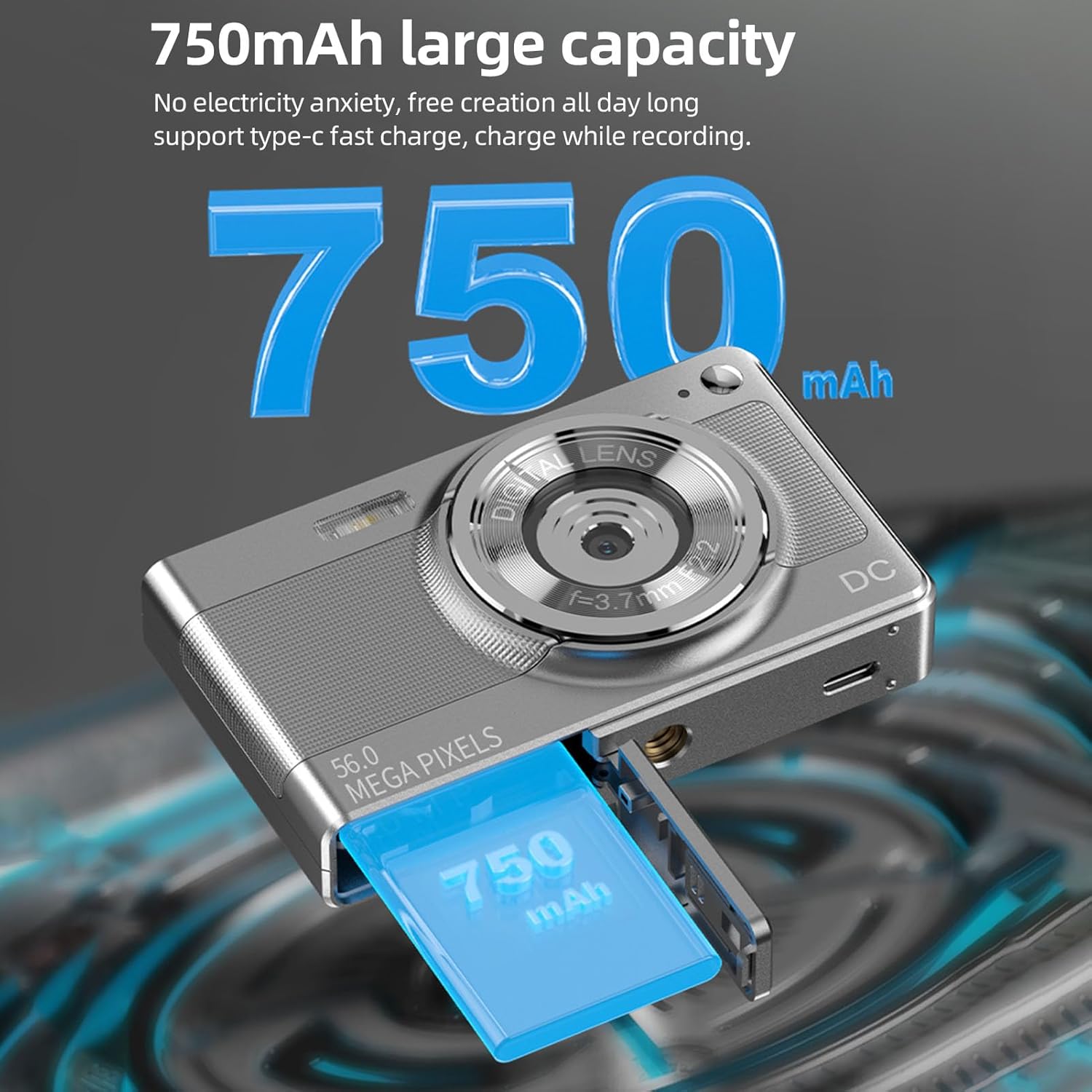
Illustration of the 750mAh battery and its insertion into the camera's battery compartment.
2. Instalace paměťové karty
A 32GB memory card is included for immediate use. Ensure the camera is powered off before inserting or removing the memory card.
- Locate the memory card slot, typically on the side of the camera.
- Insert the 32GB memory card into the slot with the metal contacts facing the correct direction (refer to the diagram near the slot if available).
- Jemně zatlačte na kartu, dokud nezacvakne na místo.
- Chcete-li kartu vyjmout, zatlačte ji znovu, dokud lehce nevyskočí, a poté ji vytáhněte.
Návod k obsluze
1. Zapnutí/vypnutí
- To power on: Press and hold the power button (usually marked with ON/OFF or a power symbol) until the screen illuminates.
- To power off: Press and hold the power button again until the screen turns off.
2. Fotografování
The camera supports up to 56MP picture resolution.
- Zapněte fotoaparát.
- Ensure the camera is in photo mode (indicated by an icon on the screen, typically a camera symbol).
- Komponujte svůj snímek pomocí 2.88palcového IPS displeje.
- The camera features AF auto-focus. Allow the camera to focus on your subject.
- Press the shutter button halfway down to focus, then press it fully to capture the image.
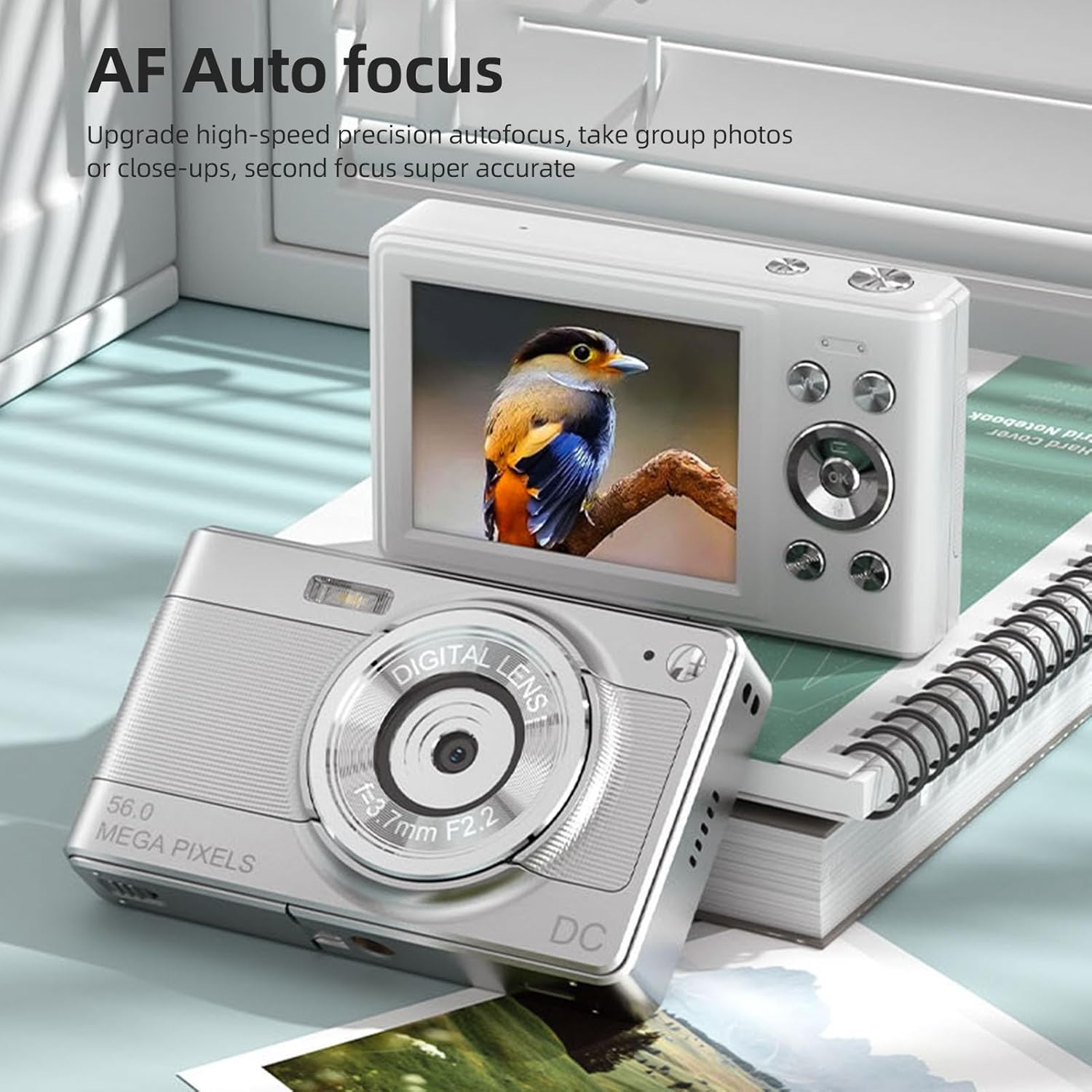
The camera's AF Auto Focus system ensures sharp images by automatically adjusting the lens.
3. Nahrávání videí
Record videos in 1080P resolution.
- Zapněte fotoaparát.
- Switch to video recording mode (indicated by a video camera icon).
- Press the shutter button to start recording. A red indicator or timer will appear on the screen.
- Dalším stisknutím tlačítka spouště nahrávání zastavíte.
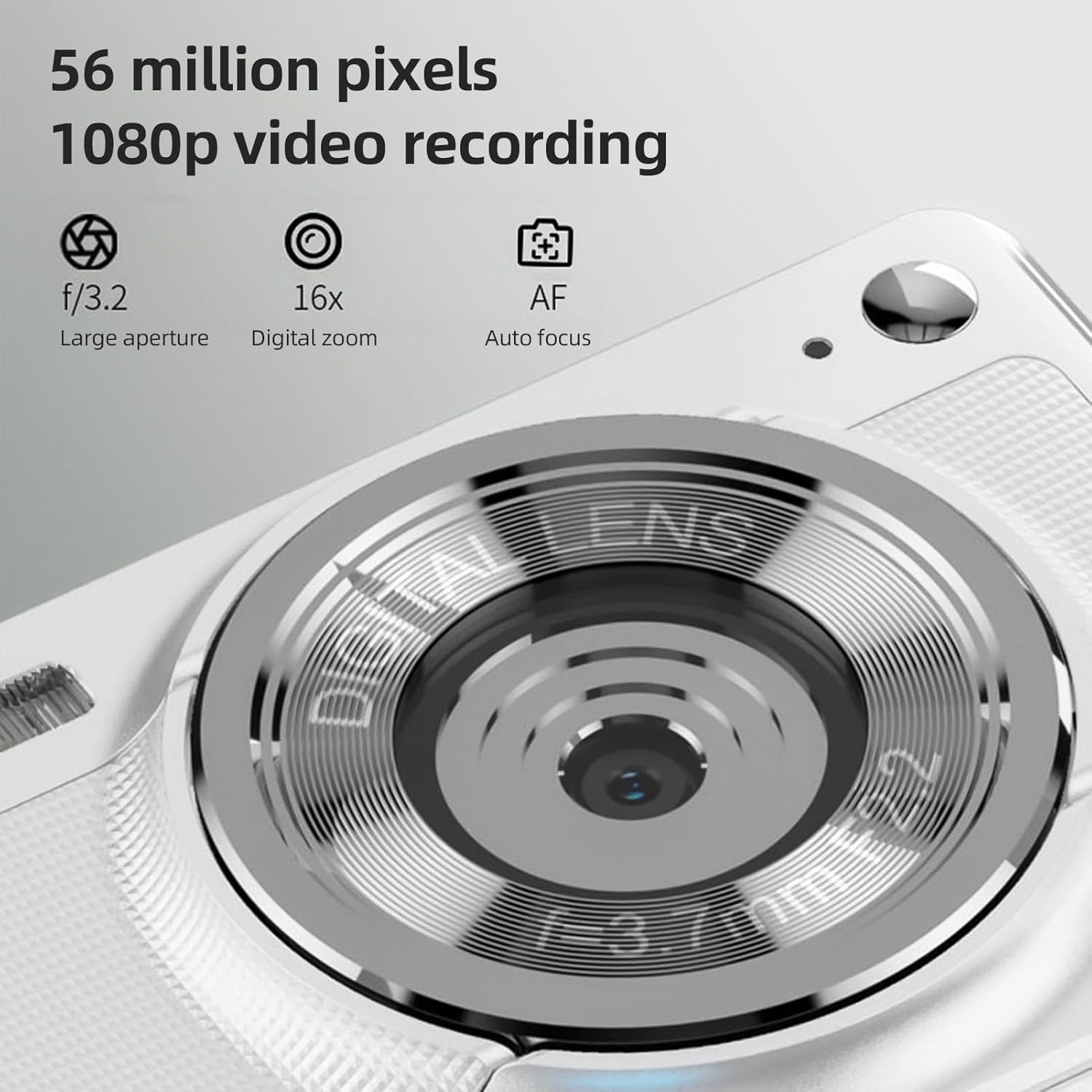
The camera is capable of capturing 56-megapixel photos and recording 1080p videos.
4. Digitální zoom
The camera features an 8X digital zoom.
- While in photo or video mode, use the zoom buttons (often marked with W for Wide and T for Telephoto, or +/- symbols) to zoom in or out.
- Note that digital zoom may reduce image quality compared to optical zoom.

Comparison showing the effect of 8X digital zoom versus no zoom mode.
5. Vestavěný blesk
Use the built-in flash for low-light conditions.
- Access the flash settings through the camera's menu.
- Select from options such as Auto Flash, Fill-in Flash, Red-eye Reduction, or Flash Off.
6. Další funkce
The camera includes several features to enhance your photography:
- Anti-Shake: Helps reduce blur caused by camera movement.
- Face Detect: Automatically detects and focuses on faces in the frame.
- Continuous Photography: Captures a series of photos rapidly.
- Samospoušť: Delays the shutter release by 2, 5, or 10 seconds.
- Barevné efekty: Apply various filters or color tones to your images.
7. Viewing a převod Files
Review your captured media and transfer them to other devices.
- Přehrávání: Press the playback button (often indicated by a play icon) to view photos and videos on the 2.88-inch IPS screen. Use the navigation buttons to browse.
- File Transfer (OTG Method):
- Remove the memory card from the camera.
- Insert the memory card into a card reader.
- Connect the card reader to your mobile phone or computer using an OTG adapter or USB cable to export photos and videos.

The camera's memory card can be used with an OTG adapter or card reader for easy transfer of files to a mobile phone or computer.
Údržba
- Čištění objektivu: Používejte měkký hadřík bez žmolků, speciálně určený pro objektivy fotoaparátů. Nedotýkejte se objektivu prsty.
- Čištění obrazovky: Gently wipe the IPS screen with a microfiber cloth. Do not use harsh chemicals.
- Skladování: When not in use, store the camera in the provided carrying bag in a cool, dry place away from direct sunlight and extreme temperatures.
- Péče o baterie: Do not expose batteries to high temperatures. If the camera will not be used for an extended period, remove the battery.
Odstraňování problémů
| Problém | Možná příčina | Řešení |
|---|---|---|
| Fotoaparát se nezapne. | Baterie je vybitá nebo nesprávně vložená. | Nabijte baterii. Ujistěte se, že je baterie vložena se správnou polaritou. |
| Nelze pořizovat fotografie/videa. | Paměťová karta je plná, uzamčená nebo není vložena. | Insert a memory card. Check if the memory card is locked. Delete unnecessary filenebo vyměňte kartu. |
| Obrázky jsou rozmazané. | Camera shake, subject too close, or lens is dirty. | Hold the camera steady. Ensure adequate lighting. Clean the lens. Use AF auto-focus. |
| Blesk nefunguje. | Flash is set to "Off" or battery is low. | Check flash settings in the menu. Charge the battery. |
Specifikace
- Obrazový snímač: CMOS snímač
- Zobrazit: 2.88 palcový IPS displej
- Rozlišení obrázku: 56M, 48M, 36M, 30M, 24M, 20M, 16M, 12M, 8M, 5M, 3M
- Rozlišení videa: 1080P, 720P
- Digitální zoom: 8X
- Automatické ostření: Yes (AF)
- Anti-Shake: Ano
- Face Detect: Ano
- Samospoušť: 2 sec / 5 sec / 10 sec / Off
- Vystavení: EV-3 to EV+3
- Vyvážení bílé: Auto / Denní světlo / Zataženo / Zářivka / Žárovka
- Napájení: Lithium battery (3.7V 750mAh)
- Velikost položky: 9.8 * 6 * 2 cm / 3.9 * 2.4 * 0.8 palce
- Hmotnost položky: 110 g / 3.8 oz (včetně baterie)
- Paměťová karta v balení: 32 GB
- Jazyková podpora: Chinese, Japanese, English, French, Spanish, Portuguese, German, Dutch, Italian, etc.
Záruka a podpora
Specific warranty details are not provided in this manual. For warranty information, technical support, or service inquiries, please refer to the product packaging or contact Andoer customer service directly through their official webna webu nebo u prodejce, kde byl produkt zakoupen.
Uschovejte si účtenku jako doklad o koupi pro případné reklamace.