
WIITHINK WTB-978
Uživatelská příručka k přehrávači WIITHINK HD Blu-ray DVD
Model: WTB-978
1. Úvod
This manual provides detailed instructions for the setup, operation, and maintenance of your WIITHINK HD Blu-Ray DVD Player (Model WTB-978). This player is designed to deliver a high-definition cinematic experience with versatile disc and multimedia playback capabilities. Please read this manual thoroughly before using the product to ensure proper operation and to maximize your enjoyment.
2. Obsah balení
Ověřte prosím, zda jsou ve vašem balení obsaženy všechny níže uvedené položky:
- 1 x WIITHINK Blu-Ray DVD Player (Model WTB-978)
- 1 x dálkové ovládání (baterie nejsou součástí balení)
- 1 x HDMI kabel
- Kabel 1 x AV
- 1 x Návod k použití

Image: Contents of the WIITHINK Blu-Ray DVD Player package. This image displays the Blu-ray DVD player, its remote control, an HDMI cable, an RCA (AV) cable, and the instruction manual, illustrating all items included in the box.
3. Nastavení
3.1 Připojení k televizoru
The WIITHINK Blu-Ray DVD Player offers multiple connectivity options to suit your television or home theater system.
- Připojení HDMI (doporučeno pro HD kvalitu):
For the best audio and video quality, connect the included HDMI cable from the HDMI OUT port on the player to an HDMI IN port on your television. Select the corresponding HDMI input on your TV.
- AV (RCA) připojení:
Use the included AV cable to connect the player to your TV. Match the colored plugs (Yellow for Video, White for Left Audio, Red for Right Audio) from the player's AV OUT ports to the corresponding AV IN ports on your TV. Select the AV input on your TV.
- Coaxial Audio Connection:
For digital audio output to a compatible receiver or sound system, connect a coaxial cable (not included) from the Coaxial OUT port on the player to the Coaxial IN port on your audio device.
3.2 Připojení napájení
After connecting the player to your TV, plug the player's power cord into a standard electrical outlet.
3.3 Baterie do dálkového ovladače
Vložte dvě baterie typu AAA (nejsou součástí balení) do dálkového ovladače a dbejte na správnou polaritu.
4. Návod k obsluze
4.1 Zapnutí/vypnutí
Stiskněte tlačítko MOC tlačítko na předním panelu přehrávače nebo na dálkovém ovladači pro zapnutí nebo vypnutí přístroje.
4.2 Přehrávání disku
This player supports a wide range of disc formats, including Blu-ray Discs (Region A/1), standard DVDs (Region Free), CDs, and VCDs.
- Stiskněte tlačítko OTEVŘÍT/ZAVŘÍT tlačítko na předním panelu nebo dálkovém ovladači pro otevření přihrádky na disk.
- Place a disc gently onto the disc tray with the label side facing up.
- Stiskněte tlačítko OTEVŘÍT/ZAVŘÍT znovu stiskněte tlačítko pro zavření přihrádky. Přehrávač automaticky začne číst disk.
- Použijte navigační tlačítka dálkového ovladače (NAHORU, DOLŮ, VLEVO, VPRAVO, OK) to select options from the disc menu.
- Stiskněte PLAY/PAUSE pro spuštění nebo pozastavení přehrávání.
- Stiskněte ZASTÁVKA pro ukončení přehrávání.
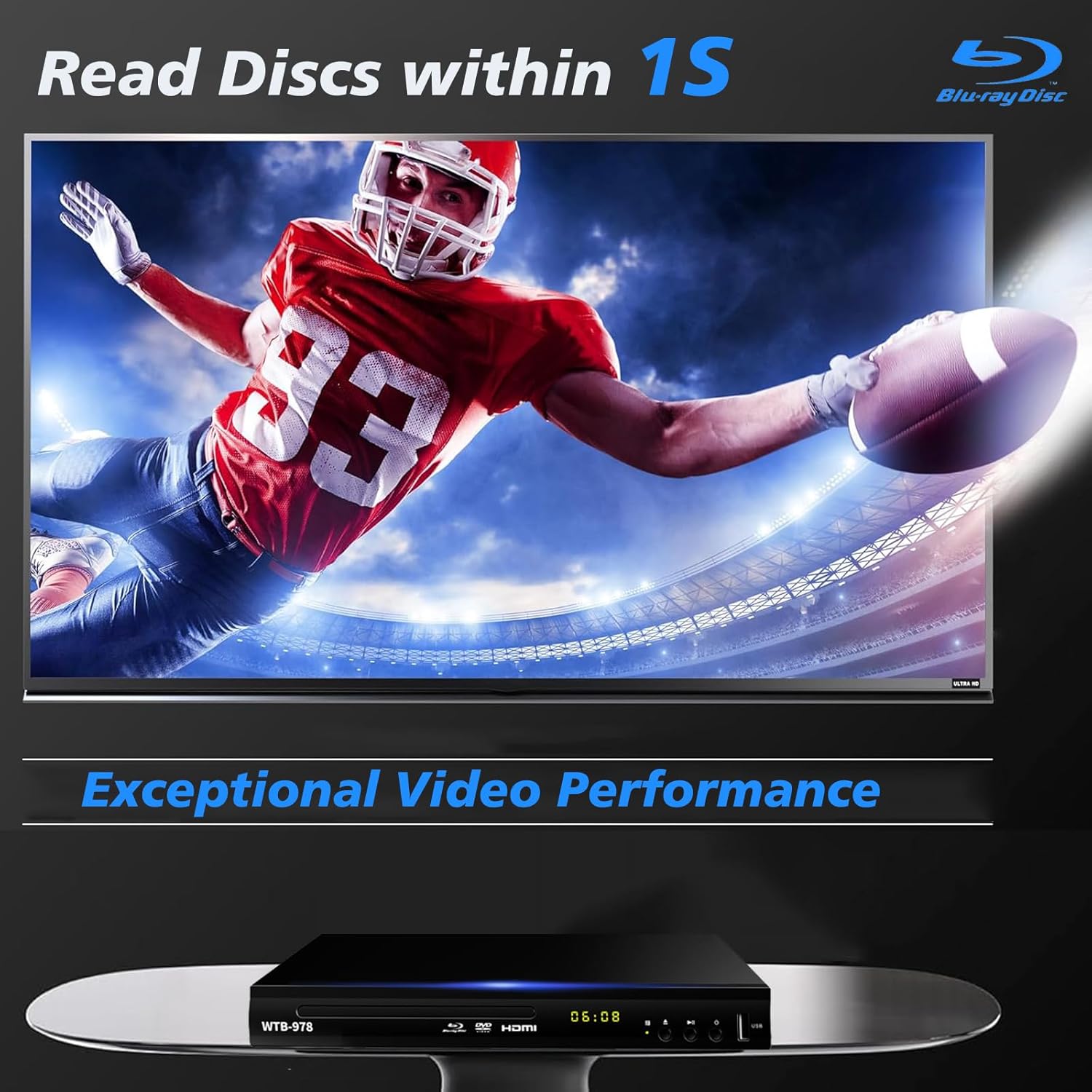
Image: The Blu-Ray DVD player is shown with a screen displaying a high-definition football game, emphasizing its exceptional video performance and quick disc reading capabilities.

Image: A Blu-Ray DVD player with its disc tray open, revealing a Blu-ray disc. The image highlights the player's ability to deliver 1080P HD picture quality, with a film strip graphic above suggesting movie playback.

Image: The Blu-Ray DVD player is positioned in front of a world map, illustrating its "ALL Region Free" capability for DVD playback across multiple countries, while also specifying support for Blu-ray Discs from Region A/1.
4.3 Přehrávání multimédií z USB
The player features a USB input for playing multimedia files from external storage devices (up to 2TB USB flash drives/HDDs).
- Insert your USB flash drive or external HDD into the USB port on the front of the player.
- The player should automatically detect the USB device and display a menu. If not, navigate to the USB input using the remote control.
- Use the navigation buttons to browse through your files (MP4, AVI, MP3, etc.) and press OK vybrat a přehrát.
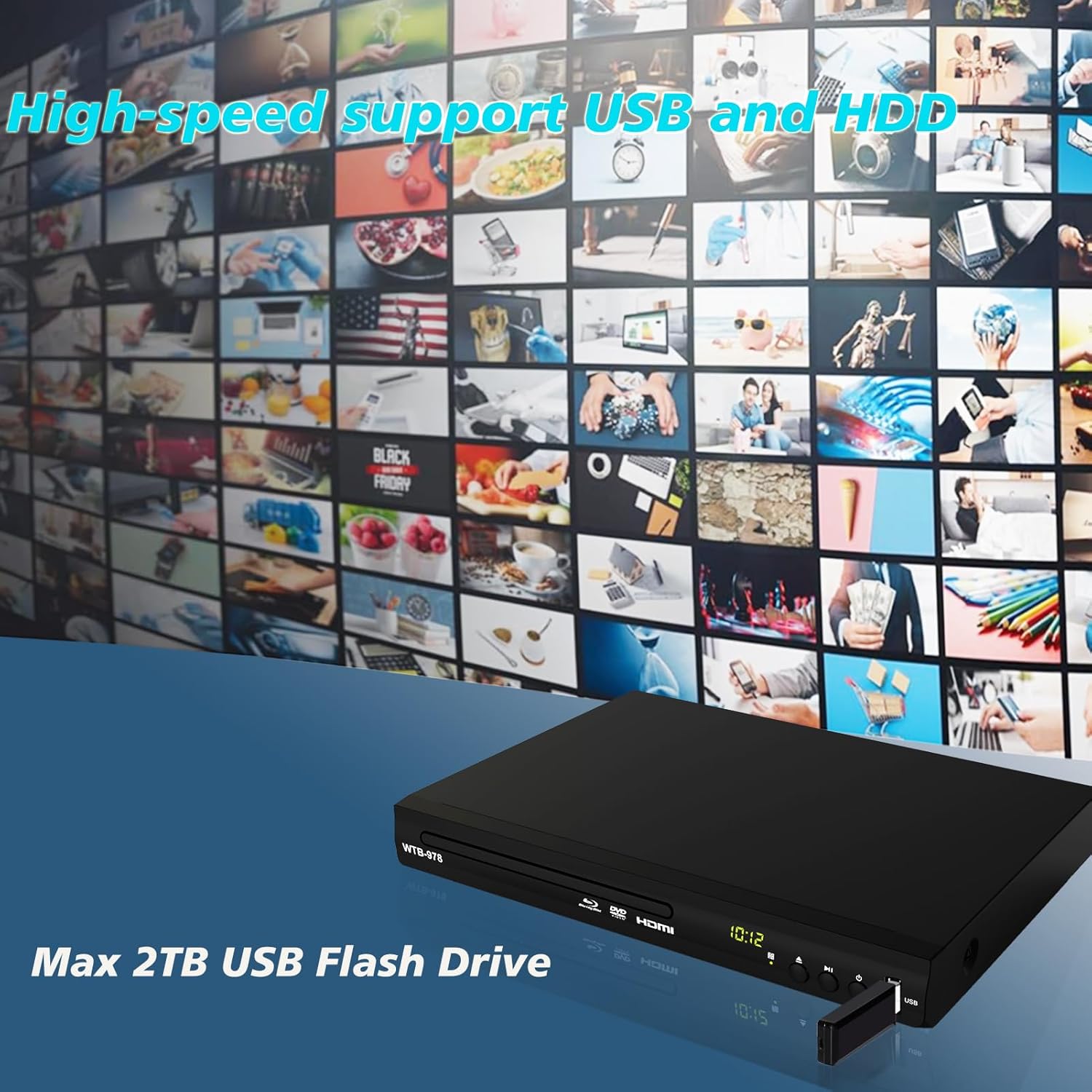
Image: The Blu-Ray DVD player is shown with a USB flash drive inserted into its port, set against a background of numerous video thumbnails, illustrating its high-speed support for USB and HDD multimedia playback.
4.4 Audio Features (Dolby & DTS)
The player supports Dolby and DTS audio formats for an immersive sound experience. Ensure your audio receiver or sound system is properly connected and configured to utilize these features.
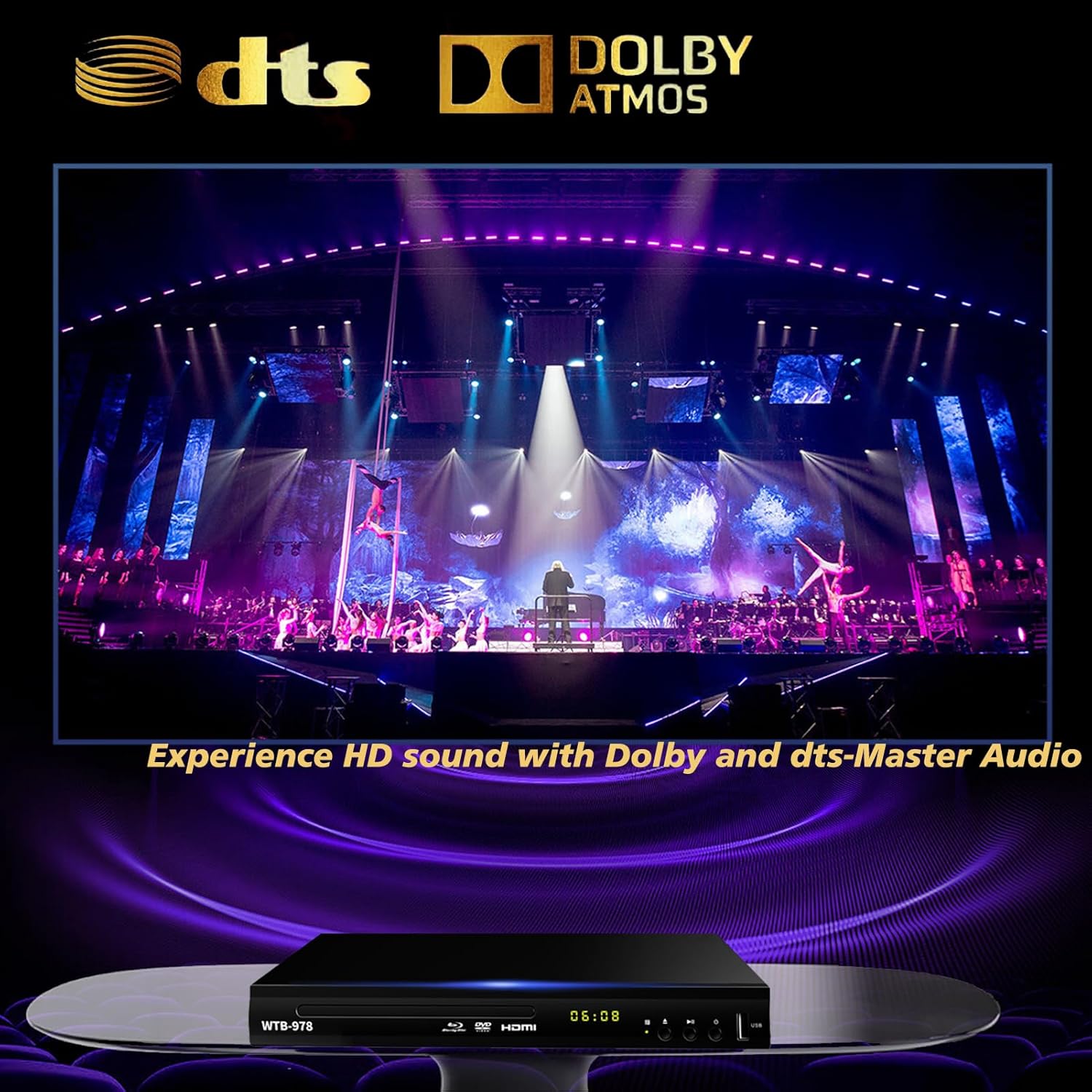
Image: The Blu-Ray DVD player is displayed with prominent DTS and Dolby logos, and a concert scene on the screen, highlighting its capability to deliver HD sound with Dolby and DTS-Master Audio.
4.5 Resume Playback
The player features a resume function, allowing it to continue playback from where it was last paused, even after being powered off.

Image: Two television screens illustrate the resume playback feature. The first screen shows a video paused, and the second shows the video resuming from the exact point after the player was powered off, demonstrating seamless continuity.
5. Údržba
- Čištění: Use a soft, dry cloth to clean the exterior of the player. Do not use liquid cleaners or abrasive chemicals.
- Péče o disky: Handle discs by their edges. Keep them clean and free of scratches. Use a soft, lint-free cloth to wipe discs from the center outwards.
- Větrání: Ensure the player has adequate ventilation. Do not block the ventilation openings.
- Skladování: Přehrávač skladujte na chladném a suchém místě mimo dosah přímého slunečního záření a extrémních teplot.
6. Řešení problémů
| Problém | Možná příčina | Řešení |
|---|---|---|
| Žádná síla | Napájecí kabel není připojen; zásuvka není aktivní. | Ujistěte se, že je napájecí kabel bezpečně zapojený. Vyzkoušejte zásuvku s jiným zařízením. |
| Žádný obrázek | Incorrect input selected on TV; Loose HDMI/AV cable connection. | Select the correct HDMI or AV input on your TV. Check cable connections at both ends. |
| Žádný zvuk | Audio cables not connected; TV/receiver volume too low or muted. | Ensure audio cables (HDMI/AV/Coaxial) are properly connected. Increase volume and check mute settings on TV/receiver. |
| Disk se nepřehrává | Disc is dirty, scratched, or inserted incorrectly; Incorrect disc region. | Clean the disc. Ensure the disc is inserted label-side up. Verify Blu-ray disc region (Region A/1 supported). DVDs are region-free. |
| Dálkové ovládání nefunguje | Baterie jsou vybité nebo nesprávně vložené; Překážka mezi dálkovým ovladačem a přehrávačem. | Replace batteries, ensuring correct polarity. Remove any obstructions and point the remote directly at the player's sensor. |
7. Specifikace
- Model: WTB-978
- Rezoluce: 1920x1080 (1080p)
- Kompatibilní zařízení: Televize
- Speciální vlastnosti: Surround Sound, Standard DVDs All-Region Free, Anti-Shock, Noise Reduction Technology, Blu-Ray Region A discs support
- Režim výstupu zvuku: Surround
- Podporované zvukové formáty: DTS, Dolby
- Typy konektorů: RCA, USB, HDMI, Coaxial
- Podporované typy médií: CD, DVD, VCD, Blu-Ray Disc (BD, BD-R, BD-RE, DVD-R/RW, DVD+R/RW, DVD-Video, VCD, CD, CD-R/RW)
- Podporováno File Formats (USB): MP4, AVI, MP3
- USB Drive Support: Max 2TB USB Flash Drive/HDD
- Rozměry (D x Š x V): Approximately 10.24 in x 7.56 in x 1.57 in
- Hmotnost: Přibližně 1.62 kg
8. Záruka a podpora
For warranty information and technical support, please refer to the contact details provided on the product packaging or visit the official WIITHINK webwebu. Uschovejte si účtenku jako doklad o koupi.
For further assistance, you may contact WIITHINK customer service through their official channels.
Ask a question about this manual
Ask about setup, troubleshooting, compatibility, parts, safety, or missing instructions. Manuals+ will review the question and use this page’s manual context to help answer it.