
FLEXISPOT MAH0002206
FLEXISPOT Standing Desk User Manual
Model: MAH0002206
1. Úvod
Thank you for choosing the FLEXISPOT Standing Desk. This manual provides essential information for the safe and efficient assembly, operation, and maintenance of your new adjustable height desk. Please read this manual thoroughly before use and retain it for future reference.
2. Bezpečnostní informace
Pro zajištění bezpečného provozu a prevenci poškození dodržujte prosím následující bezpečnostní opatření:
- Nepřekračujte maximální nosnost 154 libry (70 kg). Overloading may cause instability or damage.
- Během provozu držte děti a domácí zvířata v dostatečné vzdálenosti od stolu.
- Ensure there are no obstructions in the desk's path during height adjustments.
- Nesedejte ani nestůjte na stole.
- Stůl používejte pouze v uzavřených prostorách v suchém prostředí.
- Před čištěním nebo údržbou odpojte napájení.
- If any parts are damaged or missing, contact customer support immediately. Do not attempt to repair the desk yourself.
Důležité: This desk is designed for office and home use. Any other use is considered improper and may lead to injury or damage.
3. Obsah balení
Verify that all components are present and undamaged before beginning assembly. Refer to the image below for a visual representation of the package contents.
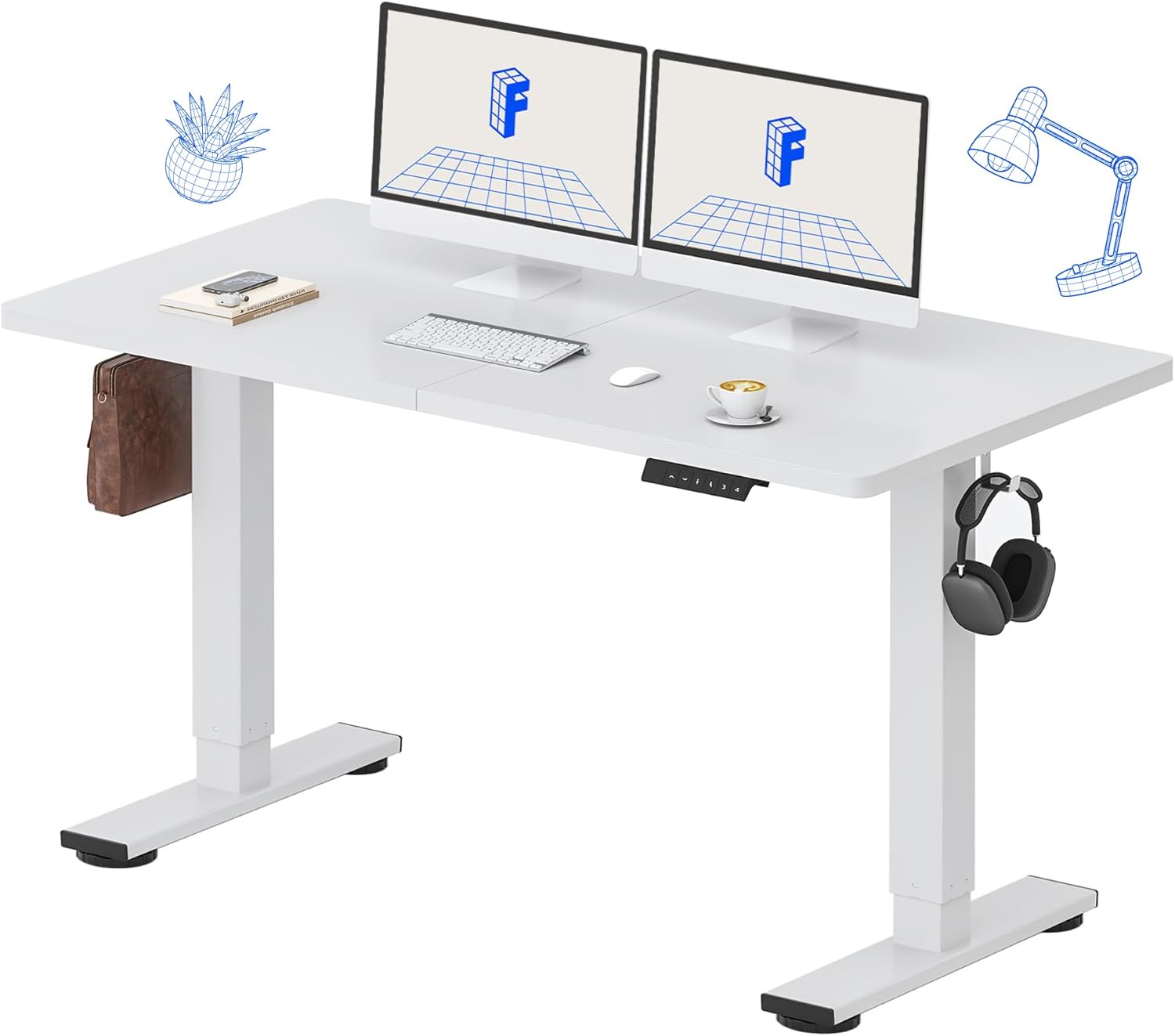
Image: All components of the FLEXISPOT Standing Desk, including the white desktop, white frame, and control panel.
- Desktop (55" x 24" White)
- Desk Frame (White)
- Ovládací panel s LED displejem
- Napájecí adaptér
- Montážní nářadí
- Stolní organizér
- Side Storage Hooks (Set of 2)
4. Nastavení a montáž
Assembly is straightforward and all necessary tools are included. For detailed visual instructions, please refer to the included instruction booklet.
Montážní kroky:
- Vybalte všechny součásti a rozložte je na čistý, rovný povrch.
- Attach the lifting columns to the desktop using the provided screws and tools.
- Připevněte podpěry nohou ke spodní části zvedacích sloupků.
- Mount the control panel to the underside of the desktop in a convenient location.
- Connect all cables (motor, control panel, power adapter) according to the diagram in the included instruction booklet.
- Zapojte napájecí adaptér do elektrické zásuvky.
- Perform the initial reset (refer to Operating Instructions).

Image: The FLEXISPOT Standing Desk is shipped in a single package for convenience.
5. Návod k obsluze
Funkce ovládacího panelu:

Obrázek: Podrobný view of the multi-function keypad, showing the LED display, Up/Down keys, and memory function buttons.
- LED displej: Zobrazuje aktuální výšku stolu v palcích.
- Up/Down Keys (∧ / ∨): Press and hold to adjust the desk height upwards or downwards. Release to stop.
- Předvolby paměti (1, 2, 3, 4):
- To save a height: Adjust the desk to your desired height, then press the 'M' button (or similar memory set button, if present) followed by the desired number (1, 2, 3, or 4). The display will show 'S-' followed by the number to confirm.
- To recall a height: Press the corresponding number button (1, 2, 3, or 4). The desk will automatically move to the saved position.
Rozsah nastavení výšky:
The desk can be adjusted from a minimum height of 28.9 palců to a maximum height of 46.5 palců.

Image: Illustration showing the adjustable height range of the desk from 28.9 inches to 46.5 inches.
Initial Reset Procedure:
After initial setup or if the desk encounters an error, a reset may be required:
- Press and hold the 'Down' (∨) button until the desk reaches its lowest position and slightly retracts.
- Release the button. The desk is now reset and ready for use.
6. Údržba
Regular maintenance ensures the longevity and optimal performance of your FLEXISPOT Standing Desk.
- Čištění: Otřete pracovní plochu a rám měkkým hadříkemamp cloth. Avoid abrasive cleaners or harsh chemicals. Ensure the desk is unplugged before cleaning. The desktop is waterproof and scratch-resistant.
- Správa kabelů: Pravidelně kontrolujte všechny kabely, abyste se ujistili, že jsou bezpečně připojeny a nejsou přiskřípnuté ani poškozené.
- Nosnost: Do not exceed the 154 lb weight limit. Distribute weight evenly across the desktop.
- Hlučnost motoru: The desk features a whisper-quiet motor (<50dB). If you notice unusual noises, discontinue use and contact support.

Image: The desk's high-quality desktop is waterproof, scratch-resistant, and smooth.

Image: A comparison chart illustrating the low noise level of the desk's motor (under 50dB) compared to other common sounds.
7. Řešení problémů
If you encounter issues with your FLEXISPOT Standing Desk, refer to the table below for common problems and solutions.
| Problém | Možná příčina | Řešení |
|---|---|---|
| Stůl se nehýbe. | Odpojený napájecí kabel; Přetížení; Chyba motoru. | Check power connection. Reduce weight on desk. Perform reset procedure. |
| Stůl se pohybuje nerovnoměrně. | Uneven weight distribution; Obstruction. | Redistribute weight. Check for obstructions under or around the desk. Perform reset procedure. |
| Chybový kód na displeji. | Porucha systému. | Unplug the desk for 10 minutes, then plug back in. If error persists, contact customer support. |
| Předvolby paměti nefungují. | Předvolby nebyly správně uloženy. | Re-save your desired height settings following the instructions in Section 5. |
Pokud problém přetrvává i po vyzkoušení těchto řešení, kontaktujte zákaznickou podporu FLEXISPOT.
8. Specifikace
| Funkce | Detail |
|---|---|
| Číslo modelu | MAH0002206 |
| Rozměry pracovní plochy | 55 cm (Š) x 24 cm (H) |
| Rozsah nastavení výšky | 28.9" - 46.5" |
| Maximální nosnost | 154 lb (70 kg) |
| Materiál (stolní počítač) | Umělé dřevo |
| Materiál (rám) | Legovaná ocel |
| Hladina hluku motoru | <50dB |
| Barva | White Top + White Frame |
| Zahrnuté komponenty | Desk Organizer, Side Storage Hooks |

Image: The FLEXISPOT Standing Desk in use, demonstrating its versatility for both sitting and standing work, even accommodating a walking pad.

Obrázek: Detail view of the side storage hooks, useful for hanging headphones or bags.

Image: Technical diagram illustrating the desktop and frame dimensions, including the adjustable height range.
9. Záruka a podpora
FLEXISPOT products come with a warranty to ensure your satisfaction. The specific warranty type is either 'Limited' or 'Lifetime' as per product registration and terms.
- Záruka: Refer to your product registration or the official FLEXISPOT webpodrobné záruční podmínky naleznete na webu.
- Vrácení: Využijte snadné vrácení do 30 dnů.
- Zákaznická podpora: If you have any questions, require assistance with assembly, or encounter any issues not covered in this manual, please contact FLEXISPOT customer support.
For further assistance, visit the official FLEXISPOT Store: Obchod FLEXISPOT na Amazonu
Ask a question about this manual
Ask about setup, troubleshooting, compatibility, parts, safety, or missing instructions. Manuals+ will review the question and use this page’s manual context to help answer it.