
Edifier EDF800013
Uživatelská příručka k naslouchátkům Edifier Mini
Značka: Edifier | Model: EDF800013
1. Úvod
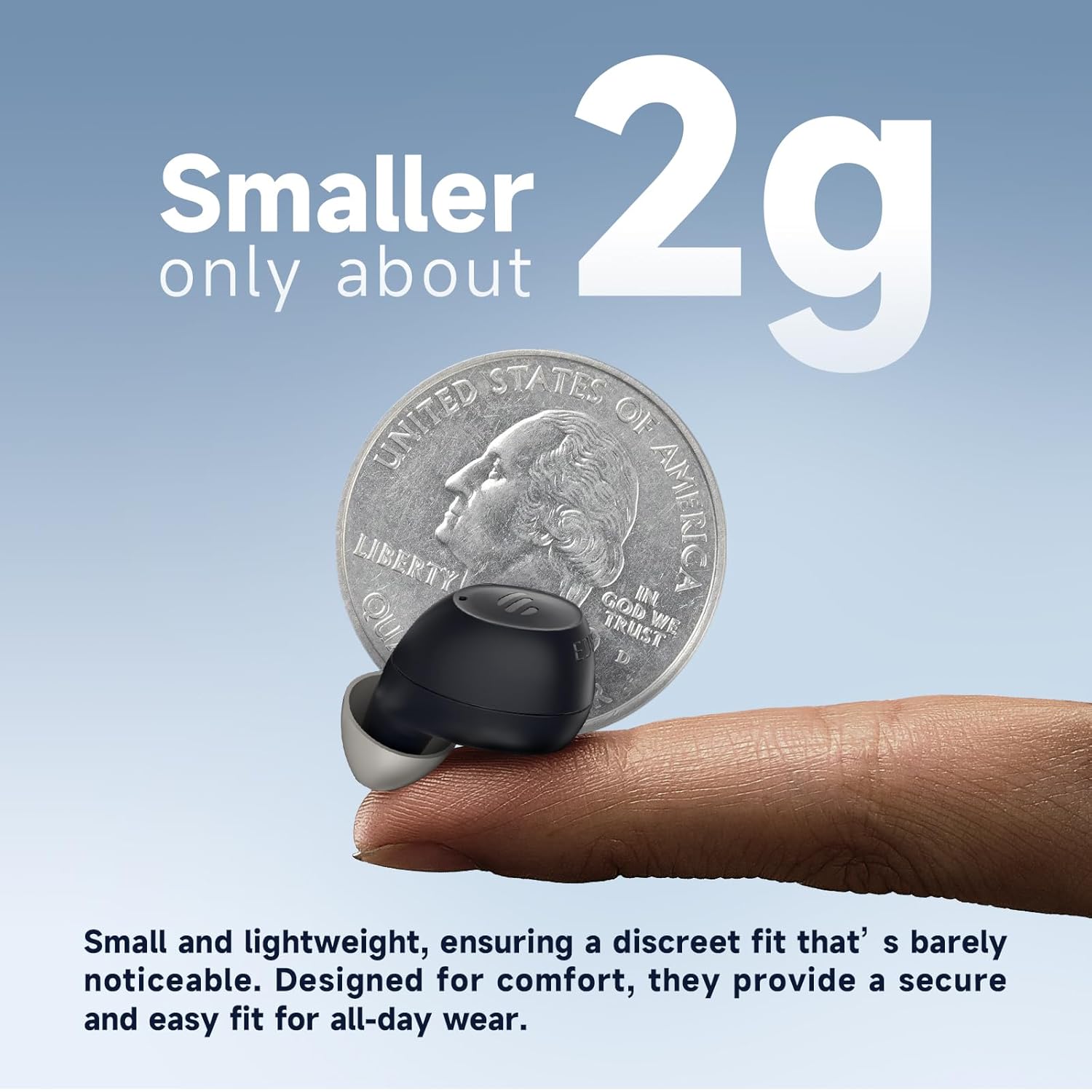
The Edifier Mini Hearing Aids are designed to provide enhanced hearing with advanced features such as intelligent noise reduction, multiple hearing modes, and seamless Bluetooth connectivity. Their compact and nearly invisible design ensures comfort for all-day wear. This manual provides essential information for setting up, operating, maintaining, and troubleshooting your device.
2. Co je v krabici
Ověřte prosím, zda jsou ve vašem balení obsaženy všechny níže uvedené položky:
- Balící krabice
- Uživatelská příručka
- EDIFIER Assist app user manual
- Earbud tips (multiple sizes)
- Nabíjecí pouzdro
- Eclarity Mini OTC Hearing Aids (Left and Right)
- Nabíjecí kabel typu C
- Cerumen caps and tool
- Čisticí kartáč
- Vak
Important: Choose the right size earplugs to reduce acoustic feedback.

3. Nastavení
3.1 Počáteční párování (Bluetooth)
- For initial use, open the charging case. The earbuds will automatically enter Bluetooth pairing mode.
- The indicator light on the earbuds will blink white and green.
- On your device (e.g., smartphone), go to Bluetooth settings and select "EDIFIER Eclarity Mini" from the list to connect.
- Once connected, the indicator light will stop blinking.
3.2 Re-entering Pairing Mode
If you need to re-enter Bluetooth pairing mode, press and hold the "R" button on the charging case. The indicator light will blink white and green again.
3.3 EDIFIER Assist App Installation
For full control and customization of your hearing aids, download the "EDIFIER Assist" app.
- Connect the earbuds to your phone via Bluetooth first.
- Hledat "EDIFIER Assist" in your device's app store (App Store for iOS, Google Play for Android).
- Nainstalujte aplikaci a otevřete ji.

4. Návod k obsluze
4.1 Basic Controls (Physical Buttons)
- Accept/End a Call: Jednou stiskněte kterékoli sluchátko.
- Upravit hlasitost: Jednou klepněte na kterékoli sluchátko.
- Přepnout režimy: Press and hold either earbud for a few seconds.

4.2 App Control (EDIFIER Assist)
The EDIFIER Assist app allows for advanced control and customization:
- Ovládání hlasitosti: Adjust the hearing aid volume for each ear independently.
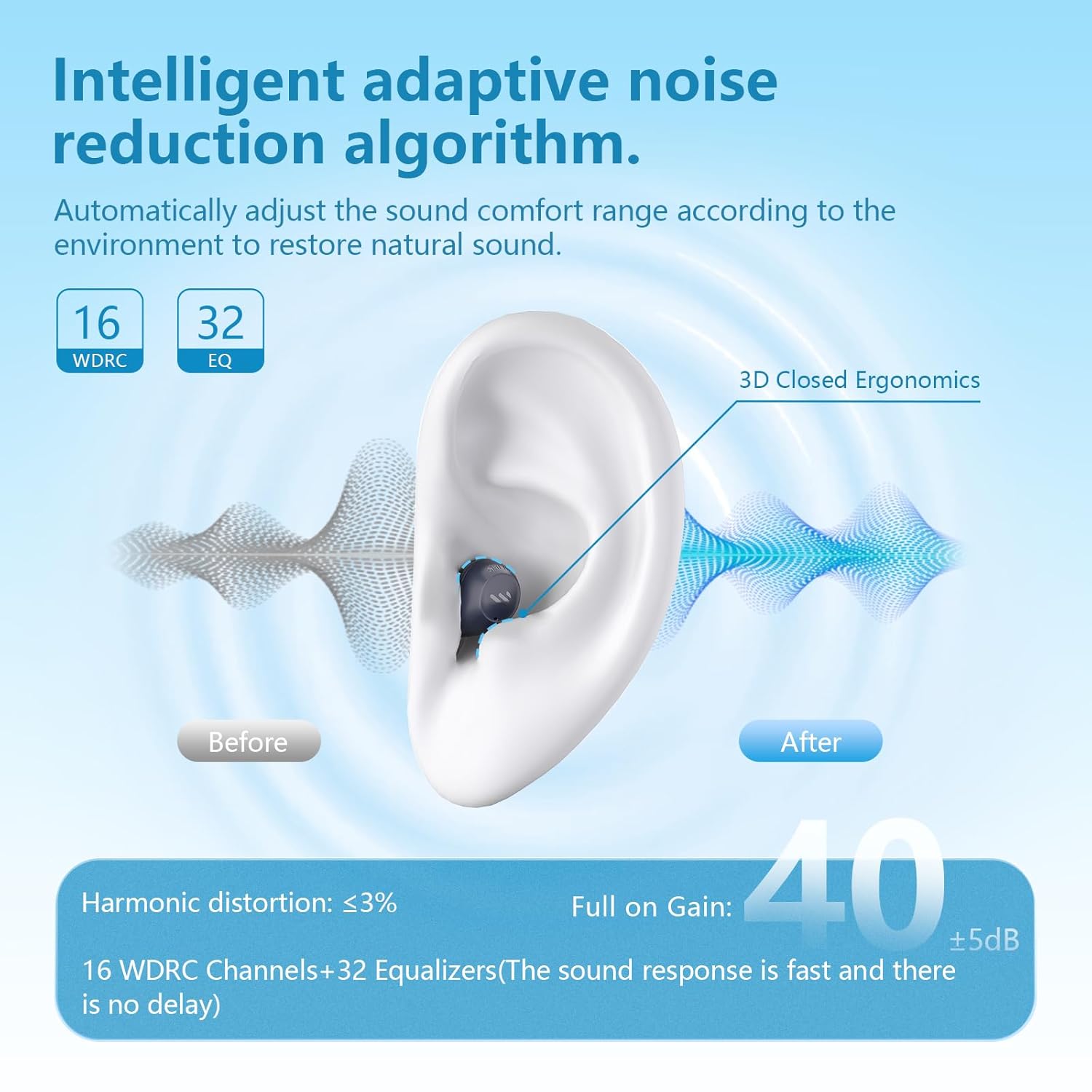
- Scénické režimy: Switch between five versatile hearing modes: Outdoor, Indoor, Voice Enhancement, Tinnitus Masking, and Music mode. Tinnitus Masking and Music Mode can only be enabled in the app.
- Přizpůsobit ekvalizér: Tailor the equalizer settings to your unique hearing preferences for each ear.
- Najít moje sluchátka: Use the app to locate misplaced earbuds by playing a tune.


4.3 Streamování přes Bluetooth
The Edifier Mini Hearing Aids support Bluetooth streaming, allowing you to listen to music, podcasts, or take calls directly through your hearing aids. The device features automatic switching between Bluetooth and hearing aid modes in real-time.
5. Údržba
5.1 Čištění a péče
To ensure optimal performance and longevity of your Edifier Mini Hearing Aids:
- Regularly clean the earbuds and ear tips with the provided cleaning brush and tool to remove earwax and debris.
- Store the hearing aids in their charging case when not in use to protect them from dust and damage.
- Nevystavujte zařízení extrémním teplotám nebo přímému slunečnímu záření.
5.2 Voděodolnost
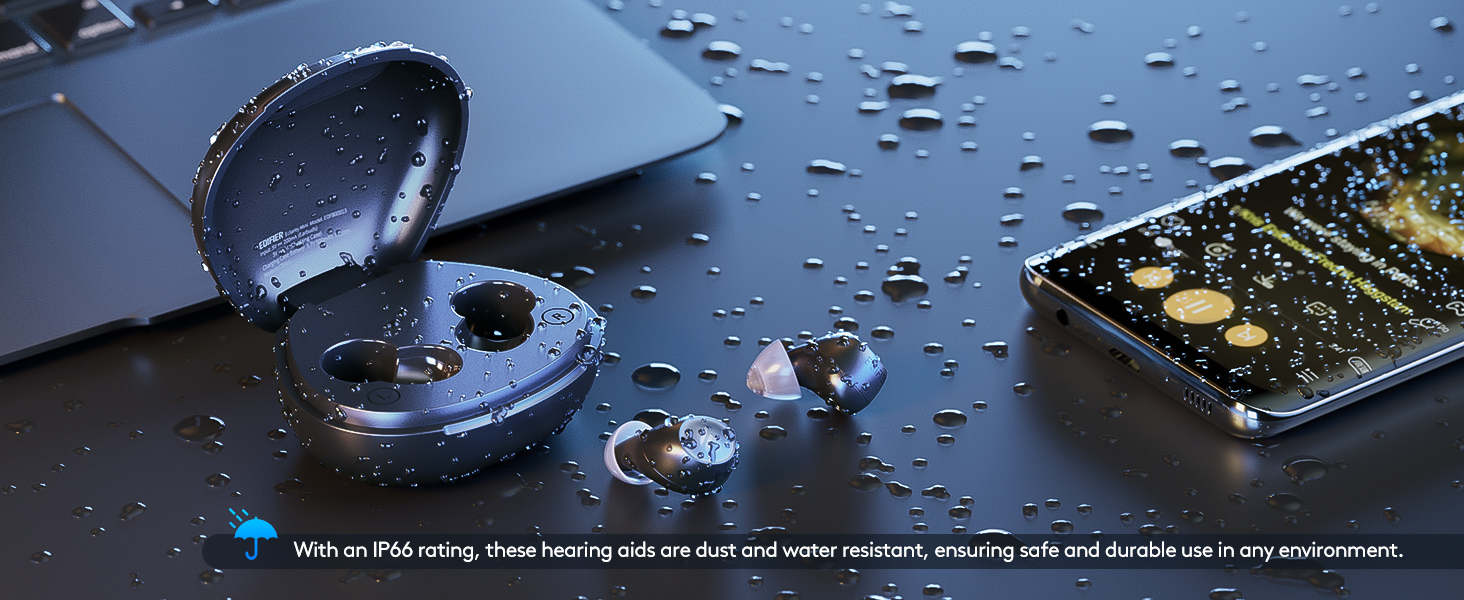
The Edifier Mini Hearing Aids have an IP66 rating, meaning they are dust and water resistant. This provides protection against strong jets of water and dust ingress, making them suitable for various environments. However, they are not designed for submersion in water.
6. Řešení problémů
If you encounter issues with your Edifier Mini Hearing Aids, please refer to the following common problems and solutions:
| Problém | Možná příčina / řešení |
|---|---|
| Loud screeching feedback (whistling) | Ensure ear tips are properly fitted and create a tight seal in your ear. Try different sizes of ear tips provided. Clean earwax from the ear tips and speaker. |
| Bluetooth connection drops or is unstable | Ensure the hearing aids are fully charged. Re-pair the earbuds with your device. Keep the device within the recommended Bluetooth range. |
| Výdrž baterie je kratší, než se očekávalo | Ensure the hearing aids and charging case are fully charged. Battery life can vary based on usage (e.g., continuous Bluetooth streaming will consume more power). |
| Nepohodlný střih | Experiment with the different sizes of ear tips included in the package to find the most comfortable and secure fit for your ears. |
| Cannot connect to the EDIFIER Assist app | Ensure the earbuds are already paired with your phone via Bluetooth. Restart the app or your phone. Check for app updates. |
If the problem persists, please contact Edifier customer support for further assistance.
7. Specifikace
| Funkce | Detail |
|---|---|
| Název modelu | Eclarity Mini |
| Číslo modelu položky | EDF800013 |
| Značka | Edifier |
| Materiál | Silikon |
| Zdroj napájení | Napájení z baterie |
| Jsou vyžadovány baterie | 1 lithium-iontová baterie |
| Battery Life (Hearing Aid Mode) | Up to 14 hours per charge (Bluetooth off) |
| Celková výdrž baterie (s nabíjecím pouzdrem) | Up to 84 hours (6 additional charge cycles) |
| Nabíjení | Fast-charging support (10 mins charge for ~2 hours use) |
| Speciální funkce | Rechargeable, Portable |
| Hodnocení odolnosti proti vodě | IP66 (odolnost proti prachu a vodě) |
| Rozměry balení | 6.57 x 4.13 x 1.93 palce; 9.59 unce |
| Datum první dostupnosti | 2. srpna 2024 |
8. Záruka a podpora
Edifier is committed to providing comprehensive after-sales service to ensure your satisfaction. We offer:
- A dedicated customer service team available to answer your questions and address concerns.
- Regular software updates to keep your hearing aids performing at their best.
- A range of accessories and maintenance tools to help you keep your hearing aids in top condition.
For support, please visit the official Edifier webweb nebo se přímo obraťte na jejich zákaznický servis. Můžete také navštívit Obchod Edifier na Amazonu pro více informací a zdrojů.
Ask a question about this manual
Ask about setup, troubleshooting, compatibility, parts, safety, or missing instructions. Manuals+ will review the question and use this page’s manual context to help answer it.