
DOOGEE Blade 10 Ultra
Uživatelská příručka k ultra odolnému telefonu DOOGEE Blade 10
Model: Blade 10 Ultra
1. Úvod
The DOOGEE Blade 10 Ultra is a robust and high-performance rugged smartphone designed for durability and efficiency. It features a powerful octa-core processor, ample memory, a high-resolution camera system, and a long-lasting battery, all encased in a durable, waterproof, and dustproof body. This manual provides essential information for setting up, operating, maintaining, and troubleshooting your device.

Obrázek: Přední a zadní strana view of the DOOGEE Blade 10 Ultra Rugged Phone, highlighting its robust design and camera module.
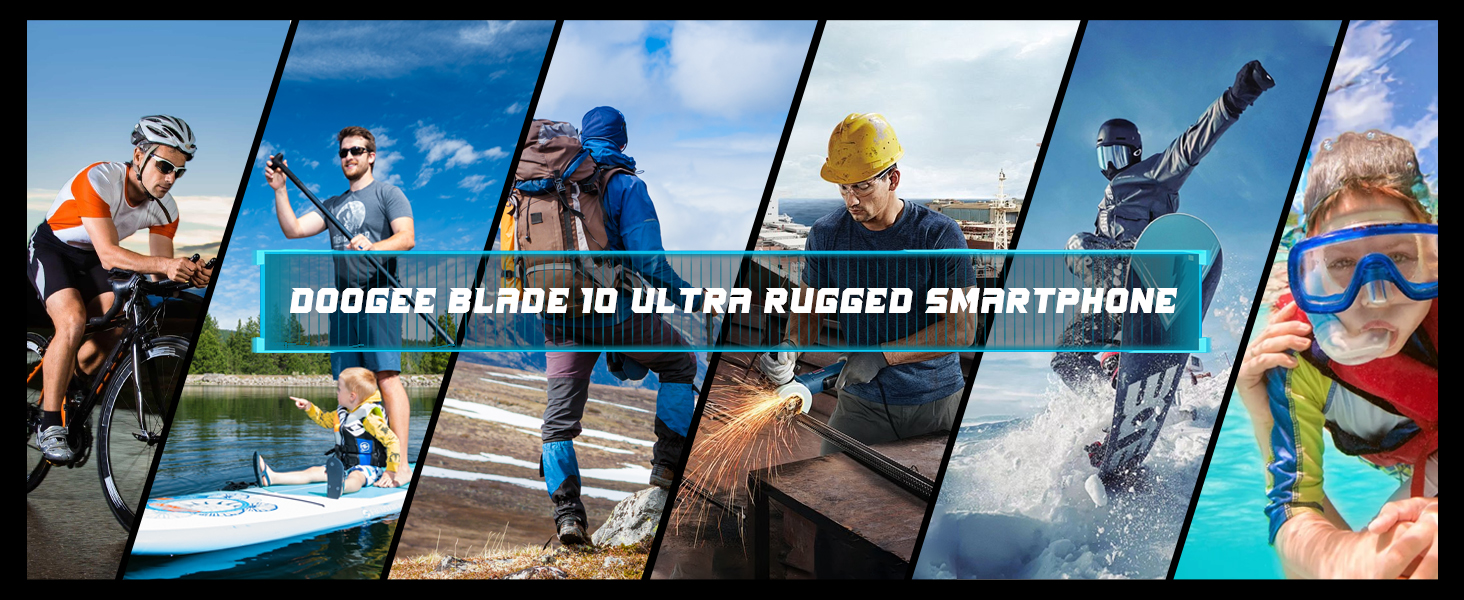
Image: The DOOGEE Blade 10 Ultra being used in diverse scenarios such as cycling, hiking, construction, and water activities, demonstrating its rugged capabilities.
2. Obsah balení
Ověřte prosím, zda jsou v balení produktu přítomny všechny položky:
- Ultra odolný telefon DOOGEE Blade 10
- USB kabel (typ C)
- Nabíječka
- Silk screen printing Protective Film (Pre-applied)
- Uživatelská příručka
- Poprodejní karta

Image: An illustration showing all components included in the DOOGEE Blade 10 Ultra retail package, such as the phone, charger, USB cable, and protective film.
3. Nastavení
3.1 Instalace SIM a TF karty
The DOOGEE Blade 10 Ultra supports dual 4G SIM cards and expandable storage via a TF card up to 1TB. Locate the SIM card tray on the side of the device. Use the provided SIM ejector tool to open the tray. Carefully place your Nano-SIM cards and/or TF card into the designated slots, ensuring correct orientation. Gently push the tray back into the phone until it is flush with the device body.
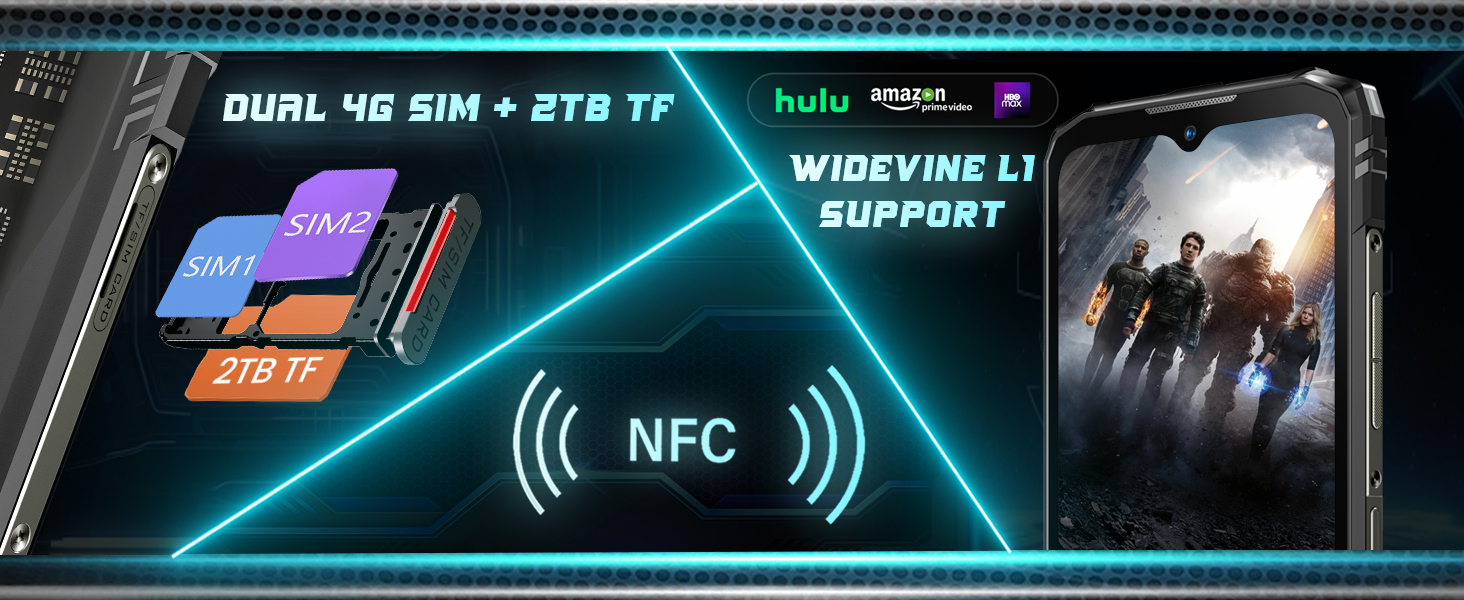
Image: A visual representation of the dual SIM card slots and TF card slot, along with icons for NFC and Widevine L1 support.
3.2 Počáteční zapnutí
To power on your device for the first time, press and hold the Power button (usually located on the right side) until the DOOGEE logo appears on the screen. Follow the on-screen prompts to complete the initial setup, including language selection, Wi-Fi connection, and Google account setup.
3.3 Nabíjení zařízení
Before first use, it is recommended to fully charge the device. Connect the USB Type-C cable to the phone's charging port and the other end to the provided charger. Plug the charger into a power outlet. The charging indicator will appear on the screen. The device supports 10W fast charging.
4. Obsluha vašeho zařízení
4.1 Základní navigace
The Blade 10 Ultra runs on Android 14, offering an intuitive user experience. Navigate through menus and applications using touch gestures on the screen. The physical buttons include Power/Lock, Volume Up, and Volume Down. The side-mounted fingerprint sensor also serves as a quick unlock method.
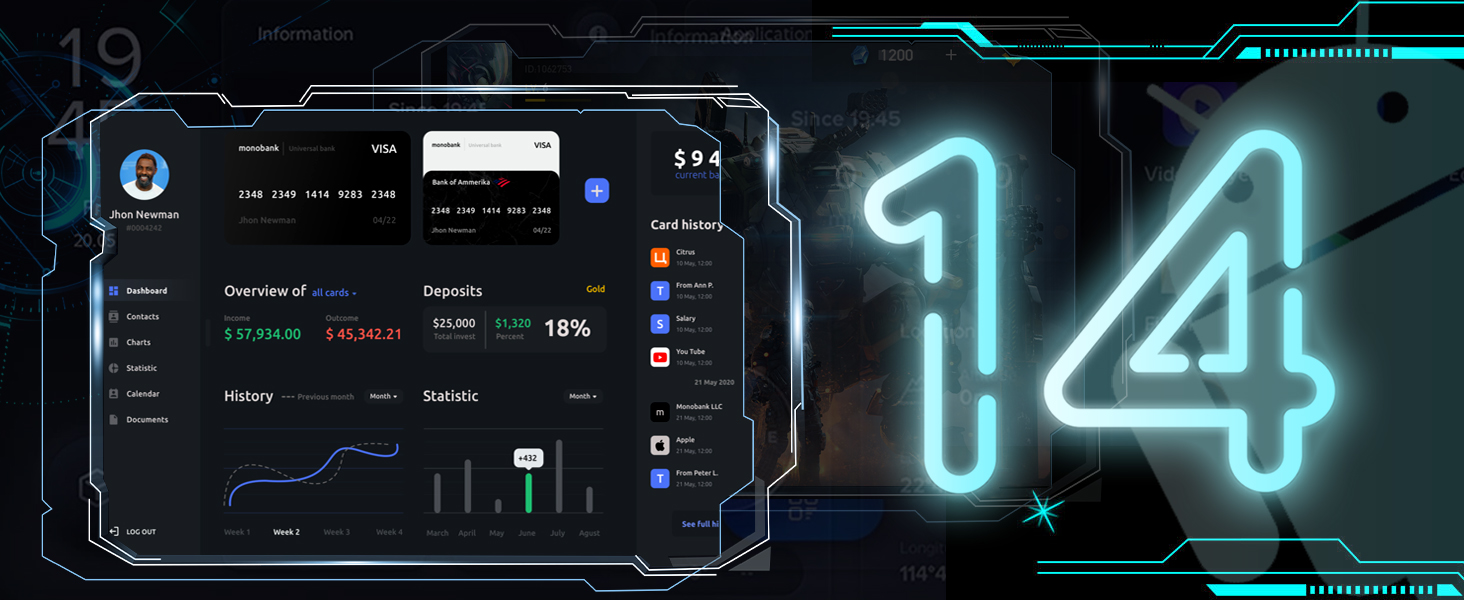
Obrázek: Vizuální znázornění rozhraní operačního systému Android 14, ukázkaasinjeho moderní design a funkce.
4.2 Funkce displeje
The device features a 6.56-inch HD+ IPS Waterdrop screen with a resolution of 720x1612 pixels and a 90Hz adaptive refresh rate. This provides a smooth visual experience, especially for scrolling and gaming. The display utilizes TDDI technology for enhanced sensitivity and reduced display noise.

Image: The DOOGEE Blade 10 Ultra display showing a racing game, highlighting its 6.56-inch HD+ screen with a 90Hz refresh rate and 720x1612 resolution.
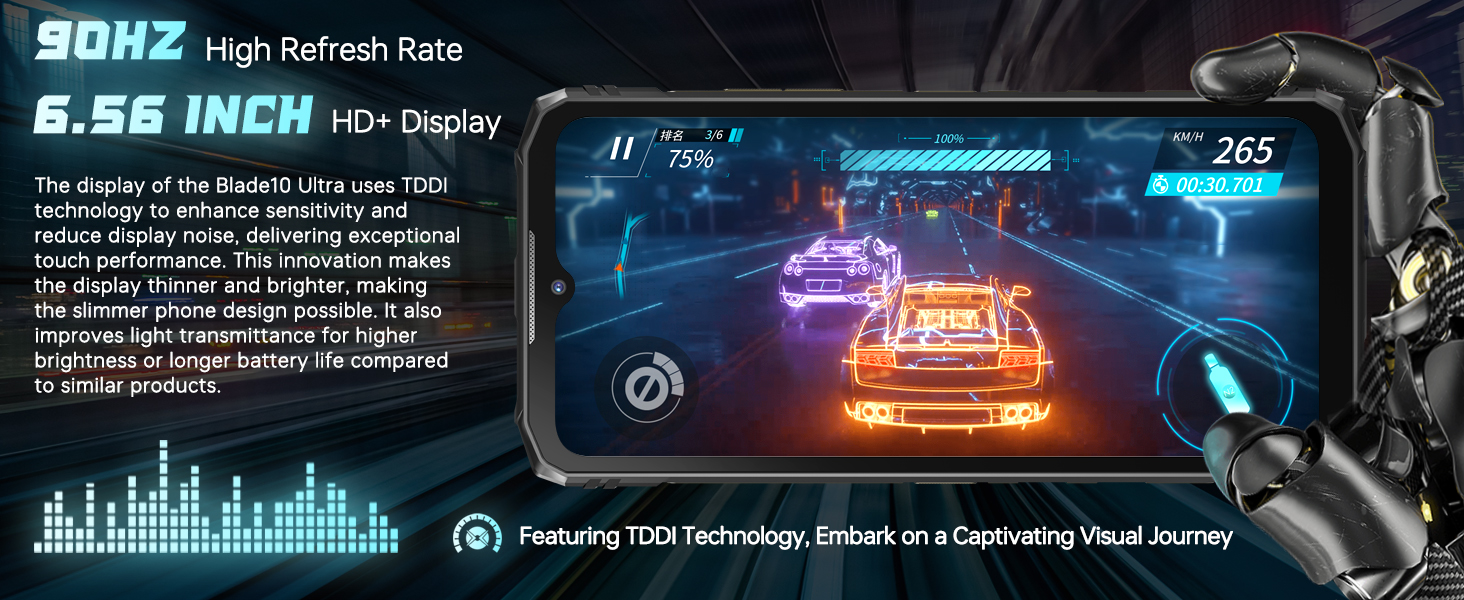
Image: A graphic emphasizing the 90Hz high refresh rate and 6.56-inch HD+ display, with text explaining TDDI technology for improved touch performance and battery life.
4.3 Výkon a úložiště
Equipped with an octa-core processor, the Blade 10 Ultra offers 8GB of RAM, expandable virtually to 20GB, ensuring smooth multitasking. It comes with 256GB of internal storage, which can be expanded up to 1TB using a TF card, providing ampprostor pro aplikace, fotografie a videa.

Image: A graphic illustrating the 20GB RAM and 256GB ROM configuration of the DOOGEE Blade 10 Ultra, alongside the Android 14 logo and various app icons.
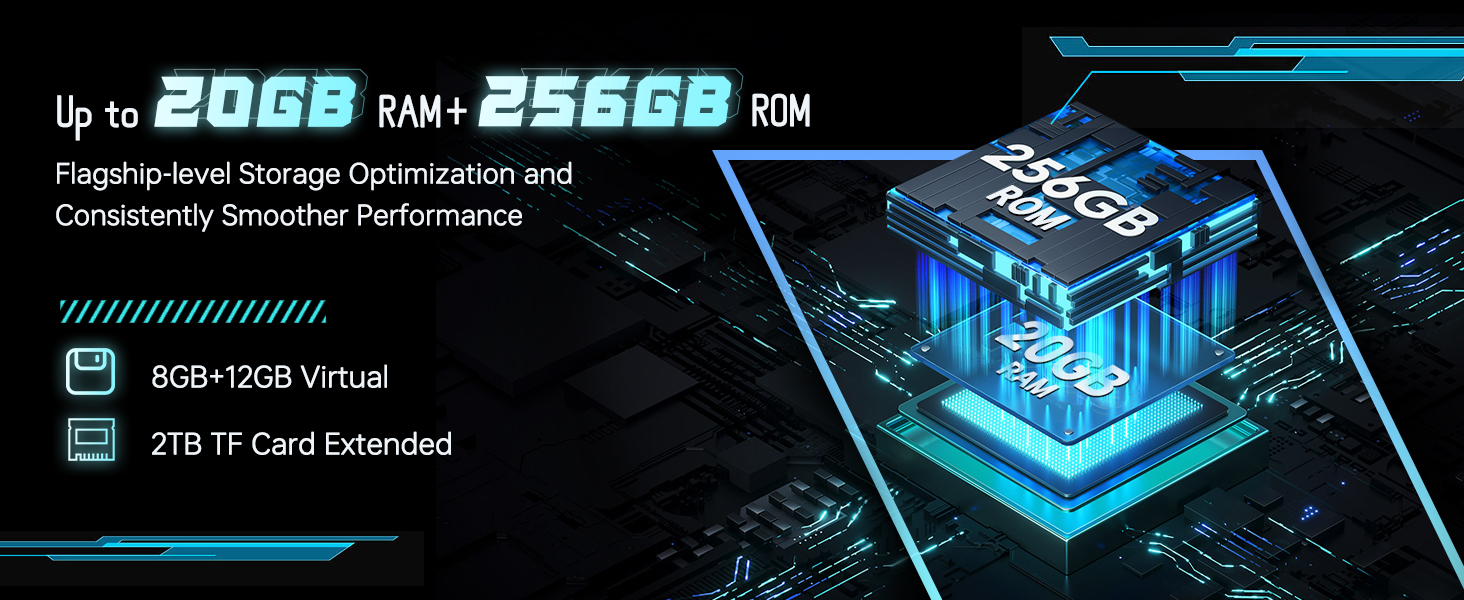
Image: A diagram showing the memory expansion technology, indicating 8GB + 12GB virtual RAM and 2TB TF card extended storage, emphasizing flagship-level storage optimization.
4.4 Použití kamery
Capture high-quality photos and videos with the 50MP AI main camera and take clear selfies with the 8MP front camera. The camera app offers various modes such as Beauty, HDR, Filter, Panorama, and a professional mode to enhance your photography experience.

Obrázek: Představení DOOGEE Blade 10 Ultraasing its 50MP AI main camera and 8MP front camera, with example photos of landscapes and portraits.
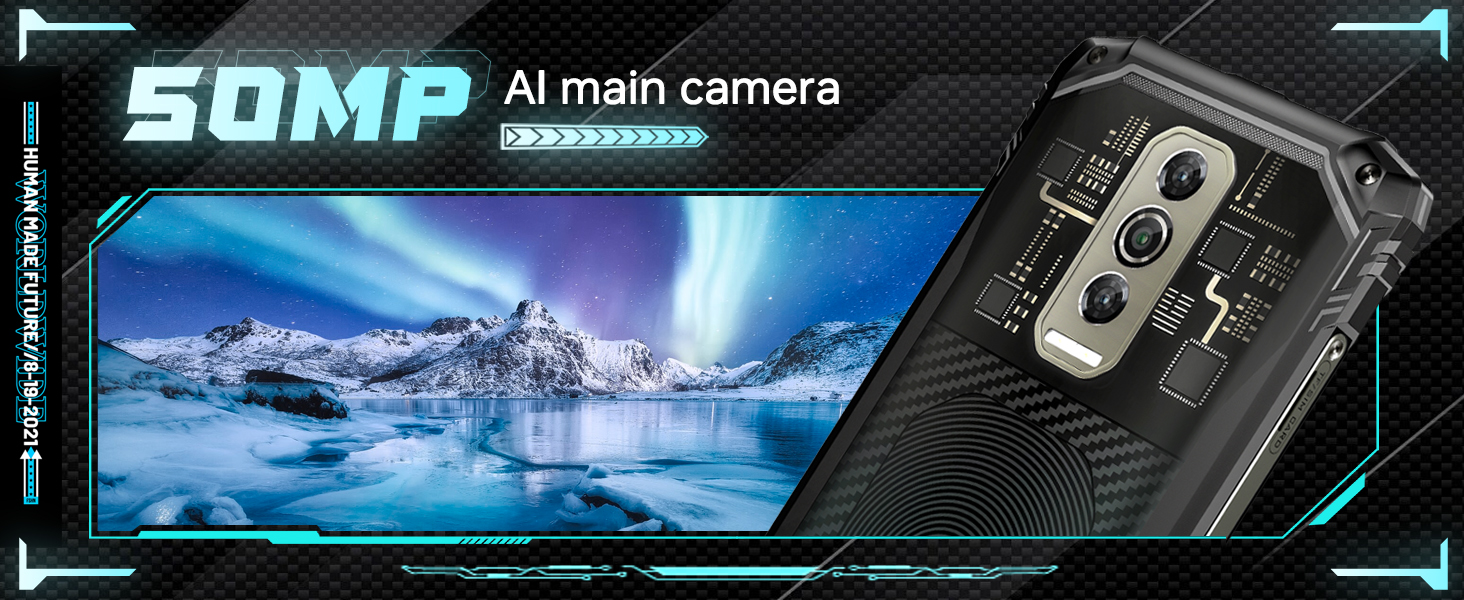
Image: A banner highlighting the 50MP AI main camera, featuring a scenic landscape photo taken with the device.

Image: A banner highlighting the 8MP front camera, featuring a group selfie photo taken with the device.
4.5 Správa baterie
The Blade 10 Ultra is equipped with a powerful 5150mAh battery, designed to provide all-day connectivity. To optimize battery life, manage background app usage and adjust screen brightness. The device also supports OTG (On-The-Go) functionality, allowing you to charge other devices using an OTG cable.

Image: A graphic displaying the 5150mAh battery capacity and the 10.7mm ultra-thin body of the DOOGEE Blade 10 Ultra, with an internal view baterie.

Image: A banner highlighting the 5150mAh long-lasting battery, with an internal view of the phone's battery components and a description of its high-voltage material system.
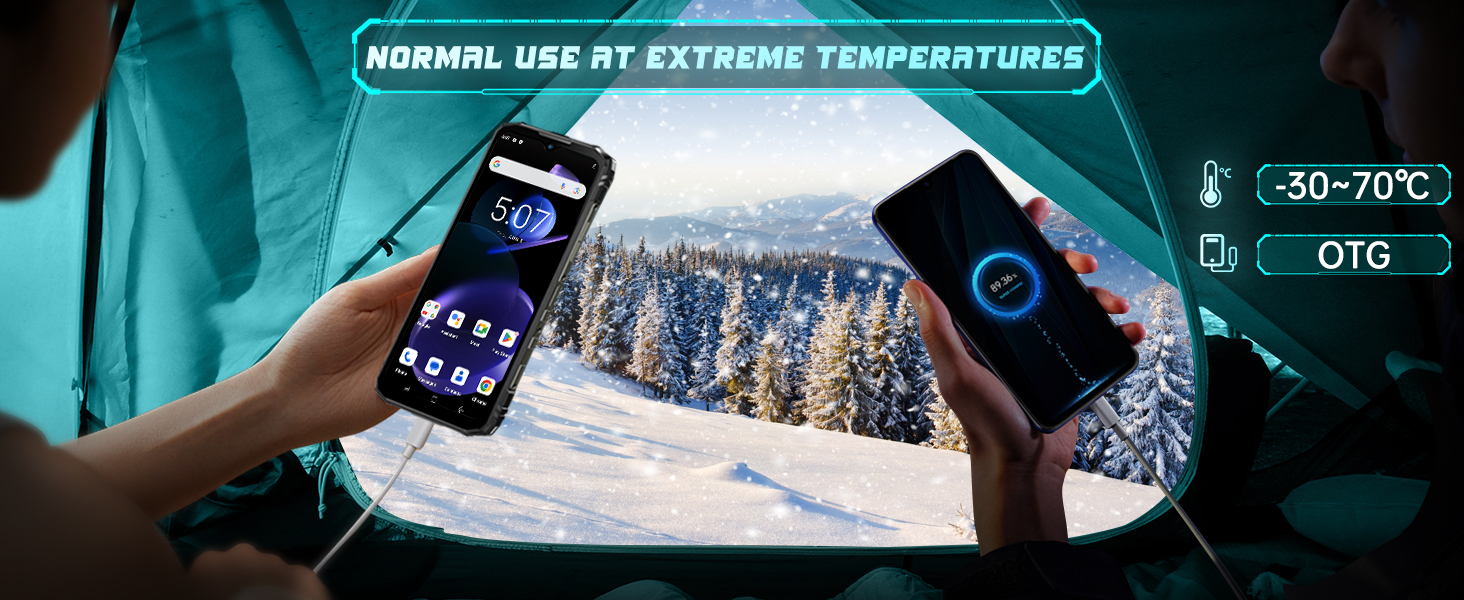
Image: Two hands holding the DOOGEE Blade 10 Ultra in a snowy outdoor setting, illustrating its ability to function in extreme temperatures (-30°C to 70°C) and its OTG charging capability.
4.6 Bezpečnostní funkce
The device offers multiple security options including Face ID recognition and a side-mounted fingerprint sensor for quick and secure unlocking. Set up these features in the device's security settings for convenient access.
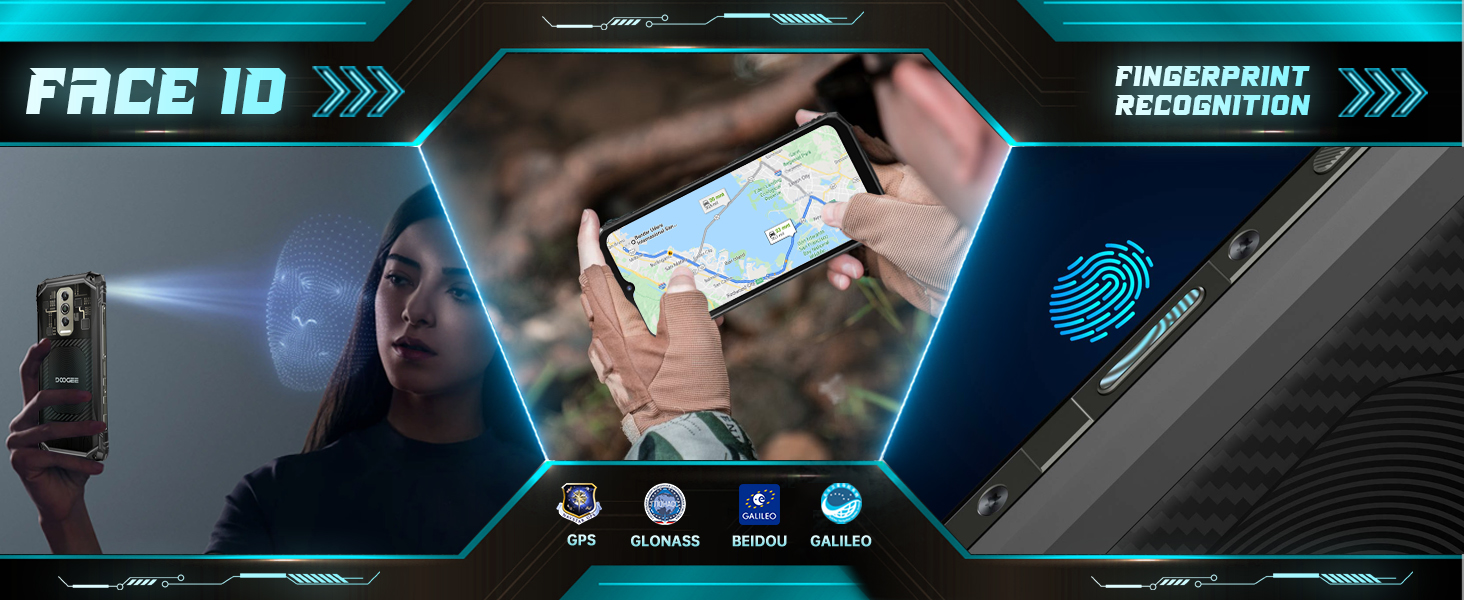
Image: A graphic depicting Face ID recognition, side fingerprint recognition, and GPS capabilities (GLONASS, BEIDOU, GALILEO) of the phone.
4.7 Konektivita
The Blade 10 Ultra supports 4G Dual SIM, Wi-Fi (2.4G/5G), Bluetooth, NFC for Google Pay, and GPS (GPS, GLONASS, BEIDOU, GALILEO) for navigation. Ensure your SIM cards are correctly inserted for cellular connectivity.
4.8 Important Carrier Compatibility Note
Poznámka: The DOOGEE Blade 10 Ultra does ne support Verizon and AT&T networks. Please confirm compatibility with your carrier before purchasing or attempting to use the device. Supported frequency bands include: GSM: B2/3/5/8; WCDMA: B1/2/4/5/8; TDD: B34/38/39/40/41; FDD: B1/2/3/4/5/7/8/18/19/20/25/26/28AB/66.
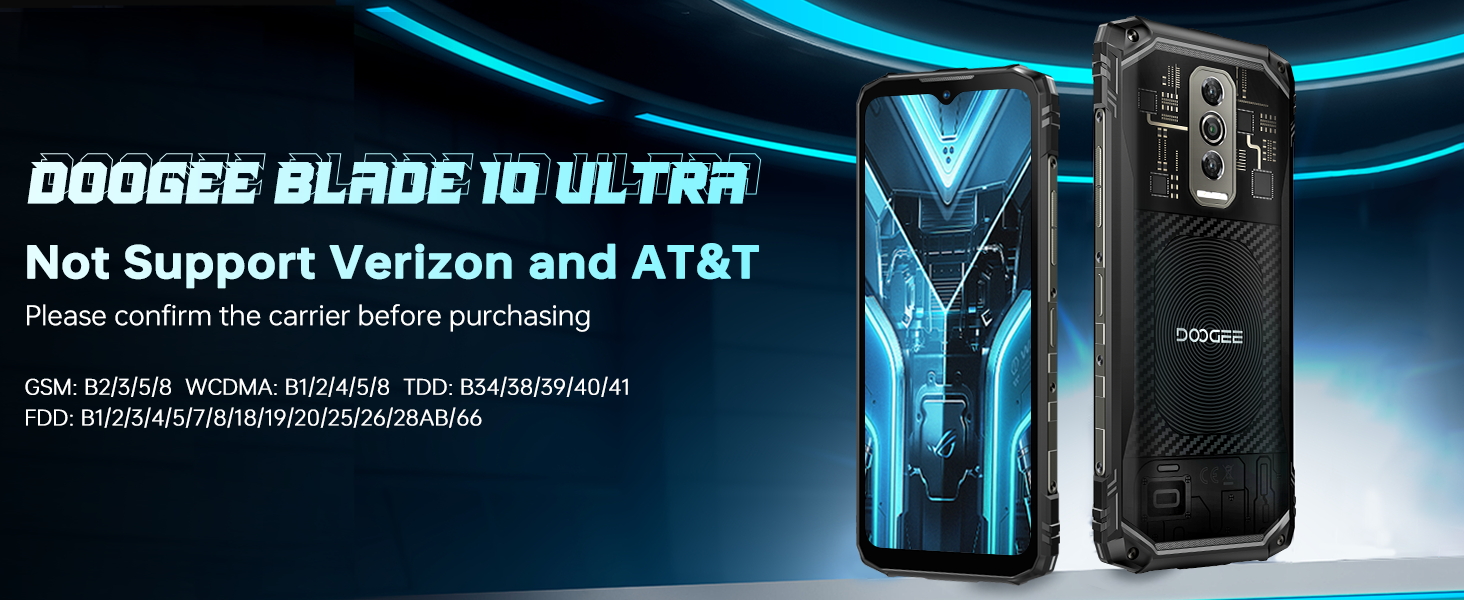
Image: A warning graphic stating that the DOOGEE Blade 10 Ultra does not support Verizon and AT&T, with a list of supported frequency bands.
5. Údržba
5.1 Rugged Features and Care
The DOOGEE Blade 10 Ultra is built with IP68/IP69K dust and waterproof ratings and MIL-STD-810H certification, providing 360° protection. While designed for harsh environments, proper care is still essential:
- Vystavení vodě: Ensure all port covers are securely closed before exposing the phone to water. After exposure to water, especially saltwater, rinse the phone with clean fresh water and dry it thoroughly before charging or opening any ports.
- Ochrana proti nárazu: While drop-resistant, avoid unnecessary drops onto hard surfaces.
- Teplota: The phone is designed to operate in extreme temperatures (-30°C to 70°C), but prolonged exposure to extreme heat or cold can affect battery life and performance.

Obrázek: Grafická ukázkaasing the IP68, IP69K, and MIL-STD-810H certifications for the DOOGEE Blade 10 Ultra, indicating its waterproof, dustproof, and military-grade durability.
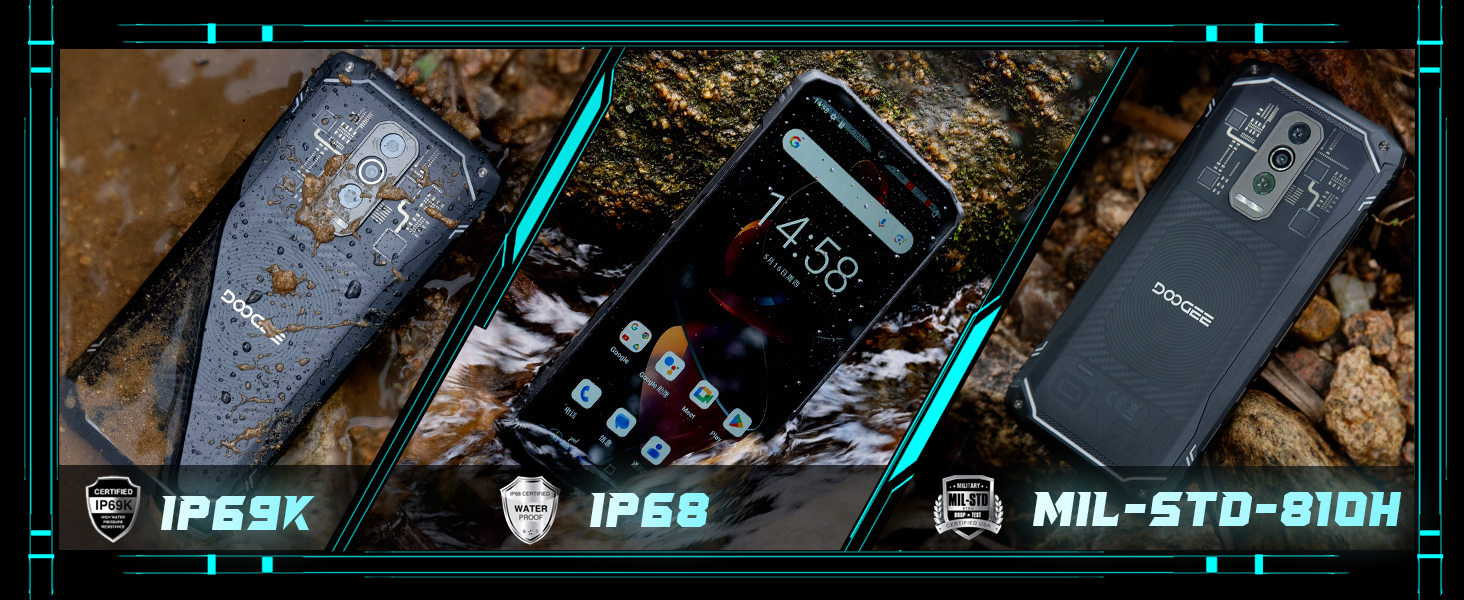
Obrázek: Tři views of the DOOGEE Blade 10 Ultra, one covered in mud, one wet, and one clean, emphasizing its IP69K, IP68, and MIL-STD-810H ratings.
5.2 Čištění
To clean your phone, use a soft, lint-free cloth. For stubborn dirt or grime, especially after outdoor use, you can rinse the phone under clean running water (ensure all ports are sealed) and then dry it thoroughly. Avoid using harsh chemicals or abrasive materials.
5.3 Skladování
When storing the device for extended periods, ensure it is charged to about 50% and powered off. Store it in a cool, dry place away from direct sunlight and extreme temperatures.
6. Řešení problémů
6.1 Zařízení se nezapíná
- Ujistěte se, že je baterie nabitá. Připojte nabíječku a před zapnutím počkejte několik minut.
- Stiskněte a podržte tlačítko napájení po dobu alespoň 10–15 sekund, abyste provedli nucený restart.
6.2 Problémy s připojením k síti
- Zkontrolujte, zda je vaše SIM karta správně vložena.
- Verify that your carrier is supported by the device (refer to section 4.8).
- Zapnutí a vypnutí režimu Letadlo.
- Restartujte zařízení.
6.3 Pády nebo zamrzání aplikací
- Zavřete aplikace na pozadí.
- Clear the cache of the problematic app (Settings > Apps > [App Name] > Storage > Clear Cache).
- Ujistěte se, že je aplikace aktualizována na nejnovější verzi.
- If issues persist, consider uninstalling and reinstalling the app.
6.4 Rychlé vybíjení baterie
- Snižte jas obrazovky.
- Pokud nepoužíváte nepoužívané funkce, jako je Wi-Fi, Bluetooth, GPS nebo NFC, vypněte je.
- Identify and close power-consuming apps running in the background.
- Zkontrolujte aktualizace systému, protože ty často zahrnují optimalizace baterie.
7. Specifikace
| Funkce | Specifikace |
|---|---|
| Název modelu | Blade 10 Ultra |
| Operační systém | Android 14 |
| BERAN | 20 GB (8 GB fyzické + 12 GB virtuální) |
| Interní úložiště | 256 GB |
| Rozšiřitelné úložiště | Až 1 TB (TF karta) |
| Velikost obrazovky | 6.56 palce |
| Rozlišení displeje | 720 x 1612 HD+ |
| Obnovovací frekvence | 90 Hz |
| Hlavní fotoaparát | 50MP umělá inteligence |
| Přední kamera | 8 MP |
| Kapacita baterie | 5150 XNUMX mAh |
| Nabíjení | Rychlé nabíjení 10W |
| Trvanlivost | IP68/IP69K vodotěsný a prachotěsný, MIL-STD-810H |
| Konektivita | 4G Dual SIM, Wi-Fi 2.4G/5G, Bluetooth, NFC, GPS |
| Zabezpečení | Face ID, rozpoznávání otisků prstů na boku |
| Rozměry | 10.7mm Ultra-thin body |
| Hmotnost položky | 15.5 unce |
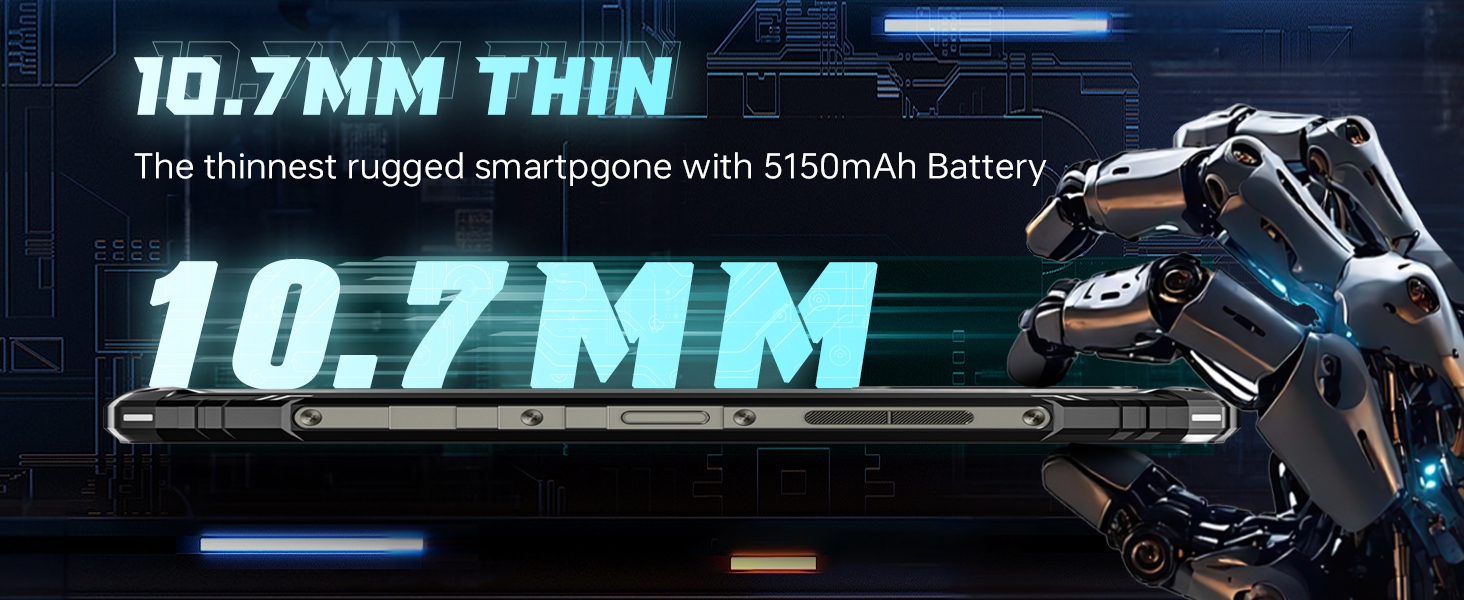
Obrázek: Vedlejší profesionálfile view of the DOOGEE Blade 10 Ultra, highlighting its 10.7mm thinness, emphasizing its slim design for a rugged smartphone.
8. Záruka a podpora
DOOGEE offers a 30-day no-reason return policy for the Blade 10 Ultra. Additionally, long-term technical support and 24-hour online customer service are available to assist you with any inquiries or issues. For support, please refer to the contact information provided on the After-Sales Card included in your package or visit the official DOOGEE webmísto.
Ask a question about this manual
Ask about setup, troubleshooting, compatibility, parts, safety, or missing instructions. Manuals+ will review the question and use this page’s manual context to help answer it.