
1. Úvod
Thank you for choosing the Delton Wireless Ergonomic Keyboard. This full-size keyboard is designed to provide a comfortable and efficient typing experience with its ergonomic split design, integrated wrist rest, and quiet, responsive keys. It connects wirelessly via a 2.4G USB dongle, offering broad compatibility with various devices.

Image 1: Delton Wireless Ergonomic Keyboard with its 2.4G USB dongle.
2. Obsah balení
Prosím, ověřte, zda jsou v balení přítomny všechny položky:
- Delton Wireless Ergonomic Keyboard
- 2.4G USB dongle
- Uživatelská příručka (tento dokument)
3. Nastavení
3.1. Instalace baterie
- Vyhledejte přihrádku na baterie na spodní straně klávesnice.
- Otevřete kryt bateriového prostoru.
- Vložte dvě (2) baterie typu AA a dbejte na správnou polaritu (+/-). Baterie nejsou součástí dodávky.
- Bezpečně zavřete kryt bateriového prostoru.

Image 2: Illustration of battery installation in the keyboard's underside compartment.
3.2. Connecting the USB Dongle
The keyboard utilizes 2.4GHz wireless technology for a stable connection.
- Locate the 2.4G USB dongle, typically found in the battery compartment or packaged separately.
- Plug the USB dongle into an available USB port on your computer, laptop, or compatible smart device.
- The keyboard should automatically connect to your device within a few seconds. No additional drivers or software installation is required.

Image 3: The 2.4G USB dongle being inserted into a laptop's USB port for automatic pairing.
3.3. Kompatibilita
This keyboard is widely compatible with:
- PCs (Windows operating systems)
- Notebooky
- Mac devices (macOS)
- Tablet PCs (iOS and other compatible systems)
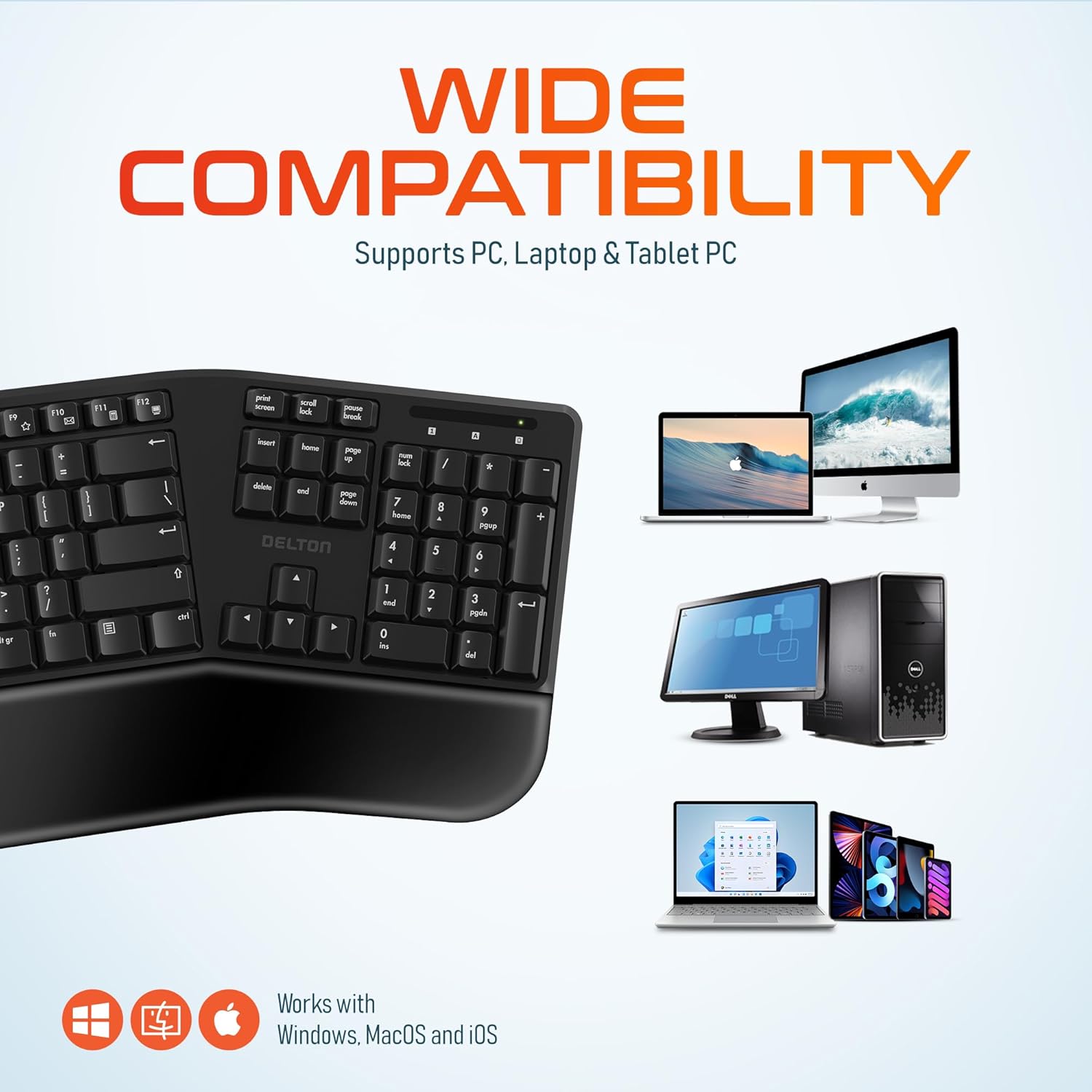
Image 4: Visual representation of the keyboard's wide compatibility with different operating systems and device types.
4. Návod k obsluze
4.1. Základy psaní
Once connected, the keyboard functions like a standard full-size keyboard. The keys are designed for quiet and precise typing, with a smooth feel and ergonomic curvature for comfort.
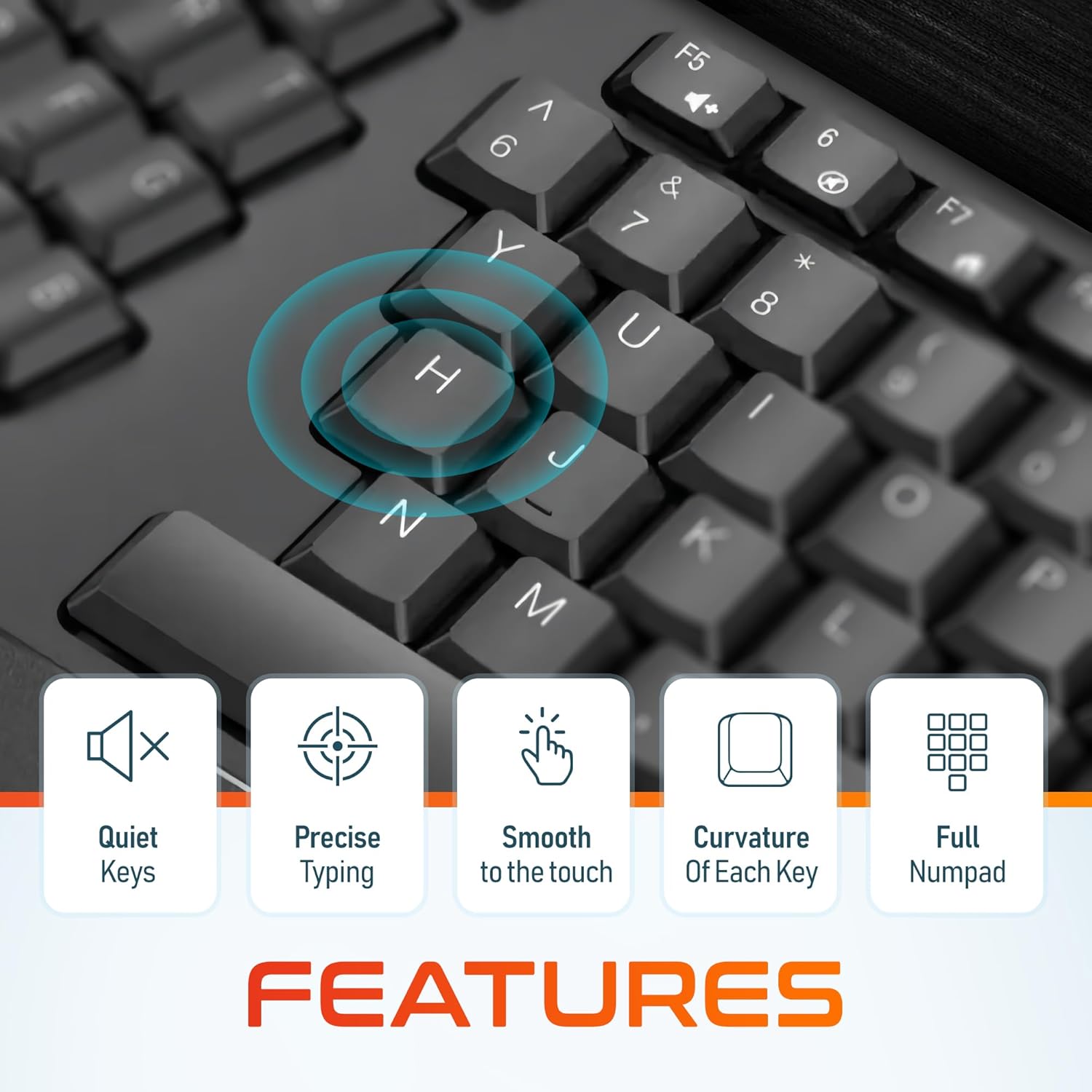
Obrázek 5: Detail view of the keyboard keys, illustrating their quiet operation, precise response, smooth texture, and ergonomic curvature.
4.2. Function Keys and Hotkeys
The keyboard includes a full set of 105 keys, including a dedicated numpad and various function keys (F1-F12) and media hotkeys. These hotkeys provide quick access to functions such as volume control, media playback, and more. Refer to your device's operating system documentation for specific hotkey functionalities.
4.3. Režim úspory energie
To conserve battery life, the keyboard features an automatic power saver mode. If inactive for 10 minutes, the keyboard will enter a sleep state. To wake it up, simply press any key. The keyboard will instantly reconnect to your device.
5. Vlastnosti
- Ergonomický design: Features a split keyset design and a comfortable, pillowed wrist rest to reduce strain and promote a natural typing posture. This design is intended to improve comfort during extended use.
- Bezdrátové připojení 2.4 GHz: Provides a reliable wireless connection with an impressive maximum range of 8 meters (approximately 26 feet).
- Tiché a citlivé klávesy: Engineered for a quiet typing experience with precise and smooth key presses.
- Rozložení v plné velikosti: Includes 105 keys with a full numpad for comprehensive functionality.
- Prodloužená životnost baterie: With the auto power saver mode, two AA batteries can last up to 15 months.
- Odolná konstrukce: Built with quality materials to withstand daily use.

Image 6: Comparison illustrating the ergonomic benefits of the split keyboard design over a traditional flat keyboard, showing reduced wrist strain.

Image 7: Diagram illustrating the 2.4GHz wireless connectivity with an 8-meter maximum range for stable operation.
6. Údržba
6.1. Čištění
Pro zachování vzhledu a funkčnosti klávesnice:
- K otření povrchu klávesnice použijte měkký, suchý hadřík, který nepouští vlákna.
- Pro odolnou špínu lehceampOmyjte hadřík vodou nebo jemným, neabrazivním čisticím prostředkem. Zabraňte nadměrné vlhkosti.
- Nestříkejte čisticí roztoky přímo na klávesnici.
- Use compressed air to remove debris from between the keys.
6.2. Výměna baterie
When the keyboard's performance diminishes or it fails to connect, it may be time to replace the batteries. Follow the steps in Section 3.1 to replace the two AA batteries.
7. Řešení problémů
If you encounter issues with your Delton Wireless Ergonomic Keyboard, please refer to the following common solutions:
| Problém | Možná příčina | Řešení |
|---|---|---|
| Klávesnice nereaguje | Nízké nebo vybité baterie | Vyměňte dvě baterie typu AA. |
| Klávesnice nereaguje | USB dongle not connected or loose | Ensure the USB dongle is securely plugged into a working USB port. Try a different USB port. |
| Klávesnice nereaguje | Rušení nebo mimo dosah | Move the keyboard closer to the USB dongle (within 8 meters). Remove any objects that might be causing interference. |
| Klávesy se zasekávají nebo nereagují | Nečistoty nebo nečistoty pod klíči | Clean the keyboard using compressed air or a soft brush. |
| Klávesnice se často odpojuje | Weak signal or battery | Replace batteries. Ensure the dongle is in line of sight and close to the keyboard. |
8. Specifikace

Image 8: Diagram illustrating the physical dimensions of the Delton Wireless Ergonomic Keyboard.
| Funkce | Detail |
|---|---|
| Číslo modelu | KB200 |
| Technologie připojení | 2.4GHz bezdrátové připojení (USB adaptér) |
| Bezdrátové Dosah | Až 8 metrů |
| Rozložení klávesnice | Full-Size, 105 Keys with Numpad |
| Speciální funkce | Ergonomic Split Keyset Design, Wrist Rest, Hotkeys, Media Keys, Stain Resistant |
| Kompatibilní zařízení | Desktop, Laptop, Mac, PC |
| Zdroj napájení | 2 x AA baterie (nejsou součástí balení) |
| Životnost baterie | Up to 15 months (with auto power saver) |
| Rozměry produktu | 19.7 x 8.3 x 1.6 palce (50.04 x 21.08 x 4.06 cm) |
| Hmotnost položky | 2.4 libry (1.09 kg) |
| Materiál | Plast |
| Barva | Černý |
| Výrobce | Delton |
9. Záruka a podpora
For warranty information and customer support, please refer to the warranty card included with your product or visit the official Delton website. You may also contact Delton customer service directly for assistance with product inquiries or technical support.
Delton Customer Support: Please refer to the contact information provided on the product packaging or the official Delton webmísto.