
DOOGEE U10
Uživatelská příručka k tabletu DOOGEE U10
Model: U10
1. Úvod
Welcome to the user manual for your new DOOGEE U10 Tablet. This guide provides detailed instructions to help you get started, operate, maintain, and troubleshoot your device. The DOOGEE U10 is a modern tablet featuring the latest Android 14 system, a vibrant 10.1-inch IPS display, and robust performance capabilities.
Klíčové vlastnosti
- Operační systém: Android 14 for a smooth and secure experience.
- Zobrazit: 10.1-inch IPS HD (1280x800) with TÜV Low Blue Light Eye Protection.
- Výkon: Rockchip RK3562 Quad-core Processor, 9GB RAM (4GB + 5GB virtual).
- Skladování: 128GB internal storage, expandable up to 1TB via TF card.
- Kamery: 8MP Rear Camera and 5MP Front Camera for clear photos and video calls.
- Baterie: Dlouhotrvající baterie s kapacitou 5060 mAh.
- Konektivita: Ultra-fast WiFi 6, Bluetooth 5.0, and OTG support.
- Streamování: Widevine L1 support for high-quality streaming on platforms like Amazon Prime Video and Hulu.

Obrázek: Overview of DOOGEE U10 Tablet's main features including screen size, connectivity, OS, eye protection, memory, battery, and camera specifications.
2. Nastavení
2.1 Co je v krabici
Upon unboxing your DOOGEE U10 Tablet, please ensure all the following items are present:
- 1 x tablet DOOGEE U10 s Androidem 14
- 1 x USB kabel typu C
- 1x Nabíječka
- 1 x Uživatelská příručka (tento dokument)
- 1 x Záruční list
2.2 Počáteční nabíjení
Before first use, it is recommended to fully charge your tablet. Connect the provided Type-C USB cable to the tablet's charging port and the charger to a power outlet. The charging indicator will show the charging status. A full charge typically takes a few hours.

Image: Illustration of the 5060mAh battery capacity and charging port, indicating fast charging capability and a 3.5mm headphone jack.
2.3 Zapnutí/vypnutí
- Zapnutí: Press and hold the Power button (usually located on the side) until the DOOGEE logo appears on the screen.
- Vypnutí: Stiskněte a podržte tlačítko Napájení, dokud se nezobrazí nabídka vypnutí. Vyberte „Vypnout“ a potvrďte.
- Restartovat: V nabídce vypnutí vyberte možnost „Restartovat“.
2.4 Počáteční konfigurace
Postupujte podle pokynů na obrazovce a dokončete počáteční nastavení:
- Vyberte preferovaný jazyk.
- Připojte se k síti Wi-Fi.
- Přijměte smluvní podmínky.
- Přihlaste se pomocí svého účtu Google nebo si vytvořte nový.
- Nastavte zámek obrazovky (PIN, vzorec, heslo nebo Face ID).
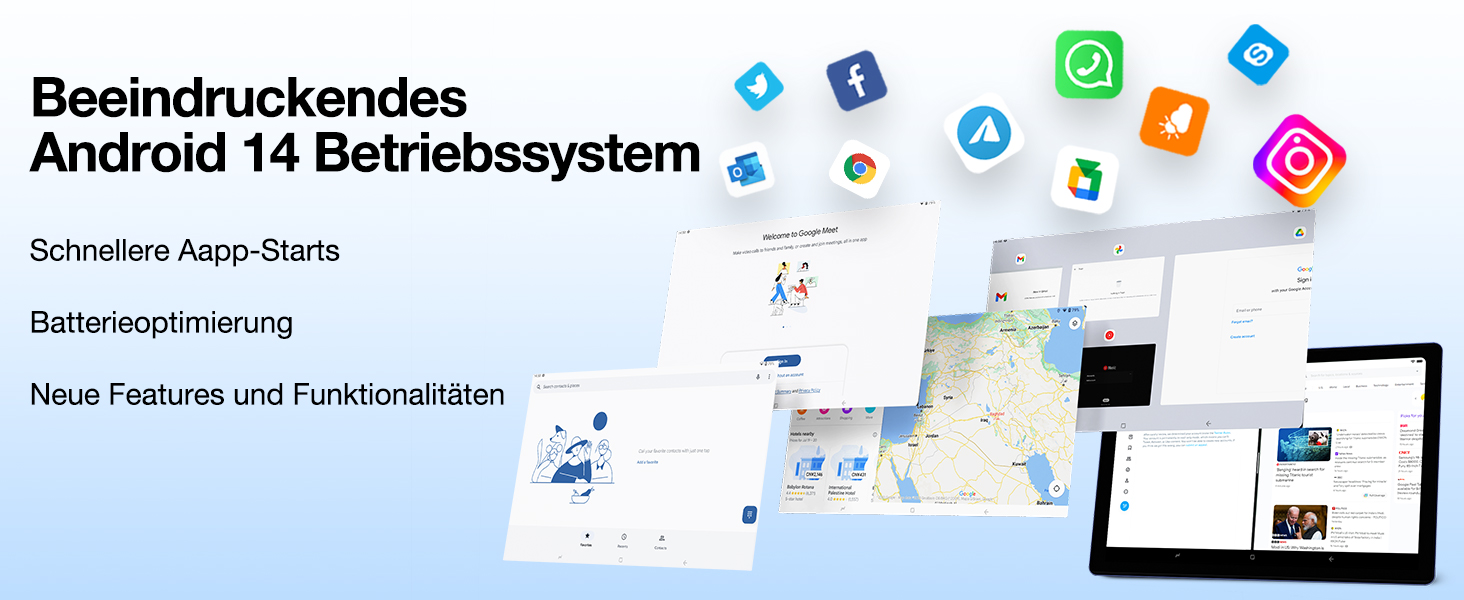
Image: Visual representation of the Android 14 operating system interface, highlighting faster app starts and battery optimization.
3. Ovládání tabletu
3.1 Základní navigace
The DOOGEE U10 Tablet uses touch gestures for navigation:
- Klepněte na: Výběr položky nebo otevření aplikace.
- Výpad: Procházení stránek nebo seznamů.
- Štípání: Pro přiblížení nebo oddálení obrázků nebo web stránky.
- Dlouhé stisknutí: Pro přístup k kontextovým nabídkám nebo přesun ikon.
3.2 Konektivita
Your tablet supports advanced connectivity options:
- Wi-Fi 6: For high-speed internet access. Go to Settings > Network & internet > Wi-Fi, then select your network and enter the password.
- Bluetooth 5.0: For connecting wireless headphones, speakers, or other Bluetooth devices. Go to Settings > Connected devices > Bluetooth, turn it on, and pair with your device.
- OTG (Na cesty): Allows you to connect USB devices like flash drives, keyboards, or mice using a compatible OTG adapter (not included).
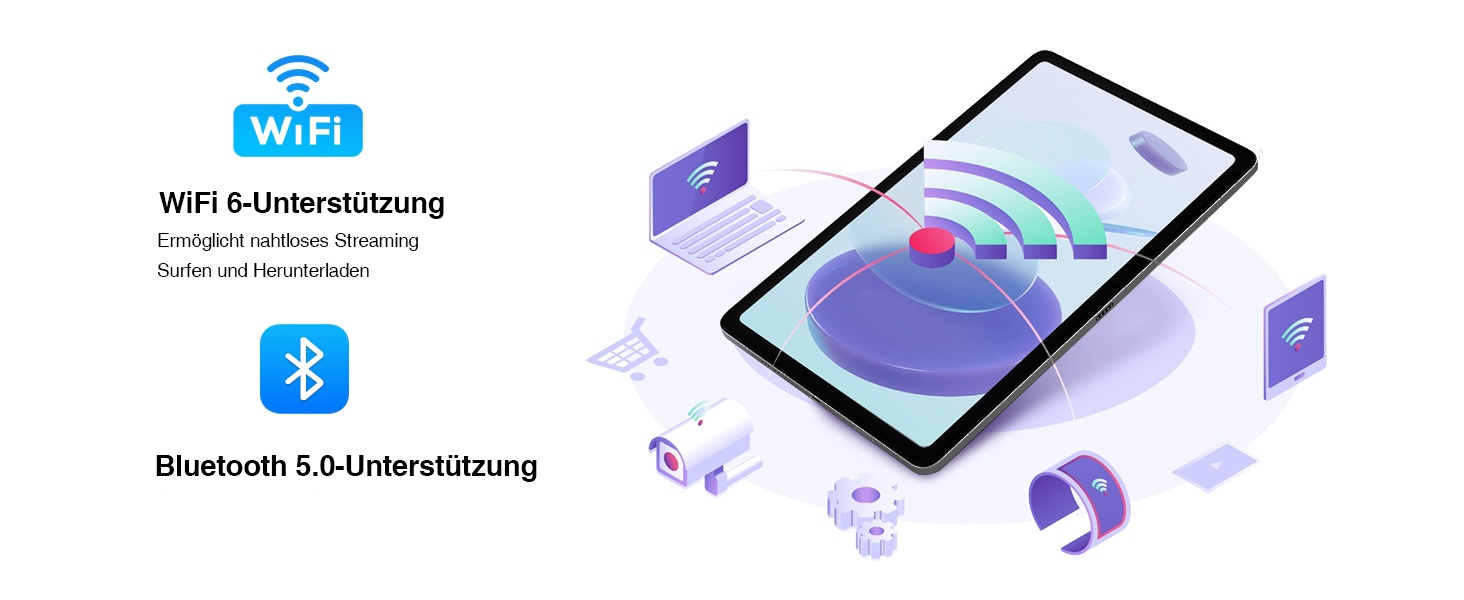
Image: Visual representation of WiFi 6 and Bluetooth 5.0 support, enabling seamless streaming, browsing, and downloading, and connecting to various devices.
3.3 Použití kamery
The DOOGEE U10 features an 8MP rear camera and a 5MP front camera. Open the Camera app to capture photos and videos. Switch between front and rear cameras using the icon on the screen.

Image: Close-up of the tablet's dual camera system, highlighting the 5MP front and 8MP rear cameras, suitable for photos and video chats.
3.4 Správa úložiště
Your tablet comes with 128GB of internal storage. You can expand this up to 1TB using a microSD (TF) card. Insert the TF card into the designated slot. To manage storage, go to Settings > Storage.
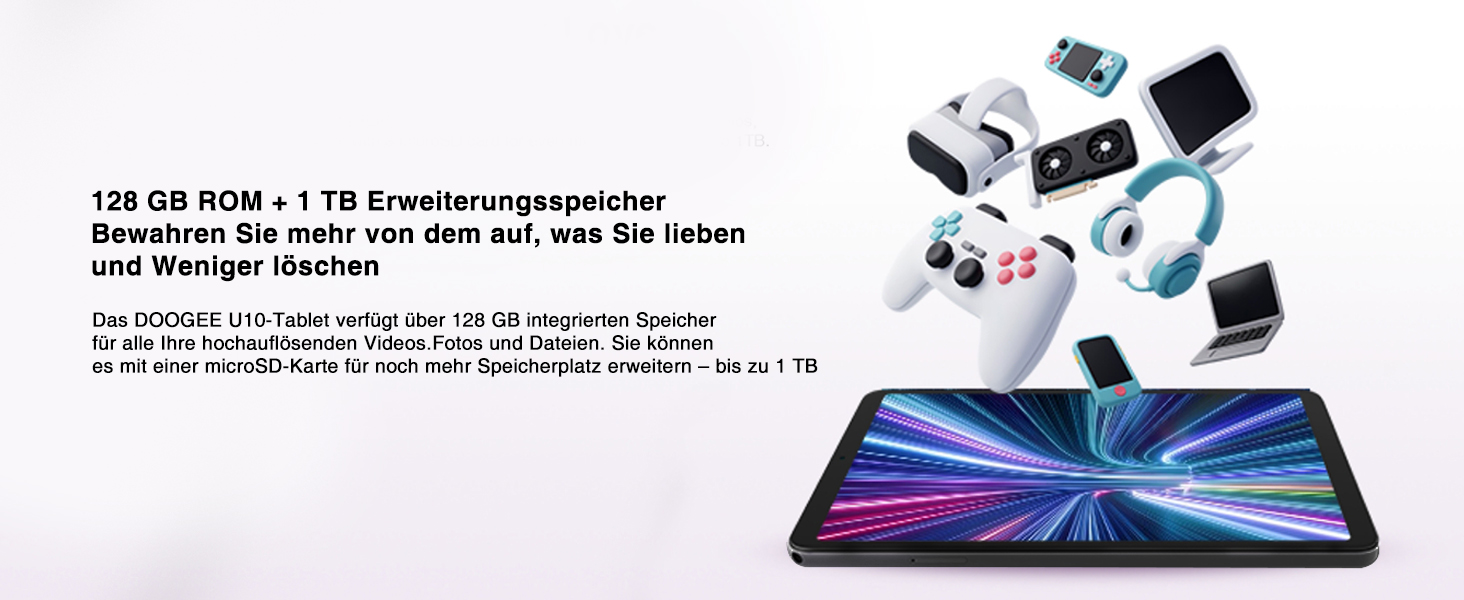
Image: Depiction of the tablet's 128GB ROM and 1TB expandable storage, illustrating ampprostor pro média a files.
3.5 Entertainment Features
- Podpora Widevine L1: Enjoy high-definition content from streaming services like Amazon Prime Video, Hulu, and HBO Max.
- Vysílání obrazovky: Share your tablet's screen to a larger display, such as a TV, for presentations or family viewIng.
- Funkce rozdělené obrazovky: Enhance productivity by running two apps side-by-side, allowing for seamless multitasking.
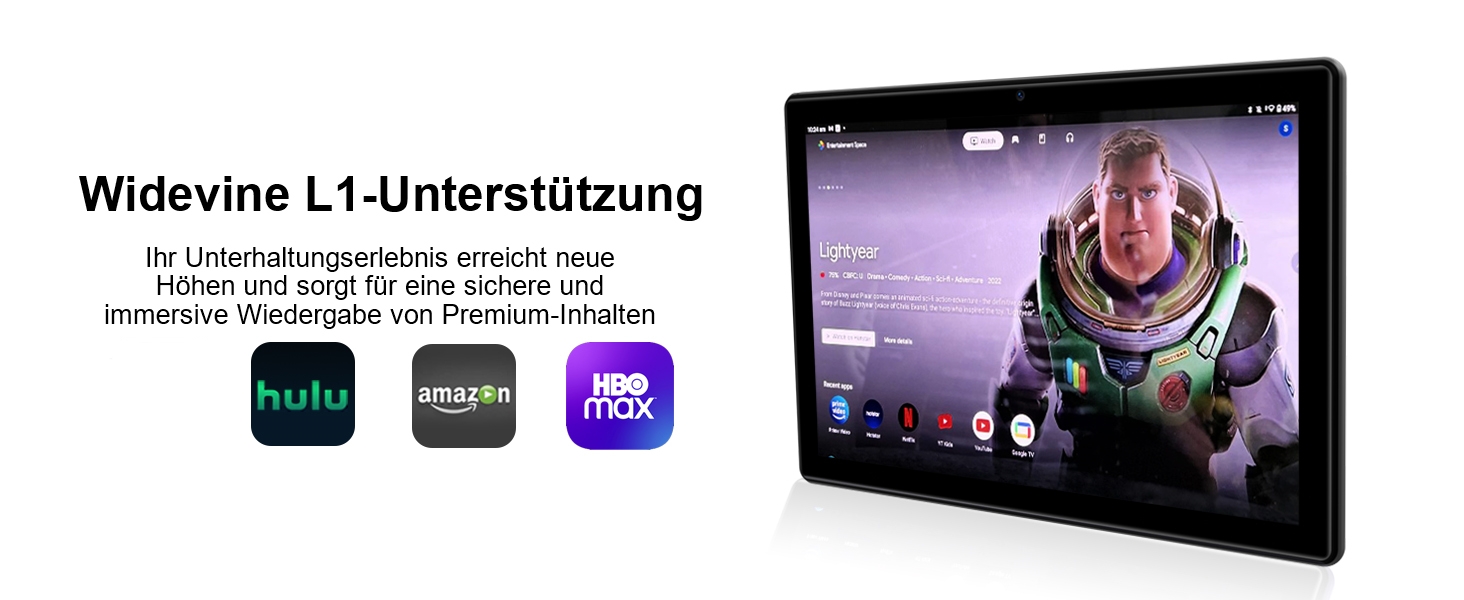
Image: The tablet displaying streaming service logos (Hulu, Amazon, HBO Max) and content, indicating Widevine L1 support for premium content playback.
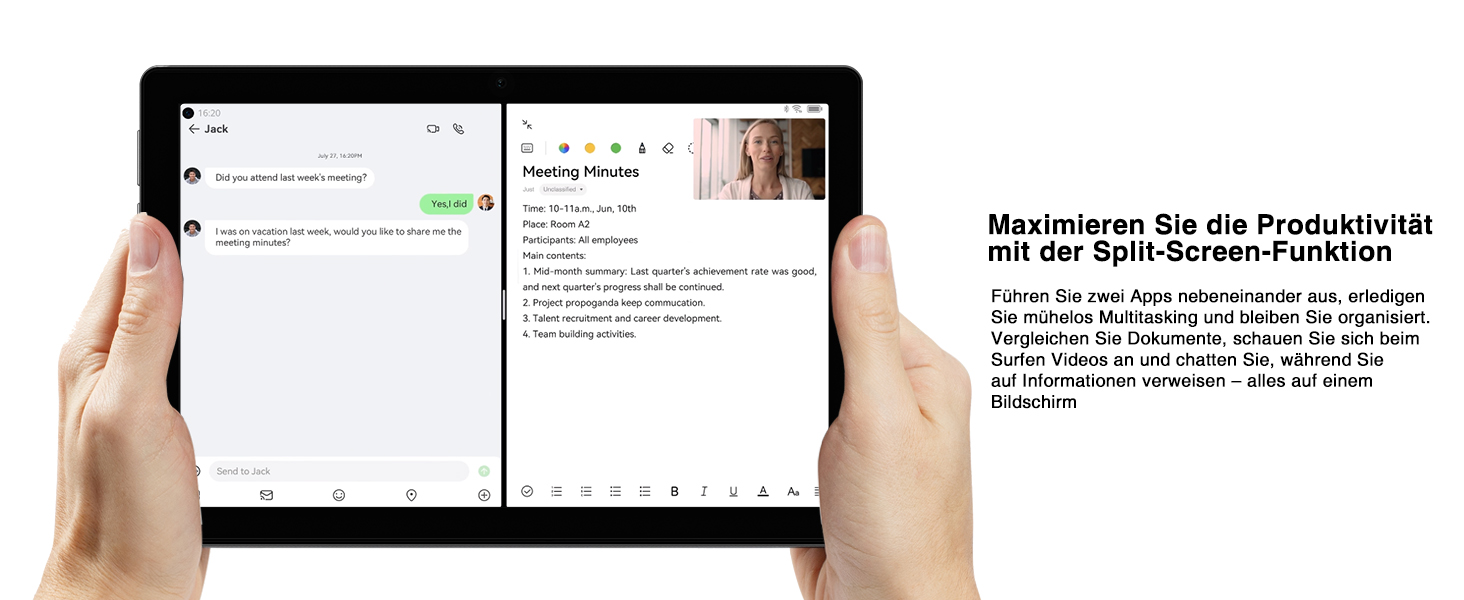
Image: A tablet screen split into two applications, demonstrating the split-screen feature for enhanced productivity and multitasking.
4. Údržba
4.1 Péče o baterii
Pro maximalizaci životnosti vaší 5060mAh baterie:
- Vyhněte se extrémním teplotám.
- Před pravidelným nabíjením nenechte baterii zcela vybít.
- Pro optimální nabíjení použijte dodanou nabíječku.
- Povolte režimy úspory energie, když je baterie téměř vybitá.
4.2 Čištění tabletu
K čištění obrazovky a těla tabletu použijte měkký hadřík, který nepouští vlákna. V případě odolných šmouh je lehceampOtřete hadřík vodou nebo čističem obrazovek. Nepoužívejte agresivní chemikálie ani abrazivní materiály.
4.3 Aktualizace softwaru
Keep your tablet's software up to date to ensure optimal performance and security. Go to Settings > System > System update to check for and install available updates.
4.4 Optimalizace úložiště
Pravidelně znovuview vaše nainstalované aplikace a files. Odinstalujte nepoužívané aplikace a smažte nepotřebné files to free up storage space and improve performance. Consider moving large media filena externí TF kartu.
5. Řešení problémů
This section addresses common issues you might encounter with your DOOGEE U10 Tablet. If the problem persists, please contact customer support.
| Problém | Možná příčina | Řešení |
|---|---|---|
| Tablet does not turn on or charge. | Battery is completely drained; faulty charger/cable; hardware issue. | Ensure the charger and cable are securely connected. Try a different power outlet. Allow the tablet to charge for at least 30 minutes before attempting to power on. If still unresponsive, perform a forced restart by holding the power button for 10-15 seconds. |
| Wi-Fi connection is unstable or not connecting. | Incorrect password; router issue; interference. | Verify the Wi-Fi password. Restart your Wi-Fi router. Move closer to the router. Forget the network on your tablet and reconnect. |
| Tablet is slow or apps are freezing. | Příliš mnoho spuštěných aplikací; málo úložiště; zastaralý software. | Close background apps. Clear app caches (Settings > Apps > [App Name] > Storage & cache > Clear cache). Free up internal storage. Check for system updates. Restart the tablet. |
| Kamera nefunguje. | App permissions; software glitch. | Check camera permissions for the Camera app (Settings > Apps > Camera > Permissions). Restart the tablet. Clear the Camera app's cache and data. |
| Screen display issues (e.g., flickering, incorrect colors). | Software glitch; hardware defect. | Restart the tablet. Ensure the TÜV Low Blue Light Eye Protection mode is not causing an unintended effect if you prefer standard display. If the issue persists, it may indicate a hardware problem. |
6. Specifikace
| Funkce | Detail |
|---|---|
| Značka | DOOGEE |
| Model | U10 (DOOGEE U10 TABLET) |
| Rozměry | 1 x 1 x 1 cm; 509 gramů |
| Velikost displeje | 10.1 palců |
| Rozlišení displeje | 1280 x 800 pixelů (IPS HD) |
| Procesor | Rockchip RK3562 Quad-core, 2.0 GHz |
| BERAN | 9GB (4GB + 5GB virtual expansion) |
| Interní úložiště | 128GB ROM |
| Rozšiřitelné úložiště | Až 1 TB (TF karta) |
| Operační systém | Android 14 |
| Kapacita baterie | 5060 XNUMX mAh |
| Zadní kamera | 8 MP |
| Přední kamera | 5 MP |
| Typ Wi-Fi | 802.11ax (Wi-Fi 6) |
| Bluetooth | Bluetooth 5.0 |
| Porty | Typ C, 3.5mm konektor pro sluchátka |
| Speciální funkce | Widevine L1, TÜV Low Blue Light Eye Protection, OTG, Face ID |

Image: Detailed diagram of the Rockchip RK3562 CPU, highlighting its quad-core processor, 2.0 GHz speed, and memory capabilities (9GB RAM, 128GB ROM, 1TB TF).
7. Záruka a podpora
Společnost DOOGEE se zavázala k poskytování vysoce kvalitních produktů a vynikajícího zákaznického servisu.
- Záruka vrácení peněz: Využijte 30denní záruku vrácení peněz a možnost bezplatného vrácení zboží.
- Omezená záruka: Your DOOGEE U10 Tablet comes with a 2-year limited warranty.
- Online podpora: 24/7 online support is available for any queries or assistance you may need.
For further assistance, please refer to the warranty card included in your package or visit the official DOOGEE support webmísto.

Image: Icons representing after-sales support, including a 30-day money-back guarantee, 2-year limited warranty, and 24/7 online support.
Ask a question about this manual
Ask about setup, troubleshooting, compatibility, parts, safety, or missing instructions. Manuals+ will review the question and use this page’s manual context to help answer it.