
1. Úvod
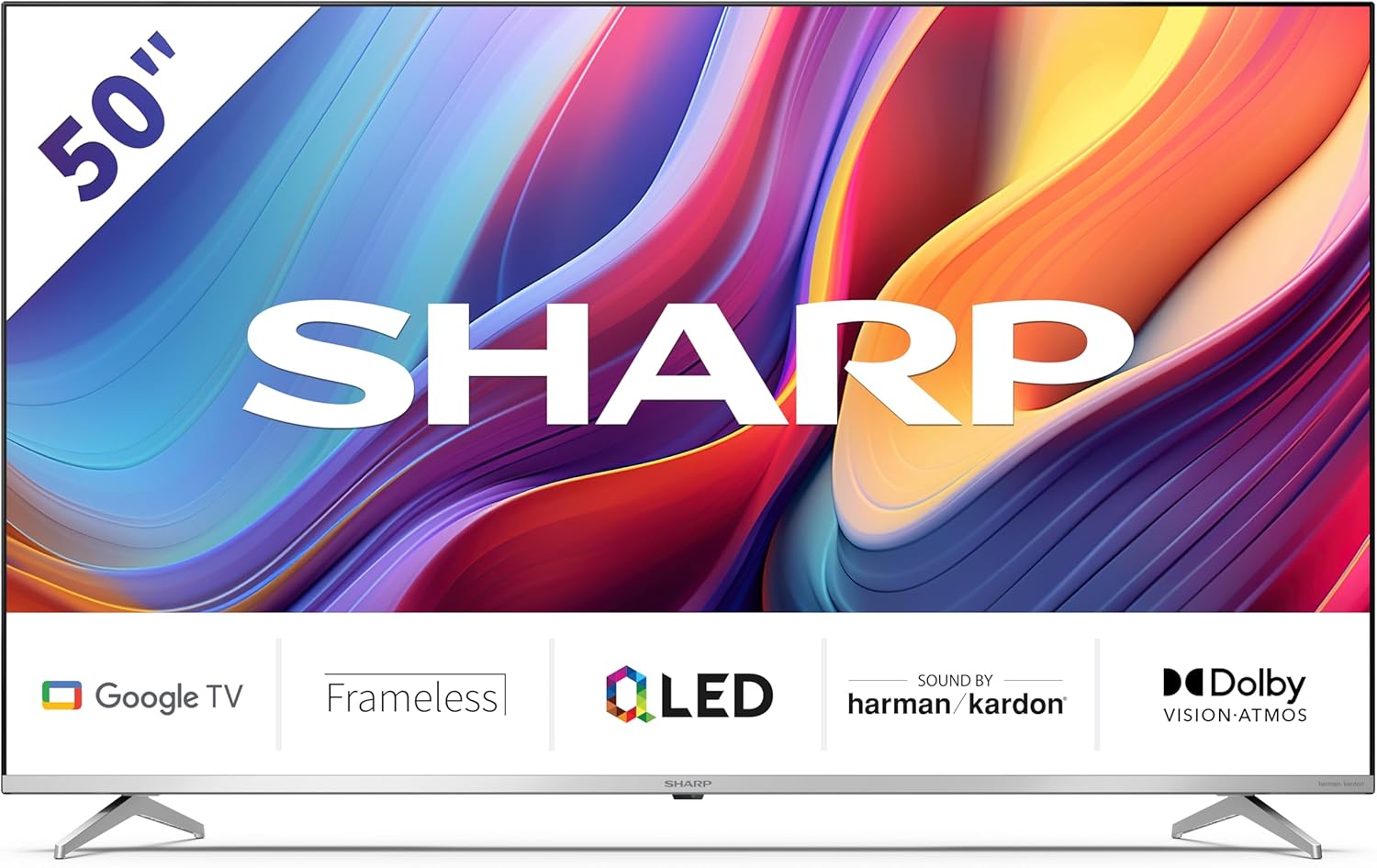
Welcome to the user manual for your new Sharp 50GP6265E 50-inch QLED 4K Ultra HD Google TV. This manual provides essential information for the safe and efficient use of your television. Please read it thoroughly before operating the device and retain it for future reference.
Důležité bezpečnostní informace
- Ensure the television is placed on a stable surface to prevent it from falling.
- Neblokujte větrací otvory. Správné proudění vzduchu je zásadní pro prevenci přehřátí.
- Chraňte napájecí kabel před pošlapáním nebo přiskřípnutím.
- Do not expose the TV to rain or moisture to reduce the risk of fire or electric shock.
- Veškeré opravy svěřte kvalifikovanému servisnímu personálu.
2. Co je v krabici
Po vybalení se prosím ujistěte, že jsou součástí balení všechny následující komponenty:
- Sharp 50GP6265E 50-inch QLED 4K Ultra HD Google TV
- Dálkové ovládání
- 2 x AAA baterie (pro dálkové ovládání)
- Průvodce rychlým startem
- TV stands (if not wall-mounted)
- Napájecí kabel
3. Nastavení
3.1 Vybalení
Carefully remove the television from its packaging. It is recommended to keep the original packaging for potential future transport or servicing.
3.2 Instalace stojanu
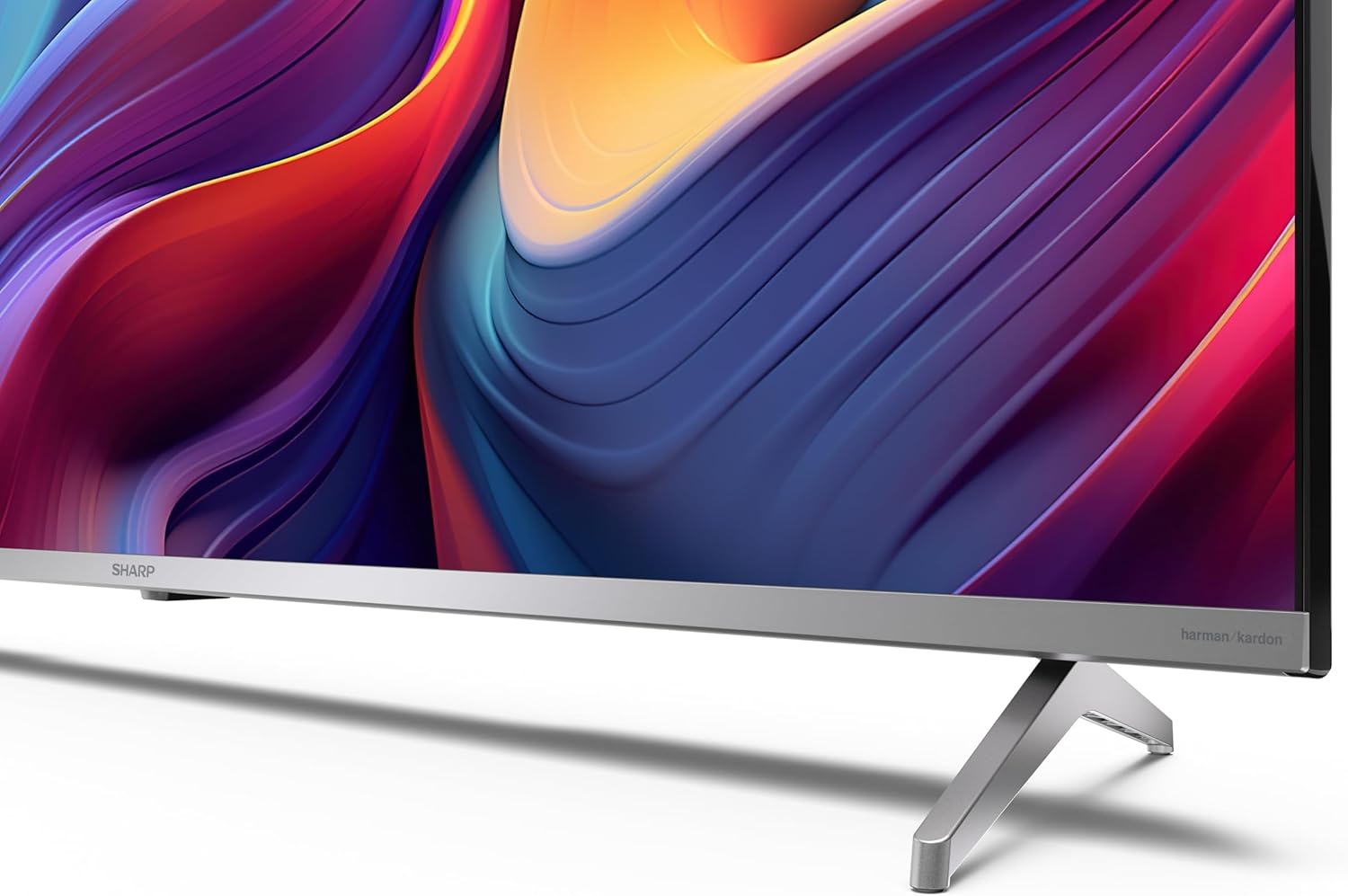
If you are not wall-mounting the television, attach the included stands to the bottom of the TV. Ensure the screws are securely fastened. Refer to the quick start guide for detailed diagrams.
3.3 Montáž na stěnu
For wall mounting, the VESA dimensions required are 400 x 300 mm. Use a compatible wall mount bracket (sold separately) and follow the instructions provided with the bracket. Ensure the wall can support the weight of the television (9.7 kg net weight).

3.4 Připojení periferních zařízení
Váš televizor Sharp nabízí různé možnosti připojení:
- HDMI: Connect external devices such as Blu-ray players, gaming consoles, or set-top boxes using the 4 HDMI 2.1 ports. One port supports eARC for enhanced audio return channel functionality.
- USB: Use the 2 USB ports for connecting external storage devices to play media or for service updates.
- Ethernet: Pro stabilní kabelové připojení k internetu.
- Wi-Fi: Pro bezdrátové připojení k internetu.
- Bluetooth: Připojte bezdrátová sluchátka, soundbary nebo jiné příslušenství s podporou Bluetooth.

3.5 První nastavení
After connecting the power cable and turning on the TV, follow the on-screen instructions to complete the initial setup. This typically includes language selection, network connection, and Google account sign-in for Google TV features.
4. Ovládání vašeho televizoru
4.1 Dálkové ovládání
The included remote control allows you to navigate the TV's interface, adjust volume, change channels, and access smart features. Insert the 2 AAA batteries into the remote control, ensuring correct polarity.
4.2 Rozhraní Google TV
Your Sharp TV runs on Google TV, which organizes movies, shows, and live TV from all your apps and subscriptions. The home screen provides personalized recommendations and quick access to your favorite content.

Supported internet services include Netflix, Amazon Prime Video, HBO, Disney+, Movistar+, DAZN, Atresmedia, KODI, IPTV, Steamlink, Twitch, VLC, YouTube, Puffin TV Browser, Spotify, Deezer, TuneIn Radio, and many more available on Google Play for Google TV.
4.3 Nastavení obrazu
Experience stunning visuals with 4K Ultra HD resolution and Quantum Dot technology for vibrant colors. The TV supports Dolby Vision and HDR10 for enhanced contrast and brightness. Access picture settings through the TV menu to customize brightness, contrast, color, and sharpness to your preference. AQUOS Smooth Motion technology provides image interpolation for smoother motion.
4.4 Nastavení zvuku
The integrated Harman/Kardon speaker system (2 x 12 W) delivers immersive audio. With Dolby Atmos support, you can enjoy a rich, multi-dimensional sound experience. Adjust sound modes and equalizer settings in the audio menu.
4.5 Chytré funkce
- Asistent Google: Používejte hlasové příkazy k vyhledávání obsahu, ovládání chytrých domácích zařízení a získávání informací.
- Vestavěný Chromecast: Přenášejte obsah ze svého chytrého telefonu, tabletu nebo počítače přímo na obrazovku televizoru.
5. Údržba
5.1 Čištění televizoru
- Před čištěním vždy odpojte televizor ze zásuvky.
- K otření obrazovky a skříně použijte měkký, suchý hadřík. V případě odolných skvrn lehceamphadřík vodou nebo specializovaným čističem obrazovek.
- Nepoužívejte abrazivní čisticí prostředky, vosky nebo rozpouštědla.
5.2 Aktualizace softwaru
Váš televizor může dostávat aktualizace softwaru pro zlepšení výkonu a přidání nových funkcí. Ujistěte se, že je váš televizor připojen k internetu, aby tyto aktualizace dostával automaticky, nebo je zkontrolujte ručně v nabídce nastavení.
6. Řešení problémů
Pokud se s televizorem setkáte s problémy, podívejte se na následující běžné problémy a jejich řešení:
| Problém | Možné řešení |
|---|---|
| Žádná síla | Zkontrolujte, zda je napájecí kabel bezpečně připojen k televizoru a do elektrické zásuvky. Ujistěte se, že je zásuvka funkční. |
| Žádný obraz, ale zvuk je přítomný | Ověřte, zda je vybrán správný vstupní zdroj. Zkontrolujte připojení externích zařízení. |
| Žádný zvuk, ale obraz je přítomen | Check the volume level and mute status. Ensure audio cables are correctly connected for external devices. |
| Dálkové ovládání nefunguje | Vyměňte baterie AAA. Ujistěte se, že mezi dálkovým ovladačem a infračerveným senzorem televizoru nejsou žádné překážky. |
| Problémy s připojením Wi-Fi | Restart your router and the TV. Re-enter the Wi-Fi password. Ensure the TV is within range of your Wi-Fi network. |
7. Specifikace
| Funkce | Detail |
|---|---|
| Značka | Ostrý |
| Číslo modelu | 50GP6265E |
| Velikost obrazovky | 50 palce |
| Technologie displeje | QLED, Quantum Dot |
| Rezoluce | 4K Ultra HD (3840 x 2160 pixelů) |
| Obnovovací frekvence | 60 Hz |
| Operační systém | Google TV |
| Podpora HDR | Dolby Vision, HDR10 |
| Audio systém | Harman/Kardon (2 x 12 W), Dolby Atmos |
| Konektivita | 4x HDMI 2.1 (with eARC), 2x USB, Wi-Fi, Bluetooth, Ethernet |
| Speciální funkce | Google Assistant, Chromecast built-in, AQUOS Smooth Motion |
| Držák na stěnu VESA | 400 x 300 mm |
| Rozměry (se stojanem) | 111.6P x 26.5l x 69.3H cm (1116.4 x 692.9 x 264.7 mm) |
| Rozměry (bez podstavce) | 111.6P x 9.2l x 65.1H cm (1116.4 x 651.3 x 91.5 mm) |
| Čistá hmotnost | 9.7 kg |
| Třída energetické účinnosti (SDR) | G (69 kWh/1000h) |
| Třída energetické účinnosti (HDR) | G (98 kWh/1000h) |

Podrobné informace o produktech a údaje o energetické účinnosti naleznete v databázi EPREL: https://eprel.ec.europa.eu/qr/1942440
8. Záruka a podpora
Information regarding spare parts availability and software updates is not explicitly provided for a guaranteed period. Please refer to the manufacturer's official website for the most up-to-date warranty terms and support information.
Výrobce: SHARP
Oficiální Webmísto: www.sharpconsumer.com
For customer service inquiries, please visit the Sharp consumer website or contact their support channels as listed on their official site.