
Zavedení
The 1Mii B03Pro is a versatile 3-in-1 Bluetooth audio adapter designed to enhance your home audio experience. It functions as a Bluetooth transmitter, a Bluetooth receiver, and offers a bypass mode. This device allows you to stream audio wirelessly to or from your existing audio systems, including home stereos, TVs, and speakers. Its broad compatibility and advanced audio codecs provide high-quality sound transmission.

Obrázek: Overview of the 1Mii B03Pro's three operational modes: Receiver, Transmitter, and Bypass.
Klíčové vlastnosti
- Funkce 3 v 1: Operates as a Bluetooth transmitter, receiver, and in bypass mode for flexible audio connectivity.
- Audiofilský DAC převodník: Equipped with an ESS SABRE9018K2M decoding chip, supporting up to 384 kHz/32-bit sampling for high-fidelity audio with a 121 dB Signal-to-Noise Ratio (SNR).
- Pokročilé Bluetooth 5.3: Features aptX Adaptive, aptX LL (Low Latency), and aptX HD codecs for high-quality, low-latency audio transmission and reception. aptX HD supports up to 48 kHz/24-bit audio.
- Rozšířený bezdrátový dosah: Provides a maximum operating distance of 80 meters (265 feet) outdoors and 35 meters (115 feet) indoors, allowing freedom of movement without losing audio connection.
- Podpora Dual Link: Can connect to two Bluetooth headphones or speakers simultaneously in transmitter mode.
- Široká kompatibilita: Supports AUX, RCA, and optical digital inputs/outputs, making it compatible with a variety of devices including amplifiers, speakers, TVs, computers, and mobile phones.

Image: Detail of the 1Mii B03Pro's top panel, showing codec indicators and the ESS SABRE DAC chip.

Image: Microchip labeled 'ESS ES9018K2M' on a circuit board, representing the integrated audiophile DAC.
Obsah balení
- 1Mii B03Pro Bluetooth vysílač/přijímač
- Napájecí kabel USB
- 3.5mm audio kabel
- RCA Audio Cable (3.5mm Female to RCA Male)
- Optický digitální kabel

Image: The 1Mii B03Pro unit and its included cables for various audio connections.
Rozložení zařízení
The 1Mii B03Pro features a user-friendly layout with clearly labeled ports and controls. Familiarize yourself with the device's front and rear panels for optimal setup and operation.
Ovládací prvky a indikátory na předním panelu:
- Mode Switch (TX/RX/Bypass): Selects the operational mode.
- Tlačítko párování Bluetooth: Zahájí režim párování.
- Tlačítka hlasitosti (+/-): Upravuje úroveň zvukového výstupu.
- Vypínač: Zapíná/vypíná zařízení.
- LED indikátory: Display current mode (TX/RX), active codec (SBC, aptX, LL, HD, AD), and connection status.
Porty na zadním panelu:
- DC IN: Vstup pro napájení přes USB.
- 3.5mm Out / Optical Out: Audio outputs for connecting to speakers or receivers.
- Optical In / 3.5mm In: Audio inputs for connecting to source devices like TVs or PCs.

Obrázek: Nahoře view of the 1Mii B03Pro, highlighting controls and indicators.

Obrázek: Zadní view of the 1Mii B03Pro, showing all connection ports.
Nastavení a provoz
1. Zapnutí zařízení
- Připojte dodaný napájecí kabel USB k DC IN port on the B03Pro.
- Plug the other end of the USB cable into a 5V USB power adapter (not included) or a powered USB port.
- Stiskněte tlačítko Tlačítko napájení to turn on the device. The LED indicators will light up.
2. Selecting Operating Mode (TX/RX/Bypass)
Use the mode switch on the front panel to select your desired operation mode:
- Režim TX (vysílač): Odesílání zvuku ze zařízení bez Bluetooth (např. televizoru, počítače) do sluchátek nebo reproduktorů Bluetooth.
- Režim RX (přijímač): To receive audio from a Bluetooth device (e.g., smartphone, tablet) and play it through a non-Bluetooth stereo system or speakers.
- Obtokový režim: To allow audio to pass through the device without Bluetooth processing, useful when you want to use your wired speakers directly.
3. Nastavení režimu přijímače (RX)
In RX mode, the B03Pro receives Bluetooth audio and outputs it to your wired audio system.
- Nastavte přepínač režimů na RX.
- Connect the B03Pro's 3.5mm Out or Optický výstup port to your stereo receiver, amplifier, or powered speakers using the appropriate audio cable.
- On your smartphone or tablet, enable Bluetooth and search for "1Mii B03Pro". Select it to pair.
- Once paired, the RX LED indicator will be solid, and you can stream audio from your device to your stereo system.
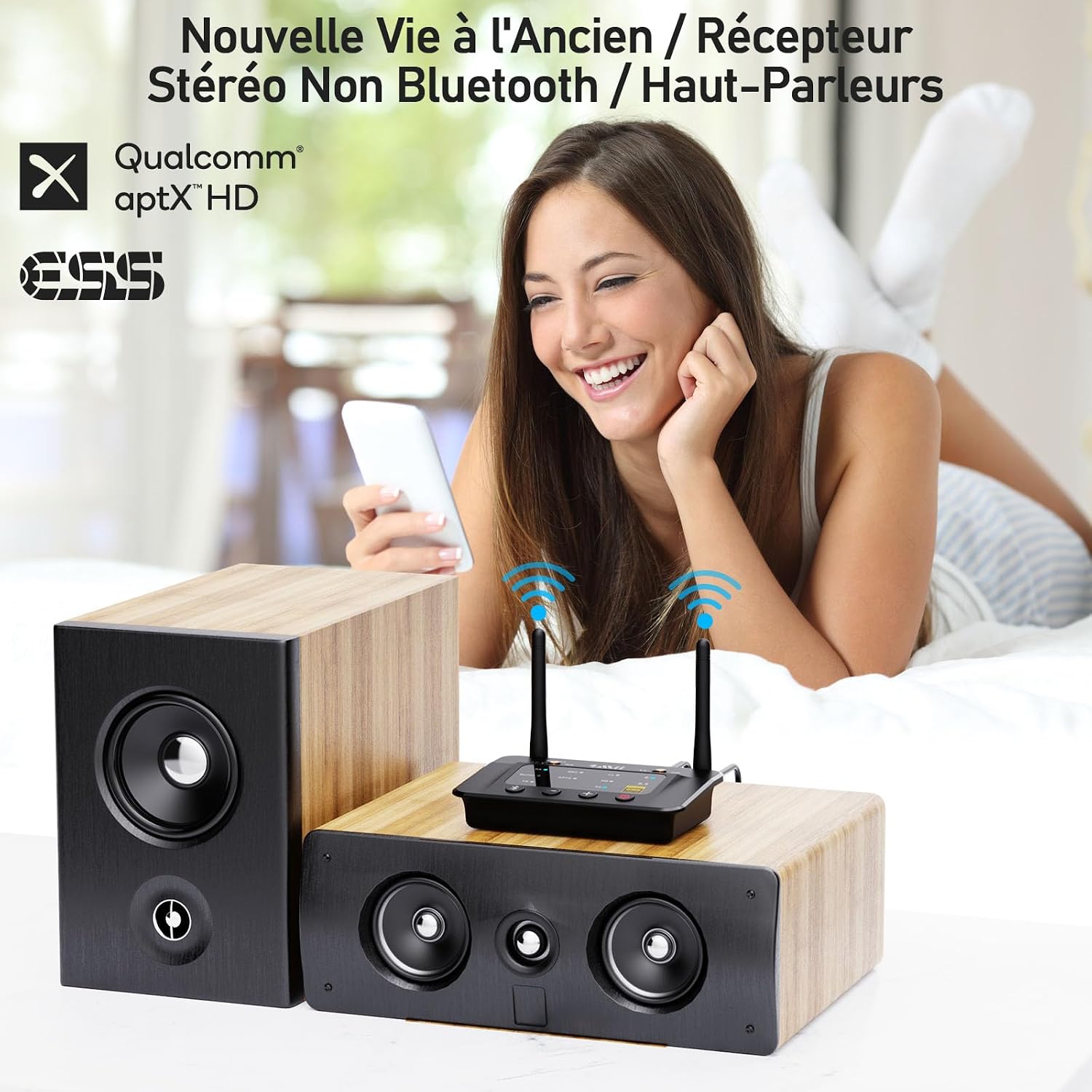
Obrázek: Přample of the 1Mii B03Pro in Receiver (RX) mode, connecting a smartphone to traditional speakers.
4. Nastavení režimu vysílače (TX)
In TX mode, the B03Pro transmits audio from your non-Bluetooth device to Bluetooth headphones or speakers.
- Nastavte přepínač režimů na TX.
- Connect your audio source (e.g., TV, PC) to the B03Pro's 3.5mm In or Optický vstup port using the appropriate audio cable.
- Přepněte sluchátka nebo reproduktory Bluetooth do režimu párování.
- Stiskněte tlačítko Tlačítko párování Bluetooth on the B03Pro. The TX LED will flash.
- The B03Pro will automatically search for and connect to your Bluetooth audio device. Once connected, the TX LED will be solid.
- For dual link, repeat step 3 and 4 for the second Bluetooth device.

Image: The 1Mii B03Pro in Transmitter (TX) mode, enabling two people to listen to TV audio via Bluetooth headphones.
5. Bypass Mode Setup
Bypass mode allows you to use your wired speakers directly without disconnecting the B03Pro, providing a seamless transition between wired and wireless audio.
- Nastavte přepínač režimů na Bypass.
- Connect your audio source (e.g., TV) to the B03Pro's 3.5mm In or Optický vstup přístav.
- Connect the B03Pro's 3.5mm Out or Optický výstup port to your wired speakers or soundbar.
- Audio will now pass directly from your source to your wired speakers.
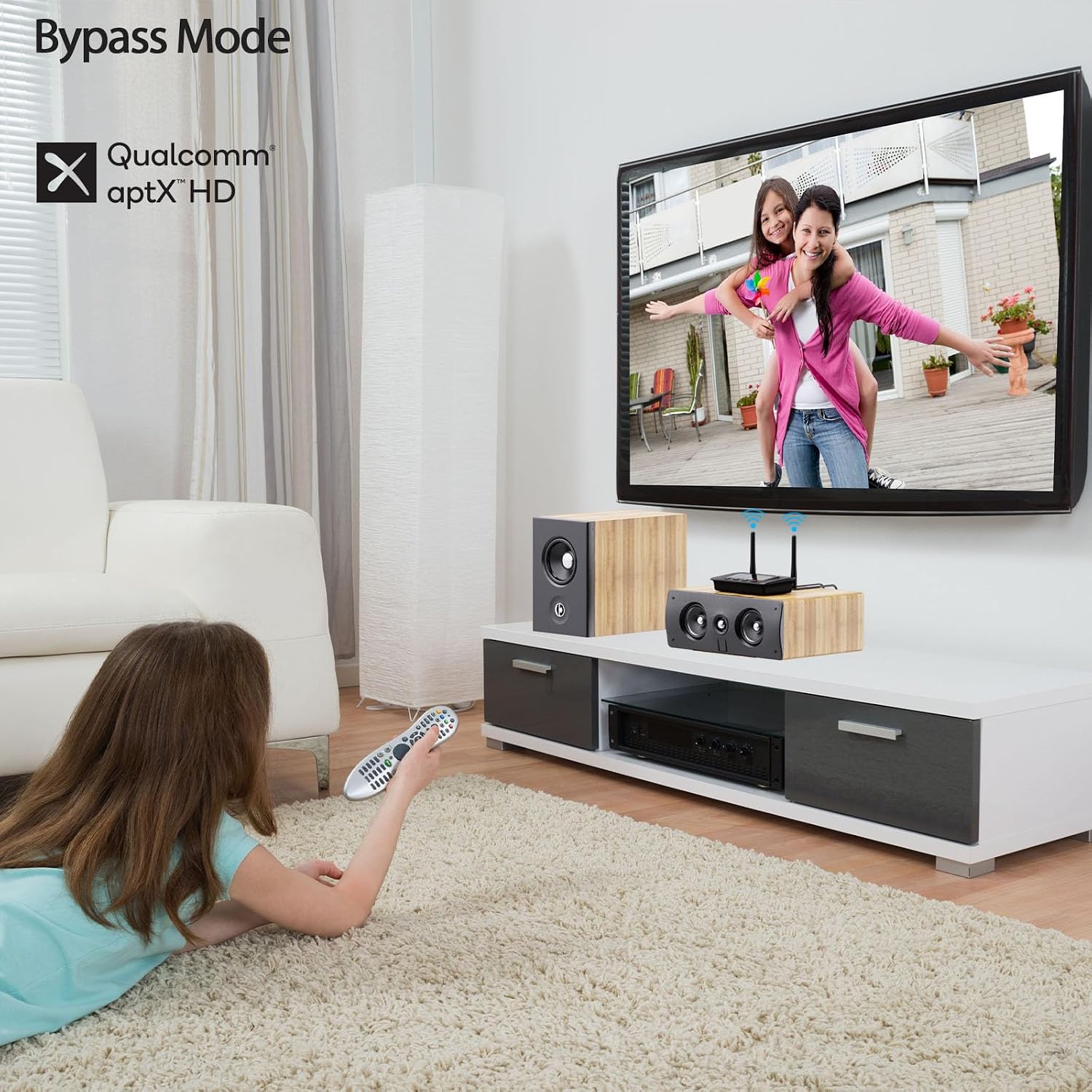
Image: The 1Mii B03Pro in Bypass mode, allowing direct audio output to a soundbar from a TV.
Údržba
- Keep the device in a dry environment, away from extreme temperatures and direct sunlight.
- Zařízení čistěte měkkým, suchým hadříkem. Nepoužívejte tekuté čisticí prostředky ani aerosoly.
- Zabraňte pádu zařízení nebo jeho vystavení silným nárazům.
- Během provozu zajistěte dostatečné větrání v okolí zařízení.
Odstraňování problémů
| Problém | Možné řešení |
|---|---|
| Žádné napájení / Zařízení se nezapne. | Ensure the USB power cable is securely connected and the power source is active. Try a different USB power adapter or port. |
| Nelze spárovat se zařízením Bluetooth. |
|
| Žádný audio výstup. |
|
| Kvalita zvuku je špatná nebo přerušovaná. |
|
Specifikace
| Funkce | Detail |
|---|---|
| Značka | 1Mii |
| Číslo modelu | B03Pro |
| Technologie připojení | Bluetooth 5.3, RCA, 3.5mm Jack, Optical |
| Speciální funkce | Audiophile DAC (ESS SABRE9018K2M), Long Range, TX+BYPASS Working, aptX HD, aptX LL, aptX Adaptive |
| Kompatibilní zařízení | Amplifiers, Speakers, Televisions, Computers, Bluetooth Wireless Headphones, Mobile Phones |
| Režim zvukového výstupu | Stereo (2.0 kanál) |
| Barva | Černý |
| Kontrolní metoda | Tlačítka na zařízení |
| Bezdrátový dosah (venkovní) | Až 80 metrů (265 stop) |
| Bezdrátový dosah (vnitřní) | Až 35 metrů (115 stop) |
Záruka a podpora
1Mii products come with a standard manufacturer's warranty. For specific warranty details, technical support, or customer service inquiries, please refer to the warranty card included in your product packaging or visit the official 1Mii webwebu. Zákaznickou podporu 1Mii můžete také kontaktovat přímo prostřednictvím jejich kontaktních kanálů.
Nejnovější informace a zdroje podpory naleznete na adrese: www.1mii.com