
Zavedení
This manual provides detailed instructions for setting up and operating your YNF Smart Plug. Please read this manual carefully before use to ensure proper functionality and safety. The YNF Smart Plug allows you to control your home appliances remotely, via voice commands, and through scheduled timers.

Image: The YNF Smart Plug, a compact white device designed for smart home integration.
Bezpečnostní informace
- Zařízení nerozebírejte ani neupravujte.
- Chraňte před vodou a prostředím s vysokou vlhkostí.
- Do not exceed the maximum load rating of the smart plug. Refer to specifications.
- Ujistěte se, že je zástrčka zcela zasunuta do zásuvky ve zdi.
- Pouze pro vnitřní použití.
Obsah balení
- 1 x YNF Smart Plug
- 1 x Uživatelská příručka (tento dokument)
Nastavení
1. Stáhněte si aplikaci Smart Life
Hledat "Smart Life" in the Apple App Store or Google Play Store and download the application. Alternatively, scan the QR code provided in the product packaging (if available) to download.
2. Registrace a přihlášení
Open the Smart Life App. If you are a new user, register for an account. If you already have an account, log in.
3. Přidat zařízení
- Plug the YNF Smart Plug into a wall outlet.
- Open the Smart Life App and tap the "+" icon in the top right corner to add a device.
- V seznamu zařízení vyberte možnost „Elektrická zásuvka“ nebo „Chytrá zástrčka“.
- Confirm that the indicator light on the smart plug is blinking rapidly. If not, press and hold the power button on the plug for 5-10 seconds until it blinks rapidly.
- Enter your 2.4GHz Wi-Fi network password. The YNF Smart Plug supports 2.4GHz Wi-Fi and Bluetooth for stable connection.
- Wait for the app to connect to the device. Once connected, you can rename the smart plug.

Image: A comparison chart highlighting YNF Smart Plug's superior connectivity (Wi-Fi & Bluetooth), faster response time, higher stability, and broader compatibility (Alexa, Google, SmartThings) compared to other smart plugs.
Návod k obsluze
Dálkové ovládání přes aplikaci Smart Life
Once the smart plug is successfully added to the Smart Life App, you can control connected appliances from anywhere with an internet connection.
- Open the Smart Life App.
- Tap on the smart plug's name to access its control interface.
- Toggle the power button within the app to turn the connected appliance on or off.

Image: A user demonstrating remote control of a smart plug via the Smart Life app on a smartphone, showing a bedroom light being controlled.
Hlasové ovládání (Alexa a Google Home)
The YNF Smart Plug is compatible with Amazon Alexa and Google Home for hands-free voice control.
- Link Smart Life to Voice Assistant:
- Otevřete aplikaci Alexa nebo Google Home.
- Přejděte do sekce „Dovednosti a hry“ (Alexa) nebo „Funguje s Googlem“ (Google Home).
- Hledat "Smart Life" and enable the skill/service.
- Link your Smart Life account using your credentials.
- Objevte zařízení.
- Hlasové příkazy:
- „Alexo, zapni [název zařízení].“
- „Hej Google, vypni [název zařízení].“
- "Alexa, set [device name] to 50%." (If applicable for dimmable devices connected to the plug)
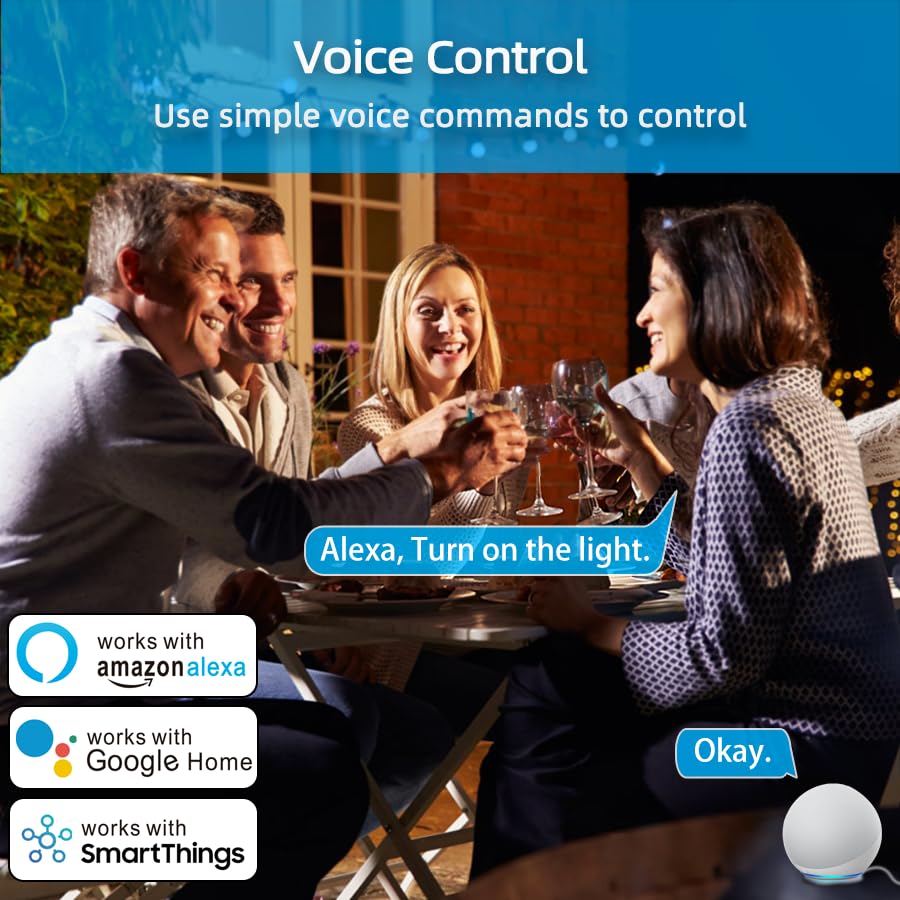
Image: An illustration of voice control in action, with people at a dinner table and a voice command "Alexa, Turn on the light." being processed, indicating compatibility with Amazon Alexa, Google Home, and SmartThings.
Timer Function and Schedules
Set schedules and timers to automate your appliances.
- In the Smart Life App, select your smart plug.
- Tap on "Timer" or "Schedule" to create new automation rules.
- You can set specific times for the plug to turn on or off daily, weekly, or on custom days.

Image: A visual representation of setting a schedule, with a sunrise icon at 7:00 AM and a sunset icon at 6:00 PM, demonstrating how to automate device operation based on time.
Režim počasí
Utilize the Weather Mode feature to automate actions based on local weather conditions.
- In the Smart Life App, navigate to the smart plug's settings or automation section.
- Look for "Weather Mode" or "Scene" creation.
- Configure rules, for example, "If weather is Rainy, turn on the light."

Image: A diagram illustrating the "Weather Mode" feature, where actions like "Turn on the light" are scheduled based on daily weather forecasts (e.g., Cloudy, Rainy, Snowy, Hazy).
Správa skupin a sdílení zařízení
Manage multiple smart plugs simultaneously and share control with family members.
- Ovládání skupiny: In the Smart Life App, select multiple smart plugs and create a group to control them all with a single command.
- Sdílení zařízení: Share access to your smart plugs with other Smart Life account users in your household.
Údržba
- Keep the smart plug clean and dry.
- Wipe with a soft, dry cloth. Do not use liquid cleaners.
- Ensure the firmware of the smart plug and the Smart Life App are updated to the latest versions for optimal performance and security.
Odstraňování problémů
| Problém | Možné řešení |
|---|---|
| Chytrá zásuvka se nepřipojuje k Wi-Fi. |
|
| Hlasové ovládání nefunguje. |
|
| Plug is unresponsive. |
|
Specifikace
| Funkce | Detail |
|---|---|
| Značka | YNF |
| Model | B0D6ZDR4KD |
| Barva | Bílý |
| Materiál | Akrylonitrilbutadienstyren (ABS) |
| Typ konektoru | Elektrická zástrčka |
| Počet drátů | 3 |
| Typ zástrčky | Typ B |
| Bezdrátové připojení | 2.4 GHz Wi-Fi, Bluetooth |
| Kompatibilita | Amazon Alexa, Google Home, SmartThings, Smart Life App |
| Certifikace | ETL, UL, cUL |
Záruka a podpora
For warranty information and technical support, please refer to the contact details provided on the product packaging or visit the official YNF webmísto. Uschovejte si doklad o koupi pro případ záručních reklamací.
Pro další pomoc můžete také kontaktovat prodejce prostřednictvím platformy, kde byl produkt zakoupen.