
DATOUBOSS TY-PSW-E2000
DATOUBOSS 2nd Generation Pure Sine Wave Inverter User Manual
Model: TY-PSW-E2000
Zavedení
This user manual provides detailed instructions for the safe and efficient operation of your DATOUBOSS 2nd Generation 2000W/4000W Universal Pure Sine Wave Inverter. This device converts 12V/24V DC battery power to 220V/230V AC household power, suitable for a wide range of electronic devices and appliances. Please read this manual thoroughly before use and retain it for future reference.
Bezpečnostní informace
VAROVÁNÍ: Nedodržení těchto bezpečnostních pokynů může vést k úrazu elektrickým proudem, požáru, vážnému zranění nebo smrti.
- Větrání: Zajistěte dostatečné větrání kolem střídače. Neblokujte větrací otvory.
- Prostředí: Operate the inverter in a dry, well-ventilated area, away from direct sunlight, heat sources, and flammable materials. Avoid exposure to water or excessive humidity.
- Spojení: Always connect the inverter to a battery before connecting any AC loads. Ensure all connections are tight and secure to prevent arcing and overheating.
- Baterie Voltage: Verify that the input DC voltage (12V or 24V) matches the inverter's intelligent identification system.
- Kapacita zatížení: Do not exceed the inverter's rated power (2000W continuous, 4000W peak). Overloading can damage the inverter and connected devices.
- Základy: Proper grounding is essential. Consult a qualified electrician if unsure.
- Děti: Uchovávejte měnič mimo dosah dětí.
- Demontáž: Do not attempt to disassemble or modify the inverter. There are no user-serviceable parts inside.
- Ochranné funkce: The inverter is equipped with multiple protection functions (overload, overheating, high voltage, nízký objemtage, short circuit, internal fuses). Understand these features and their indicators.

Image: Inverter protection functions including overvoltage, nízký objemtage, short circuit, overload, and overheat protection.
Obsah balení
Po otevření balíku se prosím ujistěte, že jsou všechny položky přítomny a v dobrém stavu:
- 1 x DATOUBOSS 2000W Pure Sine 12V/24V Converter
- 1 x Set of Battery Connection Cables (Red for Positive, Black for Negative)
- 1 x Uživatelská příručka (tento dokument)

Image: The DATOUBOSS Pure Sine Wave Inverter along with its red and black battery connection cables.
Konec produktuview
Familiarize yourself with the components and features of your DATOUBOSS Pure Sine Wave Inverter.

Obrázek: Podrobný view of the inverter's panel, highlighting the NO/OFF Switch, EU Sockets, USB Power Port, Type-C Interface, Cooling Fans, Positive terminal, and Negative terminal.
- NO/OFF Switch: Hlavní vypínač pro měnič.
- Zásuvky EU: Two standard European AC output sockets for connecting appliances.
- USB napájecí port: Standard USB-A port for charging compatible devices (2.1A).
- Rozhraní typu C: Port USB typu C pro nabíjení kompatibilních zařízení.
- LCD displej: Zobrazuje informace v reálném čase, jako je vstupní hlasitosttage, výstupní objemtage, output power and protection mode.
- Chladicí ventilátory: Integrated fans for efficient heat dissipation, activating when the load exceeds 40% or temperature rises.
- Positive Terminal (Red): Connects to the positive (+) terminal of your battery.
- Negative Terminal (Black): Connects to the negative (-) terminal of your battery.
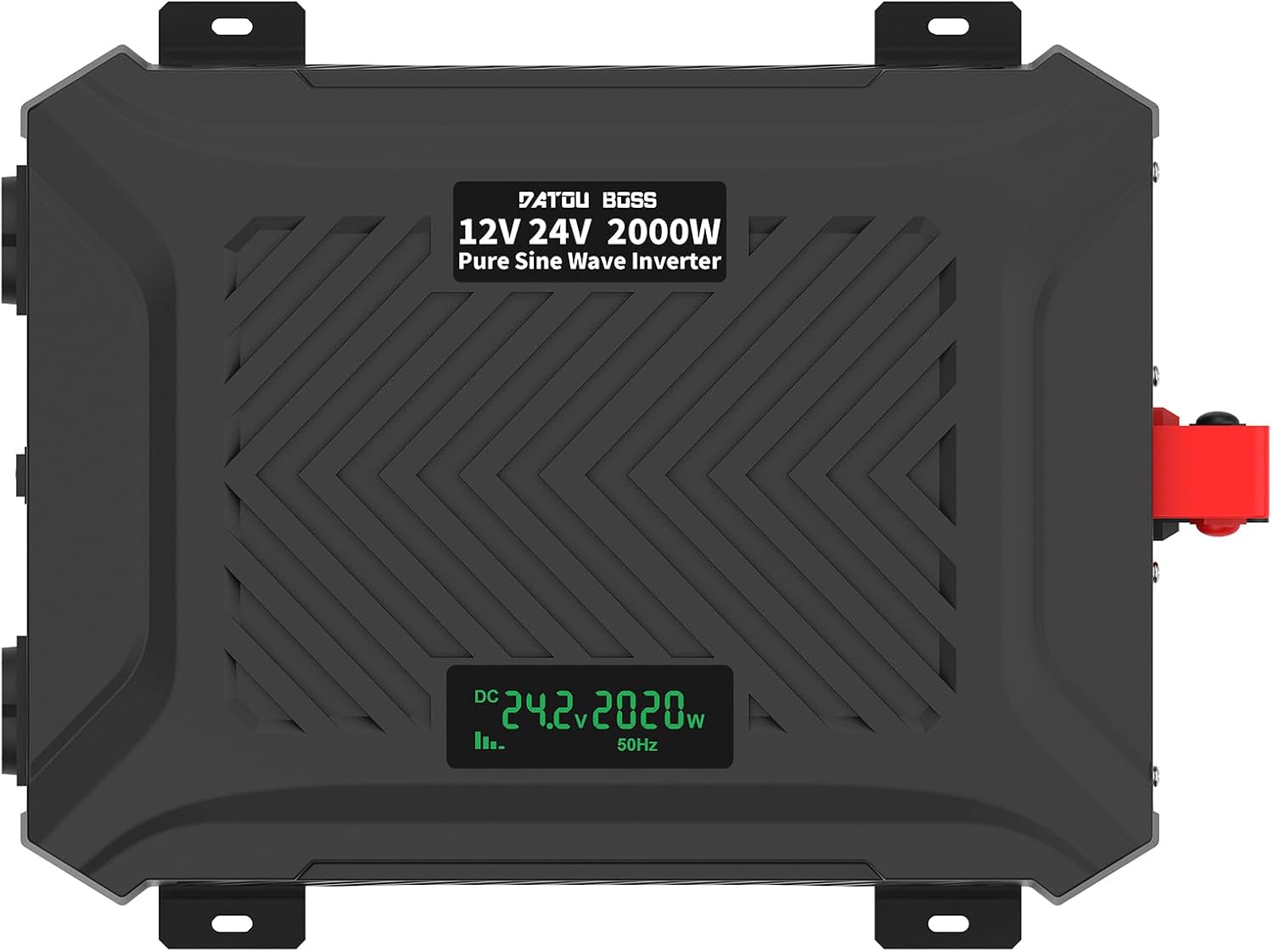
Obrázek: Shora dolů view of the inverter, clearly showing the integrated LCD display.
Pokyny pro nastavení
Follow these steps to properly set up your inverter:
- Příprava:
- Ensure the inverter's NO/OFF switch is in the "OFF" position.
- Place the inverter on a stable, flat surface in a well-ventilated area, away from direct sunlight, heat, and moisture.
- Ujistěte se, že je baterie plně nabitá a v dobrém stavu.
- Připojení kabelů baterie:
- Připojte červený kabel baterie k kladný (+) terminal of the inverter and then to the kladný (+) terminal of your battery.
- Připojte černý kabel baterie k záporný (-) terminal of the inverter and then to the záporný (-) terminal of your battery.
- Ujistěte se, že všechna připojení jsou pevná a bezpečná, abyste zabránili vzniku oblouku a přehřátí.
- Intelligent Identification System: The inverter is equipped with an intelligent identification system that automatically detects whether a 12V or 24V battery is connected and adjusts accordingly.

Image: The inverter's intelligent identification system automatically detects and adapts to 12V or 24V battery voltages.
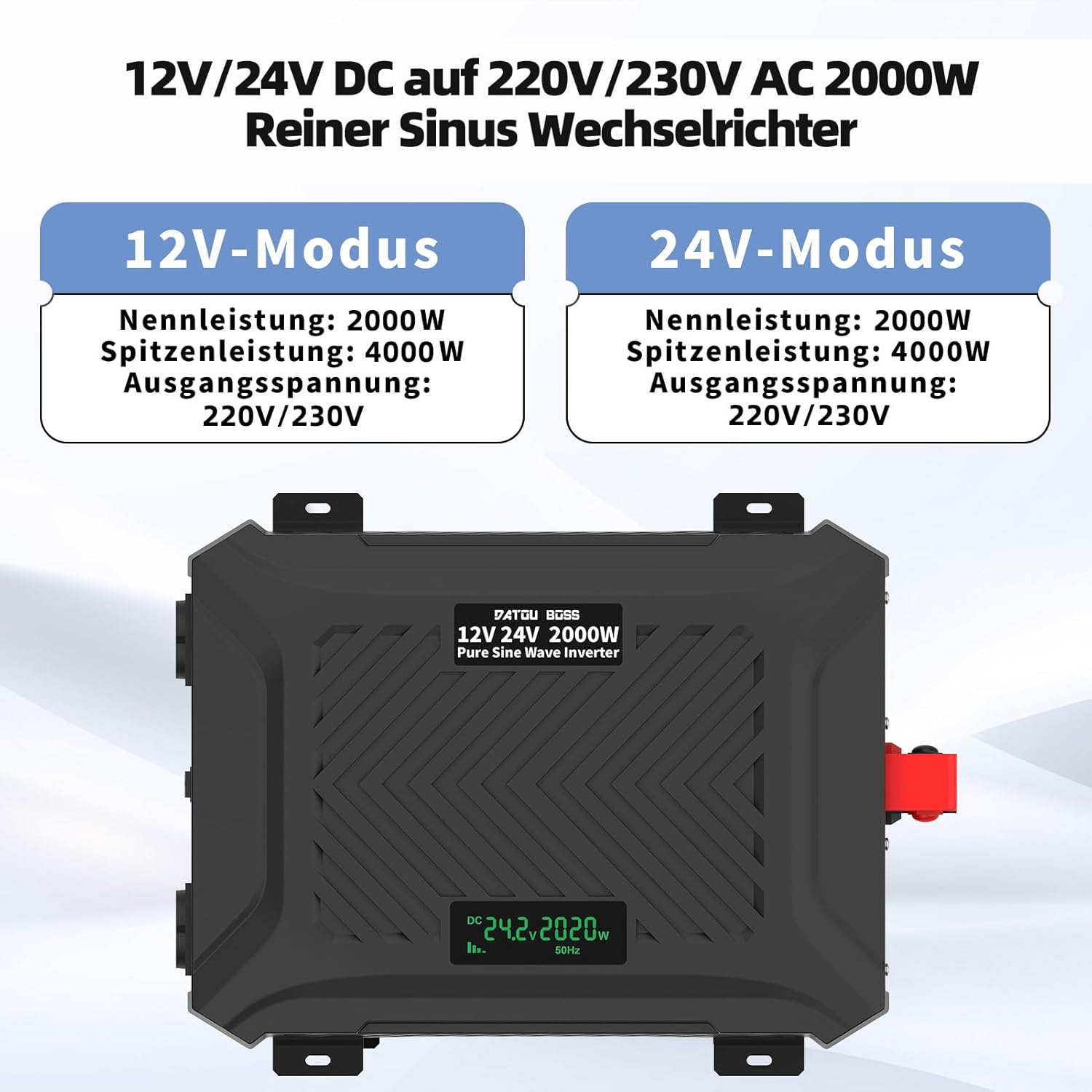
Image: The inverter operates in both 12V and 24V modes, providing a rated power of 2000W and a peak power of 4000W, with an output voltage 220V/230V.
- Připojení spotřebičů: Once the battery is connected, you can connect your AC appliances to the EU sockets and USB devices to the USB/Type-C ports. Ensure the total power consumption of your devices does not exceed the inverter's rated power.
Important: Always connect the battery to the inverter first before turning on the inverter or connecting any loads.
Návod k obsluze
- Zapnutí: After connecting the battery and ensuring all loads are within limits, switch the NO/OFF button to the "ON" position.
- LCD displej: The LCD display will illuminate, showing the current ambient temperature for one second, then display the input voltage (DC), výstupní objemtage (AC), and output power (W).
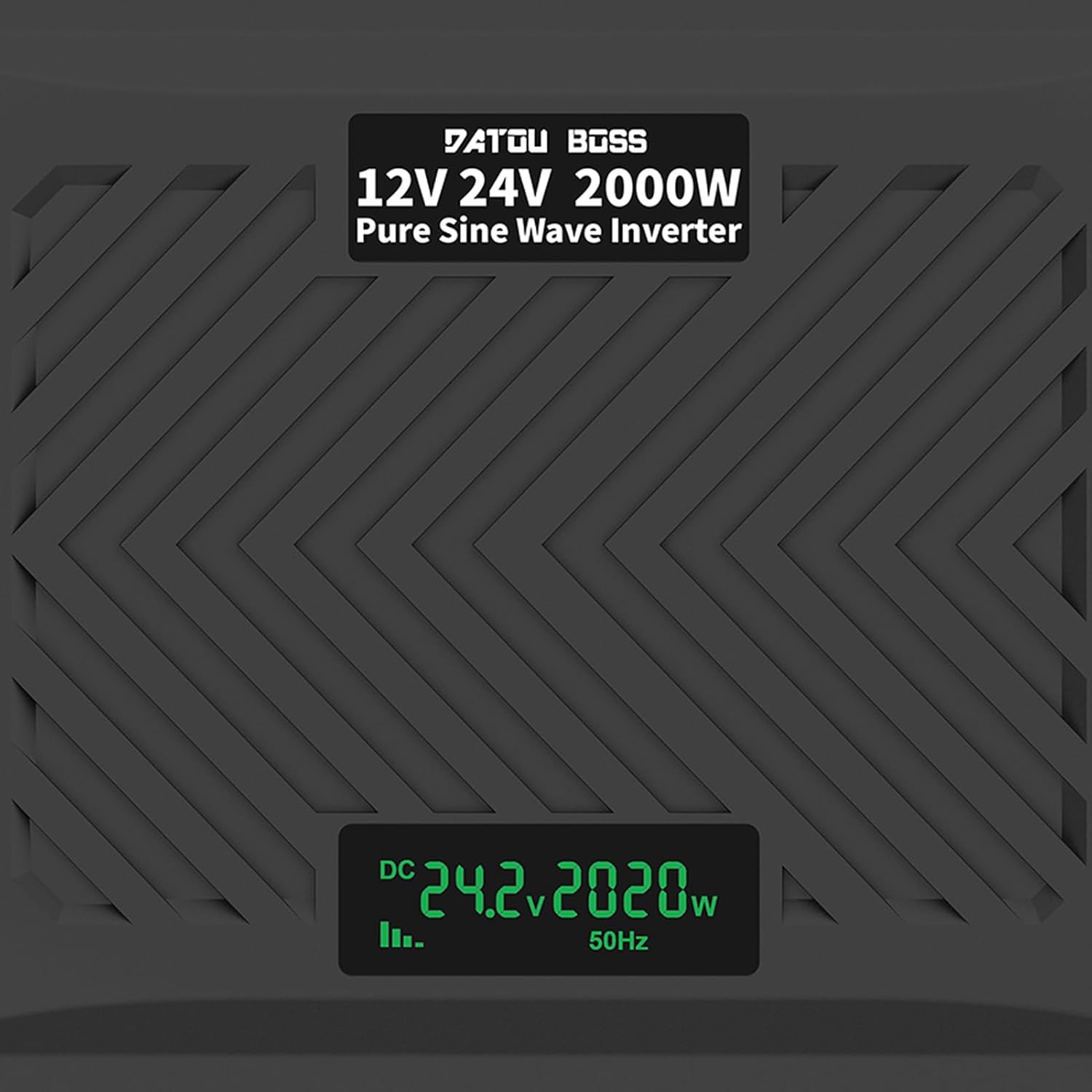
Image: A close-up of the LCD screen displaying real-time operational data, including DC input voltage, output power in watts, and output frequency.
- Připojovací zařízení: Plug your AC appliances into the EU sockets. For USB charging, connect your devices to the USB-A or Type-C ports.
- Chladicí ventilátory: The intelligent cooling fans will activate automatically when the internal temperature rises or when the load exceeds 40% of the rated capacity, ensuring optimal performance and preventing overheating.
- Vypnout: To turn off the inverter, first disconnect all connected appliances, then switch the NO/OFF button to the "OFF" position. Finally, disconnect the battery cables.

Image: The inverter in an outdoor setting, demonstrating its use to power a laptop and a projector, highlighting its portability and utility for various applications.

Image: An illustration demonstrating the wide range of devices that can be powered by the 2000W pure sine inverter, including refrigerators, computers, kettles, electric drills, and microwave ovens.
Specifikace
| Funkce | Specifikace |
|---|---|
| Název modelu | TY-PSW-E2000 |
| Jmenovitý výstupní výkon | 2000W |
| Špičkový výstupní výkon | 4000W |
| Vstupní objemtage | 12V DC / 24V DC (Intelligent Identification) |
| Výstupní objemtage | 220V AC, 230V AC, 240V AC |
| Výstupní frekvence | 50 Hz |
| Výstupní průběh | Čistá sinusová vlna |
| Proud bez zátěže | Méně než 0.7A |
| Účinnost konverze | >92 % |
| USB výstup | 1 x USB-A (2.1A), 1 x USB Type-C |
| Provozní teplota | -10 °C až 50 °C |
| Způsob chlazení | Inteligentní chlazení vzduchem |
| Ochranné funkce | Vstupní podpětítage, vysoký příkon objtage, overload, output short circuit, overheating, reverse polarity (fuse triggered) |

Image: The inverter's dimensions (24.5cm/9.64in x 32.5cm/12.79in x 9.0cm/3.54in) and an illustration of its efficient and stable pure sine wave output.
Údržba
Pravidelná údržba zajišťuje dlouhou životnost a optimální výkon vašeho střídače:
- Čištění: Pravidelně čistěte vnější povrch střídače měkkým, suchým hadříkem. Nepoužívejte tekuté čisticí prostředky ani rozpouštědla.
- Větrání: Ujistěte se, že chladicí otvory jsou bez prachu a nečistot. V případě potřeby použijte k odstranění ucpání stlačený vzduch.
- Spojení: Regularly check battery cable connections for tightness and corrosion. Clean terminals if corrosion is present.
- Skladování: Pokud budete měnič skladovat delší dobu, odpojte jej od baterie a uložte jej na chladném a suchém místě.
Odstraňování problémů
This section addresses common issues you might encounter with your inverter. If the problem persists, contact customer service.
| Problém | Možná příčina | Řešení |
|---|---|---|
| Žádný výstupní objemtage / Měnič se nezapíná |
|
|
| Nízký výstupní výkon / Měnič se vypíná při zátěži |
|
|
| Budík zní nepřetržitě |
|
|
| LCD displej zobrazuje chybový kód | Specific protection mode activated | Refer to the LCD display section in Operating Instructions for common indicators. Address the underlying issue (e.g., low voltagnapř. přetížení). |
Záruka a podpora
As a manufacturer, DATOUBOSS is committed to the quality of its products. We provide comprehensive customer service and technical support.
- Záruka: Konkrétní záruční podmínky naleznete v dokumentaci k nákupu.
- Služby zákazníkům: If you have any questions, encounter issues, or require technical assistance, please contact our friendly customer service team. Contact information can typically be found on the product packaging or the retailer's webstránky, kde jste produkt zakoupili.
Ask a question about this manual
Ask about setup, troubleshooting, compatibility, parts, safety, or missing instructions. Manuals+ will review the question and use this page’s manual context to help answer it.