
1. Důležité bezpečnostní informace
Please read these safety instructions carefully before operating your TV and retain them for future reference. Always follow basic safety precautions to reduce the risk of fire, electric shock, and injury.
- Moc: Connect the TV to an AC power outlet only. Do not overload wall outlets. Ensure the power cord is not damaged or pinched.
- Větrání: Do not block ventilation openings. Install the TV in a location with adequate airflow.
- Čištění: Před čištěním televizor odpojte ze zásuvky. Použijte měkký, suchý hadřík. Nepoužívejte tekuté čisticí prostředky ani aerosolové spreje.
- Voda a vlhkost: Nevystavujte televizor dešti ani vlhkosti. Nepokládejte na televizor předměty naplněné tekutinami.
- Stabilita: Ensure the TV is placed on a stable surface or securely mounted to prevent it from falling.
2. Co je zahrnuto
Ověřte, zda jsou v balení přítomny všechny součásti:
- LG 55QNED85T 55-inch 4K QNED Smart TV
- Základna (stojan)
- Odnímatelný napájecí kabel
- Magic Remote (MR 24Y)
- Baterie AA x 2
3. Nastavení
3.1 Vybalení
Carefully remove the TV and all accessories from the packaging. It is recommended to keep the packaging materials for future transport or service needs.
3.2 Instalace stojanu
Instalace televizního stojanu:
- Umístěte televizor displejem dolů na měkký, rovný povrch, abyste zabránili poškození obrazovky.
- Zarovnejte součásti stojanu s odpovídajícími otvory na spodní straně televizoru.
- Zajistěte stojan pomocí dodaných šroubů. Ujistěte se, že jsou všechny šrouby pevně utaženy.

Přední view of the LG 55QNED85T 55-inch 4K QNED Smart TV with its stand installed.

Strana view of the LG 55QNED85T 55-inch 4K QNED Smart TV showing its slim profile a stát.
3.3 Montáž na stěnu (volitelné)
If you choose to wall mount your TV, refer to the instructions provided with your wall mount bracket. Ensure the bracket is compatible with VESA standards for your TV model and installed by a qualified professional.
3.4 Připojení periferních zařízení
Connect external devices such as set-top boxes, gaming consoles, or sound systems to the TV's ports. The TV features HDMI, USB, Ethernet, Bluetooth, and Wi-Fi connectivity.

Zadní view of the LG 55QNED85T 55-inch 4K QNED Smart TV showing various input and output ports.
3.5 Připojení napájení
After connecting all desired devices, plug the detachable power cable into the TV's power input and then into a wall outlet.
3.6 Počáteční nastavení
Upon first power-on, the TV will guide you through the initial setup process. This includes selecting your language, connecting to a network (Wi-Fi or Ethernet), and scanning for channels.
4. Ovládání vašeho televizoru
4.1 Magic Remote (MR 24Y)
The LG Magic Remote allows for intuitive control of your TV. It functions like an air mouse, allowing you to point and click. It also features a dedicated AI button for smart functions.

The LG AI Magic Remote offers dedicated buttons and features for AI functions, including AI Chatbot, AI Concierge, AI Search, AI Picture Wizard, AI Voice ID, and AI Sound Wizard.
4.2 WebChytré funkce OS 24
Váš televizor LG QNED běží na webOS 24, který nabízí inteligentní a uživatelsky přívětivé rozhraní. Mezi klíčové funkce patří:
- LG ThinQ AI: Integrated artificial intelligence for enhanced control and personalization.
- Vestavěná Amazon Alexa: Používejte hlasové příkazy pro různé funkce televizoru a ovládání chytré domácnosti.
- Intelligent Voice Recognition: Control your TV and search for content using your voice.
- App Remote Control (LG ThinQ): Control your TV from your smartphone using the LG ThinQ app.
- Concierge s umělou inteligencí: Provides personalized keyword suggestions and recommendations based on your viewhistorie.

The AI Concierge feature provides personalized keyword suggestions and recommendations based on your search and viewhistorie.
- AI vyhledávání: Offers personalized recommendations for your queries and additional solutions with Microsoft Copilot.

AI Search provides personalized recommendations for your queries and can integrate with Microsoft Copilot for additional solutions.
- ID hlasu umělé inteligence: Recognizes each user's vocal signature and offers personalized recommendations as you speak.

AI Voice ID recognizes individual user voices to provide personalized content recommendations.
4.3 Nastavení obrazu
Your QNED TV combines Quantum Dot and NanoCell technologies for vibrant and accurate colors. The α8 AI Processor Gen 2 optimizes picture quality.
- QNED Dynamic Colors: LG's wide color gamut technology provides enhanced color reproduction.
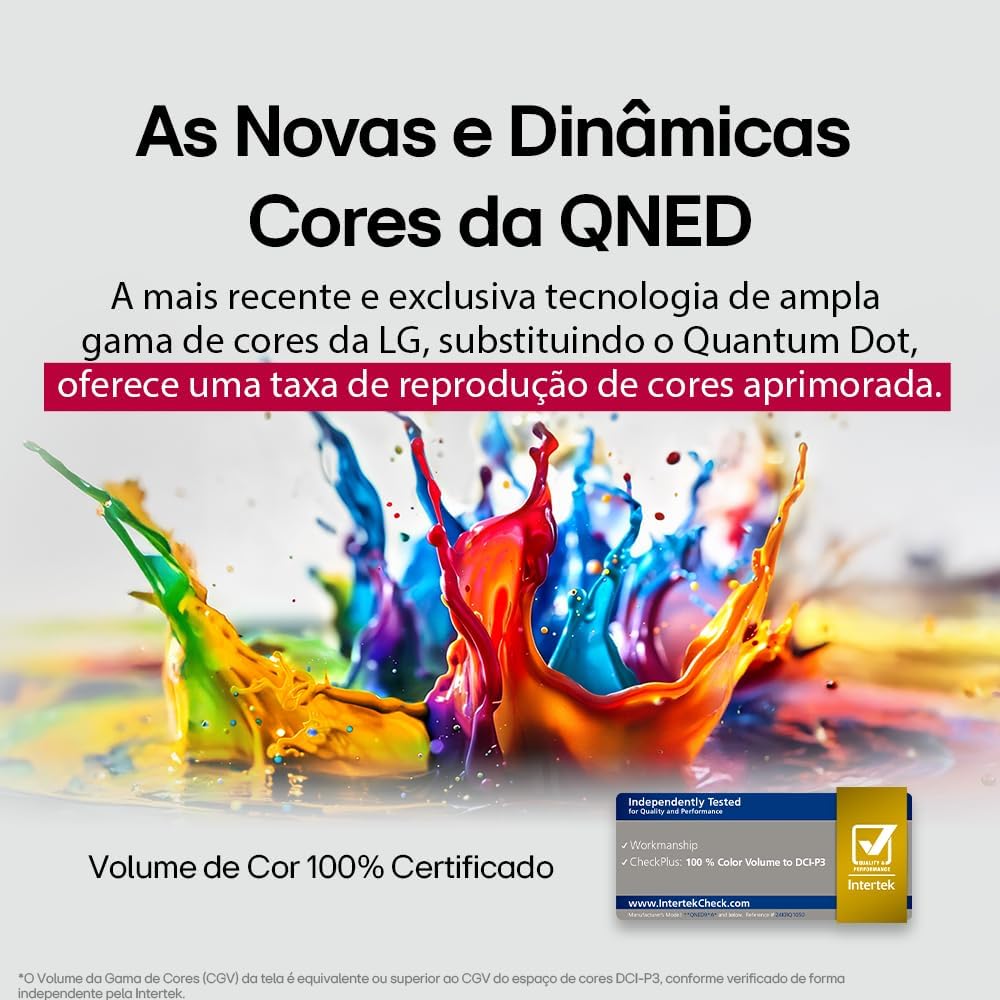
LG's QNED technology delivers new and dynamic colors, offering an improved color reproduction rate with 100% Certified Color Volume to DCI-P3.
- MiniLED: This technology enhances sharpness and provides superior contrast for an immersive viewzkušenosti.
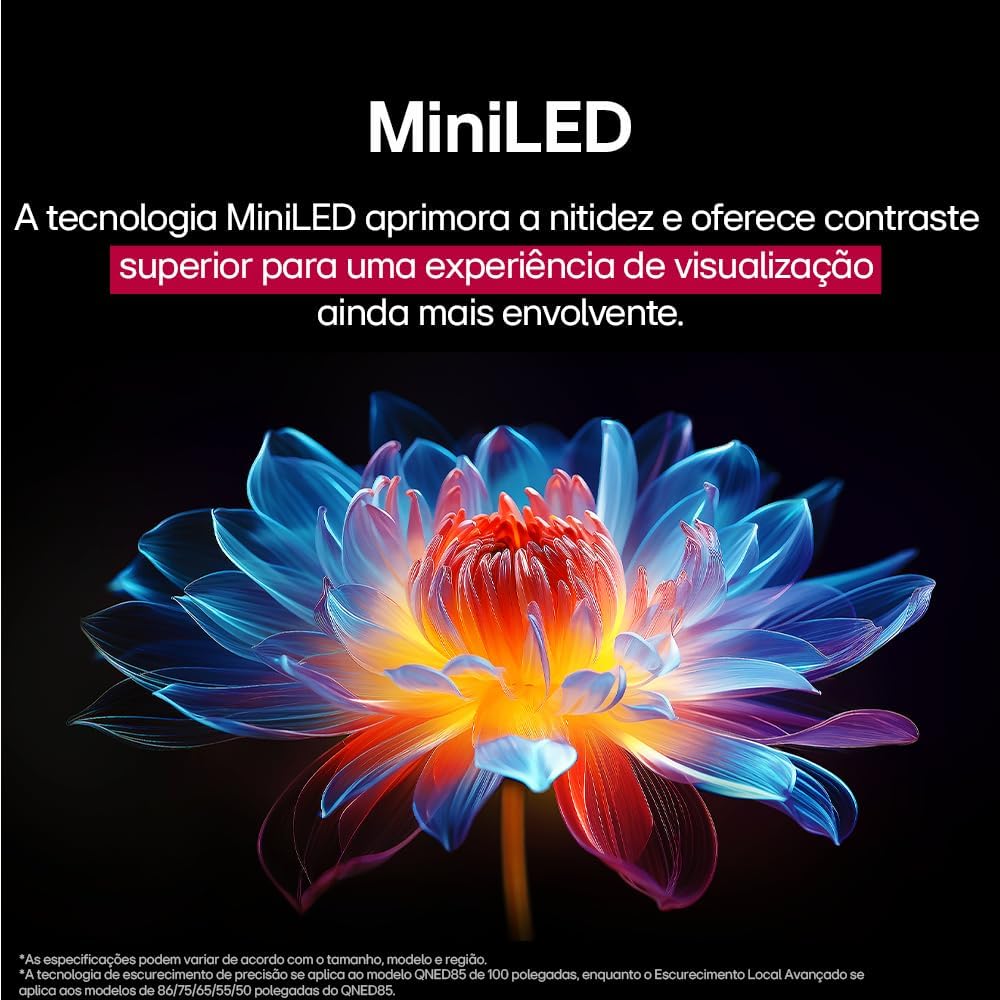
MiniLED technology improves sharpness and offers superior contrast for an immersive viewzkušenosti.
- α8 AI Processor Gen 2: This processor enhances 4K visuals with impressive colors and brightness.
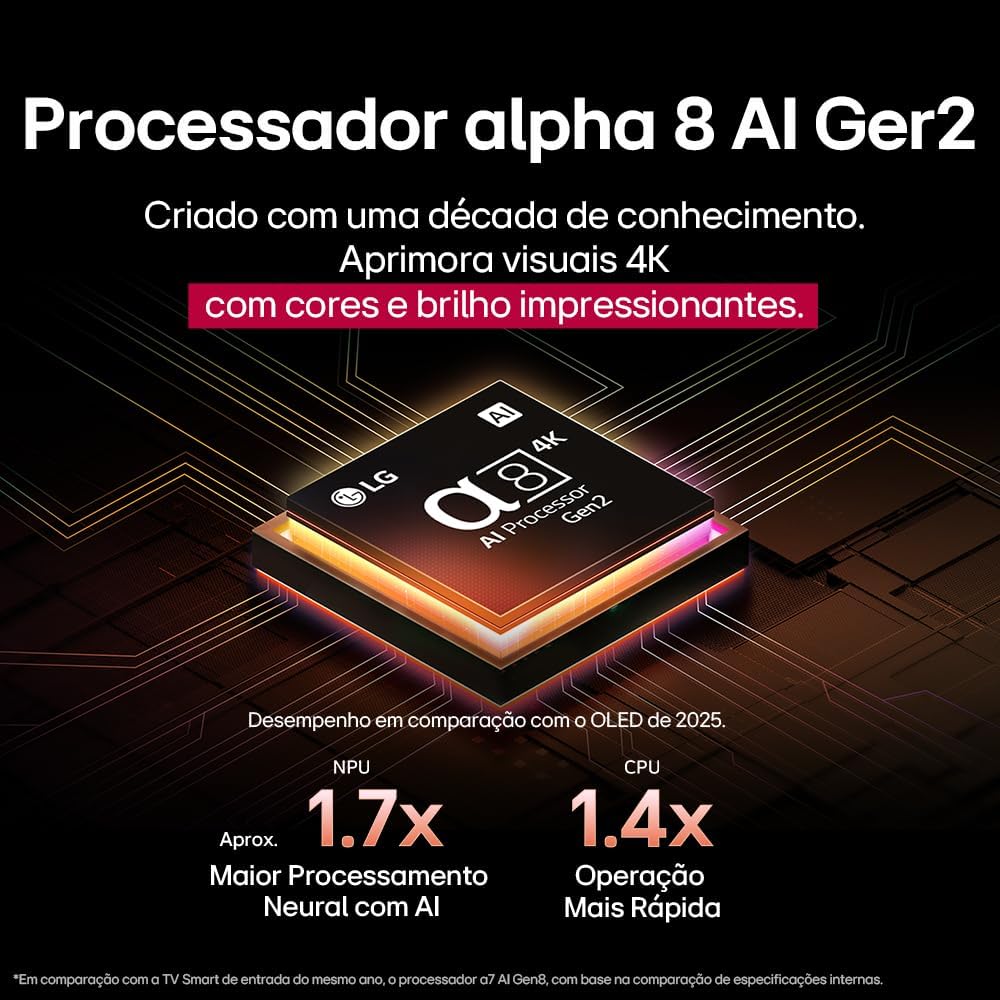
The Alpha 8 AI Processor Gen 2 enhances 4K visuals with impressive colors and brightness, offering approximately 1.7x greater neural processing with AI and 1.4x faster operation compared to previous generations.
- AI Picture Pro: Analyzes each frame, enhancing resolution, brightness, depth, and clarity to bring every scene to life.

AI Picture Pro analyzes each frame, enhancing resolution, brightness, depth, and clarity to bring every scene to life.
4.4 Nastavení zvuku
The TV includes AI Sound Wizard features to optimize audio output based on your environment and content.
4.5 Konektivita
Váš televizor podporuje různé možnosti připojení:
- Wi-Fi: Připojte se k domácí bezdrátové síti a získejte přístup k internetu a chytrým funkcím.
- Ethernet: Use a wired connection for stable internet access.
- HDMI: Připojte zařízení s vysokým rozlišením, jako jsou přehrávače Blu-ray, herní konzole a soundbary.
- USB: Přehrát média filez úložných zařízení USB.
- Bluetooth: Connect wireless headphones, speakers, or other compatible devices.
4.6 Herní funkce
The LG 55QNED85T is equipped with features for an enhanced gaming experience:
- 120Hz Panel: Provides smoother motion for fast-paced games.
- FreeSync: Reduces screen tearing and stuttering when connected to compatible gaming devices.
5. Údržba
5.1 Čištění
- Obrazovka: Jemně otřete obrazovku měkkým hadříkem, který nepouští vlákna. V případě odolných skvrn lehceamphadřík vodou nebo specializovaným čističem obrazovek (nestříkejte přímo na obrazovku).
- Rám a stojan: Otřete měkkým suchým hadříkem.
- Dálkové ovládání: Use a soft, dry cloth to clean the remote.
5.2 Aktualizace softwaru
Your TV may receive software updates to improve performance and add new features. You can usually check for and install updates through the TV's settings menu (Settings > General > About This TV > Check for Updates).
6. Řešení problémů
Pokud narazíte na problémy s televizorem, podívejte se na následující běžná řešení:
| Problém | Možné řešení |
|---|---|
| Žádná síla | Zkontrolujte, zda je napájecí kabel bezpečně připojen k televizoru a k elektrické zásuvce. Ujistěte se, že je zásuvka funkční. |
| Žádný obraz, ale zvuk je přítomen | Check the input source. Ensure external devices are powered on and connected correctly via HDMI. |
| Žádný zvuk, ale obraz je přítomen | Zkontrolujte úroveň hlasitosti a stav ztlumení. Ověřte nastavení zvukového výstupu (např. interní reproduktory, externí soundbar). |
| Dálkové ovládání nefunguje | Vyměňte baterie. Ujistěte se, že mezi dálkovým ovladačem a televizorem nejsou žádné překážky. V případě potřeby znovu spárujte dálkový ovladač Magic. |
| Problémy s připojením k síti | Restartujte router a modem. Zkontrolujte heslo k Wi-Fi. Pokud je to možné, zkuste kabelové ethernetové připojení. |
| Problémy s kvalitou obrazu | Upravte nastavení obrazu (jas, kontrast, ostrost). Ujistěte se, že vstupní zdroj poskytuje vysoce kvalitní signál. |
Pokud problém přetrvává, zkuste provést obnovení továrního nastavení (viz nabídka nastavení televizoru) nebo kontaktujte zákaznickou podporu LG.
7. Specifikace
Detailed specifications for the LG 55QNED85T 55-inch 4K QNED Smart TV:
| Funkce | Specifikace |
|---|---|
| Velikost obrazovky | 55 palců |
| Značka | LG |
| Technologie displeje | LED (QNED, MiniLED) |
| Rezoluce | 4K (3840 x 2160) |
| Obnovovací frekvence | 120 Hz |
| Speciální funkce | QNED Dynamic Colors, MiniLED, α8 AI Processor Gen 2 |
| Technologie připojení | Bluetooth, Ethernet, HDMI, USB, Wi-Fi |
| Poměr stran | 16:9 |
| Rozměry produktu (DxŠxV) | 25.7D x 123.6W x 78.3H centimeters (with stand) |

Dimensions of the LG 55QNED85T 55-inch TV. Indicated values and actual measurements may differ.
8. Záruka a podpora
Your LG 55QNED85T Smart TV comes with a manufacturer's warranty. Please refer to the warranty card included in your product packaging for specific terms and conditions.
For technical support, service, or warranty claims, please contact LG customer service through their official webwebu nebo kontaktních informací uvedených v záruční dokumentaci.