
1. Úvod
Welcome to the user manual for your new HP 255 G10 15.6-inch FHD Business Laptop. This document provides essential information for setting up, operating, and maintaining your device. Please read this manual thoroughly to ensure optimal performance and longevity of your laptop.

Obrázek 1.1: Přední strana view of the HP 255 G10 Business Laptop. This image displays the laptop with its screen open, showcasing the full HD display and keyboard with a numeric keypad.
The HP 255 G10 is equipped with an AMD Ryzen 7 7730U processor, 16GB of RAM, and a 512GB PCIe SSD, designed for business and general productivity tasks. It features a 15.6-inch Full HD display and runs on Windows 11 Pro.
2. Co je v krabici
Ověřte, zda jsou v balení přítomny všechny položky:
- HP Laptop (HP 255 G10)
- Napájecí adaptér
- Dokumentace (tato příručka a další průvodci)
3. Počáteční nastavení
3.1 Připojení napájecího adaptéru
- Připojte napájecí adaptér ke konektoru napájení na notebooku.
- Zapojte napájecí kabel do elektrické zásuvky.
- Baterie se začne automaticky nabíjet.
3.2 First-Time Power On and Windows 11 Pro Setup
- Otevřete víko notebooku a stiskněte tlačítko napájení.
- Follow the on-screen instructions to complete the Windows 11 Pro setup. This includes selecting your region, language, accepting terms, and creating a user account.
- Connect to a Wi-Fi network when prompted to enable updates and full functionality.
4. Komponenty a porty
Familiarize yourself with the various ports and components of your HP 255 G10 laptop.

Obrázek 4.1: Boční strana view illustrating the various ports and slots available on the HP 255 G10 laptop.
4.1 Dostupné porty
- 2 x SuperSpeed USB Type-A: For connecting USB devices such as external drives, mice, or keyboards.
- 1 x SuperSpeed USB Type-C: A versatile port for data transfer, display output, or charging compatible devices.
- 1x HDMI: Pro připojení k externím displejům nebo projektorům.
- 1 x kombinovaný konektor pro sluchátka/mikrofon: Pro připojení sluchátek, externích reproduktorů nebo náhlavní soupravy s mikrofonem.
- 1 x AC Smart Pin: Pro připojení napájecího adaptéru pro nabíjení notebooku.
4.2 Funkce displeje

Image 4.2: The 15.6-inch Full HD display of the HP 255 G10 laptop, highlighting its size and clarity.
The laptop features a 15.6-inch diagonal Full HD (1920 x 1080) IPS anti-glare display with micro-edge bezels, offering clear visuals for various tasks. It also includes a built-in webkamera pro videokonference.
5. Ovládání notebooku
5.1 Řízení spotřeby
- Zapnutí: Stiskněte tlačítko napájení, které se nachází na klávesnici.
- Režim spánku: Zavřete víko nebo vyberte v nabídce Start systému Windows možnost „Režim spánku“.
- Vypnout: V nabídce Start systému Windows vyberte možnost „Vypnout“.
5.2 Klávesnice a touchpad
Your laptop includes a full-size keyboard with a dedicated numeric keypad for efficient data entry. The precision touchpad supports multi-touch gestures for navigation.
5.3 Funkce systému Windows 11 Pro
Windows 11 Pro offers enhanced security, management tools, and productivity features. Explore the Start menu for applications, settings, and search functionalities. For detailed information on Windows 11 Pro, refer to Microsoft's official documentation.
5.4 Wireless Connectivity (Wi-Fi 6 and Bluetooth)
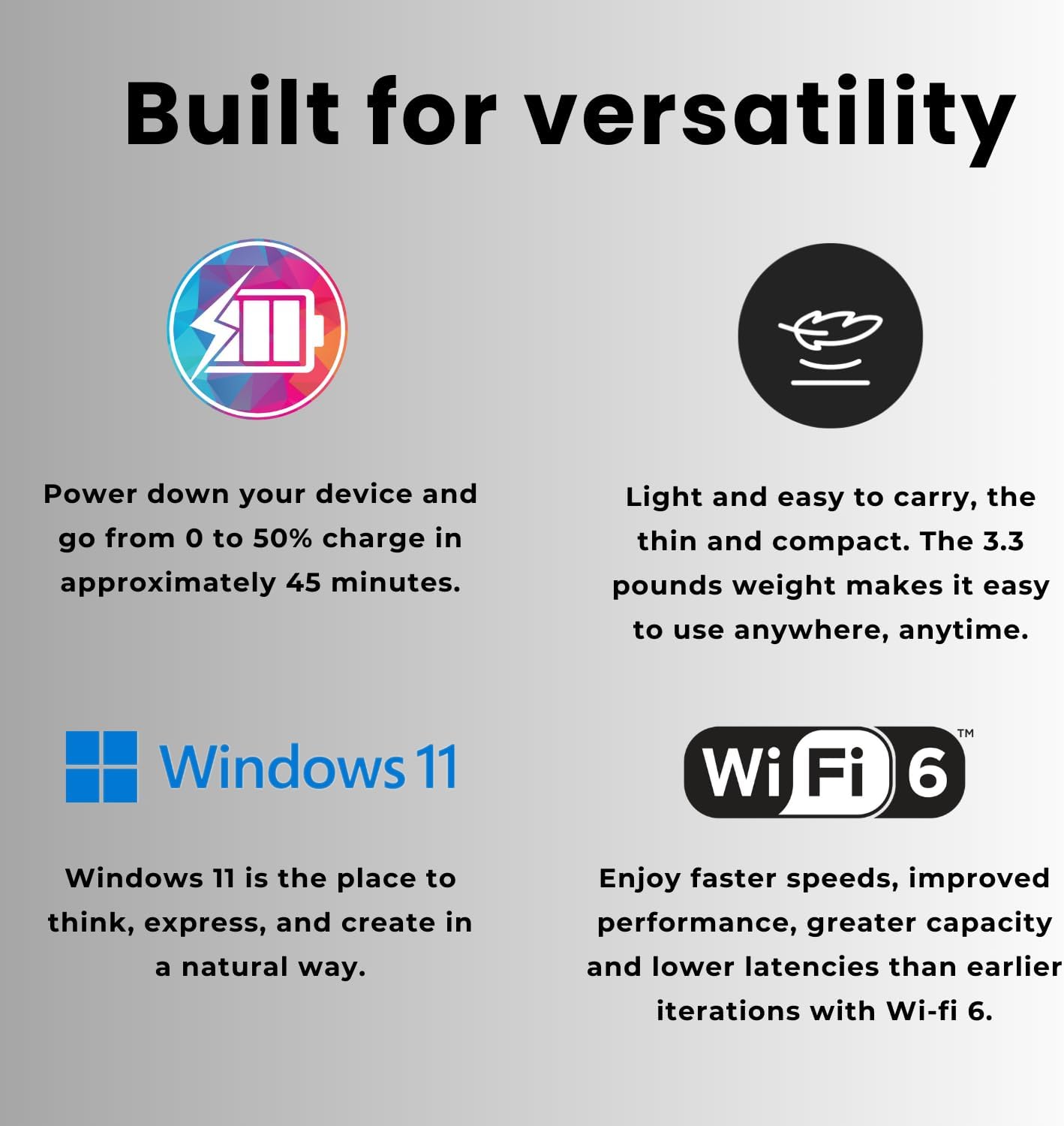
Image 5.1: Features of the HP 255 G10, including fast charging, lightweight design, Windows 11, and Wi-Fi 6 capabilities.
The laptop supports Wi-Fi 6 for faster wireless speeds and improved network efficiency. Bluetooth connectivity allows you to pair wireless peripherals such as headphones, mice, and keyboards.
- Připojení k Wi-Fi: Klikněte na ikonu Wi-Fi na hlavním panelu, vyberte svou síť a zadejte heslo.
- Připojení zařízení Bluetooth: Go to Windows Settings > Bluetooth & devices, turn on Bluetooth, and pair your device.
6. Údržba
6.1 Čištění notebooku
- Obrazovka: Lehce používejte měkký hadřík, který nepouští vlákna dampOpláchněte vodou nebo čističem obrazovek. Vyhněte se agresivním chemikáliím.
- Klávesnice a šasi: Použijte měkký, suchý hadřík. Na odolnou špínu použijte lehceamp Lze použít hadřík a ujistit se, že se do otvorů nedostane žádná kapalina.
- Před čištěním vždy notebook vypněte a odpojte ze zásuvky.
6.2 Péče o baterii
- Vyhněte se extrémním teplotám.
- Pro optimální životnost baterie se vyvarujte častého úplného vybíjení baterie.
- The laptop supports fast charging, reaching 0 to 50% charge in approximately 45 minutes.
6.3 Aktualizace softwaru
Regularly update your Windows operating system and drivers to ensure security, stability, and optimal performance. Windows Update can be accessed via Settings > Windows Update.
7. Řešení problémů
This section addresses common issues you might encounter with your HP 255 G10 laptop.
7.1 Problémy s napájením
- Notebook se nezapne: Ensure the power adapter is securely connected to both the laptop and a working electrical outlet. Check if the power adapter's indicator light is on.
- Baterie se nenabíjí: Verify the power adapter connection. Try a different outlet. If the issue persists, contact support.
7.2 Problémy se zobrazením
- Žádný obraz na obrazovce: Connect an external monitor to check if the display output is working. If the external monitor works, the laptop screen may require service.
- Ztlumený displej: Adjust screen brightness using the function keys (usually F2/F3 or similar) or through Windows display settings.
7.3 Problémy s připojením
- Nelze se připojit k Wi-Fi: Ujistěte se, že je v nastavení systému Windows povolena Wi-Fi. Restartujte router a notebook. Zkontrolujte, zda jsou k dispozici aktualizované ovladače Wi-Fi.
- Zařízení Bluetooth se nespáruje: Ensure Bluetooth is enabled on both the laptop and the device. Place devices close to each other. Remove and re-add the device in Windows Bluetooth settings.
V případě složitějších problémů se obraťte na podporu HP webnebo kontaktujte zákaznický servis.
8. Specifikace
Detailed technical specifications for the HP 255 G10 Business Laptop (Model: TPN-Q287).
| Funkce | Specifikace |
|---|---|
| Název modelu | TPN-Q287 |
| Procesor | AMD Ryzen 7 7730U (8 jader, 16 vláken, až 4.50 GHz) |
| BERAN | 16GB DDR4 3200 MHz |
| Skladování | 512GB PCIe M.2 SSD |
| Zobrazit | 15.6-inch FHD (1920 x 1080) IPS, Anti-glare, 250 nits |
| Grafika | Grafika AMD Radeon |
| Operační systém | Windows 11 Pro |
| Bezdrátové připojení | Wi-Fi 6 (802.11ax), Bluetooth |
| Porty | 2x USB Type-A, 1x USB Type-C, 1x HDMI, 1x Headphone/Mic Combo |
| Rozměry (DxŠxV) | 14.17 x 9.29 x 0.73 palce |
| Hmotnost | 3.3 libry |
| Barva | Černý |
9. Záruka a podpora
Your HP 255 G10 Business Laptop comes with a standard manufacturer's warranty. For specific warranty terms and conditions, please refer to the warranty documentation included with your product or visit the official HP support webmísto.
Pro technickou pomoc, stažení ovladačů nebo další řešení problémů navštivte oficiální stránky podpory HP. website. When contacting support, have your laptop's model number (TPN-Q287) and serial number ready.
Podpora HP Webmísto: www.hp.com/support