
1. Úvod
Welcome to the user manual for your new TRIGKEY S6 Mini PC. This compact yet powerful computer is designed for a wide range of applications, from everyday computing and business tasks to multimedia consumption and light gaming. This manual provides essential information on setting up, operating, maintaining, and troubleshooting your device to ensure optimal performance and longevity.

Přední view of the TRIGKEY S6 Mini PC, showcasinjeho kompaktní design a klíčové vlastnosti.
2. Nastavení
2.1 Obsah balení
- 1*mini pc
2.2 Počáteční nastavení
Before powering on your TRIGKEY S6 Mini PC, ensure all necessary peripherals are connected:
- Připojení displeje: Use an HDMI, DisplayPort (DP 1.4), or USB-C cable to connect your monitor(s) to the corresponding ports on the Mini PC.
- Připojení periferií: Plug in your keyboard, mouse, and any other USB devices into the available USB 3.2, USB 2.0, or USB4.0 ports.
- Připojit síť: For a wired connection, plug an Ethernet cable into the 2.5G RJ45 port. For wireless, ensure your Wi-Fi network is available.
- Připojte napájení: Plug the power adapter into the DC Jack on the Mini PC, then connect it to a power outlet.
2.3 První spuštění
Press the power button located on the front of the Mini PC. The system comes pre-installed with Windows 11 Pro. Follow the on-screen instructions to complete the initial Windows setup, including language, region, network connection, and user account creation.
3. Návod k obsluze
3.1 Klíčové vlastnosti
- Procesor: Zen 3+ 8C16T Ryzen 9 6900HX CPU (3.2GHz base, up to 4.9GHz turbo, 8 cores, 16 threads, 8MB Smart Cache).
- Grafika: AMD Radeon Graphics with 12 cores and a clock speed of 2700MHz.
- Podpora zobrazení: Triple 4K@120-144Hz displays via DP 144Hz+HDMI+Type-C port.
- Paměť: 16GB DDR5 4800MHz (expandable up to 32GB*2).
- Skladování: 500GB PCIE4.0 NVMe SSD (MAX 3000MB/S).
- Konektivita: WiFi 6, Bluetooth 5.2, 2.5G RJ45 LAN.
- Porty: 1*DP 1.4, 1 USB4.0, 2 USB3.2 10Gbps, 1 USB2.0, 1 USB-C, 1 DC Jack, 1 RJ45 2.5G, 3.5mm Audio Jack (HP&MIC).
3.2 Port Overview
The TRIGKEY S6 Mini PC offers a comprehensive set of ports for versatile connectivity:

Detailní view of the front and rear ports on the Mini PC.
| Typ portu | Množství | Popis |
|---|---|---|
| Tlačítko napájení | 1 | Pro zapnutí/vypnutí zařízení. |
| 3.5mm Audio Jack (HP&MIC) | 1 | Pro sluchátka a mikrofon. |
| Type-C (10Gbps) | 1 | Vysokorychlostní přenos dat a zobrazení. |
| USB 3.2 (10 Gb/s) | 2 | Vysokorychlostní USB porty pro periferie. |
| CLR CMOS | 1 | Clear CMOS button. |
| Power Adapter (DC Jack) | 1 | Připojuje se k napájecímu zdroji. |
| HDMI 2.0 | 1 | Video output for displays. |
| DP 1.4 | 1 | DisplayPort for high-resolution video output. |
| USB 2.0 (480 Mbps) | 1 | Standardní USB port. |
| USB4.0 (40 Gbps) | 1 | High-speed USB4.0 port. |
| LAN 2.5G | 1 | 2.5 Gigabit Ethernet port for wired network. |
3.3 Konfigurace displeje
The TRIGKEY S6 Mini PC supports up to three 4K displays simultaneously, providing an expansive workspace or immersive entertainment experience. Connect your displays using the available DP 1.4, HDMI, and USB-C ports.

Triple display setup for enhanced productivity and multitasking.
3.4 Síťové připojení
Your Mini PC offers both wired and wireless network options for flexible internet access:
- Kabelové: Utilize the 2.5G RJ45 port for a stable and high-speed wired connection.
- Bezdrátový: Integrated WiFi 6 (802.11ax) provides fast and reliable wireless internet. Bluetooth 5.2 allows for seamless connection to wireless peripherals.

Enjoy broad network coverage with Wi-Fi 6 technology.
4. Údržba
4.1 Rozšíření úložiště a paměti
The TRIGKEY S6 Mini PC allows for easy upgrades to its memory and storage components. It supports up to 64GB of DDR5 4800MHz RAM (via two 32GB modules) and features dual M.2 2280 PCIe 4.0 SSD slots, each supporting up to 4TB.

DDR5 4800MHz RAM modules for high-speed performance.

Dual PCIe 4.0 NVMe SSDs for stable, high-speed storage.
4.2 Odvod tepla
The Mini PC features an optimized heat dissipation design, including an ABS frame, two copper tubes, an upgraded aluminum plate, and a fan, ensuring quiet and efficient operation.

Vnitřní view illustrating the heat dissipation system.
4.3 Component Access and Upgrade Guide
The following video demonstrates how to access the internal components of your TRIGKEY S6 Mini PC for upgrades or maintenance, such as replacing RAM or SSDs. Please ensure the device is powered off and unplugged before attempting any internal modifications.
Official video guide on disassembling and upgrading the TRIGKEY S6/S6 Pro Mini PC.
5. Řešení problémů
5.1 Běžné problémy a řešení
- Bez displeje: Ensure all display cables (HDMI, DP, USB-C) are securely connected to both the Mini PC and the monitor. Try a different cable or monitor if possible.
- Bez napájení: Verify the power adapter is correctly plugged into the Mini PC and a working power outlet. Check if the power button lights up.
- Pomalý výkon: Zkontrolujte, zda aplikace na pozadí nespotřebovávají zdroje. Zajistěte dostatek volného úložného prostoru. Pokud problémy s výkonem přetrvávají, zvažte upgrade paměti RAM nebo disku SSD.
- Problémy s připojením k síti: For wired connections, check the Ethernet cable and router. For Wi-Fi, ensure the Wi-Fi adapter is enabled in Windows settings and you are connected to the correct network. Try restarting your router.
- Hlučnost ventilátoru: While the device is designed for quiet operation, high CPU/GPU loads can increase fan speed. Ensure proper ventilation around the Mini PC.
For specific issues like setting up automatic startup, please contact TRIGKEY customer service with the barcode on the bottom of your Mini PC for tutorial files.
6. Specifikace
6.1 Technické specifikace
| Funkce | Detail |
|---|---|
| Rozlišení obrazovky | 3840 x 2160 |
| Maximální rozlišení obrazovky | 3840 x 2160 pixelů |
| Procesor | 4.9 GHz ryzen_9 (Ryzen 9 6900HX) |
| BERAN | 16 GB DDR5 |
| Rychlost paměti | 4800 MHz |
| Pevný disk | 500 GB SSD (PCIE4.0 NVMe) |
| Grafický koprocesor | Grafika AMD Radeon |
| Značka čipové sady | AMD |
| Popis karty | Integrovaný |
| Velikost RAM grafické karty | 512.00 MB |
| Bezdrátový typ | 802.11ax (Wi-Fi 6) |
| Počet portů USB 2.0 | 1 |
| Počet portů USB 3.0 | 2 |
| Číslo modelu položky | S6 pro |
| Hardwarová platforma | PC |
| Operační systém | Windows 11 Pro (předinstalovaný) |
| Hmotnost položky | 2.48 libry |
| Rozměry balení | 6.3 x 5.47 x 4.17 palce |
| Barva | Černý |
| Datum první dostupnosti | 15. března 2023 |
7. Záruka a podpora
7.1 Informace o záruce
TRIGKEY products are backed by quality assurance and certifications:
- FCC, CE, and ROSH certifications.
- 1letá záruka.
- 30 dní bez důvodu k vrácení.
- Výměna možná do 12 měsíců.
7.2 Zákaznická podpora
TRIGKEY is committed to providing excellent customer service and technical support. Our team is available to assist you with any inquiries or issues you may encounter.

TRIGKEY Professional Team is dedicated to customer satisfaction.
For support, you can typically find contact information on the official TRIGKEY website or through your purchase platform. They offer installation files, tutorials, user guides, drivers, firmware, and BIOS updates.
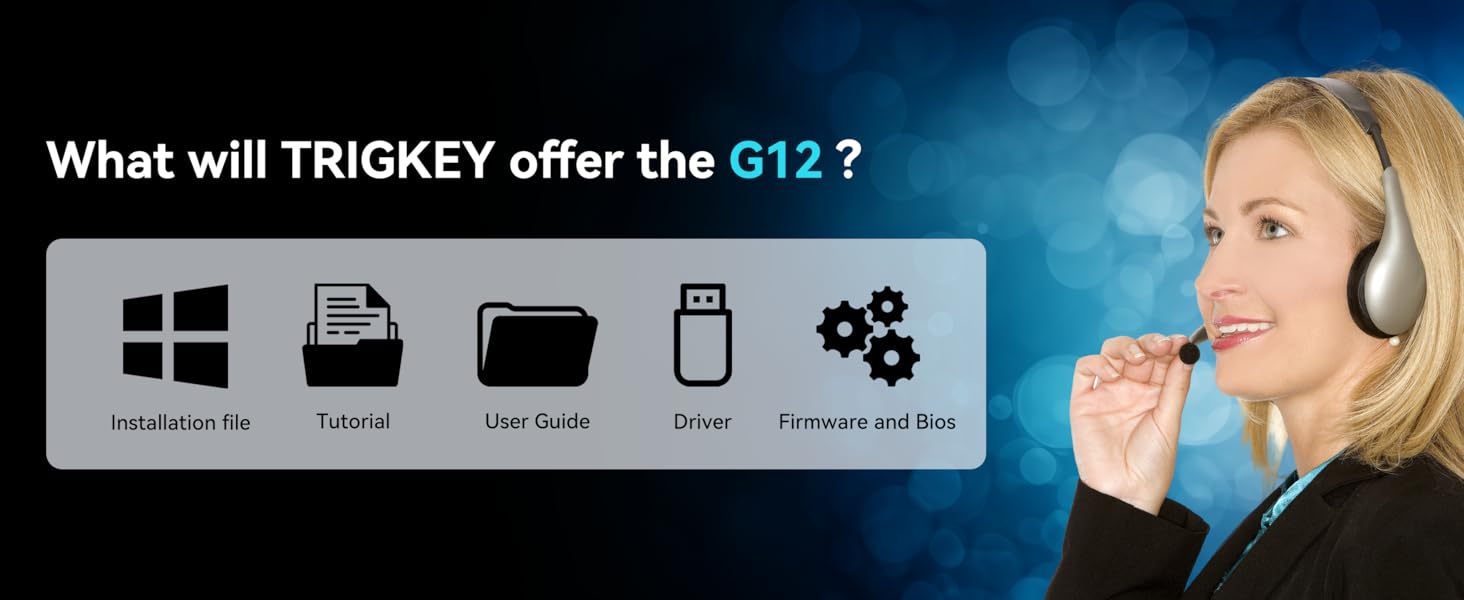
Resources provided by TRIGKEY for product support.