
Anker Soundcore K20i
Uživatelská příručka k bezdrátovým sluchátkům Anker Soundcore K20i True Wireless
Model: K20i | Brand: Anker Soundcore
1. Úvod
The Anker Soundcore K20i are true wireless earbuds designed for comfortable, extended listening. They feature Bluetooth 5.3 connectivity, IPX5 water resistance, and up to 36 hours of total playback with the charging case. Enjoy powerful bass and clear calls with AI noise reduction.

Image: Anker Soundcore K20i earbuds and charging case in black, white, purple, and blue.
2. Obsah balení
Ujistěte se, že v balení produktu jsou přítomny všechny položky:
- Soundcore K20i True Wireless Earbuds
- Nabíjecí pouzdro
- USB-C & USB-A Charging Cable
- Safety Manual & Quick Start Guide

Image: The Anker Soundcore K20i earbuds, their charging case, and the included USB-C charging cable.
3. Nastavení
3.1. Nabíjení
Před prvním použitím plně nabijte sluchátka i nabíjecí pouzdro.
- Place the earbuds into the charging case. Close the case to begin charging the earbuds.
- Připojte nabíjecí pouzdro ke zdroji energie pomocí dodaného kabelu USB-C.
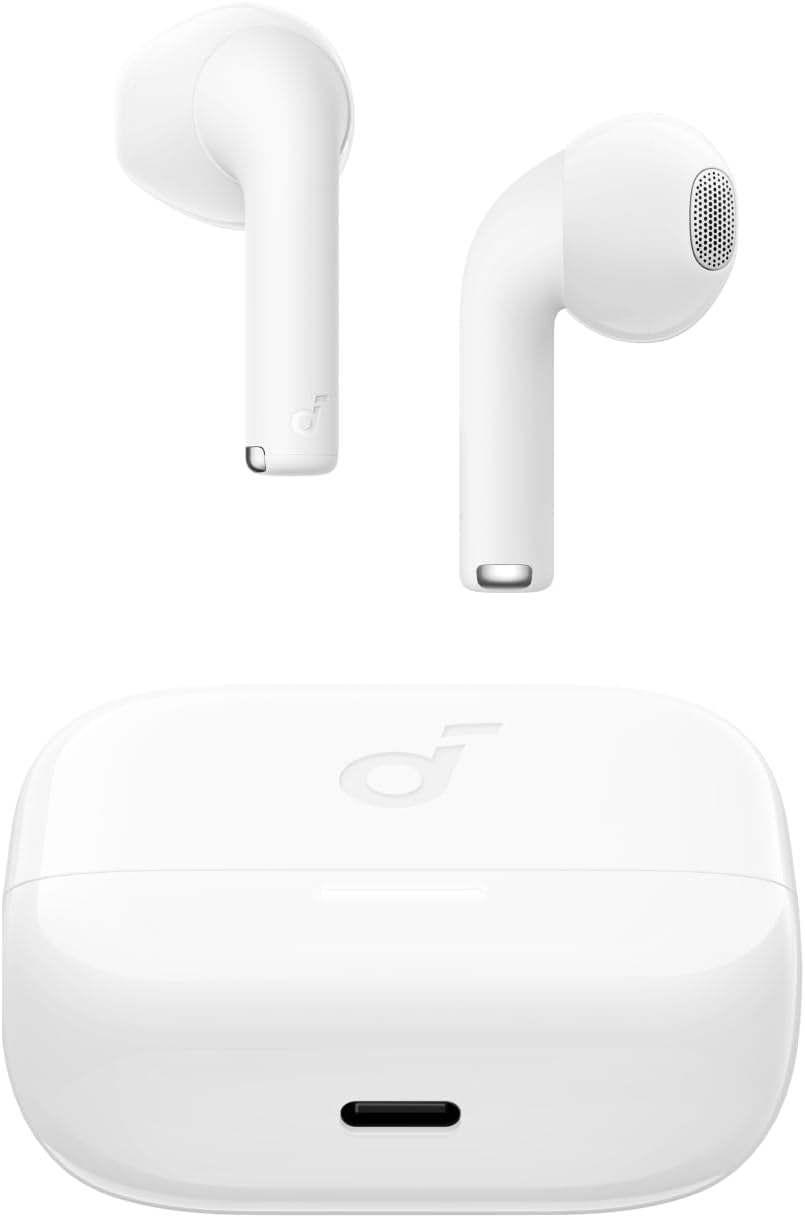
Image: The Anker Soundcore K20i earbuds resting in their open charging case, with the USB-C charging port visible at the front of the case.
3.2. Párování
Chcete-li spárovat sluchátka se zařízením s podporou Bluetooth, postupujte takto:
- Otevřete nabíjecí pouzdro. Sluchátka se automaticky přepnou do režimu párování Bluetooth.
- On your device (smartphone, PC), enable Bluetooth and search for 'Soundcore K20i'.
- Select 'Soundcore K20i' to connect.
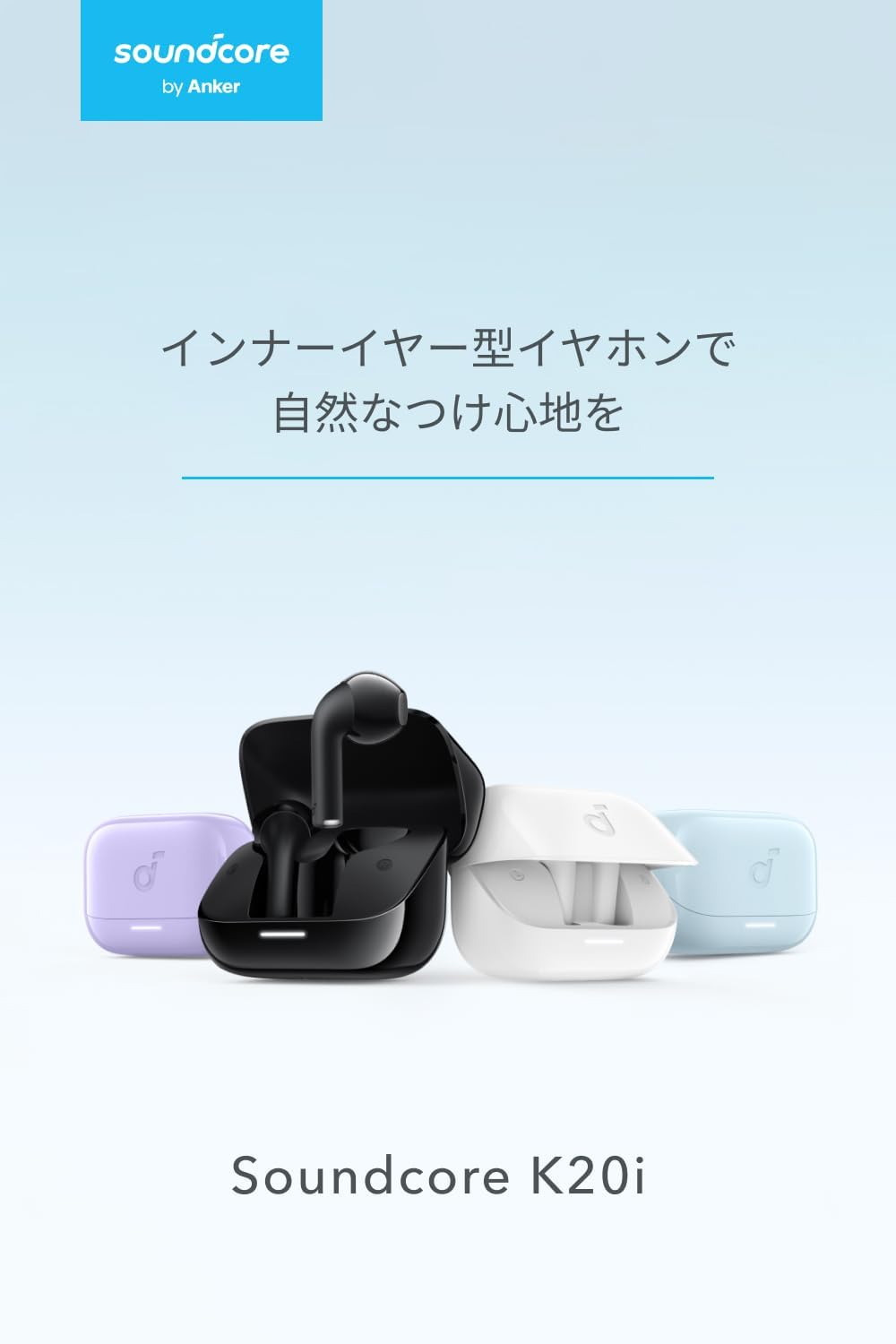
Image: The Anker Soundcore K20i earbuds removed from their charging case, indicating they are ready for Bluetooth pairing.
4. Návod k obsluze
4.1. Nošení sluchátek do uší
For optimal comfort and sound quality, ensure the earbuds are properly seated in your ears.
- Vložte si sluchátka do uší a jemně s nimi otáčejte, dokud nebudou pevně a pohodlně sedět.
- Each earbud weighs approximately 3.3g, designed for extended comfortable wear without ear tips.

Image: A diagram illustrating the correct way to position the Anker Soundcore K20i earbud in the ear canal for a secure and comfortable fit.
4.2. Základní ovládací prvky
The Soundcore K20i earbuds feature touch controls for various functions. Specific actions for single, double, or triple taps can often be customized via the Soundcore app.
4.3. Aplikace Soundcore
Enhance your listening experience by downloading the Soundcore app. The app allows you to:
- Customize sound settings and adjust the equalizer.
- Pokud jste si ztratili sluchátka, najděte je.
- Aktualizujte firmware sluchátek.

Image: A user interacting with the Soundcore application on a smartphone, displaying various sound customization options for the earbuds.
5. Údržba
5.1. Čištění
Pravidelné čištění pomáhá udržovat optimální výkon a hygienu:
- Pravidelně čistěte sluchátka a nabíjecí pouzdro suchým, měkkým hadříkem, který nepouští vlákna.
- Vyhněte se používání agresivních chemikálií nebo abrazivních materiálů.
5.2. Voděodolnost (IPX5)
The earbuds are IPX5 water-resistant, meaning they can withstand splashes and sweat. This makes them suitable for workouts and light rain. Neponořujte je do vody.

Image: Two Anker Soundcore K20i earbuds covered in water droplets, illustrating their IPX5 water-resistant design.
5.3. Skladování
Store the earbuds in their charging case when not in use to protect them from damage and ensure they remain charged.
6. Řešení problémů
If you encounter issues with your Soundcore K20i earbuds, try the following solutions:
- Sluchátka se nespárují: Ensure both earbuds are charged and within range of your device. Turn off and on your device's Bluetooth.
- Only one earbud plays sound: Try placing both earbuds back into the charging case, closing it for a few seconds, then reopening. Refer to the quick start guide for specific earbud reset instructions.
- Špatná kvalita zvuku: Ensure the earbuds are properly seated in your ears. Try adjusting equalizer settings in the Soundcore app.
- Problémy s nabíjením: Verify the charging cable is securely connected to both the case and the power source. Ensure the charging contacts on the earbuds and inside the case are clean.
7. Specifikace
| Funkce | Specifikace |
|---|---|
| Název modelu | Soundcore K20i |
| Technologie připojení | Bezdrátové připojení (Bluetooth 5.3) |
| Umístění uší | In-Ear |
| Styl sluchátek | In-Ear |
| Impedance | 16 ohmů |
| Kontrola hluku | None (AI Noise Reduction for calls) |
| Doba přehrávání (sluchátka) | Až 6 hodin |
| Celková doba přehrávání (s pouzdrem) | Až 36 hodin |
| Rychlé nabíjení | 10 minutes charge for approx. 2 hours playback |
| Earbud Weight (per earbud) | Přibl. 3.3 g |
| Hmotnost produktu | 42.6 g |
| Voděodolnost | IPX5 |
| Číslo modelu výrobce | A3994 |
| Kompatibilní zařízení | Smartphones, PCs, and other Bluetooth-compatible devices |
8. Záruka a podpora
Anker Soundcore K20i comes with an 18měsíční záruka na výrobek from the date of purchase. For registered members, an additional 6měsíční prodloužená záruka is provided, totaling 24 months of coverage.
For product or delivery-related inquiries, please contact customer support. Anker provides dedicated Japanese customer support.

Image: Details on Anker's 18-month product warranty, an additional 6-month extended warranty for members, and information for contacting Japanese customer support.
Ask a question about this manual
Ask about setup, troubleshooting, compatibility, parts, safety, or missing instructions. Manuals+ will review the question and use this page’s manual context to help answer it.