
BINNUNE BW01
BINNUNE Wireless Gaming Headset User Manual
Model: BW01
Značka: BINNUNE
Zavedení
Thank you for choosing the BINNUNE Wireless Gaming Headset. This manual provides detailed instructions on how to set up, operate, and maintain your headset to ensure optimal performance and a superior gaming experience. Please read this manual thoroughly before using the product.
Co je v krabici
Upon unboxing your BINNUNE Wireless Gaming Headset, please verify that all the following components are included:
- BINNUNE Wireless Gaming Headset (Blue)
- 2.4GHz USB dongle
- 3.5mm audio kabel
- USB nabíjecí kabel
- Uživatelská příručka (tento dokument)

Image: The BINNUNE Wireless Gaming Headset in blue, accompanied by its 2.4GHz USB dongle and a 3.5mm audio jack. These are the primary components included in the product package.
Konec produktuview
Familiarize yourself with the key features and components of your BINNUNE Wireless Gaming Headset:
- Nastavitelná čelenka: Pro pohodlné nošení.
- Měkké chrániče sluchu: Large-size memory foam earmuffs (110mm diameter, 45mm thickness) made of breathable PU leather and mesh material for extended comfort.
- 50mm měniče: High-performance 50mm driver units for clear and rich stereo sound.
- Unidirectional Noise-Canceling Microphone: A 120° adjustable boom mic designed to filter out background noise for clear communication.
- Ovládání na sluchátkách: Buttons for power, volume adjustment, and microphone mute.

Obrázek: Podrobný view of the BINNUNE Wireless Gaming Headset's unidirectional boom microphone, highlighting its flexible design and noise-canceling capabilities.

Image: An exploded diagram illustrating the internal components of the 50mm audio drivers within the BINNUNE headset, emphasizing their design for rich, full-range sound.
Nastavení
Nabíjení náhlavní soupravy
Before first use, fully charge the headset. A full charge takes approximately 3 hours. A 10-minute quick charge can provide up to 3 hours of battery life. The headset offers up to 80 hours of continuous use in 2.4GHz mode and up to 120 hours in Bluetooth mode.
- Připojte nabíjecí kabel USB k nabíjecímu portu sluchátek s mikrofonem.
- Druhý konec kabelu USB připojte ke kompatibilnímu zdroji napájení USB (např. k portu USB počítače, síťovému adaptéru USB).
- The LED indicator on the headset will show charging status (refer to the headset's LED guide for specific indications).

Image: The BINNUNE Wireless Gaming Headset displayed alongside a visual representation of its impressive 120-hour battery life, indicating extended usage time.
Možnosti připojení
Your BINNUNE headset supports three connection modes:
- Bezdrátové připojení 2.4 GHz (USB adaptér): Provides ultra-low latency (15ms) for gaming. Ideal for PS5, PS4, PC, and Mac.
- Bluetooth 5.3: For wireless connection to mobile phones, tablets, PC, and Mac.
- 3.5mm kabelové připojení: Universal compatibility with any device featuring a 3.5mm audio jack.
2.4GHz Wireless Connection (for PS5, PS4, PC, Mac)
- Insert the 2.4GHz USB dongle into an available USB port on your PS5, PS4, PC, or Mac.
- Zapněte sluchátka. Automaticky se pokusí připojit k hardwarovému klíči.
- Once connected, the LED indicator on the headset will confirm the connection (refer to LED guide).
- On your device, ensure the BINNUNE headset is selected as the audio output and input device.
Bluetooth 5.3 Connection (for PC, Mac, Mobile Phone, Tablet)
- Ensure the headset is powered on and in Bluetooth pairing mode (usually indicated by a blinking LED). If not, double-press the power button to switch to Bluetooth mode.
- On your device (PC, Mac, mobile phone, tablet), go to Bluetooth settings and search for available devices.
- Select "BINNUNE BW01" (or similar) from the list of found devices to pair.
- Once paired, the LED indicator will show a solid light (refer to LED guide).
3.5mm Wired Connection (for All Platforms)
- Připojte jeden konec 3.5mm audio kabelu k 3.5mm portu na sluchátkách.
- Connect the other end of the 3.5mm audio cable to the 3.5mm audio jack on your device (e.g., PS4/PS5 controller, PC, mobile phone).
- The headset will function in passive wired mode. Note that some headset features (like LED lighting or specific controls) may be limited in wired mode.
Note: The BINNUNE Wireless Gaming Headset is not compatible with Xbox consoles.
Konec kompatibilityview
The following table provides a quick reference for device compatibility across different connection modes:

Image: A visual compatibility chart detailing which devices (PC, PS4/PS5 Console, PS4/PS5 Controller, Switch, Cell Phone, Tablet) support sound, microphone, and microphone mute functions across 2.4GHz Wireless (USB Dongle), Bluetooth 5.3, and 3.5mm Wired connection modes.
Návod k obsluze
Zapnutí/vypnutí
- Zapnutí: Stiskněte a podržte tlačítko napájení přibližně 3 sekundy, dokud se nerozsvítí LED indikátor.
- Vypnout: Stiskněte a podržte tlačítko napájení přibližně 3 sekund, dokud nezhasne LED indikátor.
Switching Between 2.4GHz and Bluetooth Modes
The headset supports simultaneous wireless operation, allowing quick toggling between 2.4GHz and Bluetooth modes.
- Chcete-li přepnout režimy: Double-press the Power button. The headset will switch between 2.4GHz wireless mode and Bluetooth mode.
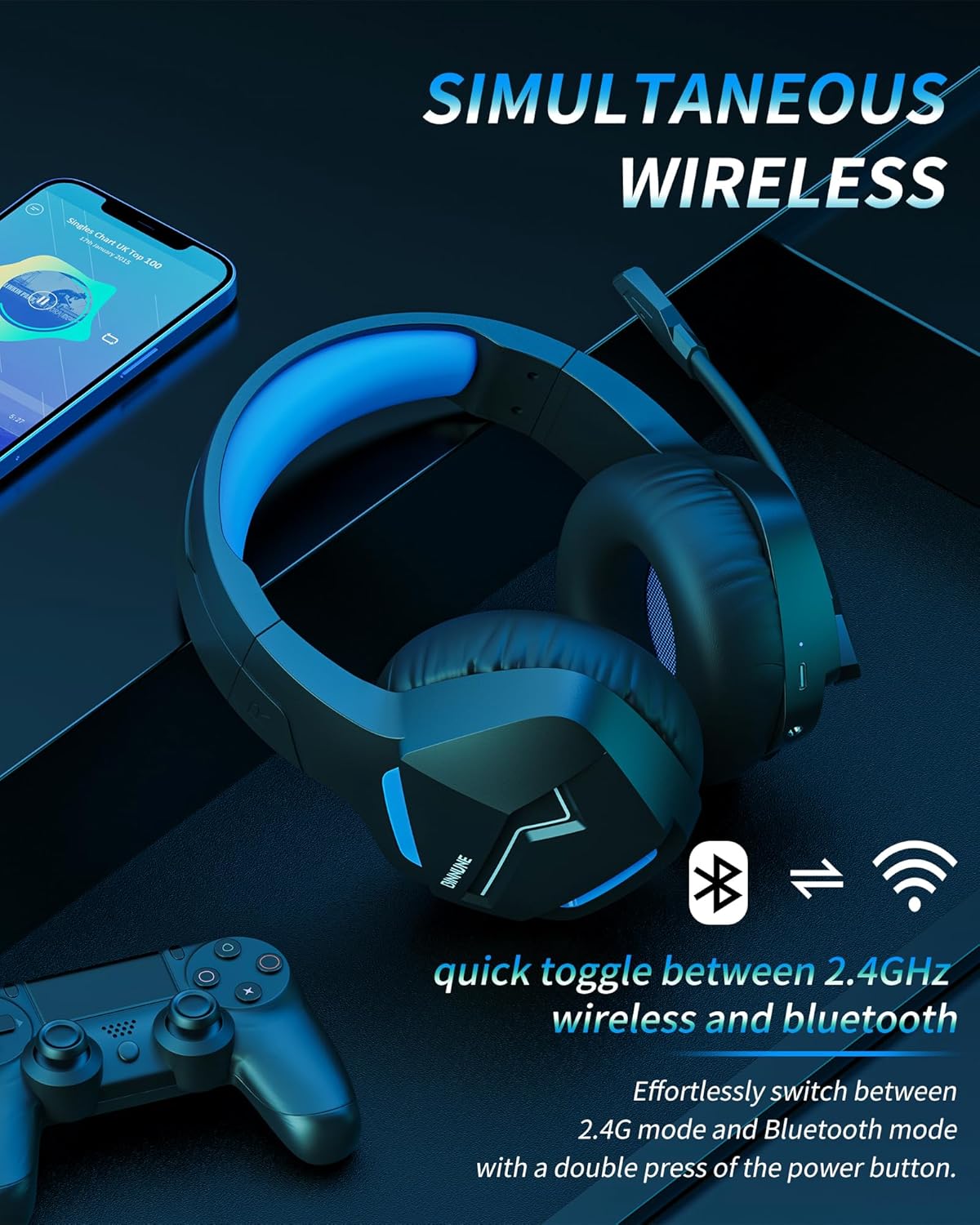
Image: The BINNUNE Wireless Gaming Headset shown with icons representing both 2.4GHz wireless and Bluetooth connectivity, indicating its ability to switch between these modes for versatile use.
Ovládání hlasitosti
- Zvýšení hlasitosti: Stiskněte tlačítko pro zvýšení hlasitosti (+).
- Snížit hlasitost: Stiskněte tlačítko pro snížení hlasitosti (-).
Ovládání mikrofonu
- Ztlumit/zapnout mikrofon: Press the Microphone Mute button. A red LED on the microphone tip usually indicates it is muted.
- Nastavení pozice mikrofonu: The 120° adjustable memory line microphone can be freely shaped and adjusted to your ideal angle.
Herní výkon
The headset is designed for an immersive gaming experience with features like:
- Accurate Sound Positioning: The 50mm drivers provide clear and rich stereo sound, allowing you to accurately pinpoint in-game sounds like footsteps and environmental details.
- Nízká latence: The 2.4GHz wireless technology ensures an ultra-low latency of 15ms, providing synchronized audio and video for competitive gaming.
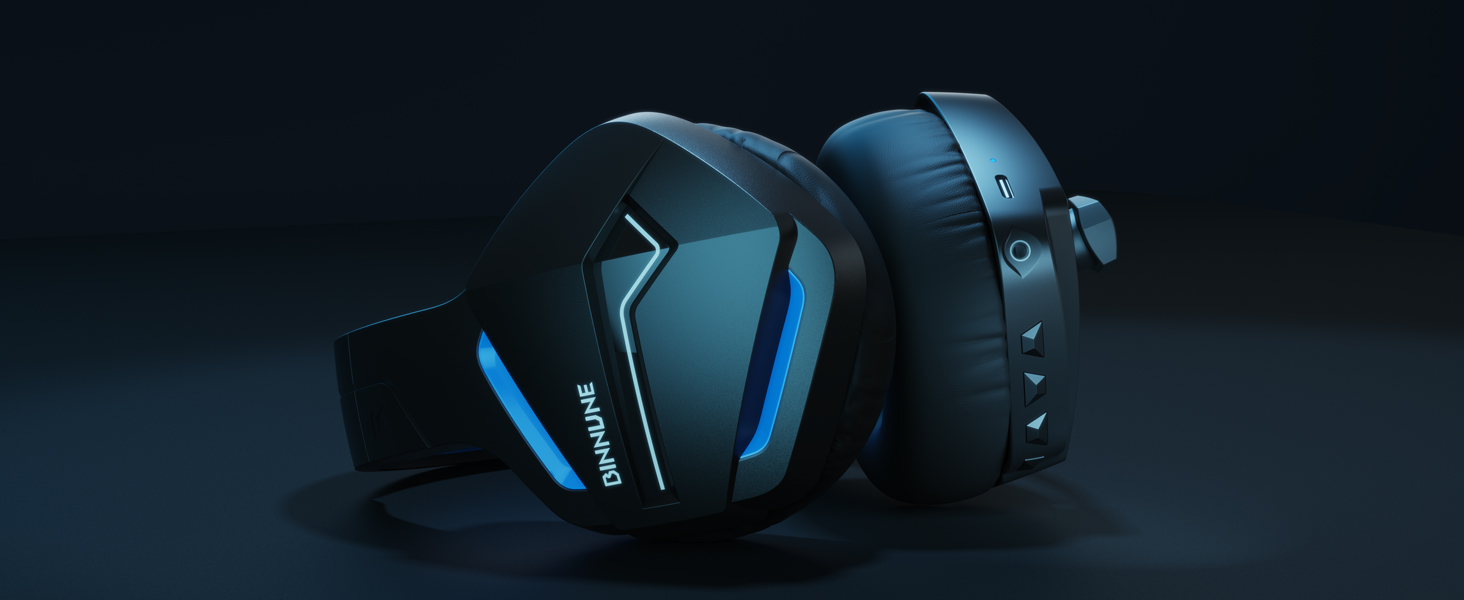
Image: A gamer immersed in a game, wearing the BINNUNE headset, highlighting the benefits of low latency and stable wireless connection for an enhanced gaming experience.
Údržba
Proper maintenance ensures the longevity and performance of your BINNUNE Wireless Gaming Headset.
- Čištění:
- Use a soft, dry, lint-free cloth to clean the headset's surfaces.
- V případě chráničů sluchu jemně otřete lehceamp hadříkem a před použitím nechte zcela uschnout na vzduchu.
- Nepoužívejte agresivní chemikálie, čisticí rozpouštědla ani silné čisticí prostředky.
- Skladování:
- Sluchátka skladujte na chladném a suchém místě mimo dosah přímého slunečního záření a extrémních teplot.
- Nepokládejte na sluchátka těžké předměty.
- Péče o baterie:
- Vyhněte se častému úplnému vybíjení baterie.
- If storing for a long period, charge the headset to about 50% every few months to preserve battery health.
Odstraňování problémů
If you encounter issues with your BINNUNE Wireless Gaming Headset, please refer to the following common solutions:
| Problém | Možná příčina | Řešení |
|---|---|---|
| Žádný zvuk / nízká hlasitost |
|
|
| Mikrofon nefunguje |
|
|
| Connection Issues (Intermittent/No Connection) |
|
|
| Headset Not Compatible with Xbox |
|
|
Specifikace
Detailed technical specifications for the BINNUNE Wireless Gaming Headset (Model: BW01):
| Funkce | Detail |
|---|---|
| Název modelu | BW01 |
| Technologie připojení | Wireless (2.4GHz USB Dongle, Bluetooth 5.3), Wired (3.5mm Jack) |
| Technologie bezdrátové komunikace | Bluetooth 5.3 |
| Dosah Bluetooth | Až 10 metrů (33 stop) |
| Latence zvuku (2.4 GHz) | 15ms (Ultra Stable 2.4GHz Wireless Connection) |
| Typ zvukového ovladače | Dynamický ovladač |
| Velikost zvukového ovladače | 50 milimetrů |
| Frekvenční odezva | 20 Hz - 20,000 XNUMX Hz |
| Citlivost | 96 dB |
| Mikrofon | Unidirectional Noise-Canceling Mic (120° adjustable) |
| Životnost baterie | Up to 80 hours (2.4GHz mode), Up to 120 hours (Bluetooth mode) |
| Doba nabíjení | Cca. 3 hodiny pro plné nabití |
| Tvar sluchátka | Oval (110mm diameter, 45mm thickness memory foam) |
| Materiál | Plastic (headset), PU leather and mesh (earmuffs) |
| Hmotnost položky | 10.7 unce (přibližně 303 gramu) |
| Rozměry produktu | 8.27 x 7.48 x 4.33 palce |
| Kompatibilní zařízení | Gaming Consoles (PS4, PS5), Laptops, PC, Mac, Mobile Phones, Tablets |
| Typ ovládání | Ovládání tlačítkem |
| Zahrnuté komponenty | User Manual, 2.4GHz USB Dongle, 3.5mm Audio Cable, USB Charging Cable |
Informace o záruce
BINNUNE products are manufactured with high-quality standards. While specific warranty details are not provided in this manual, BINNUNE typically offers a limited warranty against defects in materials and workmanship. For detailed warranty terms, conditions, and registration, please refer to the official BINNUNE webwebu nebo kontaktujte zákaznickou podporu.
Zákaznická podpora
For further assistance, technical support, or inquiries regarding your BINNUNE Wireless Gaming Headset, please contact BINNUNE customer support through the following channels:
- Official BINNUNE Webmísto: Visit the official BINNUNE webweb s nejčastějšími dotazy, zdroji podpory a kontaktními formuláři.
- Amazon Store: Můžete také navštívit BINNUNE Store on Amazon informace o produktech a možnosti kontaktování prodejce.
Please have your product model (BW01) and purchase details ready when contacting support.
Ask a question about this manual
Ask about setup, troubleshooting, compatibility, parts, safety, or missing instructions. Manuals+ will review the question and use this page’s manual context to help answer it.