
Azeyou X52
Azeyou 15.6" Laptop X52 User Manual
Model: X52
1. Úvod
This manual provides essential information for setting up, operating, maintaining, and troubleshooting your Azeyou 15.6" Laptop X52. Please read this guide thoroughly to ensure optimal performance and longevity of your device. Keep this manual for future reference.
2. Obsah balení
Ověřte, zda jsou v balení produktu přítomny všechny položky:
- Azeyou 15.6" Laptop X52
- Napájecí adaptér
- Uživatelská příručka (tento dokument)
3. Konec produktuview
The Azeyou 15.6" Laptop X52 is designed for efficient computing, featuring an Alder Lake-N95 Quad-Core CPU, 12GB RAM, and a 256GB SSD for responsive performance. It comes pre-installed with Windows 11 Pro and offers a Full HD display for clear visuals.
3.1 Klíčové vlastnosti
- Procesor: Alder Lake-N95 Quad-Core CPU (up to 3.4GHz)
- Paměť: 12GB DDR4 RAM
- Skladování: 256GB SSD disk
- Zobrazit: 15.6palcový Full HD (1920 x 1080) IPS displej
- Operační systém: Windows 11 Pro
- Konektivita: Full Function Type-C, USB 3.0, HDMI, 2.4G/5G WiFi, Bluetooth 5.0
- Baterie: 5000 mAh Lithium-ion battery for extended use
- Design: Lightweight (3.59 lbs) and ultra-thin (0.6 inches)
- Vstup: Full-size keyboard and large touchpad
- Webvačka: Integrated 2MP front webvačka
3.2 Externí komponenty


3.3 Procesor a výkon
The laptop is powered by the Alder Lake-N95 processor, designed for efficient multitasking and responsive computing. This CPU offers a balance of performance and power efficiency for daily tasks.

3.4 Paměť a úložiště
With 12GB of DDR4 RAM and a 256GB SSD, the laptop provides ample memory for running multiple applications simultaneously and fast storage access for your filea programy.

3.5 Displej
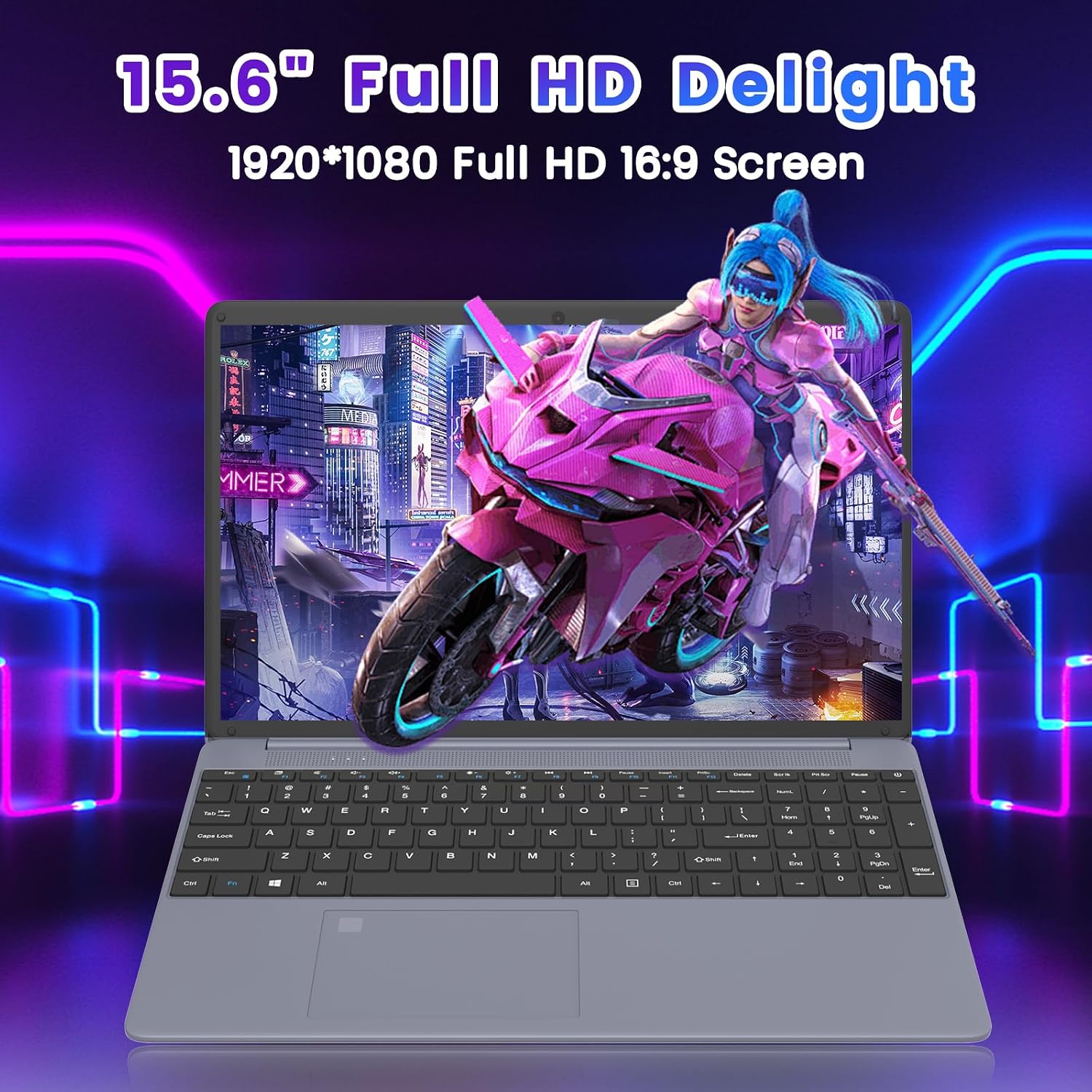
Experience clear and vibrant visuals on the 15.6-inch Full HD (1920x1080) IPS display. The 16:9 aspect ratio is suitable for both productivity and entertainment.
3.6 Životnost baterie
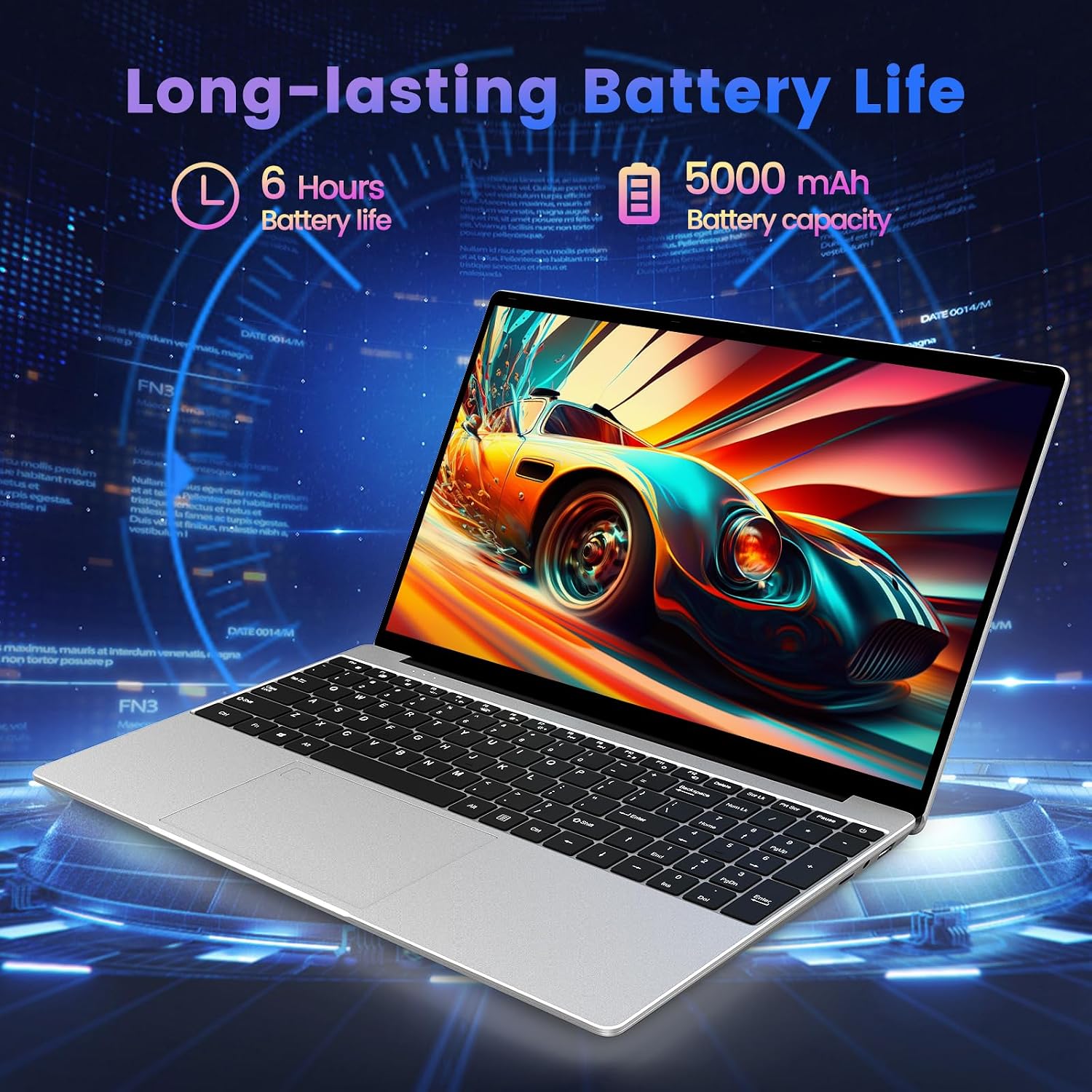
The integrated 5000 mAh lithium-ion battery provides up to 5-6 hours of usage, allowing for portability and use without constant access to a power outlet.
3.7 Input Devices
The laptop features a full-size keyboard and a large touchpad for comfortable and efficient input.

3.8 Produktové videoview
Video 3.1: Úředník u konceview of the Azeyou 15.6'' Laptop, showcasing its design, features, and key specifications like the Intel N95 processor, full-function Type-C port, full-size keyboard, and ultra-thin design.
4. Nastavení
4.1 Počáteční nabíjení
- Connect the power adapter to the DC IN port on the laptop.
- Zapojte napájecí adaptér do elektrické zásuvky.
- Před prvním použitím nechte notebook nabíjet alespoň 30 minut nebo dokud indikátor baterie neukazuje dostatečné nabití.
4.2 Zapnutí
- Otevřete víko notebooku.
- Press and hold the power button (usually located on the top right of the keyboard or side) until the screen illuminates.
4.3 Windows 11 Pro Initial Setup
Follow the on-screen prompts to complete the Windows 11 Pro setup process. This typically includes:
- Výběr regionu a rozložení klávesnice.
- Připojování k síti Wi-Fi.
- Přihlášení pomocí účtu Microsoft nebo vytvoření místního účtu.
- Nastavení soukromí.
4.4 Připojení k Wi-Fi
- During Windows setup, select your desired Wi-Fi network from the list.
- Pokud budete vyzváni, zadejte síťové heslo.
- If already set up, click the Wi-Fi icon in the taskbar, select your network, and connect.
5. Ovládání notebooku
5.1 Řízení spotřeby
- Vypnout: Klikněte na tlačítko Start a poté na Napájení > Vypnout.
- Restartovat: Klikněte na tlačítko Start a poté na Napájení > Restartovat.
- Spát: Klikněte na tlačítko Start a poté na Napájení > Režim spánku nebo zavřete víko notebooku.
5.2 Používání klávesnice a touchpadu
- The full-size keyboard allows for comfortable typing.
- The large touchpad supports multi-touch gestures for navigation (e.g., two-finger scroll, pinch-to-zoom).
5.3 Připojení periferních zařízení
- Zařízení USB: Insert USB drives, mice, or other peripherals into the available USB 3.0 ports.
- HDMI displej: Connect an external monitor or TV using an HDMI cable to the HDMI port.
- Zařízení typu C: Use the Full Function Type-C port for data transfer, video output, or charging compatible devices.
- Sluchátka/reproduktory: Plug 3.5mm audio devices into the headphone jack.
- TF karta: Insert a TF (microSD) card into the dedicated slot for expanded storage or data transfer.
5.4 Bezdrátové připojení
- Wi-Fi: The laptop supports 2.4G and 5G Wi-Fi for high-speed internet access. Manage connections via the network icon in the taskbar.
- Bluetooth: Bluetooth 5.0 allows connection to wireless headphones, speakers, and other Bluetooth-enabled devices. Access Bluetooth settings via Windows Settings > Bluetooth & devices.
6. Údržba
6.1 Čištění notebooku
- Použijte měkký hadřík, který nepouští vlákna dampDisplej opláchněte vodou nebo čističem obrazovek.
- Na klávesnici a šasi používejte měkký, suchý hadřík. Nepoužívejte agresivní chemikálie ani abrazivní materiály.
- Use compressed air to clear dust from keyboard keys and ventilation openings.
6.2 Péče o baterii
- Vyhněte se častému úplnému vybíjení baterie.
- Pokud notebook nebudete delší dobu používat, skladujte jej na chladném a suchém místě s baterií nabitou přibližně na 50 %.
- Use only the original power adapter provided with the laptop.
6.3 Aktualizace softwaru
- Pravidelně kontrolujte a instalujte aktualizace systému Windows, abyste zajistili stabilitu a zabezpečení systému. Přejděte do Nastavení > Windows Update.
- Keep your device drivers updated. Windows Update often handles this, but you may occasionally need to check the Azeyou support website for specific driver updates.
6.4 Správa úložiště
- Pravidelně mažte nepotřebné files and uninstall unused programs to free up storage space.
- Použijte vestavěný nástroj Vyčištění disku systému Windows k odstranění dočasných files.
7. Řešení problémů
This section addresses common issues you might encounter with your Azeyou Laptop X52.
| Problém | Možná příčina | Řešení |
|---|---|---|
| Notebook se nezapne. | Low battery, faulty power adapter, hardware issue. | Ensure the power adapter is securely connected and plugged into a working outlet. Allow the laptop to charge for a while. Try a different outlet. If the issue persists, contact support. |
| Nelze se připojit k Wi-Fi. | Wi-Fi adapter disabled, incorrect password, router issue, driver problem. | Check if Wi-Fi is enabled in Windows settings. Verify the Wi-Fi password. Restart your router and the laptop. Update Wi-Fi drivers via Device Manager or Azeyou support webmísto. |
| Laptop reboots unexpectedly or shows 'Aptio Setup Utility' error. | System instability, corrupted OS files, BIOS settings, hardware fault. | Ensure Windows is fully updated. Run a system file check (sfc /scannow in Command Prompt). If 'Aptio Setup Utility' appears, exit without saving changes unless instructed by support. If frequent, consider reinstalling Windows or contacting support for hardware diagnosis. |
| Pomalý výkon. | Too many applications open, low storage space, outdated drivers, malware. | Close unnecessary programs. Free up disk space. Update drivers. Run a full system scan for viruses/malware. |
| External display not working. | Incorrect display settings, faulty cable, driver issue. | Ensure the HDMI cable is securely connected. Press Windows key + P to cycle through display modes. Update graphics drivers. |
8. Specifikace
Detailed technical specifications for the Azeyou 15.6" Laptop X52:
| Funkce | Specifikace |
|---|---|
| Značka | Azeyou |
| Název modelu | X52 |
| Velikost obrazovky | 15.6 palce |
| Rozlišení obrazovky | 1920 x 1080 pixelů (Full HD) |
| Procesor | Intel Alder Lake-N95 Quad Core (up to 3.4 GHz) |
| BERAN | 12 GB DDR4 |
| Pevný disk | 256 GB SSD (eSATA Interface) |
| Grafický koprocesor | Grafická karta Intel UHD (integrovaná) |
| Operační systém | Windows 11 Pro |
| Bezdrátový typ | 802.11a/b/g/n/ac (2.4G/5G WiFi) |
| Bluetooth | Bluetooth 5.0 |
| Průměrná životnost baterie | 5-6 Hours (5000 mAh Lithium Polymer) |
| Hmotnost položky | 2.64 libry |
| Rozměry produktu | 14.13 x 0.78 x 9.45 palce |
| Barva | Šedá |
| Hardwarová platforma | PC |
9. Záruka a podpora
9.1 Záruka na produkt
Azeyou products typically come with a limited manufacturer's warranty. Please refer to the warranty card included in your product packaging or visit the official Azeyou webkonkrétní záruční podmínky platné pro váš region a model naleznete na webových stránkách.
9.2 Zákaznická podpora
For technical assistance, troubleshooting not covered in this manual, or warranty claims, please contact Azeyou customer support through their official website. You may need your product model number (X52) and purchase information when contacting support.
Official Azeyou Store: Visit Azeyou Store on Amazon
Ask a question about this manual
Ask about setup, troubleshooting, compatibility, parts, safety, or missing instructions. Manuals+ will review the question and use this page’s manual context to help answer it.