
SYLVOX 40 Vehicle Smart
Uživatelská příručka k chytré televizi SYLVOX 40 palců pro obytné vozy
Model: 40 Vehicle Smart | Brand: SYLVOX
1. Úvod
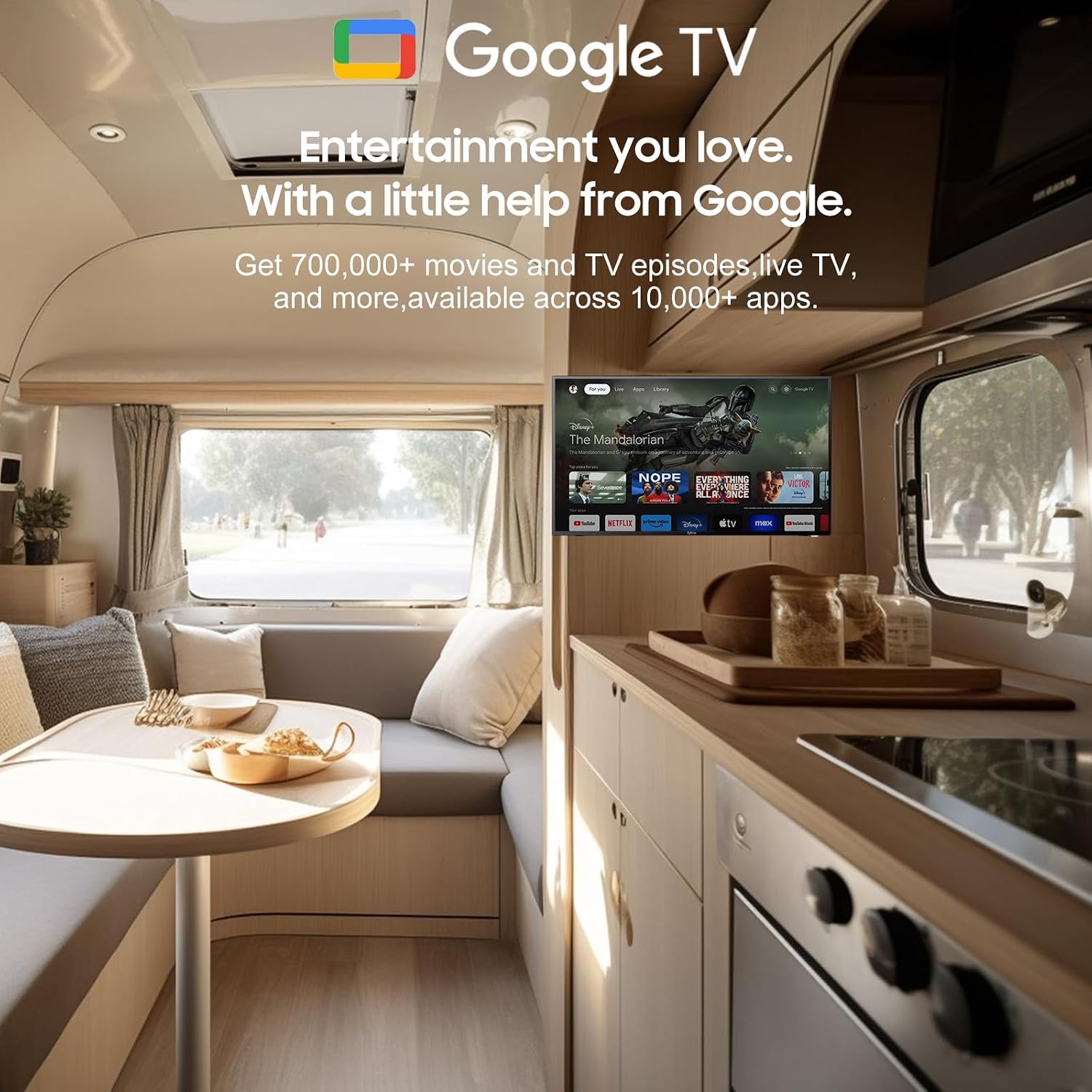
Thank you for choosing the SYLVOX 40-inch Smart RV TV. This television is designed for versatile use, offering both DC and AC power options, making it ideal for RVs, campers, and home environments. Featuring the Android 11.0 system, it provides a smart and intuitive viewing experience with access to a wide range of applications, Google Assistant, and built-in Chromecast.
This manual provides detailed instructions for setting up, operating, and maintaining your SYLVOX Smart RV TV. Please read it thoroughly before use to ensure proper functionality and longevity of your device.
2. Co je v krabici
Upon opening your SYLVOX Smart RV TV package, please verify that all the following components are included:
- SYLVOX 40-inch Smart RV TV
- Remote Control (2 AAA batteries required, often included)
- Power Cord (for AC power)
- Car Charger Cable (for DC power)
- Napájecí adaptér
- Návod k použití
- Base Stands (2 pieces)
- Screws for Base Stands
- Šroubovák

Contents of the SYLVOX Smart RV TV package.
3. Nastavení
3.1 Vybalení a počáteční umístění
Opatrně vyjměte televizor z obalu. Umístěte televizor na stabilní, rovný povrch nebo jej připravte k montáži na zeď. Zajistěte dostatečné větrání kolem televizoru.

Přední view of the SYLVOX Smart RV TV.
3.2 Attaching the Base Stands (Optional)
If you are not wall-mounting the TV, attach the included base stands to the bottom of the TV using the provided screws and screwdriver. Ensure they are securely fastened.
3.3 Připojení napájení
Your SYLVOX RV TV supports both DC and AC power supply:
- DC Power (10.5V-28V): For RVs, campers, or yachts, connect the provided car charger cable directly to your vehicle's 12V/24V power outlet. The TV features wide voltage protection and shock resistance for mobile environments.
- Střídavý proud (110 V): For home use, connect the power adapter to the TV and then plug the power cord into a standard 110V AC wall outlet.
3.4 Nastavení dálkového ovládání
Insert the two AAA batteries into the remote control, observing the correct polarity. The remote is pre-paired and ready for use.
4. Operating Your Smart RV TV
4.1 Smart Android 11.0 System
The TV runs on the Android 11.0 operating system, providing a user-friendly interface and access to a vast ecosystem of apps. Upon first power-on, follow the on-screen prompts to set up your language, Wi-Fi connection, and Google account.
4.2 Asistent Google
Your remote control includes a dedicated Google Assistant button. Press this button and speak your commands to easily search for content, control smart home devices, get answers, and more.

Utilize Google Assistant for voice commands.
4.3 Obchod Google Play
Access the Google Play Store directly from your TV to browse and download a wide variety of applications, games, and media streaming services, expanding your entertainment options.
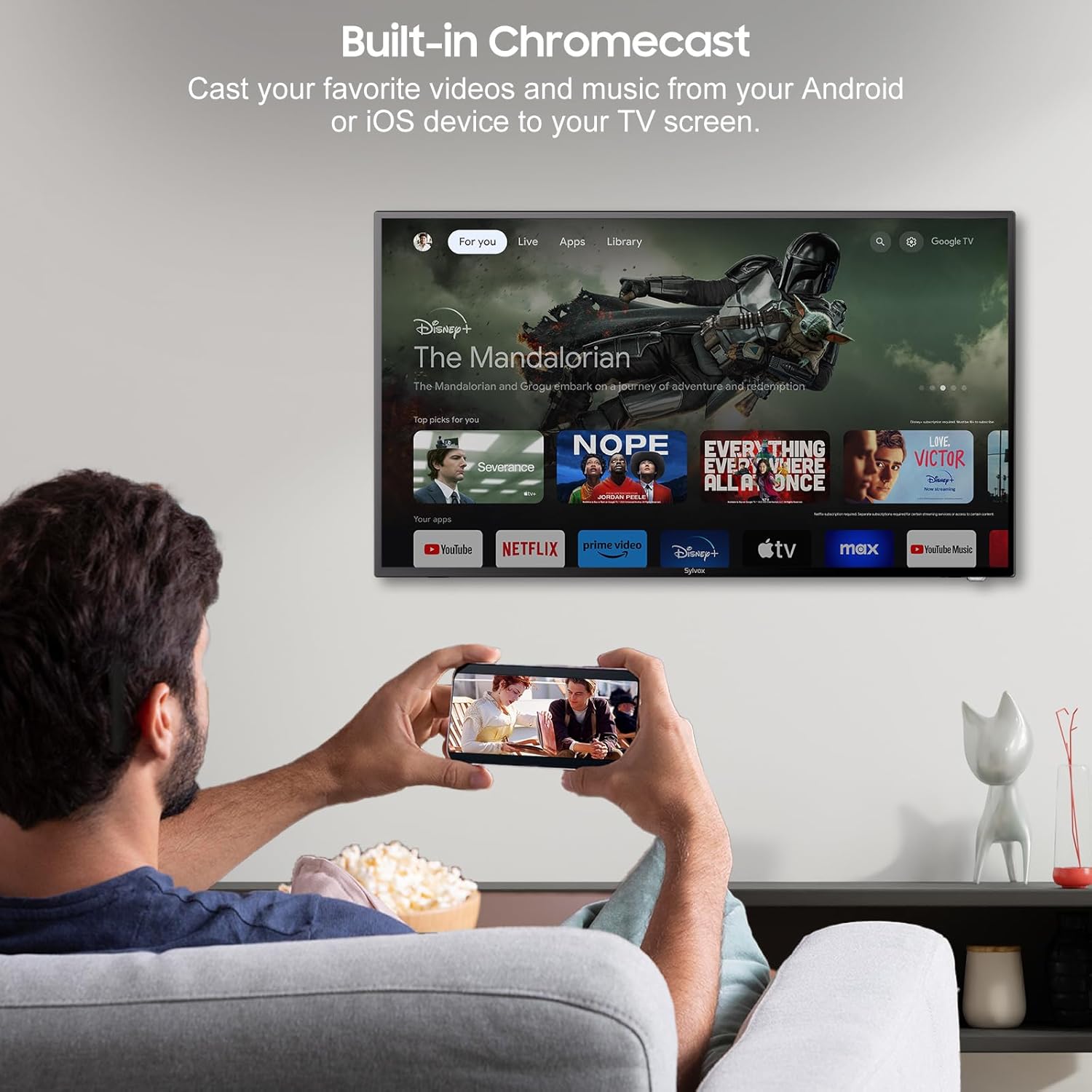
4.4 Built-in Chromecast
With built-in Chromecast, you can effortlessly stream and display content (videos, photos, music) from your compatible mobile devices (Android or iOS) or computers directly onto the TV screen.

Stream content with built-in Chromecast.
5. Konektivita
Your SYLVOX Smart RV TV offers a comprehensive range of connectivity options for various devices:
- HDMI porty: Connect external devices such as gaming consoles, Blu-ray players, or set-top boxes.
- USB porty: Přehrát média files directly from USB drives or connect USB peripherals.
- Port RJ45 (ethernet): Pro stabilní kabelové připojení k internetu.
- Optický audio výstup: Connect to soundbars or home theater systems for enhanced audio.
- RF vstup: For connecting an antenna to receive over-the-air broadcasts.
- AV Input (Mini AV): Pro připojení starších zařízení s kompozitním video a stereo audio výstupy.
- Sluchátkový konektor: Pro soukromý poslech.
5.1 Bezdrátové připojení
- Wi-Fi: Připojte se k bezdrátové síti a získejte přístup k internetu a funkcím Smart TV.
- Bluetooth: Pair with Bluetooth-enabled devices such as headphones, speakers, or game controllers.
Wireless and wired connectivity options.

Rear panel connectivity ports.
6. Kvalita obrazu a zvuku
6.1 1080P Full HD Display
Experience stunning visuals with the 1080P Full HD resolution, providing crisp, clear, and immersive picture quality for all your content.
1080P Full HD picture quality comparison.
6.2 Built-in HiFi Speakers
The TV is equipped with two built-in HiFi speakers, delivering rich and immersive audio to complement your viewing experience. For enhanced sound, external audio systems can be connected via the available audio output ports or Bluetooth.
7. Údržba
7.1 Čištění
- Obrazovka: Jemně otřete obrazovku měkkým hadříkem, který nepouští vlákna. Na odolné skvrny použijte čisticí roztok určený pro obrazovky nanesený na hadřík, nikoli přímo na obrazovku.
- Skříň: Skříňku televizoru otřete měkkým, suchým hadříkem. Nepoužívejte abrazivní čisticí prostředky ani rozpouštědla.
7.2 Skladování
If storing the TV for an extended period, disconnect it from power, clean it, and store it in a cool, dry place, preferably in its original packaging to protect it from dust and physical damage.
8. Řešení problémů
If you encounter issues with your SYLVOX Smart RV TV, please refer to the following common problems and solutions:
| Problém | Možná příčina | Řešení |
|---|---|---|
| Žádná síla | Power cable not connected; outlet malfunction; vehicle battery low (for DC) | Ensure power cable is securely connected. Test outlet with another device. Check vehicle battery charge. |
| Žádný obraz, ale zvuk je přítomen | Vybrán nesprávný vstupní zdroj; problém s externím zařízením | Press the 'Input' or 'Source' button on the remote to select the correct input. Check connections to external devices. |
| Žádný zvuk, ale obraz je přítomen | Hlasitost je ztlumená nebo příliš nízká; problém s externím audiosystémem | Unmute volume or increase level. Check connections to external speakers/soundbar. |
| Dálkové ovládání nereaguje | Vybité baterie; překážka mezi dálkovým ovladačem a televizorem | Replace batteries. Remove any obstructions. Ensure you are within range. |
| Nelze se připojit k Wi-Fi | Nesprávné heslo; problém s routerem; televizor příliš daleko od routeru | Double-check Wi-Fi password. Restart router. Move TV closer to router or use Ethernet. |
| Apps Not Loading or Crashing | Insufficient memory; app specific issue; outdated app version | Clear app cache/data. Update the app. Restart the TV. |
If the problem persists after trying these solutions, please contact SYLVOX customer support for further assistance.
9. Specifikace
Detailed technical specifications for the SYLVOX 40-inch Smart RV TV:
| Funkce | Specifikace |
|---|---|
| Značka | SYLVOX |
| Číslo modelu | 40 Vehicle Smart |
| Velikost obrazovky | 40 palců (102 cm úhlopříčka) |
| Technologie displeje | LED |
| Rezoluce | 1080p (Full HD) |
| Obnovovací frekvence | 60 Hz |
| Operační systém | Android 11.0 |
| Napájení | DC 10.5V-28V, AC 110V |
| Wattage | 84 wattů |
| Konektivita | Bluetooth, WiFi, Ethernet (RJ45), HDMI, USB, Wireless |
| Porty | HDMI, USB, RJ45, Optical, RF, AV, Earphone |
| Typ reproduktoru | Built-In HiFi Speakers |
| Hmotnost položky | 14.33 libry |
| Rozměry produktu (DxŠxV) | 8.32 x 35.7 x 22.11 palce |
| Poměr stran | 16:9 |
| Speciální funkce | DC/AC, 12V, Wide voltage protection, Vibration protection, Google Assistant, Chromecast |
10. Záruka a podpora
SYLVOX is committed to providing high-quality products and excellent customer service. Your SYLVOX Smart RV TV comes with the following:
- 12-Month Free Defect Protection: Kryje výrobní vady po dobu jednoho roku od data nákupu.
- Free Returns for Quality Issues: If you experience quality-related problems, returns are free of charge.
- 30denní bezproblémové vrácení zboží: Enjoy a 30-day return period for your convenience.
Please note that original packaging may be required for returns. For any technical assistance, warranty claims, or product inquiries, please contact SYLVOX customer support through the official SYLVOX webweb nebo vaše nákupní platforma.
Ask a question about this manual
Ask about setup, troubleshooting, compatibility, parts, safety, or missing instructions. Manuals+ will review the question and use this page’s manual context to help answer it.