
DOOGEE T20mini Black
Uživatelská příručka k DOOGEE T20 Mini
Your comprehensive guide to the DOOGEE T20 Mini 4G Tablet
1. Úvod
Welcome to the user manual for your new DOOGEE T20 Mini 4G Tablet. This guide provides detailed instructions on how to set up, operate, and maintain your device, ensuring you get the most out of its features. The DOOGEE T20 Mini is a compact and powerful tablet designed for both productivity and entertainment.
Key features include an 8.4-inch FHD+ display, 4G network support, Android 13 operating system, a Spreadtrum T606 octa-core processor, 128GB internal storage, 4GB RAM (expandable), a 13MP main camera, and a 5060 mAh battery.

The DOOGEE T20 Mini tablet, showcasing its compact design and key specifications like 9GB RAM, 128GB storage, and Android 13 operating system.
2. Začínáme: Nastavení
2.1 Vybalení a počáteční platba
Upon unboxing your DOOGEE T20 Mini, ensure all components are present: the tablet, USB cable, and power adapter. It is recommended to fully charge the tablet before first use.
- Připojte kabel USB k nabíjecímu portu tabletu.
- Připojte druhý konec kabelu USB k napájecímu adaptéru.
- Zapojte napájecí adaptér do elektrické zásuvky.
- Na obrazovce se zobrazí indikátor nabíjení.
2.2 Zapnutí/vypnutí
- Zapnutí: Stiskněte a podržte tlačítko napájení (umístěné na boku), dokud se neobjeví logo DOOGEE.
- Vypnutí: Stiskněte a podržte tlačítko Napájení, dokud se nezobrazí nabídka možností napájení, poté vyberte „Vypnout“.
2.3 Instalace SIM karty a karty MicroSD
The DOOGEE T20 Mini supports dual SIM cards and a MicroSD card for expanded storage.
- Na boku tabletu vyhledejte slot pro kartu SIM/MicroSD.
- Vložte nástroj pro vysunutí SIM karty do malého otvoru vedle zásuvky, abyste ji otevřeli.
- Opatrně vytáhněte zásobník.
- Vložte karty Nano-SIM a/nebo karty MicroSD do určených slotů v držáku a dbejte na správnou orientaci.
- Jemně zatlačte zásobník zpět do tabletu, dokud nezacvakne na místo.

Strana view of the DOOGEE T20 Mini tablet, highlighting its slim design and the location of physical buttons and ports.
3. Ovládání tabletu
Operační systém 3.1 Android 13
Your DOOGEE T20 Mini runs on the latest Android 13 operating system, offering enhanced privacy features, improved performance, and a more personalized user experience.

Visual representation of the Android 13 system, emphasizing its faster and smoother operation through system upgrades.
3.2 Displej a dotyková obrazovka
The 8.4-inch FHD+ IPS display provides a clear and vibrant viewing experience. Use standard touch gestures for navigation:
- Klepněte na: Výběr položky nebo otevření aplikace.
- Výpad: Procházení stránek nebo seznamů.
- Štípání: Pro přiblížení nebo oddálení obrázků a web stránky.
- Dlouhé stisknutí: Pro přístup k kontextovým nabídkám nebo přesun ikon.

The 8.4-inch FHD+ touch screen of the DOOGEE T20 Mini, offering excellent visual clarity and TÜV Blue Light certification for eye comfort.
3.3 Connectivity (Wi-Fi, Bluetooth, 4G)
- Wi-Fi: Pro připojení k dostupným sítím přejděte do Nastavení > Síť a internet > Wi-Fi.
- Bluetooth: Přejděte do Nastavení > Připojená zařízení > Bluetooth pro spárování se zařízeními Bluetooth, jako jsou sluchátka nebo reproduktory.
- 4G mobilní sítě: With a valid SIM card inserted, your tablet will automatically connect to the 4G network for mobile data and calls. Manage data usage in Settings > Network & internet > Mobile network.
3.4 Použití kamery
The DOOGEE T20 Mini is equipped with a 13MP main camera and a 5MP front camera for capturing photos and videos.
- Otevřete aplikaci „Fotoaparát“ z domovské obrazovky nebo ze zásuvky aplikací.
- Přepínejte mezi předním a zadním fotoaparátem pomocí ikony fotoaparátu.
- Klepnutím na tlačítko spouště pořídíte fotografii nebo na tlačítko nahrávání spustíte/zastavíte nahrávání videa.
- Access various modes like Portrait, Panorama, or Pro mode if available.

The DOOGEE T20 Mini's 13MP main camera and 5MP front camera, capable of capturing clear photos and videos.
4. Údržba
4.1 Čištění tabletu
To keep your tablet in optimal condition, clean it regularly:
- Use a soft, lint-free cloth (e.g., microfiber cloth) to wipe the screen and body.
- Na odolné šmouhy lehce otřeteampOtřete hadřík vodou nebo čističem obrazovek určeným pro elektroniku.
- Vyhněte se používání agresivních chemikálií, abrazivních materiálů nebo nadměrné vlhkosti.
4.2 Aktualizace softwaru
Regular software updates provide new features, security patches, and performance improvements. Ensure your tablet is connected to Wi-Fi and has sufficient battery before performing an update.
- Přejděte do Nastavení > Systém > Aktualizace systému.
- Check for available updates and follow the on-screen instructions.
4.3 Péče o baterii
The DOOGEE T20 Mini features a 5060 mAh battery. To maximize battery life and longevity:
- Vyhněte se extrémním teplotám.
- Nenechávejte baterii příliš často úplně vybít.
- Vyhněte se delšímu přebíjení.
- Use the original charger provided with the tablet.
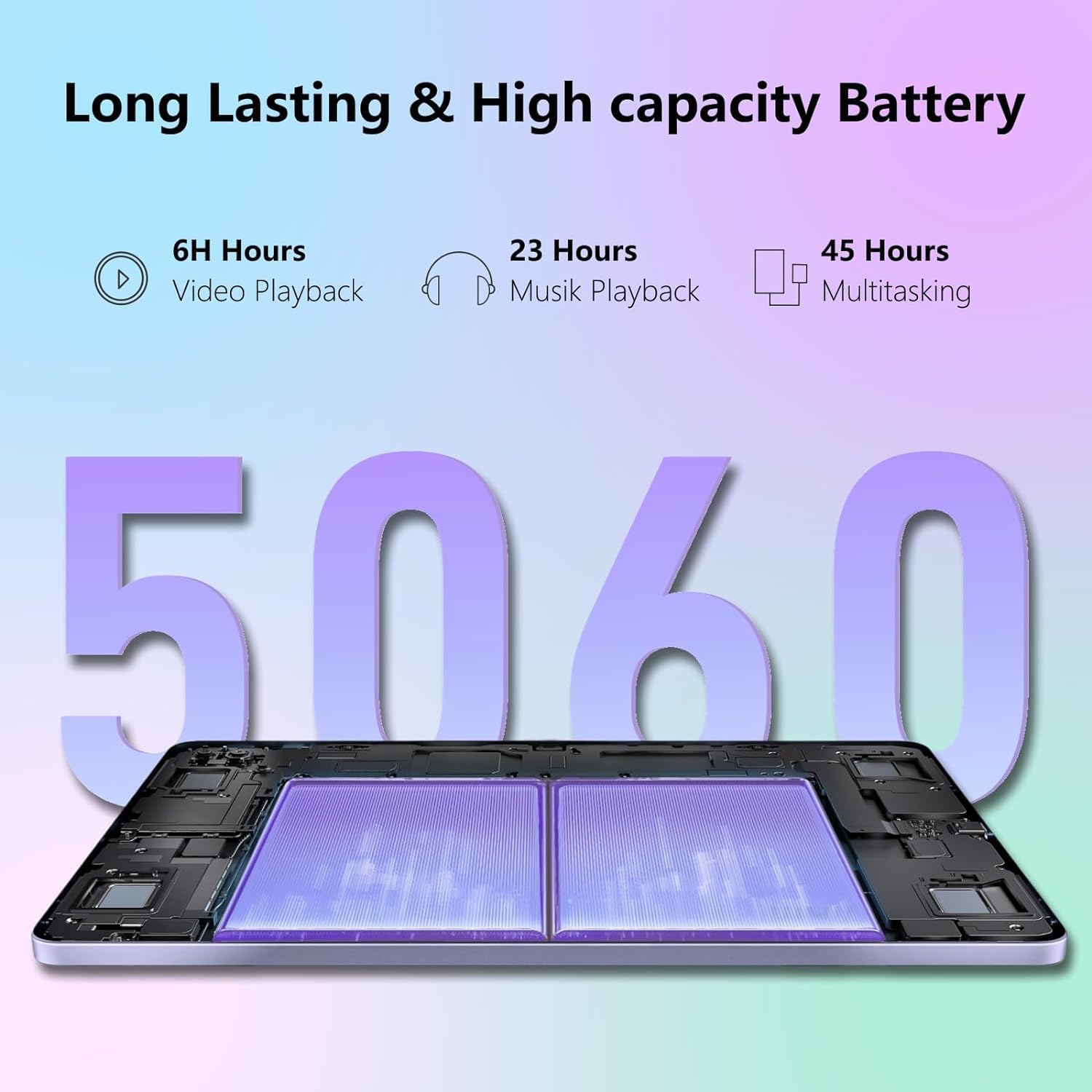
The 5060 mAh high-capacity battery of the DOOGEE T20 Mini, providing extended usage times for various activities.
5. Řešení problémů
If you encounter issues with your DOOGEE T20 Mini, refer to the common problems and solutions below:
| Problém | Řešení |
|---|---|
| Tablet se nezapne. | Ujistěte se, že je baterie nabitá. Připojte ji k nabíječce alespoň na 10 minut. Pokud stále nereaguje, stiskněte a podržte tlačítko napájení po dobu 15–20 sekund, abyste vynutili restart. |
| Problémy s připojením k Wi-Fi. | Restart the tablet and your Wi-Fi router. Forget the network in Wi-Fi settings and reconnect. Ensure you are within range of the Wi-Fi signal. |
| Aplikace padají nebo zamrzají. | Close the app and reopen it. Clear the app's cache (Settings > Apps > [App Name] > Storage & cache > Clear cache). Update the app from the Google Play Store. If the issue persists, consider uninstalling and reinstalling the app. |
| Pomalý výkon. | Close unused apps running in the background. Clear cache and temporary files. Consider uninstalling rarely used apps. Restart the tablet regularly. |
| Tablet se nenabíjí. | Check if the charging cable and adapter are securely connected and undamaged. Try a different power outlet. Ensure the charging port on the tablet is clean and free of debris. |
6. Specifikace
Below are the detailed technical specifications for the DOOGEE T20 Mini tablet:
| Funkce | Detail |
|---|---|
| Název modelu | T20 Mini |
| Operační systém | Android 13 |
| Procesor | Unisoc Spreadtrum T606 Octa-core (1.6GHz) |
| BERAN | 4GB (expandable to 9GB with RAM expansion technology) |
| Interní úložiště | 128 GB (rozšiřitelné až na 1 TB pomocí MicroSD karty) |
| Velikost displeje | 8.4 palců |
| Rozlišení displeje | 1920 x 1200 pixels (FHD+ IPS) |
| Hlavní fotoaparát | 13 megapixelů |
| Přední kamera | 5 megapixelů |
| Kapacita baterie | 5060 mAh Li-Po |
| Konektivita | Wi-Fi (802.11n), Bluetooth 5.0, 4G Cellular, GPS |
| Rozhraní USB | USB 2.0 |
| Rozměry | 23.1 x 15 x 5.6 cm |
| Hmotnost | 630 gramů |
| Barva | Černý |
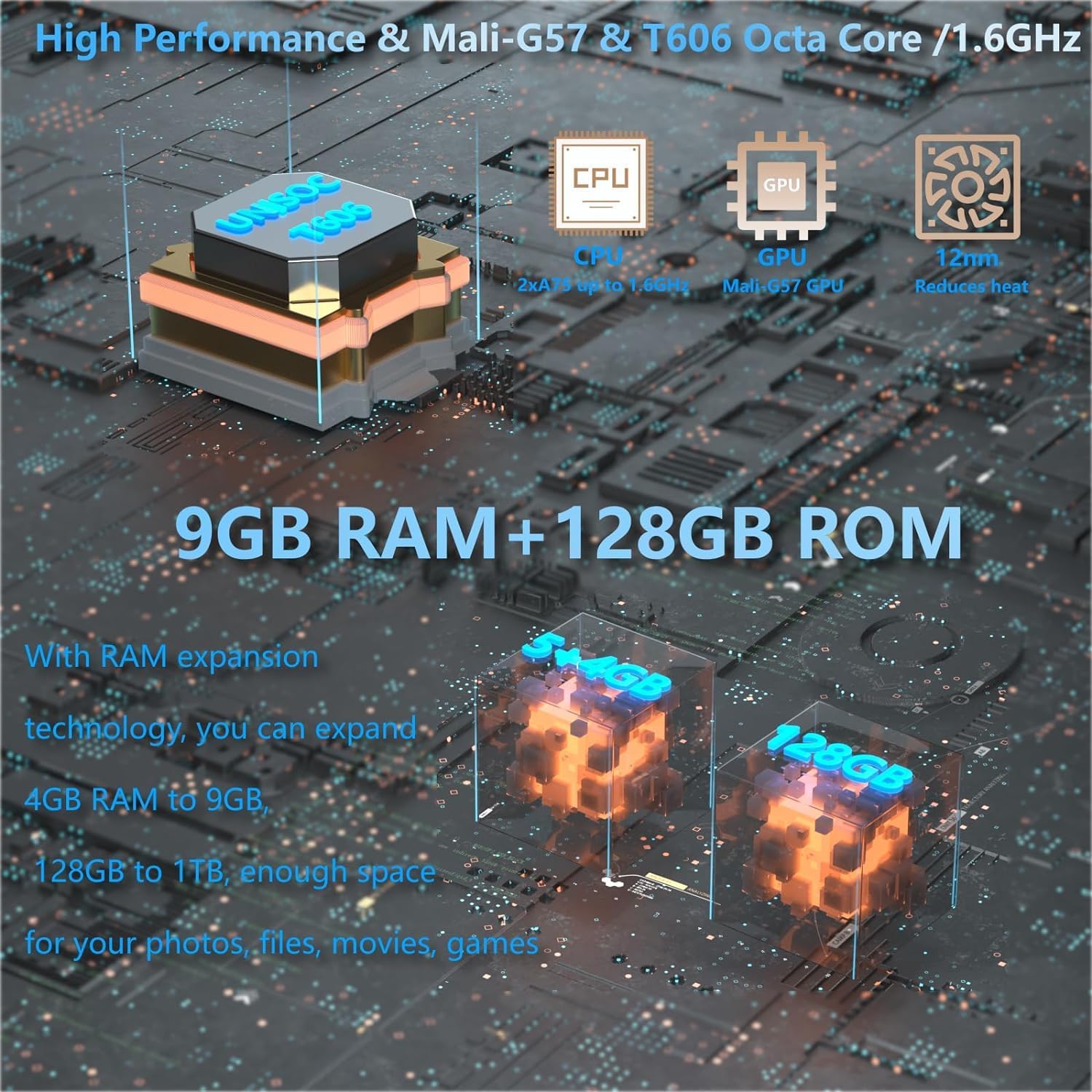
Detailní view of the DOOGEE T20 Mini's internal components, highlighting its high-performance processor, GPU, and memory configuration.

The DOOGEE T20 Mini's design features, including its lightweight metal body, ultra-thin profile, and narrow bezels, making it highly portable.
7. Záruka a podpora
7.1 Záruka na produkt
The DOOGEE T20 Mini comes with a 2letá komerční záruka. Please retain your proof of purchase for warranty claims. This warranty covers manufacturing defects and malfunctions under normal use conditions.
7.2 Zákaznická podpora
For further assistance, technical support, or warranty inquiries, please visit the official DOOGEE website or contact their customer service. You may find FAQs, software downloads, and additional support resources online.
Oficiální DOOGEE Webmísto: www.doogee.cc
Ask a question about this manual
Ask about setup, troubleshooting, compatibility, parts, safety, or missing instructions. Manuals+ will review the question and use this page’s manual context to help answer it.