
Zavedení
This manual provides detailed instructions for the installation, operation, and maintenance of your LongPlus 2K Battery Powered WiFi Security Camera. Please read this manual thoroughly before using the product to ensure proper functionality and safety. This camera is designed for both indoor and outdoor home security, offering high-quality video surveillance with advanced features.
Co je v krabici
Ověřte, zda jsou v balení přítomny všechny komponenty:
- Security Camera with Bracket
- Sada šroubů
- Resetovat jehlu
- USB kabel
- Rychlý průvodce
Klíčové vlastnosti
The LongPlus Security Camera is equipped with several advanced features to enhance your home security:
- 2K QHD Resolution and Color Night Vision: Captures high-quality 2K video and images, offering 50% higher definition than 1080P. Provides both full-color and infrared night vision up to 33ft.
- Rechargeable and IP65 Waterproof: 100% wireless design with a rechargeable battery providing 1 to 5 months of use per charge. IP65 waterproof rating ensures operation in various weather conditions.
- Detekce pohybu PIR s analýzou AI: Advanced AI motion detection intelligently recognizes people, vehicles, pets, and packages, sending real-time notifications to your phone.
- Two-Way Talk & Smart Instant Siren: Features a built-in microphone and speaker for real-time communication. Includes a siren and flashing white light for deterrence.
- Cloud/SD Storage Options: Supports local storage via Micro SD card (up to 128GB, not included) and complimentary 3-day rolling cloud storage.
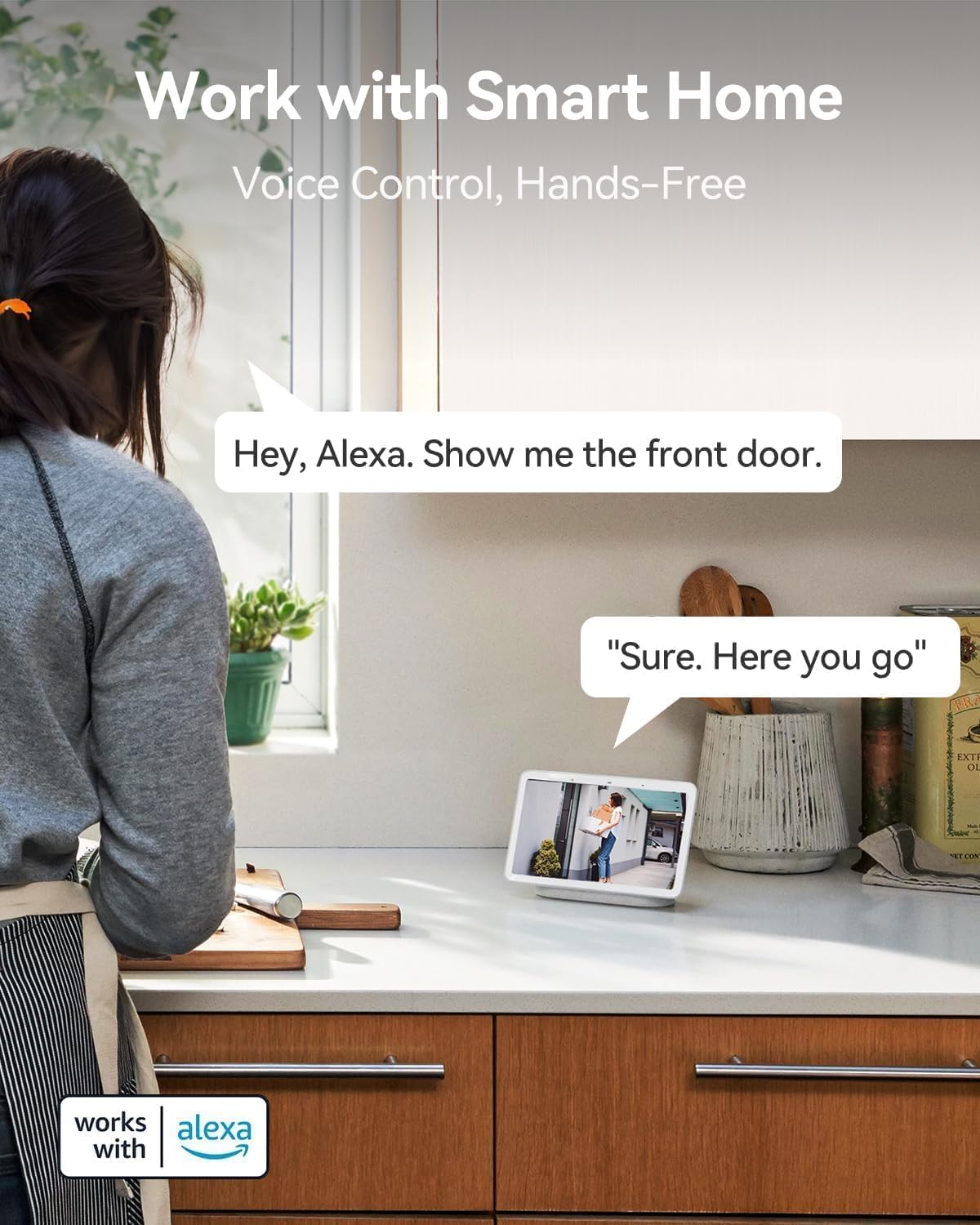
- Spolupracuje s Alexou: Seamless integration with Amazon Alexa for voice control and hands-free monitoring.


Průvodce nastavením
Follow these steps to set up your LongPlus Security Camera:
- Nabijte kameru: Before first use, fully charge the camera using the provided USB cable. The charging indicator will show its status.
- Stáhněte si aplikaci: Hledat "Vicohome" in your smartphone's app store (iOS or Android) and download the application.
- Vytvořit účet: Otevřete aplikaci Vicohome a podle pokynů na obrazovce vytvořte nový uživatelský účet.
- Přidat zařízení: V aplikaci klepněte na ikonu „+“ pro přidání nového zařízení. Vyberte model fotoaparátu ze seznamu.
- Připojení k Wi-Fi: Postupujte podle pokynů v aplikaci a připojte kameru k síti Wi-Fi 2.4 GHz. Note: This camera exclusively supports 2.4GHz Wi-Fi.
- Montáž kamery: Choose a suitable location for installation. Use the provided bracket and screws to securely mount the camera. Ensure the camera has a clear field of view a nachází se v dosahu Wi-Fi.
- Vložte SD kartu (volitelné): If you wish to use local storage, insert a Micro SD card (up to 128GB) into the designated slot on the camera. Format the SD card through the app settings.
Návod k obsluze
Once set up, you can utilize the camera's features through the Vicohome app:
Žít View
Open the Vicohome app and select your camera from the device list to access the live video feed. You can view foo v reálném časetage from anywhere, at any time.
Obousměrný zvuk
Zatímco v přímém přenosu view, tap the microphone icon in the app to enable two-way talk. You can speak through your phone, and your voice will be projected through the camera's speaker. Listen to audio from the camera through your phone's speaker.
Detekce pohybu a upozornění
The camera's PIR sensor detects motion. When motion is detected, the camera will record an event and send a notification to your phone. You can customize motion detection sensitivity and alert zones within the app settings.
Režimy nočního vidění
The camera supports both full-color night vision and infrared night vision. You can switch between these modes in the app settings based on your preference and lighting conditions.
Správa úložiště
Recorded events are stored either on the inserted Micro SD card or in the cloud. You can access and review zaznamenané footage through the "Library" section of the Vicohome app. The free 3-day rolling cloud storage automatically overwrites older footage.
Integrace chytré domácnosti
The camera works with Amazon Alexa. To enable this feature, link your Vicohome account with your Alexa app. You can then use voice commands like "Alexa, show me the front door" to view the camera feed on compatible Alexa devices.
Údržba
Pravidelná údržba zajišťuje optimální výkon a dlouhou životnost vašeho fotoaparátu:
- Nabíjení baterie: Monitor the battery level in the Vicohome app. Recharge the camera promptly when the battery is low to avoid interruptions in surveillance.
- Čištění: Pravidelně čistěte objektiv a kryt fotoaparátu měkkým hadříkemamp hadříkem odstraňte prach, nečistoty nebo šmouhy, které by mohly ovlivnit kvalitu obrazu. Nepoužívejte agresivní chemikálie.
- Aktualizace firmwaru: Check the Vicohome app regularly for available firmware updates. Install updates to ensure your camera has the latest features, security patches, and performance improvements.
- Správa SD karet: If using an SD card, periodically check its status in the app. Consider backing up important footage before the card fills up or if you plan to replace it.
Odstraňování problémů
If you encounter issues with your LongPlus Security Camera, refer to the following common problems and solutions:
| Problém | Možná příčina | Řešení |
|---|---|---|
| Kamera se nepřipojuje k Wi-Fi | Nesprávné heslo k Wi-Fi; Kamera je příliš daleko od routeru; K dispozici je pouze Wi-Fi 5 GHz. | Ensure correct 2.4GHz Wi-Fi password. Move camera closer to router. Verify your router supports 2.4GHz Wi-Fi. |
| Špatná kvalita obrazu | Znečištěný objektiv; Slabé světelné podmínky; Problémy s šířkou pásma sítě. | Clean the camera lens. Ensure adequate lighting or enable night vision. Check your Wi-Fi signal strength. |
| Detekce pohybu nefunguje nebo je příliš citlivá | Incorrect sensitivity settings; Obstructions in detection zone; Environmental factors. | Adjust motion detection sensitivity in the app. Clear any obstructions. Define specific alert zones to reduce false alarms. |
| Krátká výdrž baterie | Frequent motion events; Live view usage; Cold weather. | Snižte citlivost nebo frekvenci detekce pohybu. Omezte živý přenos view access. Battery performance can be affected by extreme cold. |
| Nelze view zaznamenané footage | SD card not inserted/formatted; Cloud storage expired; Network issues. | Ensure SD card is correctly inserted and formatted. Check cloud storage subscription status. Verify stable internet connection. |
| Nefunguje obousměrný zvuk | Microphone/speaker disabled in app; Volume too low; Network delay. | Check app settings to ensure microphone and speaker are enabled. Adjust volume levels. Ensure strong Wi-Fi signal. |
If the problem persists, please contact LongPlus customer support for further assistance.
Specifikace
Detailed technical specifications for the LongPlus Security Camera (Model X84):
| Funkce | Specifikace |
|---|---|
| Číslo modelu | X84 |
| Rezoluce | 2K QHD (1440p), 3 MP Effective Still Resolution |
| Konektivita | Bezdrátové (pouze Wi-Fi 2.4 GHz) |
| Zdroj napájení | Napájení baterií (1 lithium-iontová baterie je součástí balení) |
| Vnitřní/venkovní použití | Uvnitř, venku |
| Hodnocení voděodolnosti | IP65 |
| Rozsah nočního vidění | Až 33 stop |
| Viewúhel | 130 stupňů |
| Možnosti úložiště | Micro SD (až 128 GB), cloudové úložiště |
| Obousměrný zvuk | Ano |
| Detekce pohybu | PIR with AI Analysis (People, Vehicles, Pets, Packages) |
| Kompatibilní zařízení | Smartphone (Vicohome App), Amazon Alexa |
| Rozměry (D x Š x V) | 4 x 2 x 5 palce |
| Hmotnost položky | 12.6 unce |
| Snímková frekvence | 15 snímků za sekundu |
| svtage | 5 voltů |
| Wattage | 1 wattů |
Záruka a podpora
LongPlus provides a 2-letá záruka for this product, ensuring peace of mind regarding manufacturing defects and performance issues. Additionally, doživotní technickou podporu is available for all customers. If you have any inquiries, require assistance with setup, operation, or troubleshooting, or need to claim warranty service, please do not hesitate to contact LongPlus customer support. Refer to the Quick Start Guide or the Vicohome app for specific contact information.