
1. Úvod
The PNI PMR R70 PRO is a portable PMR446 radio designed for reliable communication. This device operates on the 446 MHz frequency band, offering 16 channels and 99 PC programmable channels. It features 50 CTCSS tones and 166 DCS tones for enhanced privacy and interference reduction. With an IP67 rating, the radio is protected against dust and water immersion, making it suitable for various environments. No license is required for operation in most European Union countries.
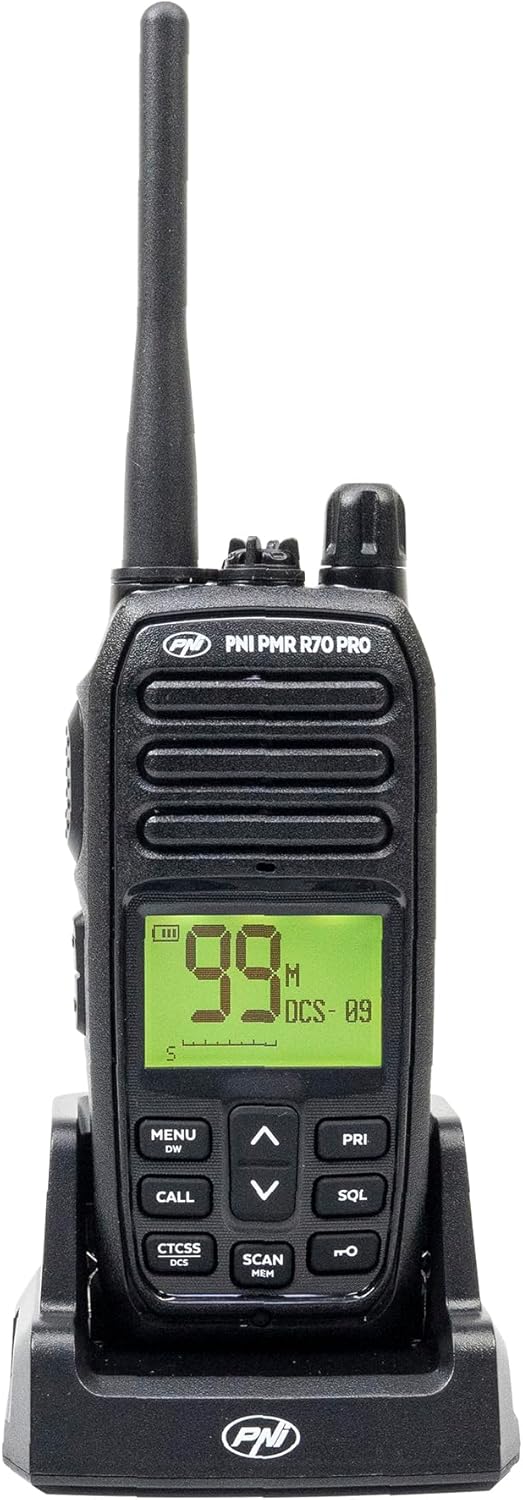
Obrázek 1.1: Přední strana view of the PNI PMR R70 PRO portable radio, showing the display and control buttons.
2. Obsah balení
Ověřte, zda jsou v balení obsaženy všechny níže uvedené položky:
- PNI PMR R70 PRO Radio Unit
- Anténa
- Baterie 1800 mAh
- Stolní nabíječka
- Spona na opasek
- Uživatelská příručka
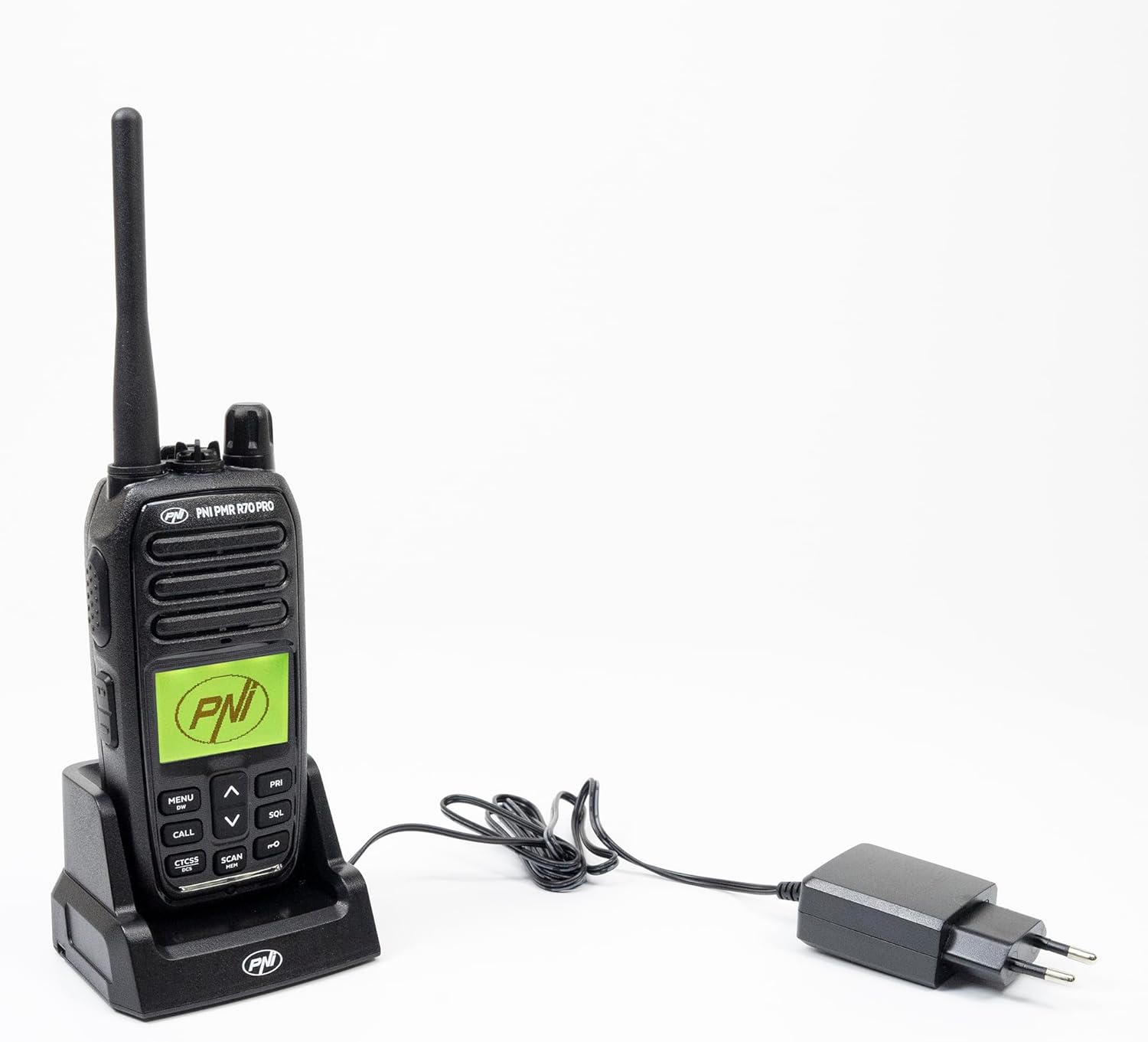
Image 2.1: All components included in the PNI PMR R70 PRO package: radio, antenna, battery, desktop charger, and belt clip.
3. Nastavení
3.1 Instalace baterie
- Ujistěte se, že je rádio vypnuté.
- Najděte kryt přihrádky na baterie na zadní straně rádia.
- Unscrew the retaining screw and carefully remove the cover.
- Insert the 1800 mAh battery into the compartment, ensuring the contacts align correctly.
- Nasaďte kryt prostoru pro baterie a zajistěte jej šroubem.

Obrázek 3.1: Zadní strana view of the PNI PMR R70 PRO radio with the battery compartment open, showing the battery and its connection.
3.2 Nabíjení baterie
- Zapojte stolní nabíječku do elektrické zásuvky.
- Place the radio unit into the charging cradle. Ensure the charging contacts on the radio align with those on the charger.
- Kontrolka nabíjení na nabíječce se obvykle rozsvítí červeně při nabíjení a zeleně při plném nabití.
- Plné nabití obvykle trvá několik hodin. Nepřebíjejte baterii.
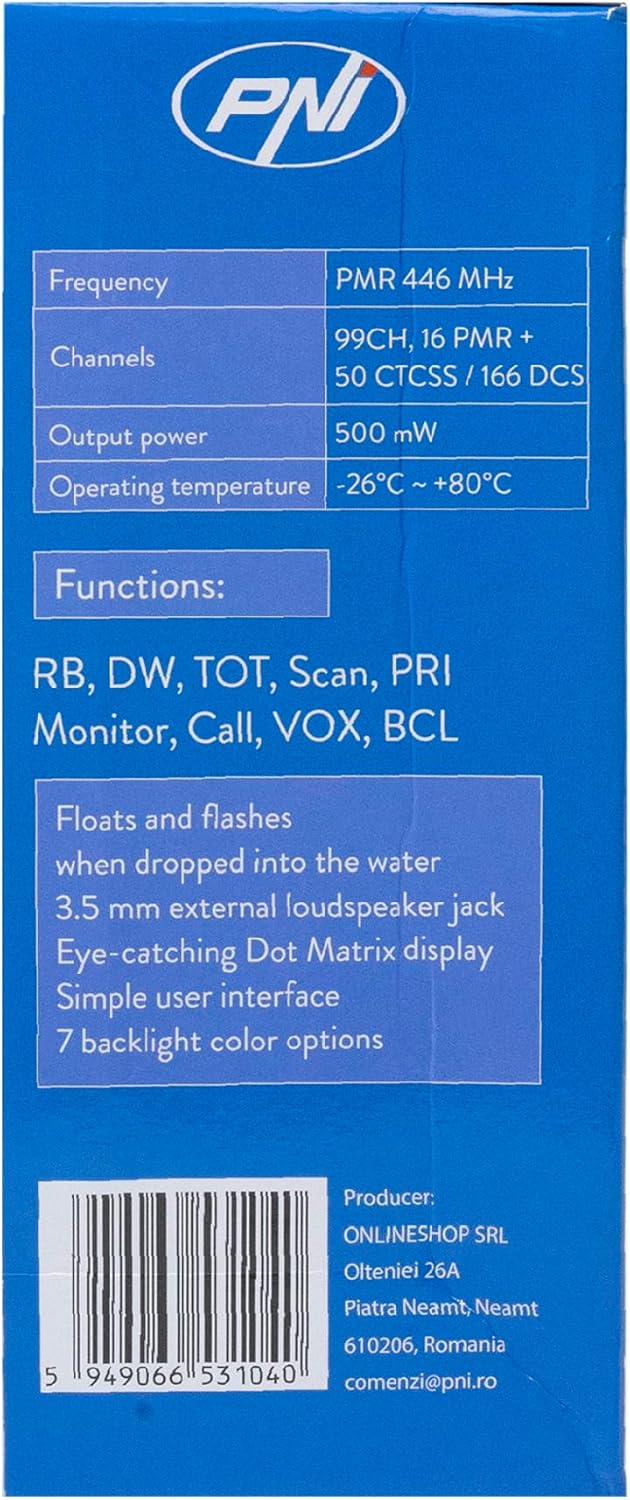
Image 3.2: The PNI PMR R70 PRO radio placed in its desktop charging cradle, connected to a power adapter.
4. Návod k obsluze
4.1 Zapnutí/vypnutí
Chcete-li rádio zapnout, otáčejte knoflíkem napájení/hlasitosti ve směru hodinových ručiček, dokud neuslyšíte cvaknutí. Chcete-li rádio vypnout, otáčejte knoflíkem proti směru hodinových ručiček, dokud neuslyšíte cvaknutí.
4.2 Nastavení hlasitosti
Otáčením knoflíku napájení/hlasitosti ve směru hodinových ručiček hlasitost zvýšíte a proti směru hodinových ručiček ji snížíte.
4.3 Výběr kanálu
Použijte UP (^) a DOLŮ (v) arrow buttons on the front panel to select one of the 16 available channels. The selected channel number will be displayed on the screen.
4.4 Vysílání a přijímání
- K přenosu: Press and hold the Push-To-Talk (PTT) button located on the side of the radio. Speak clearly into the microphone. Release the PTT button to stop transmitting.
- Pro příjem: Ujistěte se, že tlačítko PTT není stisknuté. Rádio bude automaticky přijímat signály na vybraném kanálu.
4.5 Speciální funkce
- Tóny CTCSS/DCS: The radio supports 50 CTCSS (Continuous Tone-Coded Squelch System) and 166 DCS (Digitally Coded Squelch) tones. These tones help filter out unwanted conversations on the same channel. Refer to the full user guide for programming instructions.
- Funkce skenování: Activate the scan function to monitor all active channels. The radio will stop on an active channel until the transmission ends.
- Duální hlídání (DW): This feature allows the radio to monitor two channels simultaneously.
- Roger Beep: An audible tone emitted when the PTT button is released, signaling the end of your transmission.
- Zámek klávesnice: Zabraňuje nechtěným změnám nastavení.
- PC Programmable Channels: The radio supports 99 PC programmable channels. This requires a specific programming cable (PNI - PSR70) and software.

Image 4.1: The PNI PMR R70 PRO radio connected to a laptop via a programming cable for channel and feature customization.
5. Údržba
5.1 Čištění
Otřete rádio měkkým, damp hadříkem. Nepoužívejte agresivní chemikálie ani abrazivní čisticí prostředky. Před použitím nebo nabíjením se ujistěte, že je rádio suché.
5.2 Voděodolnost (IP67)
The PNI PMR R70 PRO is rated IP67, meaning it is fully protected against dust ingress and can withstand immersion in water up to 1 meter for 30 minutes. While robust, avoid unnecessary exposure to water and ensure all covers (e.g., battery cover, accessory port cover) are securely closed before exposing the radio to water.

Image 5.1: The PNI PMR R70 PRO radio with water droplets, illustrating its IP67 water resistance feature.
6. Řešení problémů
If you encounter issues with your PNI PMR R70 PRO radio, consider the following common troubleshooting steps:
- Bez napájení: Ujistěte se, že je baterie správně vložena a plně nabitá. Zkontrolujte, zda je knoflík napájení/hlasitosti zapnutý.
- Nelze vysílat ani přijímat: Verify that you are on the correct channel. Check if the PTT button is functioning. Ensure the antenna is securely attached.
- Špatná kvalita zvuku: Adjust the volume. Ensure the microphone and speaker are not obstructed. Move to an area with fewer obstructions for better signal.
- Krátký dosah: Obstacles like buildings and terrain can significantly reduce range. Operate in open areas for maximum range. Ensure the battery is fully charged.
- Klávesnice nereaguje: Check if the keypad lock feature is activated. Deactivate it if necessary.
For persistent issues, consult the comprehensive user guide or contact customer support.
7. Specifikace
| Funkce | Specifikace |
|---|---|
| Značka | PNI |
| Číslo modelu | PNI-R70-PRO |
| Frekvenční rozsah | 446.00625 ~ 446.19375 MHz |
| Počet kanálů | 16 (PMR), 99 PC Programmable |
| Výstupní výkon | 0.5 W |
| Tóny CTCSS | 50 |
| DCS Tones | 166 |
| Hodnocení mezinárodní ochrany | IP67 (Dustproof, Submersible up to 1m for 30 min) |
| Baterie | 1800 mAh (součástí balení) |
| Průměrná životnost baterie | 18 hodin |
| svtage | 7.4 V (DC) |
| Maximální dosah | Up to 10 Kilometers (open space) |
| Provozní teplota | -26 °C ~ +80 °C |
| Rozměry produktu (D x Š x V) | 6P x 13d x 4V centimetrů |
| Hmotnost položky | 225 gramů |
| Speciální funkce | Digital Display, Rechargeable, Roger Beep, Submersible, Keypad Lock |
8. Záruka a podpora
8.1 Informace o záruce
The PNI PMR R70 PRO radio comes with a 2-letá záruka od data nákupu. Tato záruka se vztahuje na výrobní vady vzniklé běžným používáním. Pro případné reklamace si prosím uschovejte doklad o koupi.
8.2 Zákaznická podpora
For technical assistance, troubleshooting, or warranty service, please contact your retailer or the manufacturer's customer support. Refer to the contact information provided in your purchase documentation.