
1. Úvod
Thank you for choosing the BINNUNE 2.4GHz Wireless Gaming Headset. This manual provides detailed instructions to help you set up, operate, and maintain your headset for an optimal gaming and audio experience across various platforms including PS5, PS4, PC, Mac, and mobile devices via Bluetooth.
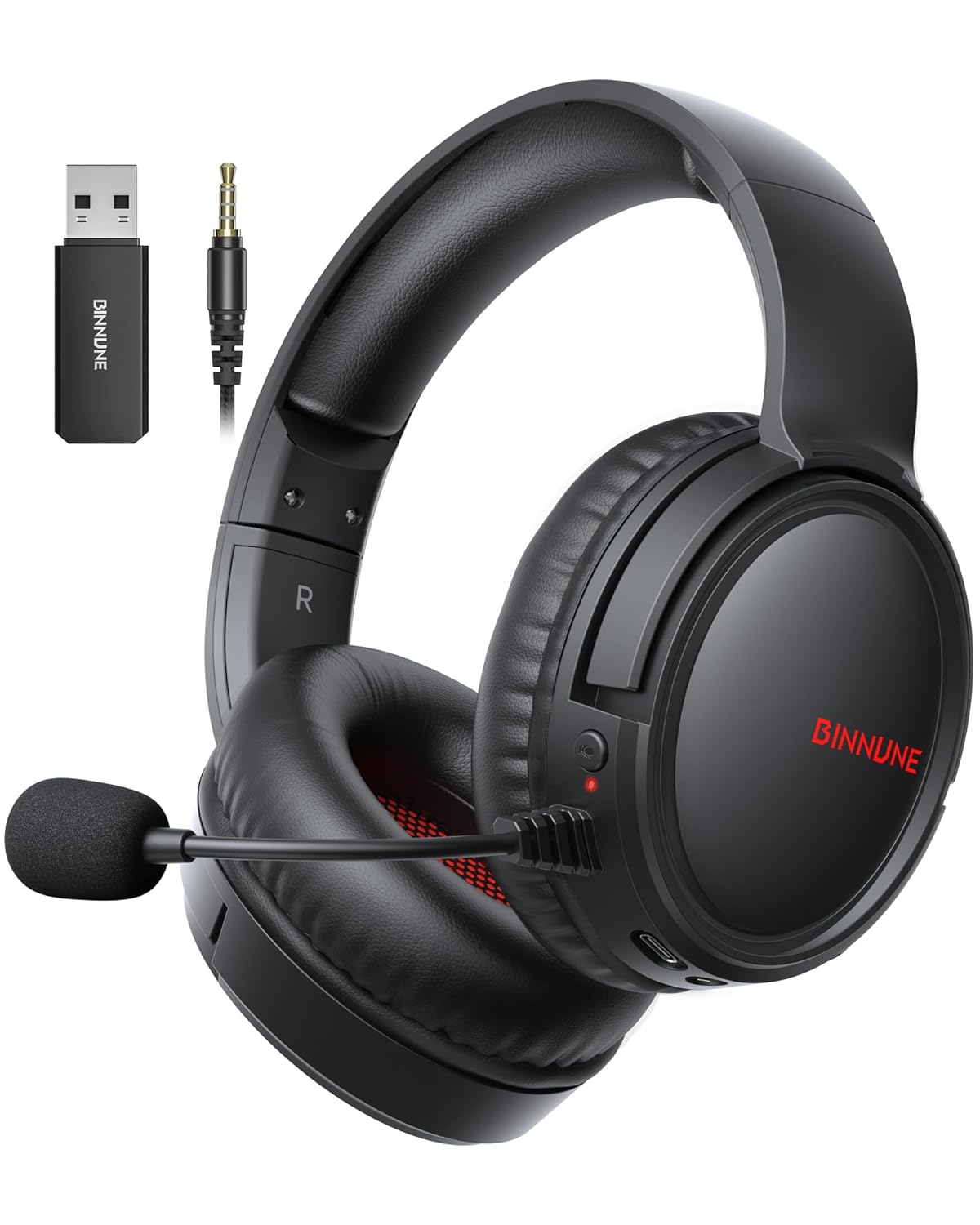
Figure 1: BINNUNE Wireless Gaming Headset (Model BW02-BT) with included accessories.
2. Co je v krabici
- BINNUNE Wireless Gaming Headset (BW02-BT)
- 2.4GHz USB dongle
- 3.5mm audio kabel
- Nabíjecí kabel USB-C
- Uživatelská příručka

Figure 2: All components included with your BINNUNE Gaming Headset.
3. Konec produktuview a ovládací prvky
Familiarize yourself with the headset's controls and ports for seamless operation.
- Mikrofon: Dual beamforming microphones with rotatable design for clear communication. Features ENC noise-canceling technology.
- Port USB-C: Pro nabíjení náhlavní soupravy.
- 3.5mm audio jack: Pro kabelové připojení ke kompatibilním zařízením.
- LED indikátor: Displays power status, charging status, and connection mode.
- Vypínač: Stiskněte a podržte pro zapnutí/vypnutí.
- Kolečko hlasitosti: Upravuje hlasitost zvuku.
- Tlačítko ztlumení: Vypne/zapne mikrofon.
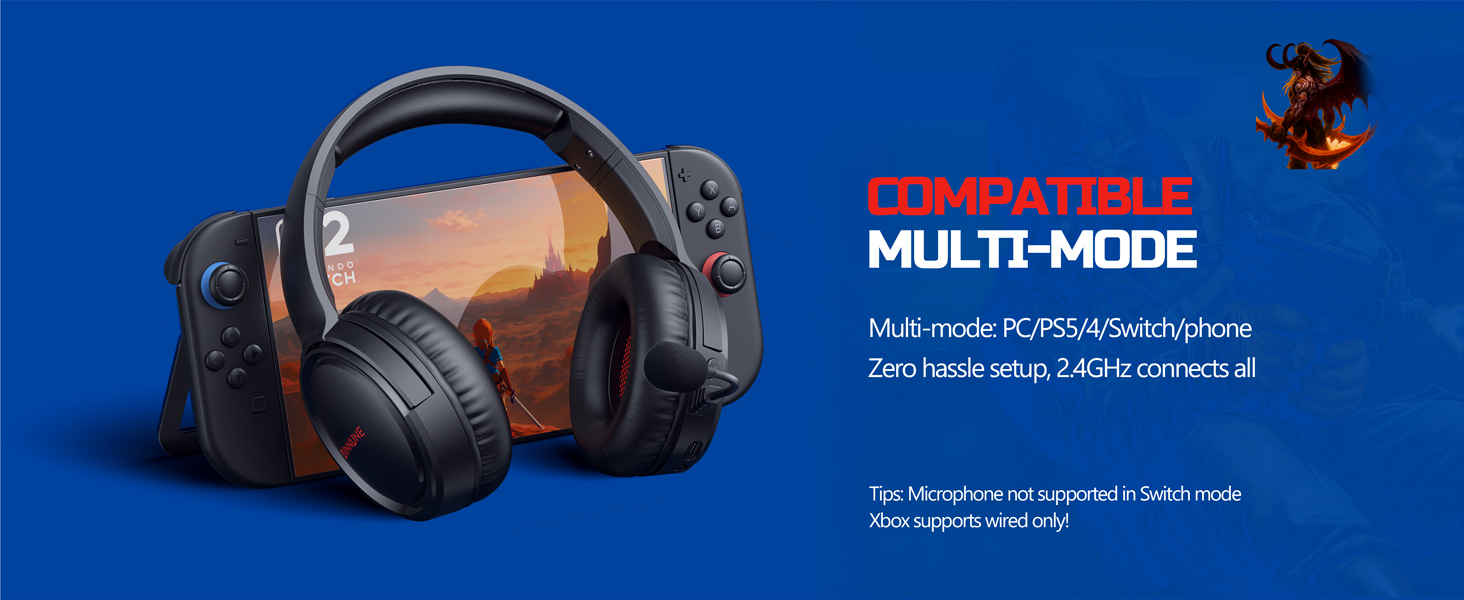
Figure 3: Key controls and ports on the BINNUNE Wireless Gaming Headset.
Video 1: Rychlý přehledview of the BINNUNE Gaming Headset's features and controls.
4. Nastavení a připojení
4.1 Počáteční nabíjení
Before first use, fully charge your headset. Connect the USB-C charging cable to the headset's USB-C port and the other end to a USB power source. The LED indicator will show charging status and turn off when fully charged. A full charge takes approximately 6 hours.

Figure 4: The headset offers up to 40 hours of battery life on a single charge.
4.2 Bezdrátové připojení 2.4 GHz (USB adaptér)
This mode provides ultra-low latency audio (≤38ms) for gaming on PS5, PS4, PC, and Mac.
- Plug the 2.4GHz USB dongle into an available USB port on your PS5/4, PC, or Mac.
- Power on your BINNUNE headset by pressing and holding the power button.
- The headset will automatically connect to the dongle. The LED indicator will show a stable light when connected.
Poznámka: The microphone is not available when connected to Nintendo Switch in 2.4GHz mode. Not compatible with XBOX.

Figure 5: The 2.4GHz USB dongle ensures a fast and stable connection.
4.3 Připojení Bluetooth
Use Bluetooth mode for mobile phones, tablets, iPads, and other smart devices.
- Zkontrolujte, zda je náhlavní souprava zapnutá.
- V zařízení přejděte do nastavení Bluetooth a povolte Bluetooth.
- Select "BINNUNE BW02-BT" from the list of available devices to pair.
- The LED indicator will flash during pairing and show a stable light once connected.
Poznámka: Bluetooth mode is not compatible with PS5/4. The microphone is not available when connected to Nintendo Switch in Bluetooth mode.
4.4 Kabelové připojení (3.5mm audio kabel)
For devices that do not support wireless connectivity or when battery is low.
- Připojte jeden konec 3.5mm audio kabelu k 3.5mm audio konektoru na sluchátkách.
- Connect the other end to the 3.5mm audio port on your gaming device (e.g., PS5/4 controller, PC, phone).
Poznámka: The microphone may not be available on some devices when using the wired connection.

Figure 6: Multiplatform compatibility of the BINNUNE headset across 2.4G, Bluetooth, and Wired modes.
Video 2: Demonstrating the multi-mode connectivity of BINNUNE Gaming Headsets for PS4/PS5/PC.
5. Návod k obsluze
5.1 Zapnutí/vypnutí
Press and hold the Power Button for 3 seconds to turn the headset on or off. The LED indicator will light up or turn off accordingly.
5.2 Ovládání hlasitosti
Rotate the Volume Wheel up (+) to increase volume or down (-) to decrease volume.
5.3 Použití mikrofonu
The headset features a rotatable microphone. Flip the microphone down to use it. Press the Mute Button to toggle microphone mute on or off. The ENC noise-canceling technology helps ensure clear voice transmission.
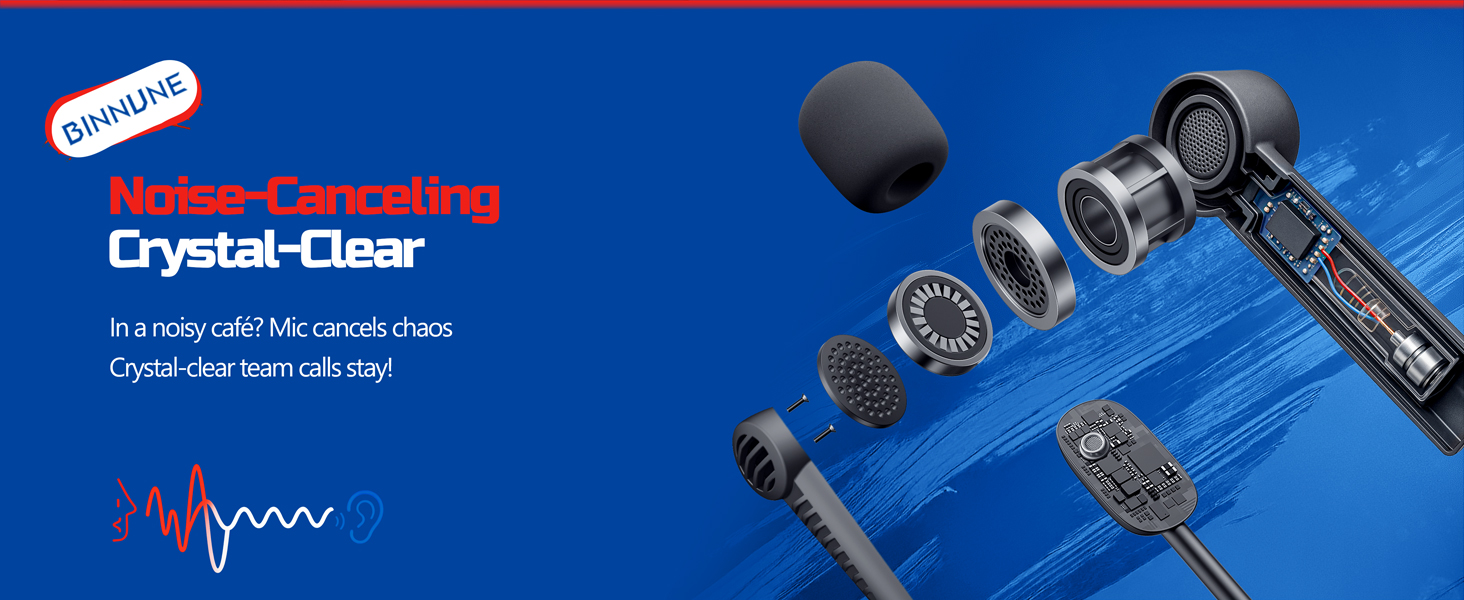
Figure 7: The noise-canceling microphone ensures crystal-clear voice calls by reducing background noise.
5.4 Přepínání mezi režimy
The headset supports seamless switching between 2.4GHz and Bluetooth modes. Refer to section 4 for specific connection steps for each mode. The headset prioritizes the 2.4GHz connection when the dongle is active.
6. Údržba
- Čištění: K čištění sluchátek s mikrofonem používejte měkký, suchý hadřík. Nepoužívejte abrazivní čisticí prostředky ani rozpouštědla.
- Skladování: Sluchátka skladujte na chladném a suchém místě mimo dosah přímého slunečního záření a extrémních teplot.
- Péče o baterie: Chcete-li prodloužit životnost baterie, vyvarujte se častého úplného vybíjení sluchátek. Pravidelně je nabíjejte, i když je delší dobu nepoužíváte.
7. Řešení problémů
| Problém | Možná příčina | Řešení |
|---|---|---|
| Žádný zvuk z náhlavní soupravy. | Headset not powered on, low battery, incorrect connection mode, volume too low. | Ensure headset is on and charged. Check connection mode (2.4GHz/Bluetooth/Wired). Increase volume. |
| Mikrofon nefunguje. | Microphone muted, incorrect input device selected on computer/console, compatibility issue in certain modes. | Unmute microphone. Check audio settings on your device to ensure BINNUNE headset is selected as input. Note mode limitations (e.g., Switch, some wired connections). |
| Nelze se připojit přes 2.4GHz dongle. | Hardwarový klíč není správně vložen, rušení, sluchátka jsou příliš daleko od klíče. | Ensure dongle is fully inserted. Move closer to the dongle. Try a different USB port. |
| Nelze se připojit přes Bluetooth. | Sluchátka nejsou v režimu párování, Bluetooth zařízení je vypnuté, zařízení je již připojeno k jinému zařízení. | Ensure headset is discoverable. Turn Bluetooth on your device. Disconnect from other devices. |
8. Specifikace
| Funkce | Detail |
|---|---|
| Název modelu | BW02-BT |
| Technologie připojení | Bezdrátové (2.4 GHz, Bluetooth 5.3), Kabelové (3.5mm jack) |
| Velikost zvukového ovladače | 50 mm |
| Frekvenční odezva | 20 Hz - 20,000 XNUMX Hz |
| Citlivost | 96 dB |
| Latence zvuku (2.4 GHz) | 32 Milliseconds (≤38ms advertised) |
| Životnost baterie | Až 40 hodin |
| Doba nabíjení | 6 hodiny |
| Mikrofon | Dual Beamforming with ENC Noise-Canceling |
| Materiál | Plastic (Headset), Leather (Ear Cushions) |
| Hmotnost | 13.4 unce |
| Kompatibilní zařízení | Gaming Consoles (PS4, PS5), PC, Mac, Telephones, Laptops, Desktops |
9. Záruka a podpora
BINNUNE products are manufactured with high-quality standards. For any product-related inquiries, technical support, or warranty claims, please refer to the official BINNUNE store or contact their customer service directly.
Navštivte BINNUNE Store on Amazon pro více informací a podporu.