
T800
T800 Ultra Smartwatch User Manual
Model: T800
1. Úvod
Welcome to the T800 Ultra Smartwatch user manual. This guide provides comprehensive instructions for setting up, operating, and maintaining your new smartwatch. The T800 Ultra seamlessly blends advanced technology with a timeless design, offering a sophisticated and functional experience. It features a larger, brighter display, deep water resistance, video control assistant, fast wireless charging, Bluetooth connectivity, and NFC capabilities.
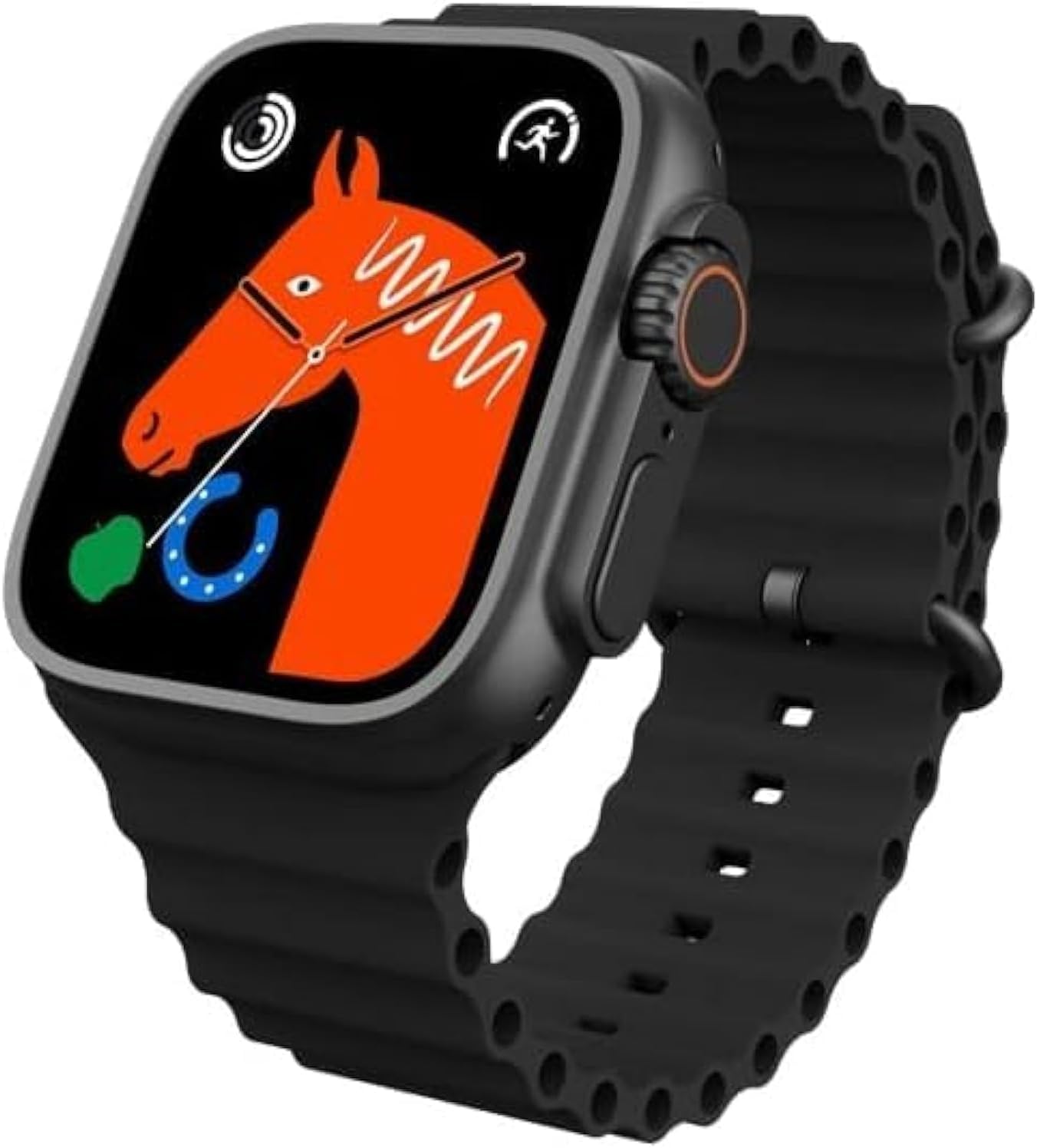
Figure 1: T800 Ultra Smartwatch, front view s displejem.
2. Bezpečnostní informace
- Nevystavujte zařízení extrémním teplotám ani přímému slunečnímu záření po delší dobu.
- Zabraňte pádu zařízení na zem nebo jeho vystavení silným nárazům.
- Udržujte zařízení mimo dosah silných magnetických polí.
- Používejte pouze dodaný nabíjecí kabel a adaptér, abyste předešli poškození.
- While water-resistant, avoid prolonged submersion or use in hot water (e.g., hot showers, saunas).
- Nepokoušejte se zařízení sami rozebírat nebo opravovat. Požádejte o pomoc zákaznickou podporu.
3. Konec produktuview
The T800 Ultra Smartwatch features a sleek design with a responsive touch screen and physical buttons for easy navigation. Key components include:
- Zobrazit: Large, bright, and customizable digital screen.
- Crown/Button: Pro navigaci a výběr.
- Boční tlačítko: For quick access to functions.
- Senzor srdečního tepu: Nachází se na zadní straně pro sledování zdravotního stavu.
- Kontakty pro nabíjení: For wireless charging.
4. Nastavení
4.1. Nabíjení zařízení
Before first use, fully charge your T800 Ultra Smartwatch. The device supports fast wireless charging.
- Place the smartwatch on the wireless charging pad.
- Ensure the charging contacts on the watch align with the charging area on the pad.
- Displej hodinek bude ukazovat stav nabíjení. Úplné nabití obvykle trvá přibližně 2 hodiny.
4.2. Zapnutí/vypnutí
- Zapnutí: Stiskněte a podržte boční tlačítko, dokud se obrazovka nerozsvítí.
- Vypnutí: Stiskněte a podržte boční tlačítko a poté na obrazovce vyberte „Vypnout“.
4.3. Párování s vaším smartphonem
To unlock the full potential of your T800 Ultra, pair it with your smartphone via Bluetooth.
- Download the companion app (check the watch manual or packaging for app name, typically found via QR code on the watch or in the box) from your smartphone's app store.
- Povolte na svém smartphonu Bluetooth.
- Otevřete doprovodnou aplikaci a podle pokynů na obrazovce přidejte své zařízení.
- On your T800 Ultra, navigate to the Bluetooth settings and ensure it is discoverable.
- Select your T800 Ultra from the list of available devices in the app to complete pairing.
5. Návod k obsluze
5.1. Navigace v rozhraní
The T800 Ultra features an intuitive touch interface and physical buttons for seamless interaction.
- Přejetí nahoru/dolů: Procházení nabídek a oznámení.
- Přejetí doleva/doprava: Přístup k různým widgetům nebo rychlým nastavením.
- Klepněte na: Vyberte položku nebo otevřete aplikaci.
- Stiskněte korunku: Návrat na domovskou obrazovku nebo přístup k seznamu aplikací.
- Stiskněte boční tlačítko: Typically for power options or a customizable shortcut.
5.2. Přizpůsobení ciferníků
Personalize your T800 Ultra with a variety of dynamic watch faces to match your style and mood.
- From the home screen, press and hold the watch face.
- Přejetím prstem doleva nebo doprava procházejte dostupné ciferníky.
- Tap on a watch face to select it. Some watch faces may offer further customization options (e.g., complications, colors) which can be adjusted by tapping the 'Edit' icon.

Obrázek 2: Přamples of customizable watch faces on the T800 Ultra.
5.3. Volání přes Bluetooth
With Bluetooth calling, you can manage calls directly from your wrist.
- Ensure your watch is paired with your smartphone.
- When an incoming call arrives, you can answer or reject it directly on the watch screen.
- You can also dial numbers or access your phone's contact list from the watch to initiate calls.

Figure 3: Bluetooth calling interface on the T800 Ultra.
5.4. Sledování zdraví a kondice
The T800 Ultra is equipped with advanced sensors to monitor your health and fitness metrics.
- Monitorování srdeční frekvence: The watch continuously monitors your heart rate. Access the Heart Rate app on the watch to view data v reálném čase a historické trendy.
- Sledování kroků: The built-in pedometer tracks your daily steps, distance, and calories burned.
- Monitorování spánku: Wear the watch to bed to track your sleep patterns, including deep sleep, light sleep, and wakefulness. View podrobná analýza v doprovodné aplikaci.
- Multisportovní režim: Select from various sports modes (e.g., running, cycling, basketball) to track specific workouts with detailed metrics.
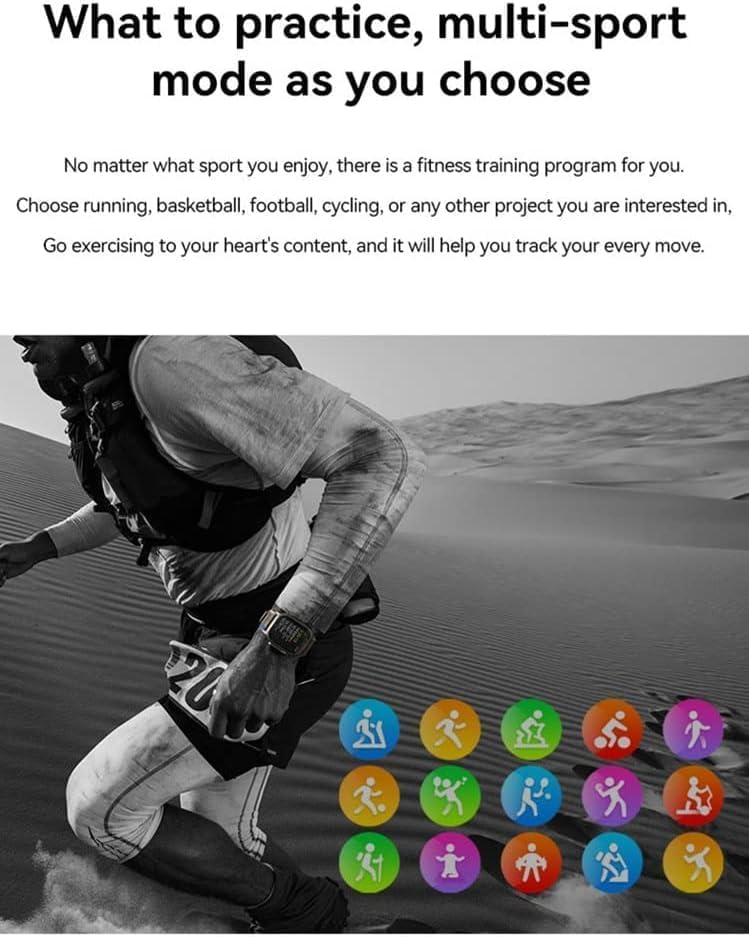
Figure 4: Heart rate and sleep tracking features.
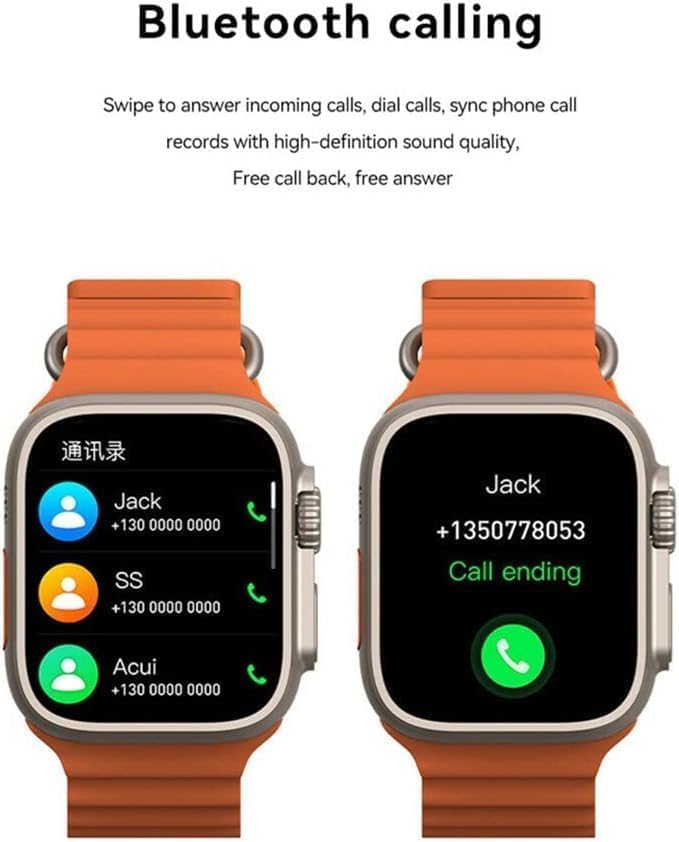
Figure 5: Multi-sport mode selection.
5.5. Funkce NFC
The T800 Ultra supports NFC for convenient access control and other compatible functions.
- The NFC feature allows for simulation of company/community access cards.
- To use, simply lift your wrist with the watch near a compatible NFC reader.
- Refer to the companion app for setup and management of NFC functions.
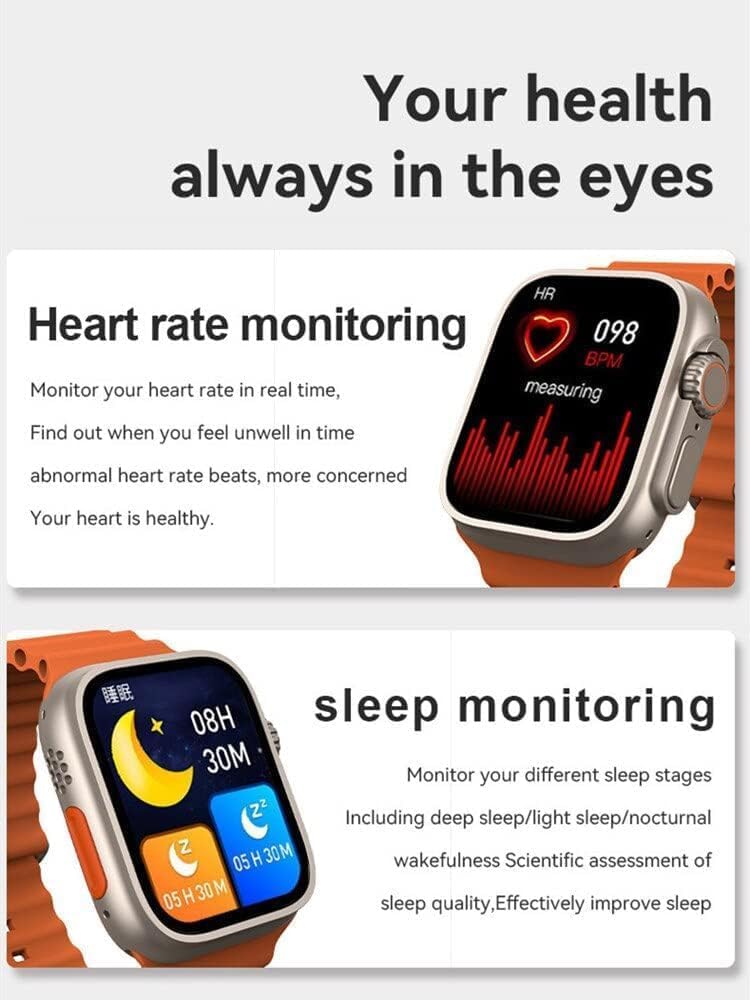
Figure 6: NFC functionality for access control.
6. Údržba
- Čištění: Hodinky a řemínek pravidelně otírejte měkkým hadříkemamp tkanina. Vyhněte se používání agresivních chemikálií nebo abrazivních materiálů.
- Voděodolnost: The T800 Ultra is water-resistant. However, it is not suitable for diving or high-pressure water activities. Dry the watch thoroughly after exposure to water.
- Skladování: Pokud hodinky delší dobu nepoužíváte, skladujte je na chladném a suchém místě.
7. Řešení problémů
| Problém | Možná příčina / řešení |
|---|---|
| Hodinky se nezapínají. | Battery might be depleted. Charge the watch for at least 30 minutes. If still unresponsive, perform a hard reset (refer to specific device instructions or contact support). |
| Nelze spárovat se smartphonem. | Ensure Bluetooth is enabled on both devices. Make sure the watch is in pairing mode. Restart both the watch and smartphone. Check the companion app for specific pairing steps. |
| Krátká výdrž baterie. | High screen brightness, frequent notifications, continuous heart rate monitoring, or GPS usage can drain the battery faster. Adjust settings to optimize battery life. Ensure the watch is fully charged. |
| Screen is scratched or damaged. | While the watch features a scratch-resistant sapphire crystal bezel, extreme impacts can still cause damage. This is typically not covered under standard warranty. |
| Watch is unresponsive or frozen. | Try restarting the watch by pressing and holding the side button. If that doesn't work, perform a forced restart (consult the companion app or manufacturer's webweb s konkrétními pokyny). |
8. Specifikace
| Funkce | Detail |
|---|---|
| Název modelu | T800 Ultra |
| Značka | Obecný |
| Operační systém | Android |
| Technologie připojení | Bluetooth |
| Standard bezdrátové komunikace | Bluetooth |
| Speciální funkce | Activity Tracker, GPS, NFC |
| Složení článků baterie | Lithium Ion |
| Tvar položky | Kolo |
| Rozměry položky (DxŠxV) | 22.2 x 8 x 4.2 cm |
| Hmotnost položky | 150 gramů |
| Jsou vyžadovány baterie | 1 Unknown (Included) |
9. Záruka a podpora
This product comes with a standard manufacturer's warranty. Please refer to the warranty card included in your product packaging for specific terms and conditions.
For technical support, troubleshooting assistance, or warranty claims, please contact the retailer or manufacturer directly. Contact details can usually be found on the product packaging or the manufacturer's official webmísto.
For further assistance, you may also visit the product's Amazon page: Stránka produktu na Amazonu
Ask a question about this manual
Ask about setup, troubleshooting, compatibility, parts, safety, or missing instructions. Manuals+ will review the question and use this page’s manual context to help answer it.