
symcode 1D Laser Pink
Symcode USB 1D Barcode Scanner User Manual
Model: 1D Laser Pink
1. Úvod
This user manual provides detailed instructions for the Symcode USB 1D Barcode Scanner. Please read this manual carefully before using the product to ensure proper operation and to maximize its lifespan. This device is designed for efficient and accurate scanning of 1D barcodes in various environments such as warehouses, libraries, supermarkets, and POS systems.
2. Obsah balení
- 1 x Symcode CCD Barcode Scanner
- 1 x USB kabel
- 1 x Uživatelská příručka (tento dokument)
3. Konec produktuview
The Symcode 1D Barcode Scanner is a handheld, wired device featuring CCD image scanning technology. Its ergonomic and lightweight design ensures comfortable use for extended periods.
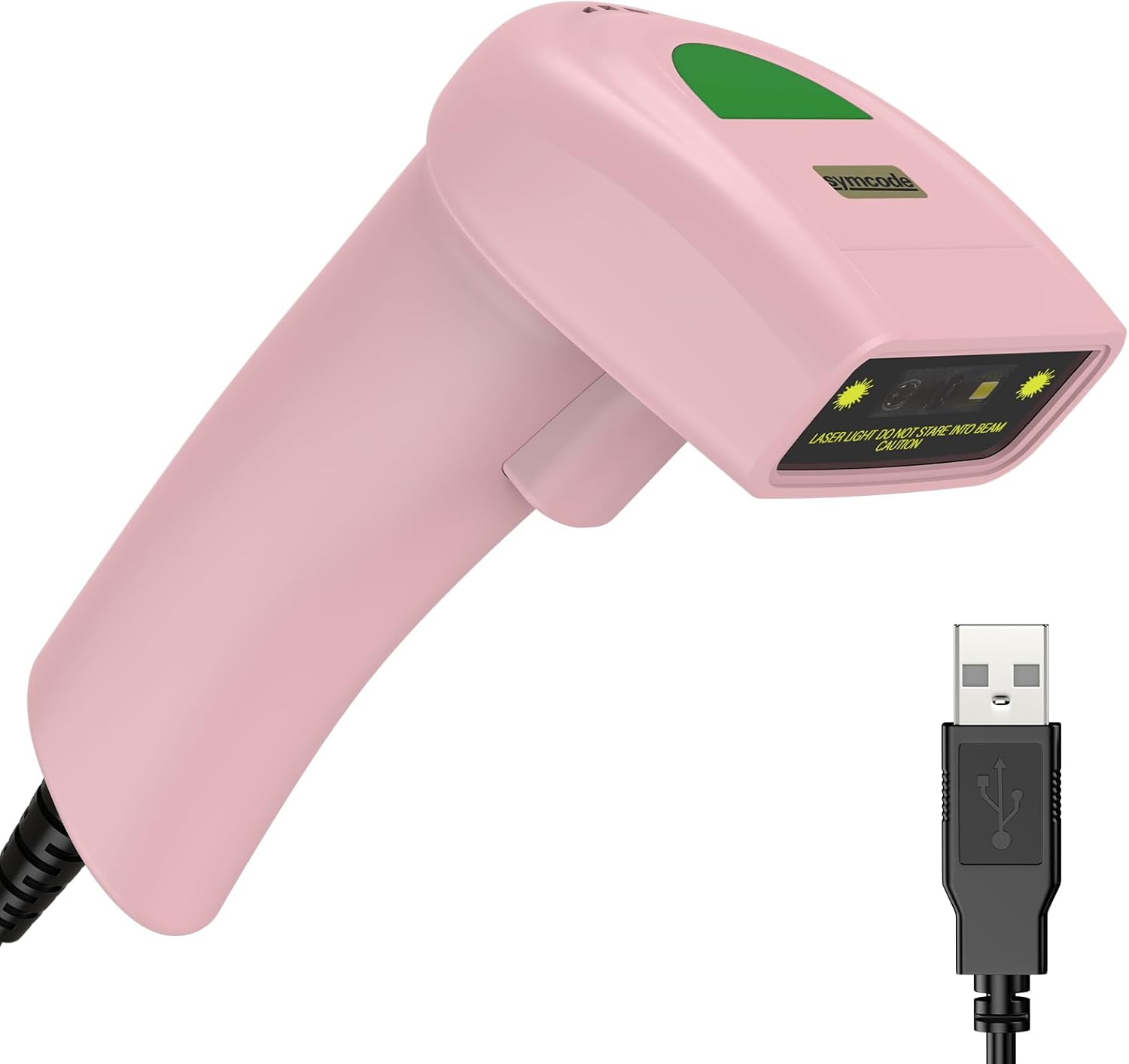
Figure 3.1: Symcode USB 1D Barcode Scanner (Pink) with its USB cable.

Figure 3.2: The scanner's compact dimensions (1.97in/5cm width, 2.76in/7cm depth, 5.5in/14cm height) are shown in comparison to a mobile phone, highlighting its portability. The scanner weighs only 181g (excluding the wire).

Figure 3.3: The scanner's light and streamlined design (left) offers comfort and ease of use, contrasting with a heavier, bulkier design (right) that can be more laborious.
4. Nastavení
4.1 Připojení skeneru
The Symcode 1D Barcode Scanner is a plug-and-play device, requiring no driver installation for most operating systems.
- Locate an available USB port on your computer (Desktop or Laptop).
- Insert the USB connector of the scanner's cable into the USB port.
- The scanner will emit a beep, indicating successful connection and readiness for use.

Figure 4.1: The USB cable serves as both a power source and a data transmission cable, enabling simple plug-and-play functionality.
5. Návod k obsluze
5.1 Základní skenování
To scan a barcode, aim the scanner's laser beam at the center of the barcode and press the trigger button. A successful scan will be indicated by a beep and a light confirmation.

Figure 5.1: The scanner is capable of reading 1D barcodes from both printed labels and digital screens.
5.2 Režimy skenování
The scanner supports three primary scanning modes:
- Režim spouštění kláves: Press the trigger button to initiate each scan.
- Auto-Induction Mode: Skener automaticky detekuje čárový kód ve svém poli view a skenuje jej bez nutnosti stisknutí spouště.
- Nepřetržitý režim: The scanner continuously emits its laser, scanning any barcode that passes through its beam.
5.3 Možnosti přizpůsobení
5.3.1 Adding Prefix and Suffix
The scanner allows for customization of scanned data by adding prefixes or suffixes. This feature is useful for data organization and integration with various software systems. Refer to the programming barcodes in the included user manual for specific instructions on how to configure these options.

Obrázek 5.2: Přamples demonstrating how prefixes (e.g., RL123456789), suffixes (e.g., 123456789RL), or middle insertions (e.g., 12345RL6789) can be added to scanned barcode data.
5.3.2 Ovládání zvuku
The scanner's sound (beep) can be turned on or off according to user preference. This is typically done by scanning specific configuration barcodes found in the full user manual.

Figure 5.3: Visual representation of turning the scanner's sound on or off using dedicated configuration barcodes.
6. Supported Barcodes
The Symcode 1D Barcode Scanner is equipped with advanced CCD sensor technology, enabling it to accurately read a wide range of 1D barcodes, including those that are smudged, damaged, fuzzy, or reflective. It supports 180 configurable options for prefix, suffix, and termination strings.
Supported 1D Barcode Symbologies include:
- EAN-8/13
- UPC-A/E
- Code 39/93/128
- EAN-128
- Codabar
- Průmysl 2 z 5
- Proložte 2 z 5
- Matrix 2 z 5
- MSI
- RSS variants
- čínština 2 z 5

Figure 6.1: The scanner's super decoding ability is demonstrated with examples of various 1D barcodes, including standard ones like KÓD 128 a UPC A, as well as challenging ones like Frauded Barcode, Profiled Čárový kód, Folded Barcodea Color Barcode.
7. Údržba
Správná údržba zajišťuje dlouhou životnost a optimální výkon vašeho skeneru čárových kódů.
- Čištění: K čištění vnější strany skeneru použijte měkký, suchý hadřík. Na skenovací okénko použijte hadřík, který nepouští vlákna, lehce osušte.ampNepoužívejte agresivní chemikálie ani abrazivní materiály.
- Skladování: Skener skladujte na chladném a suchém místě mimo dosah přímého slunečního záření a extrémních teplot.
- Zacházení: While the scanner is designed to be durable (withstands drops from 2m), avoid unnecessary drops or impacts to prevent damage to internal components.
8. Řešení problémů
| Problém | Možná příčina | Řešení |
|---|---|---|
| Skener se nezapne. | USB kabel není správně připojen nebo je USB port vadný. | Ujistěte se, že je kabel USB bezpečně zapojený do skeneru i počítače. Zkuste jiný port USB. |
| Skener nečte čárové kódy. | Barcode is damaged, poorly printed, or not a supported symbology. Scanner is not in the correct scanning mode. | Ensure the barcode is clear and undamaged. Verify the barcode symbology is supported. Check the scanning mode (Key Trigger, Auto-Induction, Continuous) and adjust if necessary. |
| Naskenovaná data jsou nesprávná nebo neúplná. | Incorrect prefix/suffix settings or data formatting issues. | Refer to the customization section (5.3) and the full user manual for programming barcodes to reset or adjust prefix/suffix settings. |
| No sound from scanner. | Sound is turned off. | Scan the "Turn on Sound" configuration barcode (refer to section 5.3.2 and the full user manual). |
9. Specifikace
| Funkce | Detail |
|---|---|
| Rozměry | 165 x 63 x 87 mm (6.5 x 2.48 x 3.43 palce) |
| Hmotnost | 156 g (5.9 uncí) |
| Světelný zdroj | 650nm~670nm Visible Laser |
| Rychlost skenování | 100 skenů/sec |
| Read Preciseness | 0.1 mm (4 mil) |
| Kontrast tisku | 30 % min |
| Hloubka ostrosti | 0~600mm (0.33mm, PCS 90%) |
| Scan Scope | 10-250 mm |
| Vzdálenost čtení | 2.5~600mm (100% UPC/EAN) |
| Bitová chybovost | 1 / 5 milionů |
| Proud | 85mA (working), 36mA (storage) |
| Rozhraní | USB |
| Provozní teplota | 0℃~45℃ (32°F~113°F) |
| Skladovací teplota | -20 ℃ ~ 60 ℃ (-4 ° F ~ 140 ° F) |
| Vlhkost | 5%~95% nekondenzující |
| Materiál | ABS + PC |
| Kompatibilní zařízení | Stolní počítač, notebook |
| Zdroj napájení | Elektrický kabel |
10. Záruka a podpora
Symcode products are manufactured to high quality standards. For warranty information and technical support, please refer to the contact details provided with your purchase or visit the official Symcode webUschovejte si účtenku jako doklad o koupi pro případ reklamace.
For further assistance, please contact Symcode customer service.
Ask a question about this manual
Ask about setup, troubleshooting, compatibility, parts, safety, or missing instructions. Manuals+ will review the question and use this page’s manual context to help answer it.