
symcode 1D Laser Yellow
Symcode USB 1D Barcode Scanner User Manual
Model: 1D Laser Yellow
Zavedení
Thank you for choosing the Symcode USB 1D Barcode Scanner. This manual provides comprehensive instructions for setting up, operating, and maintaining your new barcode scanner. Please read this manual thoroughly before use to ensure optimal performance and longevity of the device.
Bezpečnostní informace
Dodržujte prosím následující bezpečnostní pokyny, abyste předešli zranění nebo poškození zařízení:
- Do not stare directly into the laser beam. The laser light is visible and can cause eye damage.
- Keep the device away from water or other liquids to prevent electric shock or damage.
- Do not attempt to disassemble or repair the scanner yourself. Refer all servicing to qualified personnel.
- Use the scanner within the specified operating temperature and humidity ranges.
- Avoid dropping the scanner from excessive heights, although it is designed for durability, extreme impacts can cause damage.
Obsah balení
Ověřte, zda jsou v balení přítomny všechny položky:
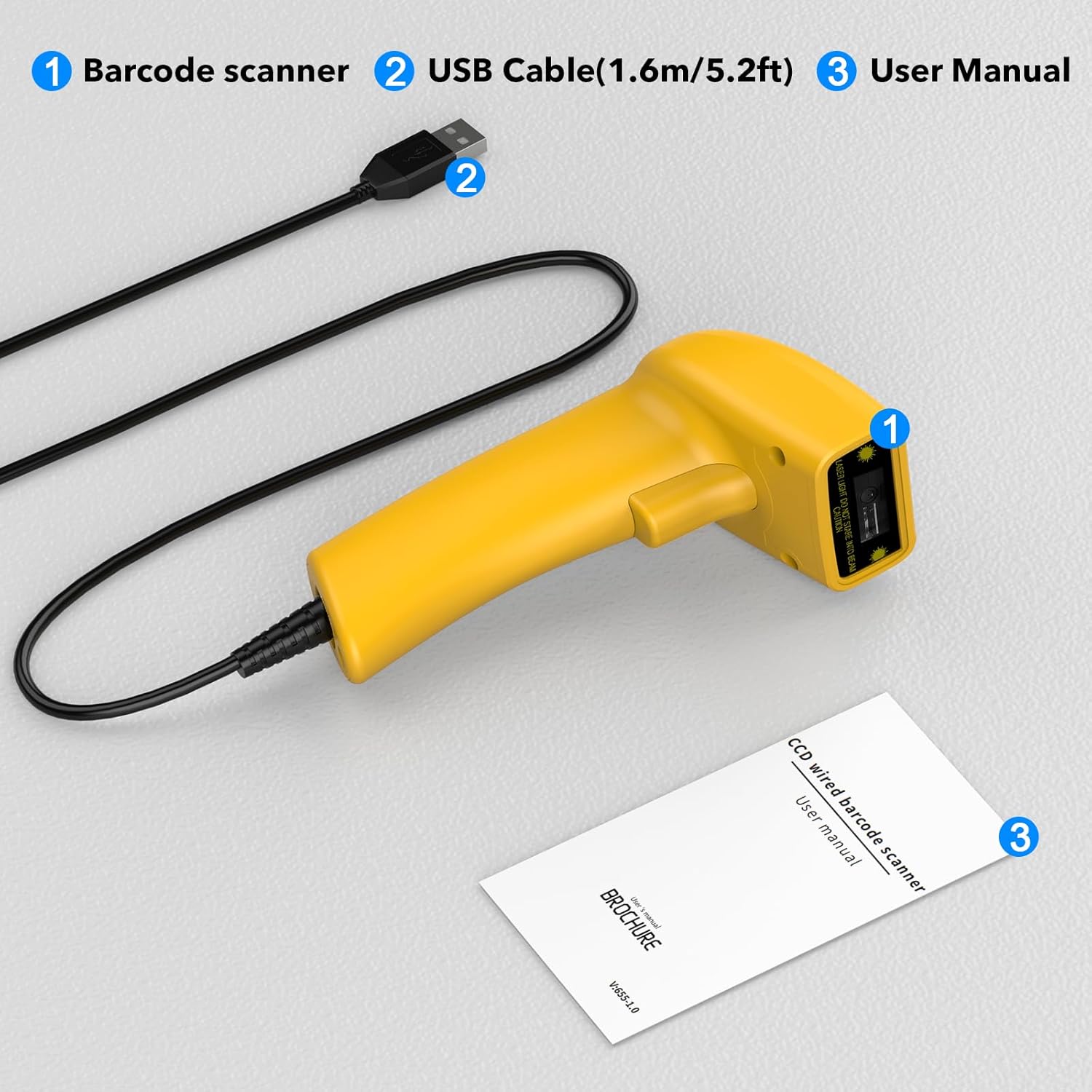
Image showing the Symcode 1D Barcode Scanner, its USB cable, and the included user manual, indicating the complete package contents.
- 1 x Symcode CCD Barcode Scanner
- 1 x USB Cable (1.6m / 5.2ft)
- 1 x Uživatelská příručka
Konec produktuview
The Symcode 1D Barcode Scanner features a compact and ergonomic design for comfortable handheld use. It is equipped with a CCD sensor for efficient barcode reading.
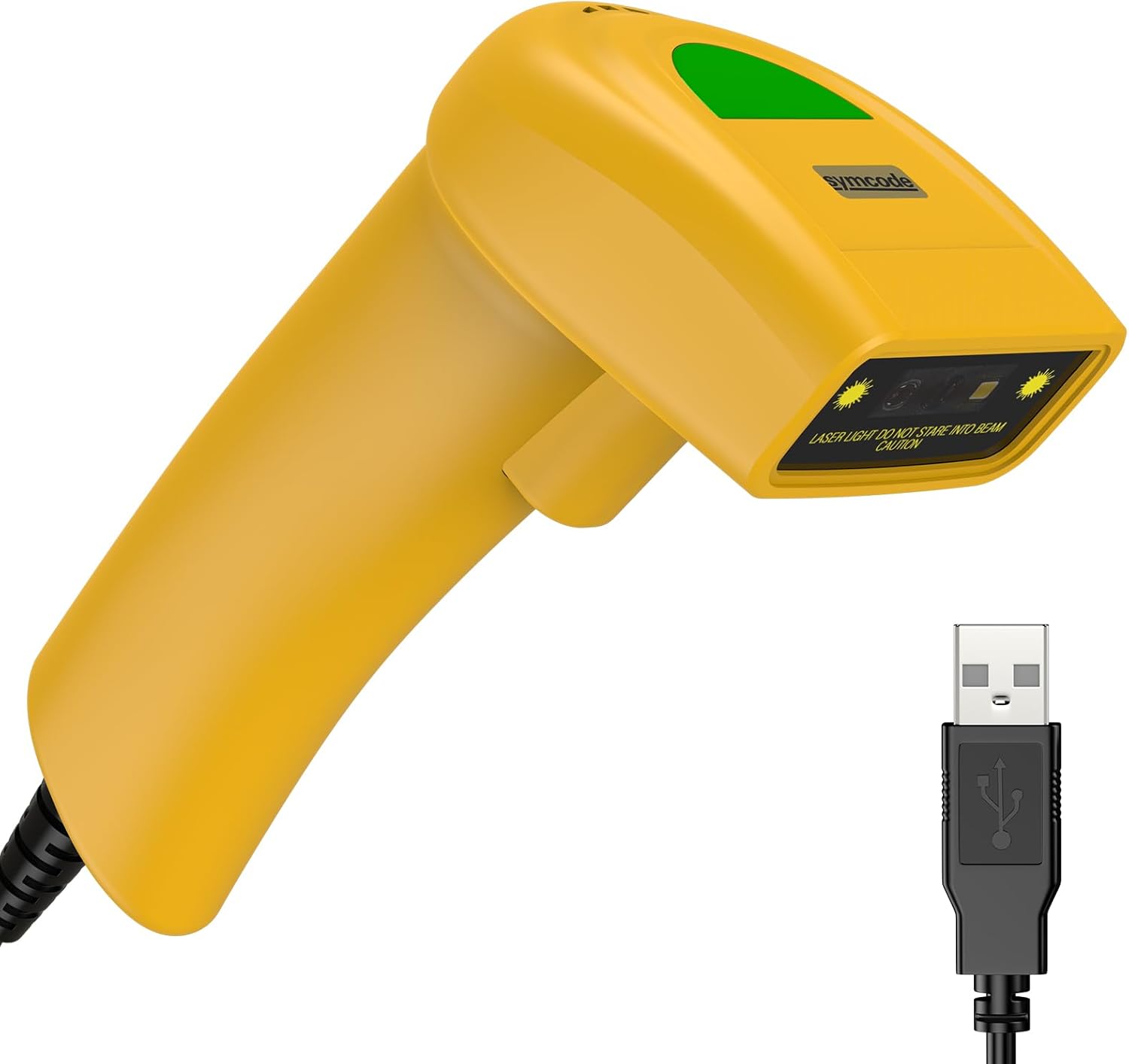
Detailní view of the Symcode 1D Barcode Scanner in yellow, highlighting its ergonomic shape and the attached USB cable for connectivity.
Pokyny pro nastavení
The Symcode barcode scanner is designed for simple plug-and-play operation.
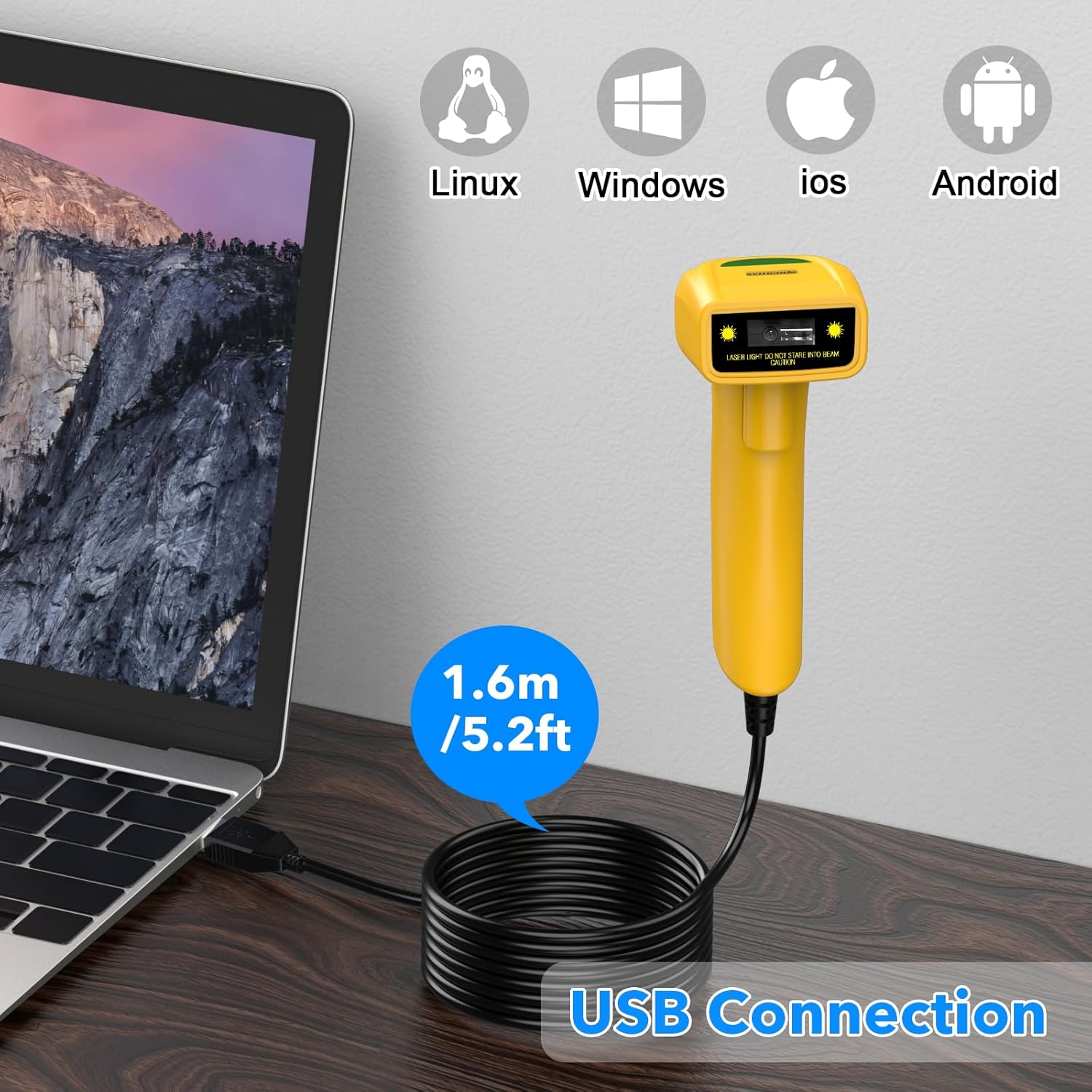
The Symcode barcode scanner connected to a laptop via its USB cable, illustrating its compatibility with Linux, Windows, iOS, and Android operating systems.
- Connect the USB cable from the scanner to an available USB port on your computer (Laptop or Desktop).
- The scanner is compatible with various operating systems including Linux, Windows, iOS, and Android. No additional drivers are typically required.
- Once connected, the scanner will be recognized as a keyboard input device. You can open any text editor, spreadsheet, or POS application and scan a barcode to test. The scanned data will appear as if typed by a keyboard.
Provozní režimy
The scanner supports three primary scanning modes to suit different operational needs:
- Režim spouštění kláves: Press the trigger button to activate the scan beam and read a barcode. The beam will turn off when the button is released.
- Auto-Induction Mode: The scanner automatically detects a barcode within its scanning range and activates the beam to read it without requiring a trigger press.
- Nepřetržitý režim: The scan beam remains continuously active, allowing for rapid scanning of multiple barcodes without individual trigger presses.
Refer to the included user manual (physical copy) for specific barcode configurations to switch between these modes.
Pokročilé funkce
Prefix and Suffix Customization
The scanner allows for customization of prefixes and suffixes to be added to the scanned data, providing flexibility for various applications.
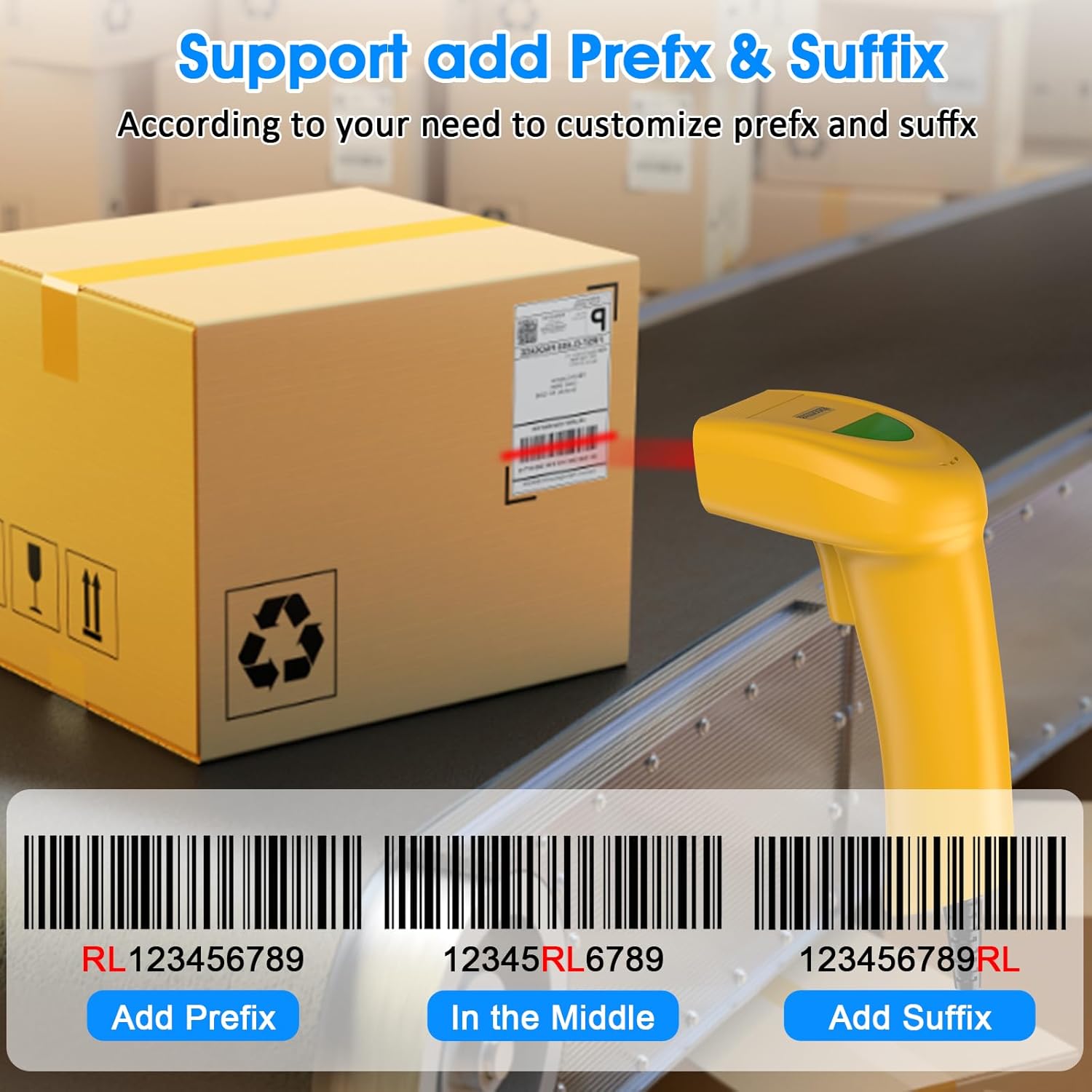
An illustration demonstrating how the Symcode barcode scanner can add custom prefixes (e.g., RL123456789), suffixes (e.g., 123456789RL), or insert characters in the middle (e.g., 12345RL6789) of scanned barcode data.
This feature is useful for integrating scanned data into specific software systems or for data organization. Consult the physical user manual for programming barcodes to configure these options.
Nastavení zvuku
The scanner provides audible feedback upon successful scans. The sound can be turned on or off according to your preference and working environment.
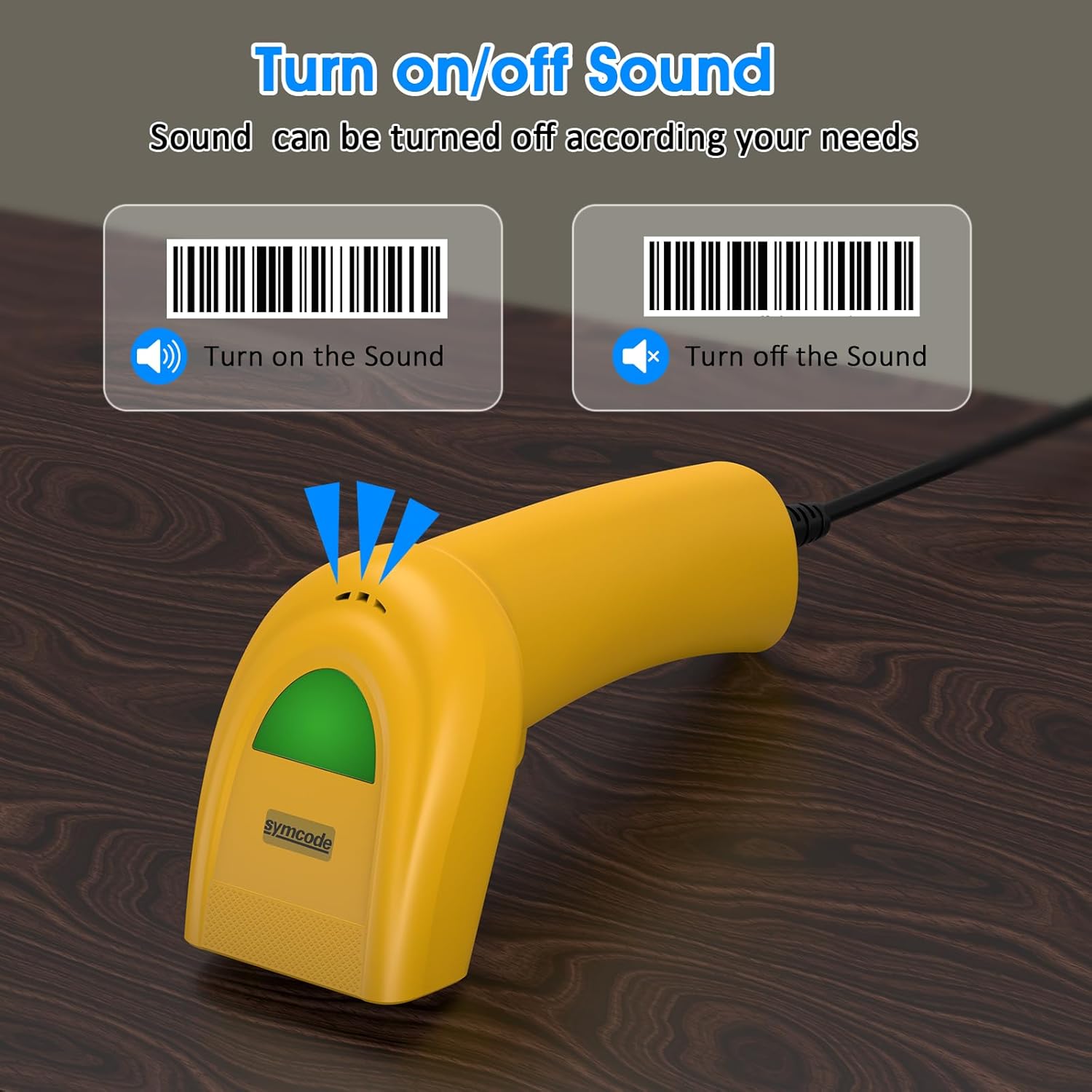
An image illustrating the option to turn the scanner's sound on or off, with visual cues for both states, allowing users to customize audible feedback.
Scan the appropriate configuration barcode from the user manual to toggle the sound feature.
Podporované čárové kódy
The Symcode 1D Barcode Scanner is equipped with advanced CCD sensor technology, enabling it to accurately read a wide range of 1D barcodes from both paper and digital screens. It can even decode smudged, damaged, fuzzy, or reflective barcodes.
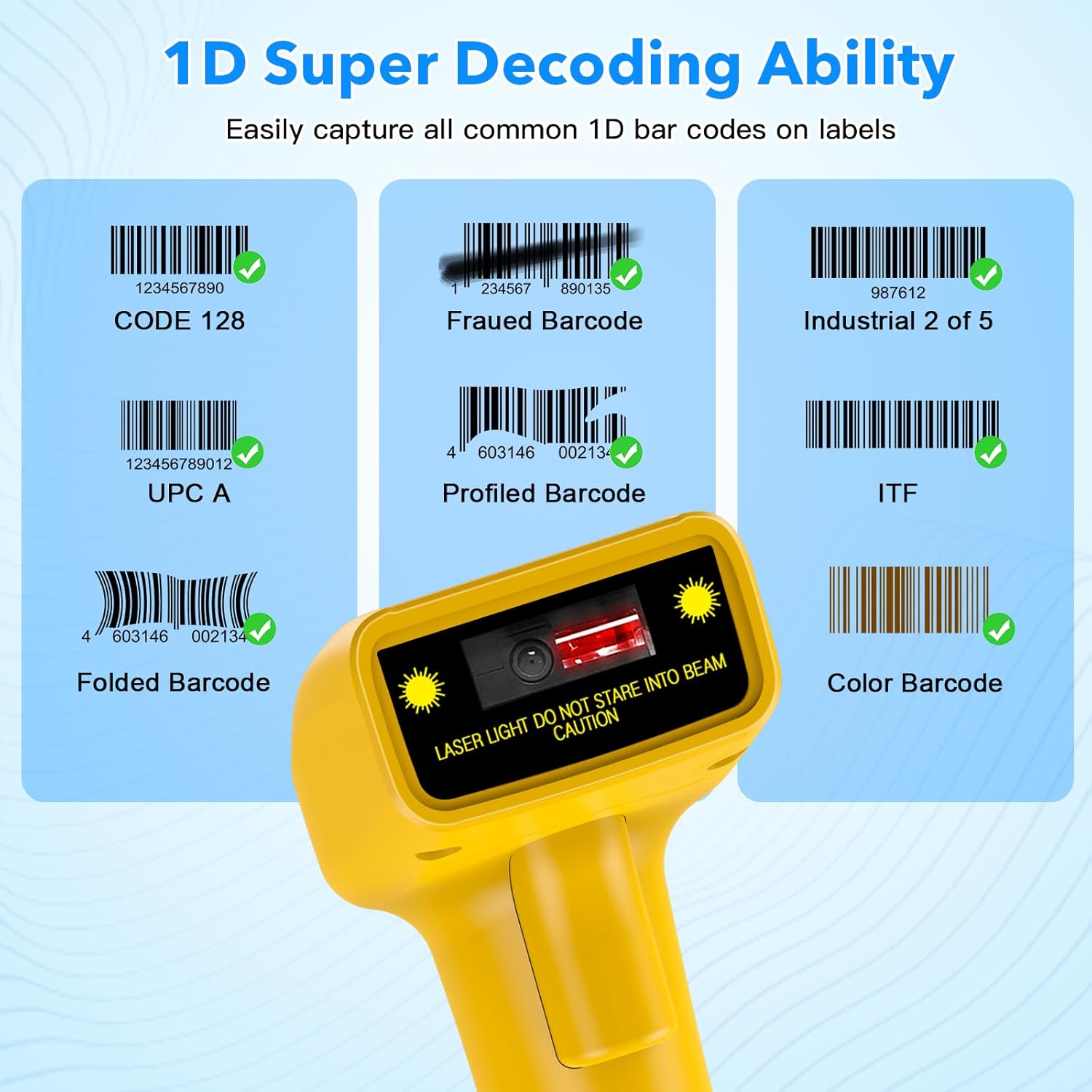
Vizuální examples of various 1D barcodes that the Symcode scanner can decode, including CODE 128, Frauded Barcode (e.g., 1234567890135), Industrial 2 of 5, UPC A (e.g., 0123456789012), Profiled Barcode (e.g., 4603146002134), ITF, Folded Barcode (e.g., 6234567890178), and Color Barcode, demonstrating its super decoding ability.
Supported 1D Barcode Symbologies include:
- EAN-8 / EAN-13
- UPC-A / UPC-E
- Code 39 / Code 93 / Code 128
- EAN-128
- Codabar
- Průmysl 2 z 5
- Proložte 2 z 5
- Matrix 2 z 5
- MSI
- Kód 11
- RSS variants
- čínština 2 z 5
The scanner also supports 180 configurable options for prefix, suffix, and termination strings.
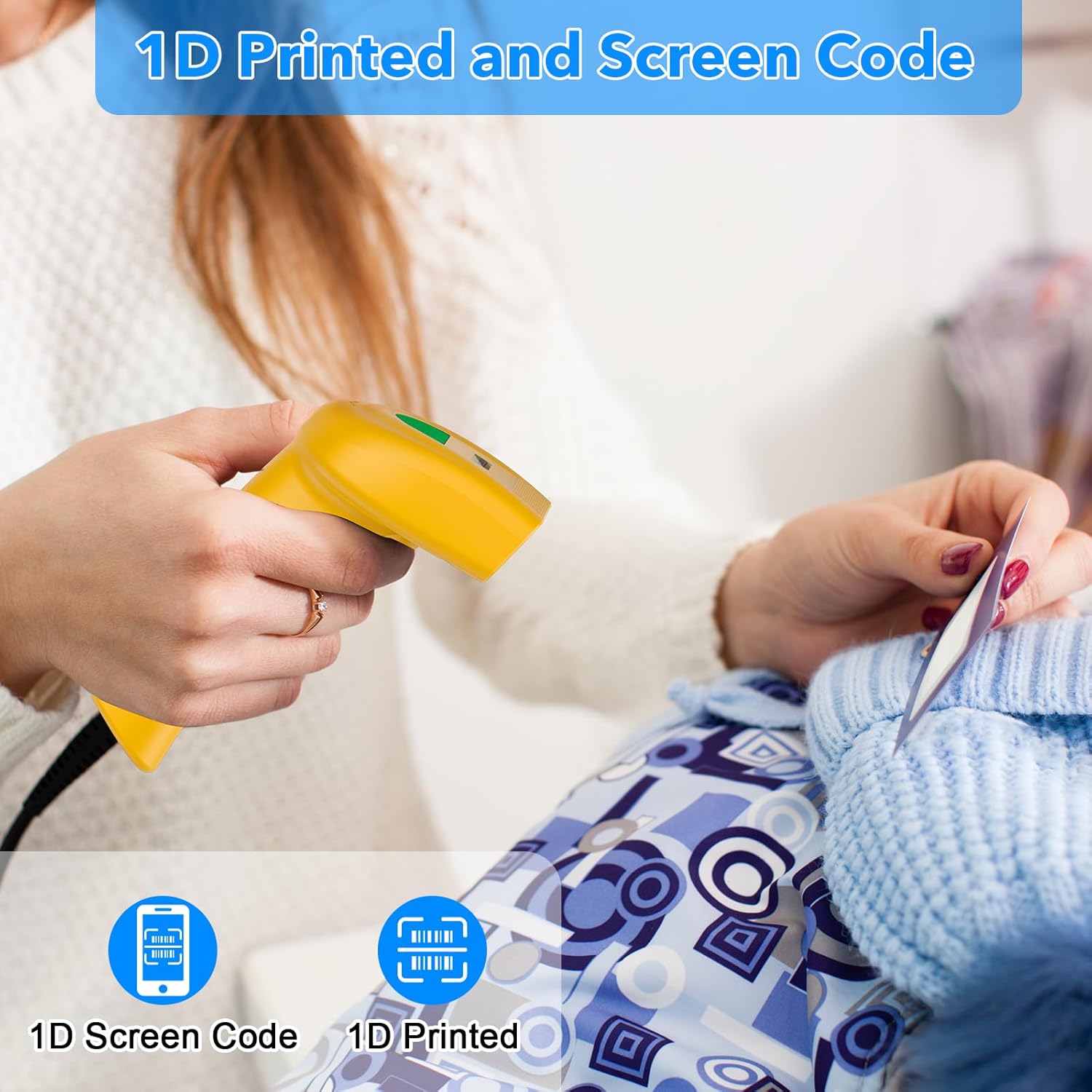
The Symcode barcode scanner in use, demonstrating its capability to scan both 1D printed barcodes and 1D barcodes displayed on screens, highlighting its versatility.
Údržba
Správná údržba zajišťuje dlouhou životnost a optimální výkon vašeho skeneru čárových kódů.
- Čištění: Use a soft, dry cloth to clean the scanner's exterior. For the scanning window, use a lens cleaning cloth or a soft cloth lightly dampened with a non-abrasive cleaner. Do not use harsh chemicals or abrasive materials.
- Skladování: Skener skladujte na chladném a suchém místě mimo dosah přímého slunečního záření a extrémních teplot.
- Péče o kabely: Neohýbejte ani nekruťte kabel USB nadměrně, mohlo by dojít k poškození vnitřních vodičů.
Odstraňování problémů
If you encounter issues with your scanner, refer to the table below for common problems and solutions.
| Problém | Možná příčina | Řešení |
|---|---|---|
| Skener se nezapne. | USB kabel není správně připojen nebo je USB port vadný. | Ujistěte se, že je kabel USB bezpečně zapojený do skeneru i počítače. Zkuste jiný port USB. |
| Skener nečte čárové kódy. | Incorrect scanning mode, barcode type not supported, or damaged barcode. | Check the scanning mode (trigger, auto-induction, continuous). Ensure the barcode symbology is supported. Try scanning a known good barcode. Clean the scanning window. |
| Naskenovaná data se zobrazují nesprávně. | Keyboard language settings mismatch or incorrect prefix/suffix settings. | Ensure your computer's keyboard language matches the scanner's default. Reset prefix/suffix settings if recently changed. |
| No sound feedback. | Sound feature is turned off. | Scan the 'Turn on Sound' configuration barcode from the user manual. |
Technické specifikace
| Funkce | Specifikace |
|---|---|
| Rozměry | 165 x 63 x 87 mm |
| Hmotnost | 156 g (6.4 uncí) |
| Světelný zdroj | 650nm~670nm visible laser |
| Rychlost skenování | 100 skenů/sec |
| Read Preciseness | 0.1 mm (4 mil) |
| Kontrast tisku | 30 % min |
| Hloubka ostrosti | 0~600mm (0.33mm, PCS 90%) |
| Scan Scope | 10-250 mm |
| Vzdálenost čtení | 2.5~600mm (100% UPC/EAN) |
| Bitová chybovost | 1 / 5 milionů |
| Proud | 85mA (working), 36mA (storage) |
| Rozhraní | USB |
| Provozní teplota | 0 ~45 (32 ~113 ) |
| Skladovací teplota | -20 ~60 (-4 ~140 ) |
| Vlhkost | 5%~95% nekondenzující |
| Materiál | ABS + PC |
| Technologie připojení | USB kabel |
| Kompatibilní zařízení | Laptop, Desktop |
| Zdroj napájení | Elektrický kabel |
Záruka a podpora
Symcode products are manufactured to high-quality standards. For warranty information and technical support, please refer to the documentation included with your purchase or visit the official Symcode store.
For further assistance, you may contact Symcode support directly through their official store page: Symcode Official Store
Ask a question about this manual
Ask about setup, troubleshooting, compatibility, parts, safety, or missing instructions. Manuals+ will review the question and use this page’s manual context to help answer it.