
Liectroux YW610
Uživatelská příručka robotického mytí oken LIECTROUX YW610
Model: YW610
1. Bezpečnostní informace
Please read all safety instructions carefully before using the LIECTROUX YW610 Window Cleaning Robot. Failure to follow these instructions may result in electric shock, fire, or serious injury.
- Always connect the robot to a power source during operation. The integrated UPS battery is for emergency power-off protection only.
- Ensure the safety rope is securely fastened to a sturdy indoor anchor point before placing the robot on the window.
- Nepoužívejte robota na prasklých nebo poškozených skleněných površích.
- Udržujte ruce, vlasy a volný oděv mimo pohyblivé části.
- Do not operate the robot in rainy or extremely humid conditions.
- Uchovávejte mimo dosah dětí a domácích zvířat.
- Use only the original power adapter and accessories provided with the robot.

Image: The robot's power connection and safety features, including the 4m safety cable, 1.5m extension cable, and 20-minute UPS power-off protection.
2. Konec produktuview
The LIECTROUX YW610 is an intelligent window cleaning robot designed to provide deep and efficient cleaning for various glass surfaces. It features a powerful 2800PA suction motor, dual spiral cleaning heads with microfiber cloths, and an automatic water spray system for effective dirt removal.
Obsah balení
- LIECTROUX YW610 Window Cleaning Robot
- Dálkové ovládání
- Power Adapter and Cable (4m + 1.5m extension)
- Bezpečnostní lano
- Čisticí ubrousky z mikrovlákna (více párů)
- Láhev na plnění vodou
- Uživatelská příručka
Schéma produktu
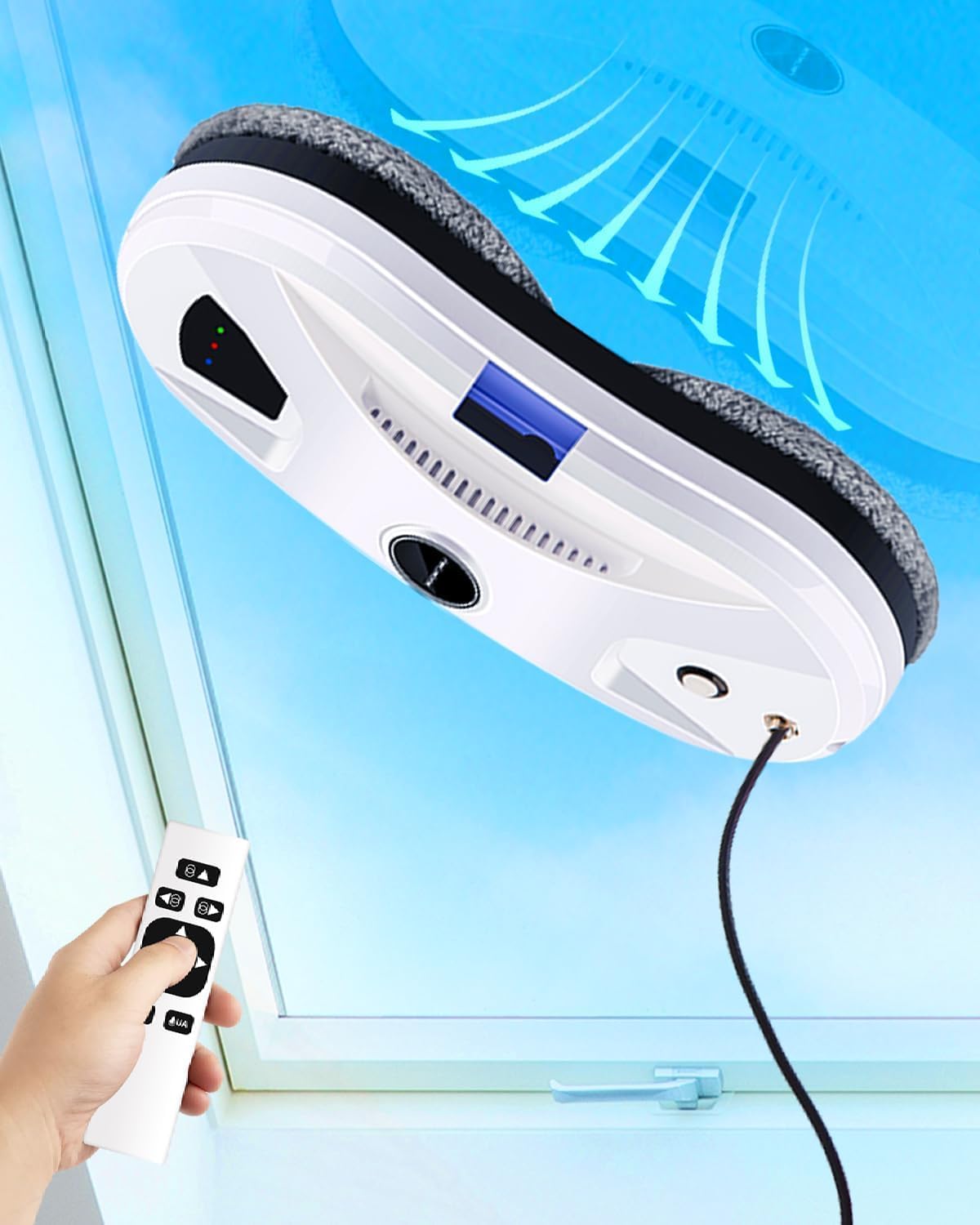
Image: The LIECTROUX YW610 Window Cleaning Robot shown on a window with its remote control, illustrating its compact design and operation.
3. Nastavení
3.1 Připevnění čisticích podložek
Attach the clean microfiber pads to the two rotating disks on the underside of the robot. Ensure they are securely fastened and cover the entire disk surface.
3.2 Plnění vodní nádrže
Locate the water tank inlet on the robot. Use the provided water filling bottle to fill the tank with clean water or a recommended window cleaning solution. Do not overfill.
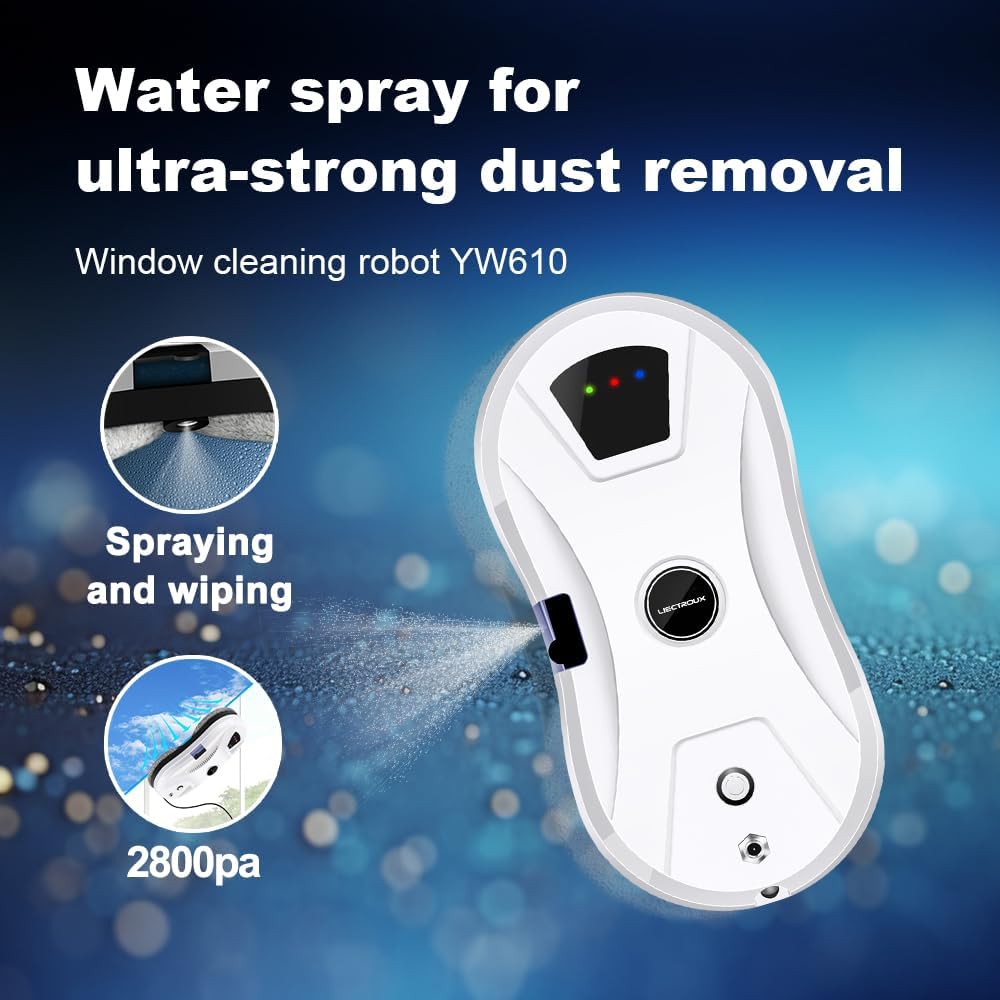
Image: The robot's automatic water spray function, highlighting its effectiveness for dust removal.
3.3 Připojení k napájení a bezpečnostní lano
Connect the power adapter to the robot and then plug it into a power outlet. Securely attach the safety rope to the designated anchor point on the robot and then to a strong, fixed object indoors, such as a heavy piece of furniture or a window frame anchor.
4. Návod k obsluze
4.1 Initial Placement and Start
Place the robot on the window surface, ensuring it is flat against the glass. Press the power button on the robot or the 'Start' button on the remote control. The robot will automatically adhere to the glass using its suction.

Image: A visual representation of the robot's four-stage cleaning process: 2800Pa vacuum suction, initial wiping for dust, water spray to soften dirt, and final wiping for dirt and water stains.
4.2 Režimy čištění
The robot features three automatic cleaning modes. You can select these modes using the remote control:
- Up-to-down: The robot cleans from the top of the window downwards.
- Left-to-down: The robot cleans from the left side of the window downwards.
- Right-to-down: The robot cleans from the right side of the window downwards.

Image: A visual guide to the three intelligent cleaning routes the robot can follow: Up-to-down, Left-to-down, and Right-to-down, controlled by a single press.
4.3 Obsluha dálkového ovladače
The remote control allows you to start/stop the robot, select cleaning modes, and manually control its movement. Refer to the remote control diagram in the quick start guide for button functions.

Image: The robot's dual-disk simulated twisting and sweeping motion, designed for complete and close cleaning of surfaces.
4.4 Automatic Water Spray
The robot is equipped with an automatic water spray function that dispenses a fine mist to loosen dirt and dust, enhancing cleaning efficiency. This feature operates automatically during cleaning cycles.

Image: Key technologies of the robot, including ultrasonic water spray, micro-air nucleus water dialysis, targeted homogenization technology, and one-press start on framework.
5. Údržba
Pravidelná údržba zajišťuje optimální výkon a prodlužuje životnost vašeho robota.
5.1 Cleaning the Microfiber Pads
After each use, remove the microfiber cleaning pads from the robot. They can be hand-washed or machine-washed with mild detergent. Allow them to air dry completely before reattaching or storing.
5.2 Čištění těla robota
Otřete vnější povrch robota měkkým,amp cloth. Do not use abrasive cleaners or immerse the robot in water. Ensure the suction area and sensors are free from debris.
5.3 Cleaning the Water Nozzle
Periodically check the water spray nozzle for any blockages. If necessary, gently clean it with a small brush or pin to ensure proper water dispersion.
6. Řešení problémů
If you encounter issues with your LIECTROUX YW610, refer to the table below for common problems and solutions.
| Problém | Možná příčina | Řešení |
|---|---|---|
| Robot se nelepí na sklo. | Insufficient suction; dirty glass surface; power issue. | Ensure power cable is securely connected. Clean the glass surface. Check for obstructions on the suction area. |
| Robot zanechává šmouhy. | Dirty cleaning pads; incorrect cleaning solution; excessive water. | Replace or clean the microfiber pads. Use appropriate window cleaning solution. Ensure water tank is not overfilled. |
| Robot se neočekávaně zastaví. | Power disconnection; obstacle detected; low UPS battery. | Check power connection. Remove any obstacles. If UPS battery alarm sounds, remove robot and recharge. |
| Dálkové ovládání nefunguje. | Vybité baterie; mimo dosah. | Vyměňte baterie v dálkovém ovladači. Ujistěte se, že jste v provozním dosahu robota. |
7. Specifikace
| Funkce | Detail |
|---|---|
| Značka | LIECTROUX |
| Název modelu | YW610 (Internal Model: HCR-10) |
| Rozměry produktu | 27 x 27 x 7.75 cm |
| Materiál | ABS |
| Sací výkon | 2800 PA |
| Speciální funkce | Automatic Water Spray, Intelligent Navigation, Fall Protection (UPS) |
| Doporučení pro povrch | Sklo |
| Typ ovladače | Button Control, Touchpad Control, Remote Control |
| Zdroj napájení | Elektrický kabel |
| Délka bezpečnostního kabelu | 4 metrů |
| Délka kabelu adaptéru | 5.2 meters (4m + 1.5m extension) |
| UPS Battery Protection | 25 minutes (absorption protection) |
8. Záruka a podpora
For warranty information and technical support, please refer to the documentation provided with your purchase or contact LIECTROUX customer service through their official webnebo prodejce, u kterého byl produkt zakoupen. Uschovejte si doklad o koupi pro případ reklamace.
Ask a question about this manual
Ask about setup, troubleshooting, compatibility, parts, safety, or missing instructions. Manuals+ will review the question and use this page’s manual context to help answer it.