
Zavedení
Welcome to the user manual for your boAt Airdopes 161 ANC True Wireless Stereo (TWS) Earbuds. This guide provides detailed instructions on how to set up, operate, maintain, and troubleshoot your earbuds to ensure optimal performance and a seamless audio experience.

Image: The boAt Airdopes 161 ANC earbuds shown with their charging case, highlighting their sleek design and portability.
1. Nastavení
1.1 Co je v krabici
Your boAt Airdopes 161 ANC package includes:
- boAt Airdopes 161 ANC Earbuds
- Nabíjecí pouzdro
- Nabíjecí kabel USB typu C.
- Uživatelská příručka
1.2 Nabíjení sluchátek a pouzdra
Před prvním použitím sluchátka a nabíjecí pouzdro plně nabijte.
- Vložte obě sluchátka do nabíjecího pouzdra.
- Připojte nabíjecí kabel USB typu C k nabíjecímu portu na pouzdře a ke zdroji napájení.
- The indicator light on the case will show charging status. Once fully charged, the indicator will change or turn off.

Image: The USB Type-C charging port on the boAt Airdopes 161 ANC charging case, indicating the modern charging interface. Also shows Bluetooth v5.3 icon.
The Airdopes 161 ANC features ASAP Charge technology, providing 150 minutes of playback with just 10 minutes of charging.

Image: Illustration of ASAP Charge, showing 10 minutes of charge provides 150 minutes of playback.
1.3 Pairing with Your Device (IWP Technology)
The Airdopes 161 ANC features Insta Wake N' Pair (IWP) Technology for instant connection.
- Otevřete víko nabíjecího pouzdra. Sluchátka se automaticky zapnou a přejdou do režimu párování.
- Povolte Bluetooth na svém zařízení (chytrý telefon, tablet atd.).
- Hledat "Airdopes 161 ANC" in the list of available Bluetooth devices and select it to connect.
- Po připojení uslyšíte potvrzovací tón a sluchátka budou připravena k použití.

Image: A smartphone screen displaying "Airdopes 161 ANC Connected" with the earbuds and case, illustrating the IWP pairing process.
2. Ovládání sluchátek
2.1 Dotykové ovládání
The Airdopes 161 ANC features intuitive touch controls on each earbud.
| Akce | Funkce |
|---|---|
| Jedno klepnutí (levé/pravé sluchátko) | Přehrát/Pozastavit hudbu, Přijmout/Ukončit hovor |
| Dvojité klepnutí (pravé sluchátko) | Další stopa |
| Dvojité klepnutí (levé sluchátko) | Předchozí stopa |
| Dlouhé stisknutí (pravé sluchátko) | Zvýšení hlasitosti |
| Dlouhé stisknutí (levé sluchátko) | Snížit hlasitost |
| Trojité klepnutí (levé/pravé sluchátko) | Aktivujte hlasového asistenta |
| Long Press (2 seconds) during call | Odmítnout hovor |
| Long Press (2 seconds) to toggle ANC/Transparency | Toggle Active Noise Cancellation / Transparency Mode |
2.2 Aktivní potlačení hluku (ANC)
The Airdopes 161 ANC features Active Noise Cancellation up to 32dB, reducing ambient noise for an immersive listening experience.
- To activate ANC, long press the touch control area on either earbud for 2 seconds.
- Repeat the action to switch between ANC, Transparency Mode, and Normal Mode.
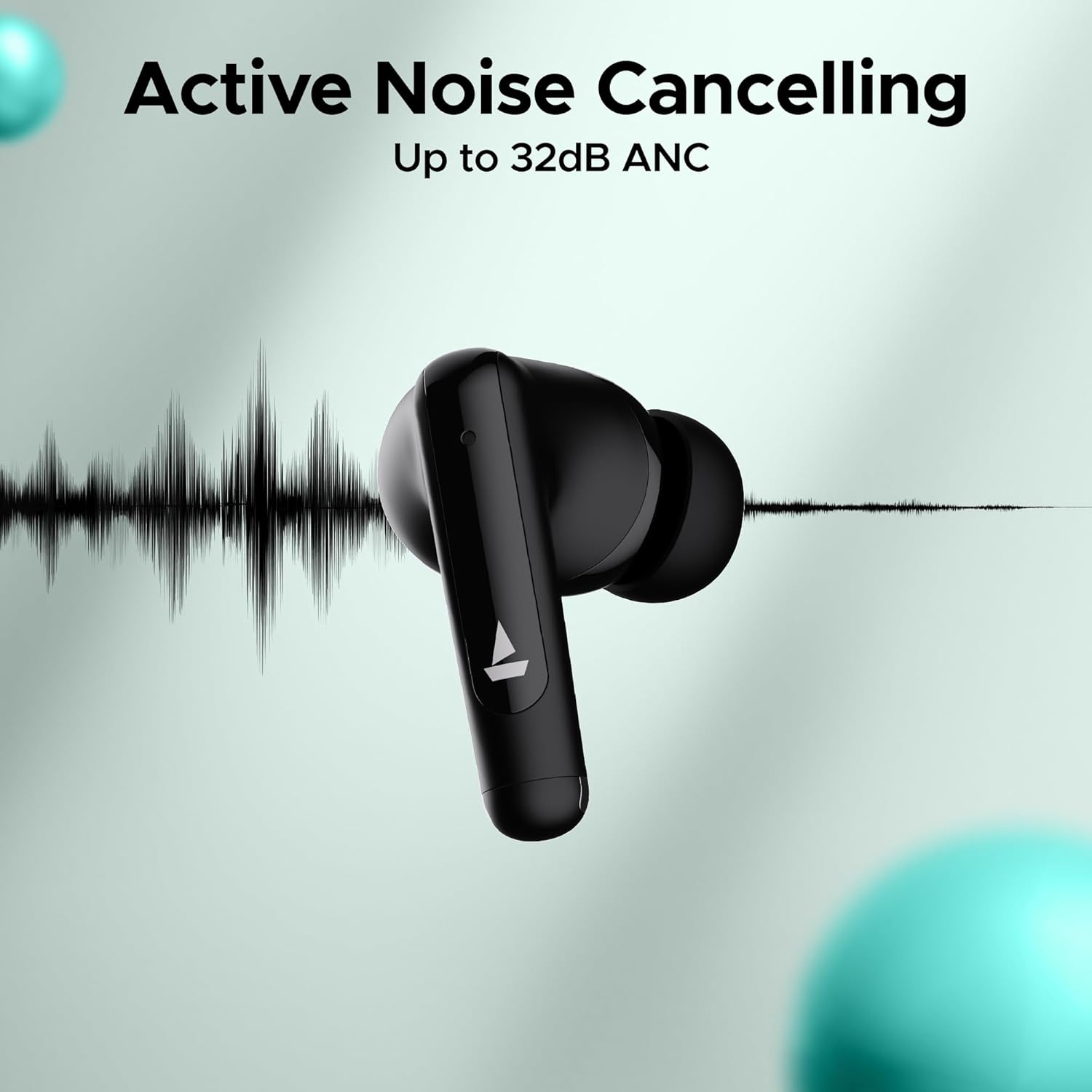
Image: An earbud with a sound wave graphic, illustrating the Active Noise Cancelling capability up to 32dB.
2.3 Making Calls (Quad Mics with ENx Technology)
The earbuds are equipped with Quad Mics and ENx Technology for clear voice calls by filtering out environmental noise.
- Přijmout/ukončit hovor: Jedním klepnutím na kterékoli sluchátko.
- Odmítnout hovor: Dlouze stiskněte jedno sluchátko na 2 sekundy.
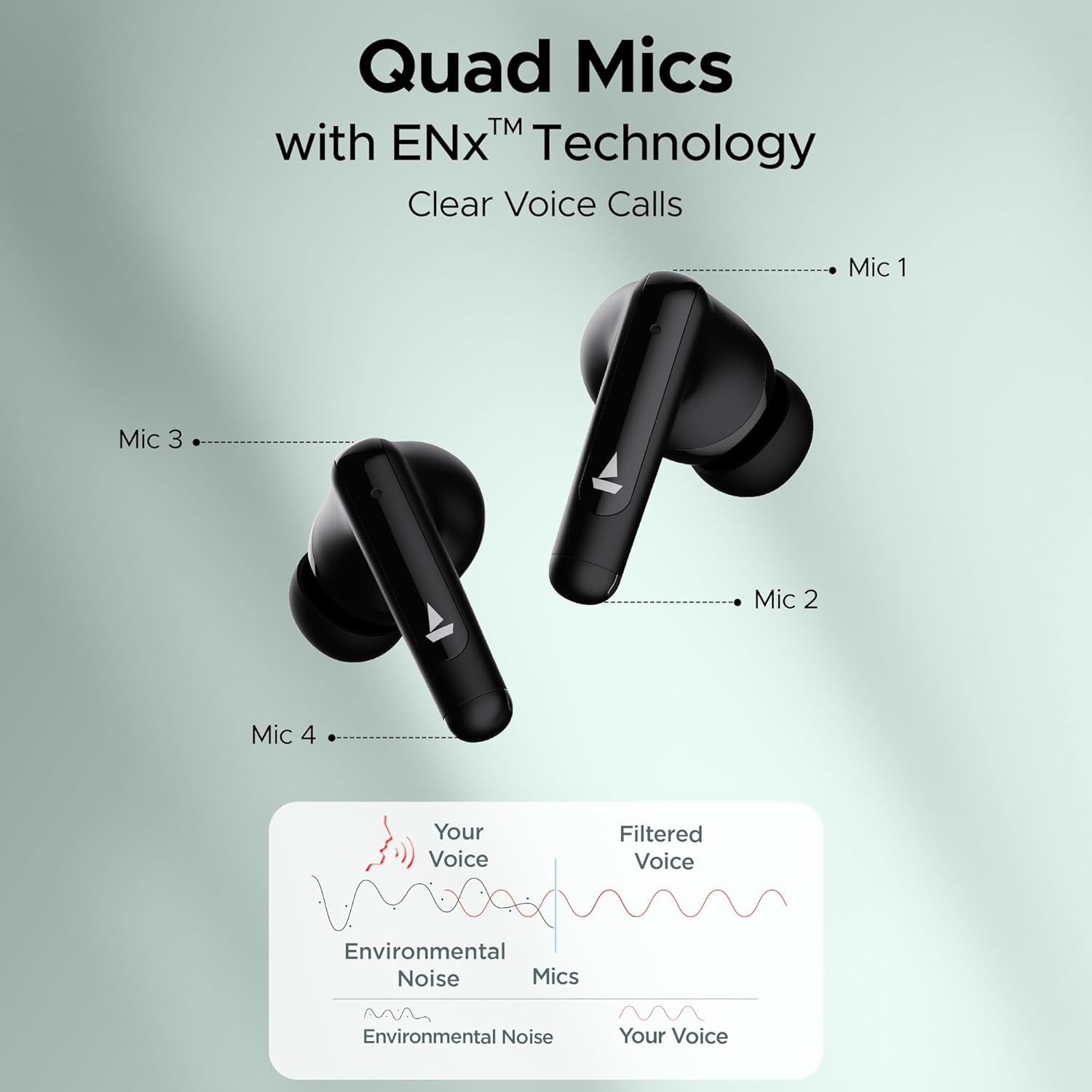
Image: Diagram showing the placement of four microphones on the earbuds and how ENx Technology filters environmental noise for clear voice calls.
2.4 Playback Time
The boAt Airdopes 161 ANC provides up to 50 hours of total playback time with the charging case. Individual earbud playback time varies based on usage and ANC status.
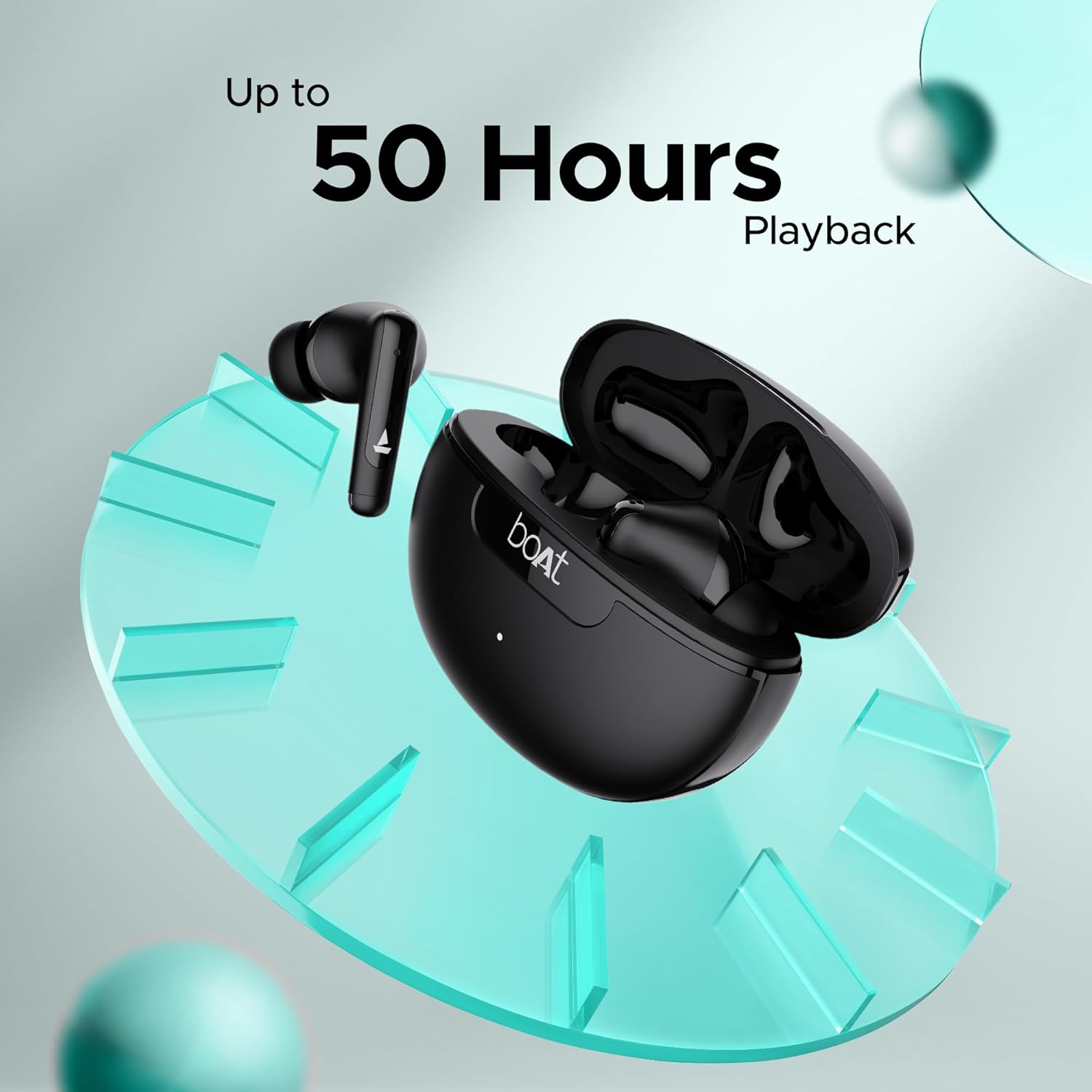
Image: Graphic indicating "Up to 50 Hours Playback" for the boAt Airdopes 161 ANC earbuds and charging case.
3. Údržba
3.1 Čištění sluchátek do uší
Pravidelné čištění pomáhá udržovat kvalitu zvuku a hygienu.
- K otření sluchátek a nabíjecího pouzdra použijte měkký, suchý hadřík, který nepouští vlákna.
- Jemně odstraňte ušní maz nebo nečistoty z ušních nástavců a mřížky reproduktoru pomocí malého, čistého kartáčku nebo vatového tamponu.
- Nepoužívejte abrazivní materiály, alkohol nebo chemické čisticí prostředky.
3.2 Odolnost proti vodě a potu (IPX5)
The Airdopes 161 ANC earbuds are IPX5 rated, meaning they are resistant to water splashes and sweat. This makes them suitable for workouts and light rain.
- Neponořujte sluchátka do vody.
- Před vložením sluchátek zpět do nabíjecího pouzdra se ujistěte, že jsou suchá, abyste předešli jejich poškození.
Image: Earbuds shown with water droplets, indicating IPX5 water and sweat resistance.
4. Řešení problémů
If you encounter any issues with your Airdopes 161 ANC, refer to the following common solutions:
| Problém | Řešení |
|---|---|
| Sluchátka se nespárují |
|
| Funkční pouze jedno sluchátko |
|
| Nízká hlasitost nebo špatná kvalita zvuku |
|
| ANC nefunguje efektivně |
|
5. Specifikace
| Funkce | Detail |
|---|---|
| Název modelu | Airdopes 161 ANC |
| Technologie připojení | Bluetooth |
| Technologie bezdrátové komunikace | Bluetooth |
| Verze Bluetooth | 5.0 (Note: Image shows v5.3, using product spec 5.0) |
| Dosah Bluetooth | 10 metrů |
| Kontrola hluku | Aktivní potlačení hluku (až 32 dB) |
| Mikrofony | Quad Mics with ENx Technology |
| Kontrolní metoda | Dotek |
| Úroveň odolnosti proti vodě | IPX5 (voděodolný) |
| Form Factor | V uchu |
| Typ zvukového ovladače | Dynamický ovladač |
| Typ baterie | Lithium Ion (součástí balení) |
| Doba přehrávání | Až 50 hodin (s nabíjecím pouzdrem) |
| Nabíjecí rozhraní | USB Type-C |
| Speciální funkce | Built-In Voice Assistant, IWP Technology, ASAP Charge |
| Hmotnost položky | 50 gramů |
| Rozměry produktu | 5 x 3 x 5 cm |
6. Záruka a podpora
Your boAt Airdopes 161 ANC earbuds come with a 1-year warranty from the date of purchase.
For warranty claims, technical support, or any other inquiries, please contact boAt customer service:
- Výrobce: Imagine Marketing Ltd.
- E-mail: info@imaginemarketingindia.com
- Webmísto: Refer to the official boAt website for the latest support information and contact details.
Uschovejte si prosím účtenku jako doklad o koupi pro případ záručního servisu.