
Zavedení
The Majority Naga 80 Sound Bar is designed to enhance your home audio experience with powerful 140W peak output and 2.1 channel sound. Featuring advanced 3D surround sound technology and a built-in subwoofer, it delivers rich, clear audio for movies, gaming, and music. This manual provides detailed instructions for setup, operation, and maintenance of your sound bar.

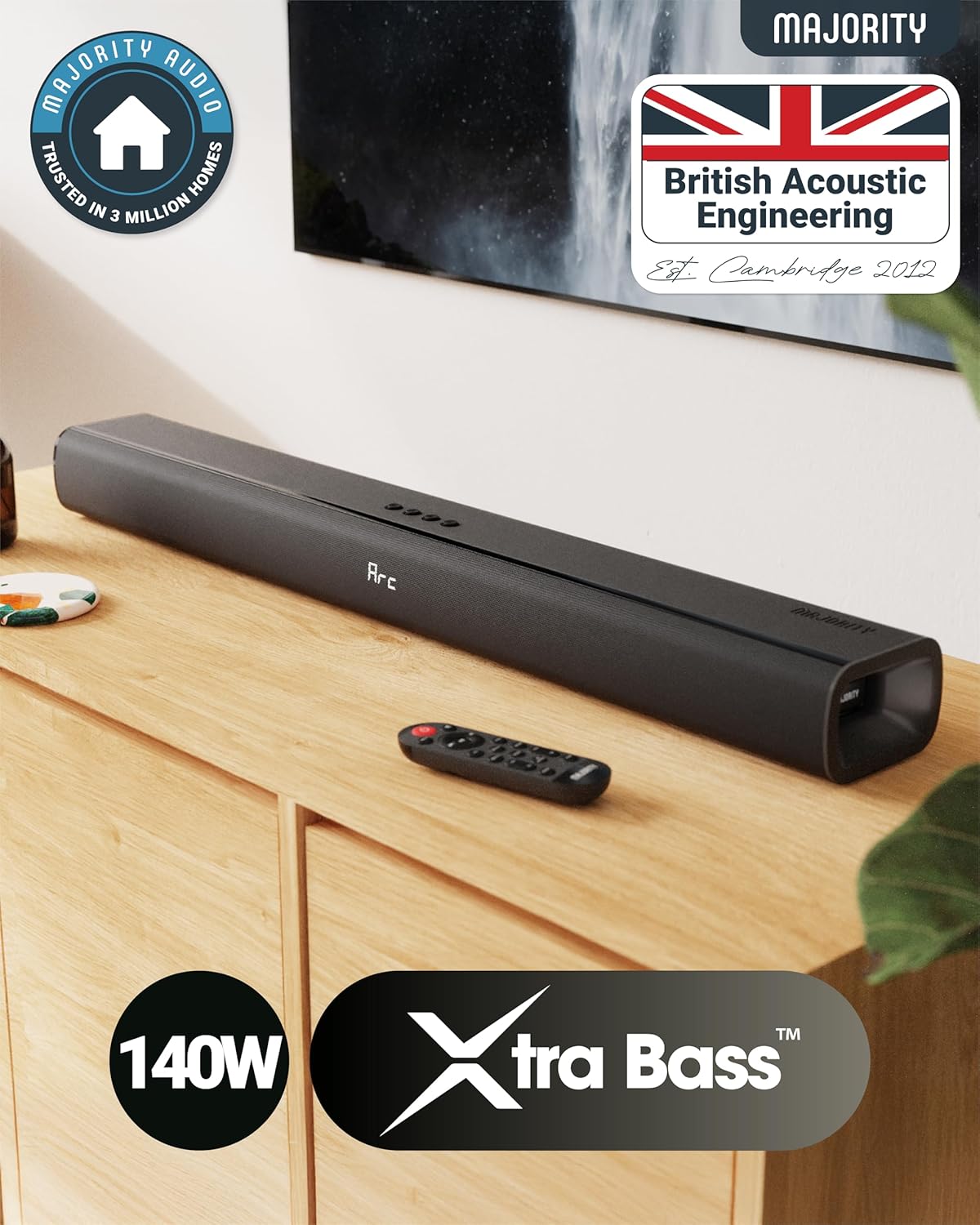
The Naga 80 TV Soundbar delivers powerful, high-quality sound to elevate your home entertainment.
Co je v krabici
Please check the contents of your package carefully. If any items are missing or damaged, contact customer support.
- Soundbar Naga 80
- Uživatelská příručka
- Dálkové ovládání
- Nástěnné držáky
- HDMI, AUX, and Power cables
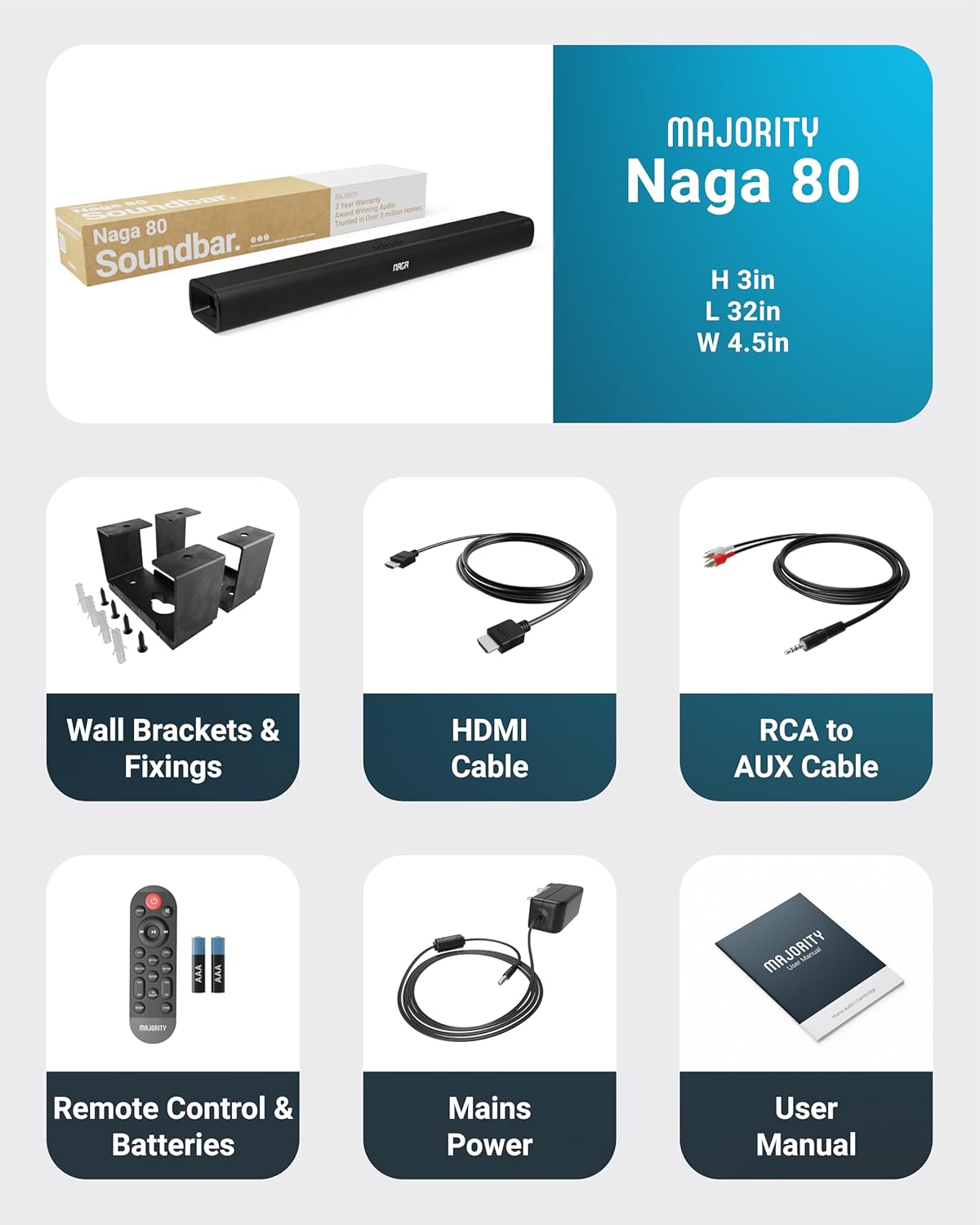
All items included in the Naga 80 Sound Bar package.
Nastavení
Připojování k napájení
- Ensure the sound bar is placed on a stable surface or securely wall-mounted.
- Connect the power adapter to the DC 24V input port on the back of the sound bar.
- Zapojte napájecí adaptér do elektrické zásuvky.
Audio připojení
The Naga 80 Sound Bar offers multiple connectivity options for your devices:
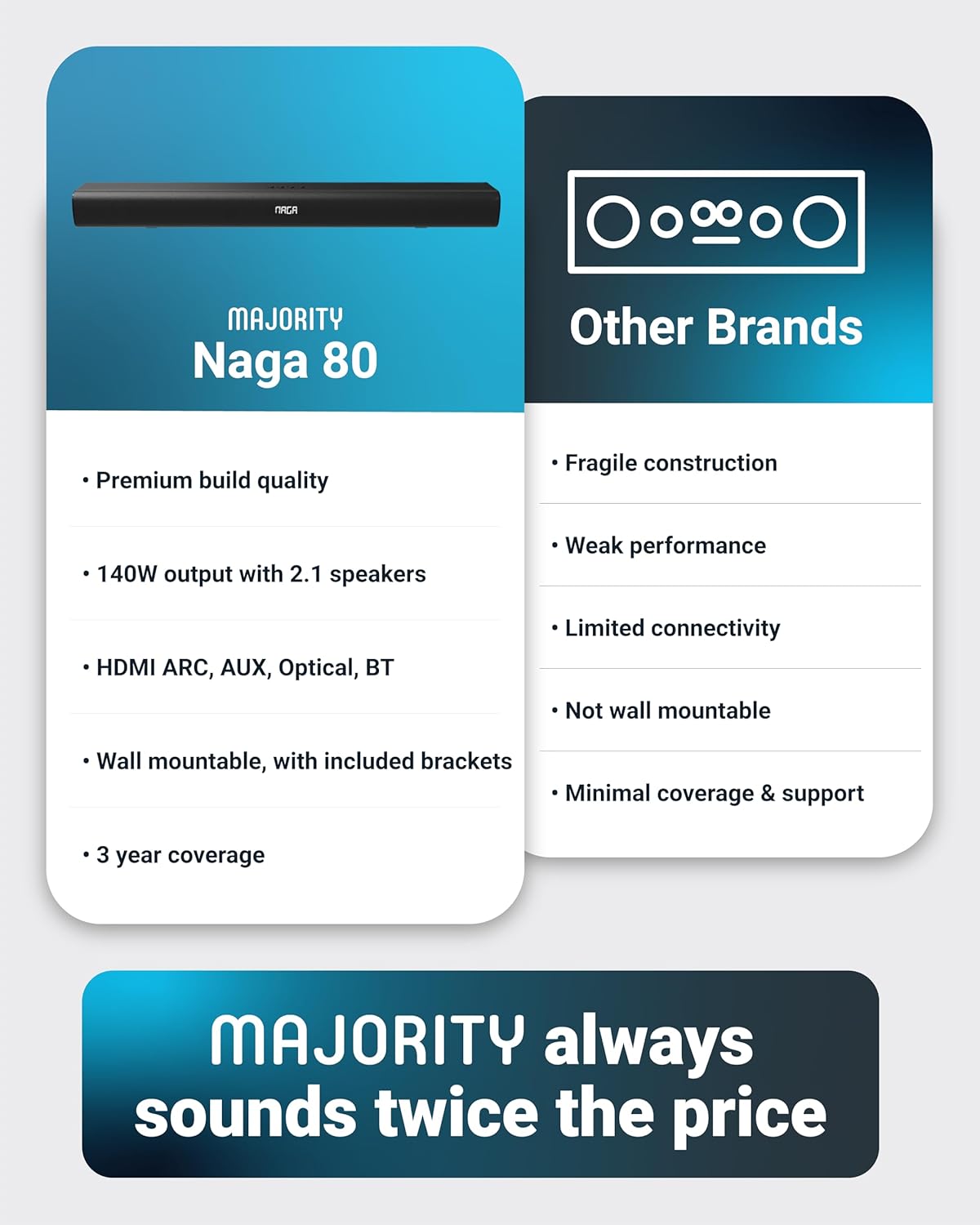
- HDMI ARC: Connect an HDMI cable from the sound bar's ARC port to your TV's HDMI ARC port for high-quality audio and TV remote control integration.
- Optický vstup: Use an optical cable to connect to your TV or other audio source for digital audio transmission.
- AUX vstup: Connect devices using the 3.5mm AUX cable for analog audio input.
- USB: Insert a USB drive to play audio files directly from the sound bar.
- Bluetooth: Pair your smartphone, tablet, or other Bluetooth-enabled devices wirelessly.
Důležité: If you experience buzzing or static sound when using HDMI or Optical connections, adjust your TV's audio output settings to PCM (Pulse Code Modulation).

Rear panel connections of the Naga 80 Sound Bar.
Párování pomocí Bluetooth
- Press the 'Input' button on the sound bar or remote control until 'BT' appears on the display.
- On your device (smartphone, tablet), enable Bluetooth and search for 'Naga 80'.
- Select 'Naga 80' to pair. A confirmation sound will indicate successful pairing.
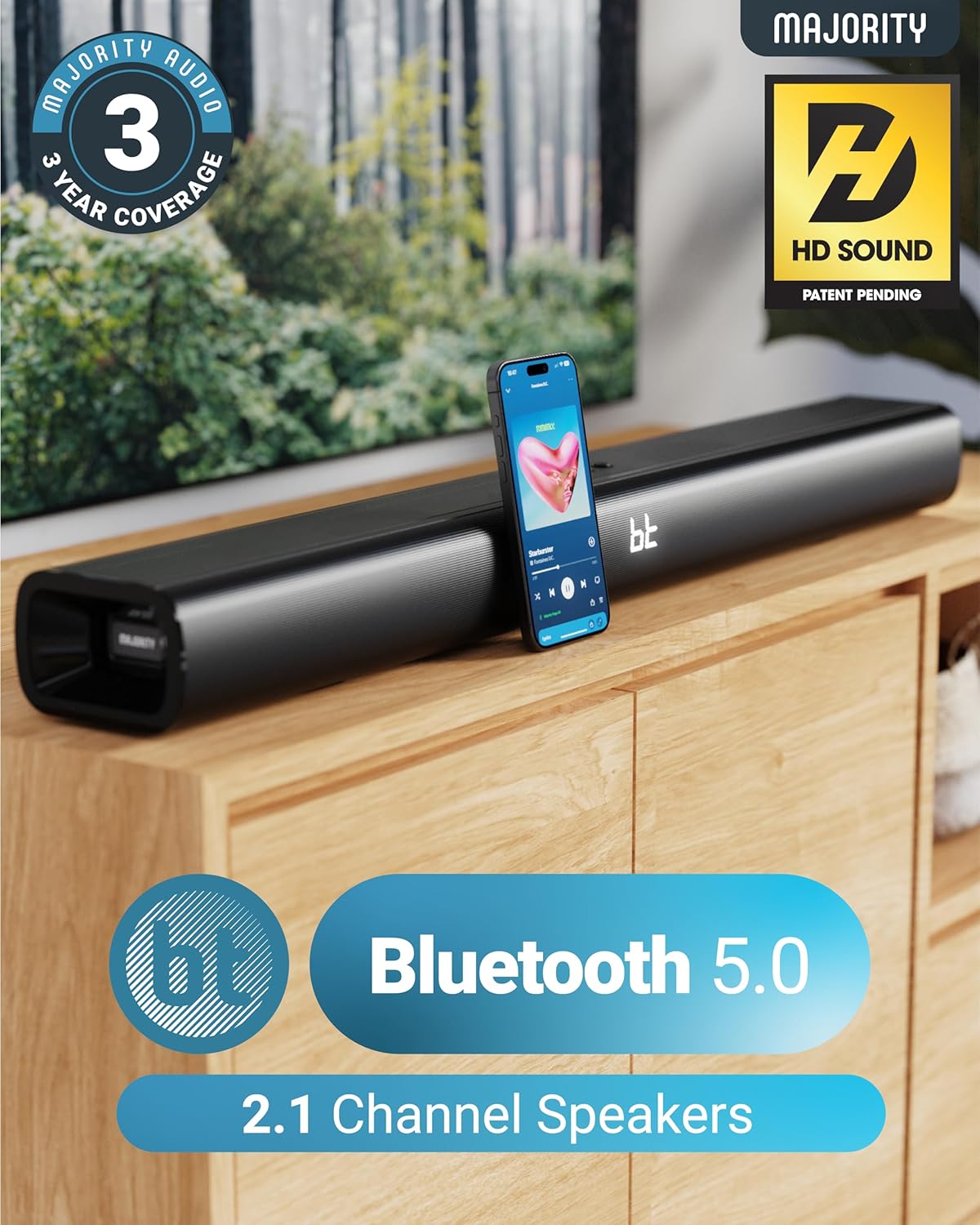
The Naga 80 Sound Bar supports Bluetooth 5.0 for wireless audio streaming.
Návod k obsluze
Funkce dálkového ovládání
The included remote control allows full command over your sound bar's features:
- Moc: Turn the sound bar on or off.
- Vstup: Cycle through input sources (HDMI ARC, Optical, AUX, USB, Bluetooth).
- Hlasitost +/-: Upravte hlavní hlasitost.
- Přehrát/Pozastavit, Přeskočit skladby: Control media playback in Bluetooth or USB mode.
- Zvukové režimy: Select between Movie, Music, and Dialog modes.
- Bass +/- (BA+/-): Adjust bass levels.
- Treble +/- (TR+/-): Adjust treble levels.
- 3D On/Off: Activate or deactivate 3D surround sound.
- Resetovat: Reset audio settings to default.
- Pár: Zahajte párování Bluetooth.
The remote control provides comprehensive control over your sound bar.
Zvukové režimy
Optimize your audio experience with dedicated sound modes:
- Režim filmu: Enhances cinematic sound effects and dialogue for an immersive movie-watching experience.
- Hudební režim: Poskytuje vyvážený profesionální zvukfile vhodné pro různé hudební žánry.
- Režim dialogu: Prioritizes vocal clarity, making conversations easier to understand, especially in TV shows or news broadcasts.
Nastavení basů a výšek
You can fine-tune the bass and treble levels to your preference using the remote control. Both settings can be adjusted from -4 to +4, with 0 being the default. Use the 'BA+/-' buttons for bass and 'TR+/-' buttons for treble.
Instalace a umístění
Montáž na stěnu
The Naga 80 Sound Bar can be wall-mounted for a clean, space-saving setup. Use the included wall brackets and fixings. Ensure the mounting surface is sturdy enough to support the sound bar's weight (4.3 pounds).
Wall mount brackets for secure installation.
Specifikace
| Funkce | Specifikace |
|---|---|
| Název modelu | Naga 80 |
| Typ reproduktoru | Soundbar |
| Maximální výstupní výkon reproduktoru | 140 wattů |
| Konfigurace kanálů prostorového zvuku | 2.1 |
| Technologie připojení | Bluetooth, HDMI, optický, AUX, USB |
| Technologie bezdrátové komunikace | Bluetooth |
| Dosah Bluetooth | 10 metrů |
| Kontrolní metoda | Vzdálený |
| Rozměry produktu | 31.8"H x 4.6"Š x 3.06"V |
| Hmotnost položky | 4.3 libry |
| Materiál | Plastic (Enclosure), Metal (Subwoofer) |
| Zahrnuté komponenty | HDMI, AUX and Power cables, Naga 80 Soundbar, Remote, User Manual, Wall Brackets |
| Baterie | Vyžaduje 2 AAA baterie (součástí balení) |
| Typ montáže | Držák na zeď |
Údržba
To ensure the longevity and optimal performance of your Majority Naga 80 Sound Bar, follow these maintenance guidelines:
- Čištění: Use a soft, dry cloth to wipe the exterior of the sound bar. Avoid using abrasive cleaners, waxes, or solvents.
- Větrání: Zajistěte dostatečné větrání kolem soundbaru, abyste zabránili přehřátí. Neblokujte žádné větrací otvory.
- Skladování: Pokud budete soundbar skladovat delší dobu, odpojte jej od napájení a uložte jej na chladném a suchém místě.
Odstraňování problémů
Pokud se se soundbarem setkáte s jakýmikoli problémy, podívejte se na následující běžné problémy a jejich řešení:
- Bez napájení: Ensure the power cable is securely connected to both the sound bar and a working power outlet. Check if the power adapter is functioning correctly.
- Žádný zvuk: Verify the correct input source is selected on the sound bar. Check all audio cables for secure connections. Ensure the volume is not muted or set too low on both the sound bar and your connected device.
- Buzzing/Static Sound (HDMI/Optical): Adjust your TV's HDMI/Optical audio output settings to PCM. Some TVs may default to other formats that are not compatible with the sound bar.
- Problémy s párováním Bluetooth: Ensure the sound bar is in Bluetooth pairing mode. Turn off and on Bluetooth on your device, then try pairing again. Move your device closer to the sound bar to ensure it's within range (10 meters).
- Dálkové ovládání nefunguje: Check the batteries in the remote control and replace them if necessary (2 AAA batteries). Ensure there are no obstructions between the remote and the sound bar.
Záruka a podpora
The Majority Naga 80 Sound Bar comes with a 3letá prodloužená záruka upon registration. For warranty registration, technical support, or further assistance, please visit the official Majority webnebo kontaktujte jejich zákaznický servis.
For more information and to register your product, visit: www.majority.co.uk