
1. Úvod
Thank you for choosing the DEWENWILS Remote Control Outlets with Wireless Wall Switch. This product provides a convenient and energy-efficient way to control your indoor lighting and other electronic devices remotely. Please read this manual carefully before use to ensure proper installation and operation.
2. Bezpečnostní informace
- The DEWENWILS remote control outlets are constructed from high-quality flame-retardant material, ensuring maximum safety for domestic use.
- The product is designed to operate safely within a temperature range of -25°C to 40°C.
- Integrated child safety features prevent accidental contact with live parts.
- Do not exceed the maximum load capacity of 2300W or 10A.
- Ensure the product is used in dry indoor environments only.
- Před čištěním zařízení vždy odpojte ze zásuvky.
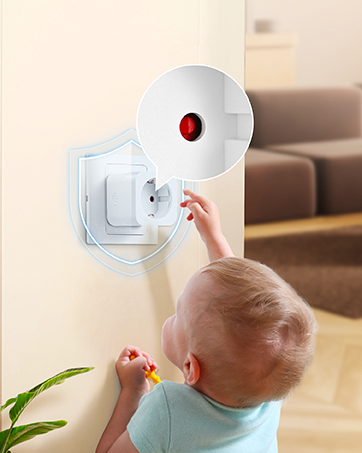
Image: The remote control outlet is designed for safe operation in temperatures ranging from -25°C to 40°C, highlighting its durability.

Image: A child reaching for an outlet, with a shield icon indicating the integrated child safety mechanism to prevent accidental contact.
3. Obsah balení
Your DEWENWILS Remote Control Outlet kit typically includes:
- Remote Control Outlet(s)
- Remote Control(s) (battery included)
- Wireless Wall Switch(es) (quantity may vary by package)
- Uživatelská příručka
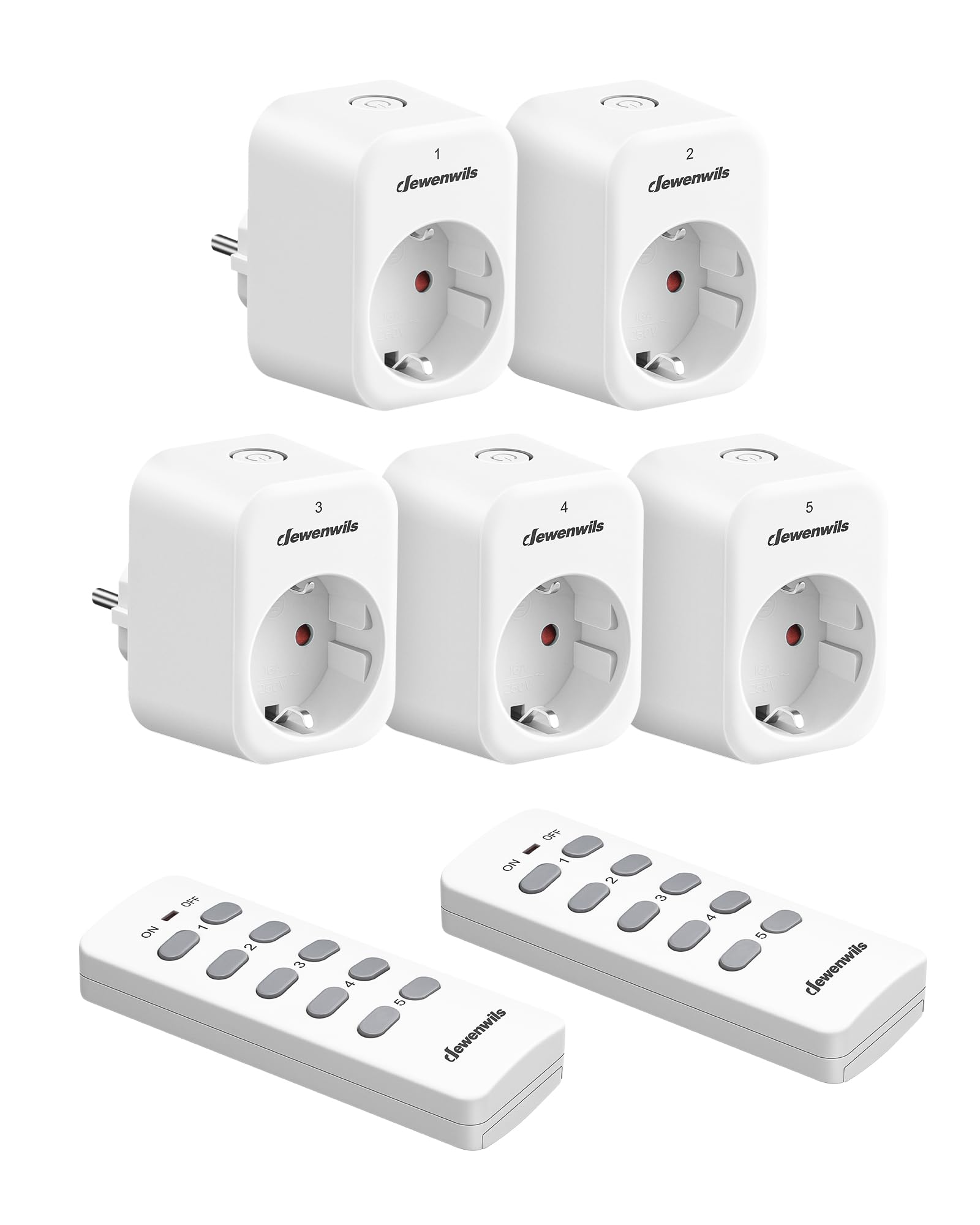
Image: A DEWENWILS remote control outlet plugged into a wall socket next to a white remote control, illustrating the primary components of the kit.
4. Vlastnosti produktu
- Funkce samoučení: Additional portable remote controls and outlets can be paired (only with the same model). The manual transmitter and radio receiver are pre-programmed for immediate use.
- Plug & Play: Easy installation with no programming or tools required. Batteries are included for the remote controls.
- Úspora energie: Eliminates complex standby power consumption, reducing energy use. The outlet remains off after a power outage to save energy. Standby power consumption is only 0.6W.
- Dosah 30 m: The powerful RF signal operates through walls and doors without interference, offering up to 30 meters (100 feet) range in open air without obstacles. Operating frequency is 433.92 MHz.
- Bezdrátové ovládání: Conveniently turn on or off indoor lighting (e.g., Christmas lights, plug-in pendant lights), hard-to-reach electronic installations, and other electronic devices with the press of a button.
Obrázek: Letecký pohled view of a house showing the 30-meter RF range of the remote control, indicating its ability to control devices across multiple rooms and through walls.
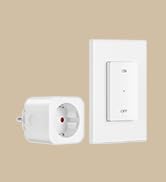
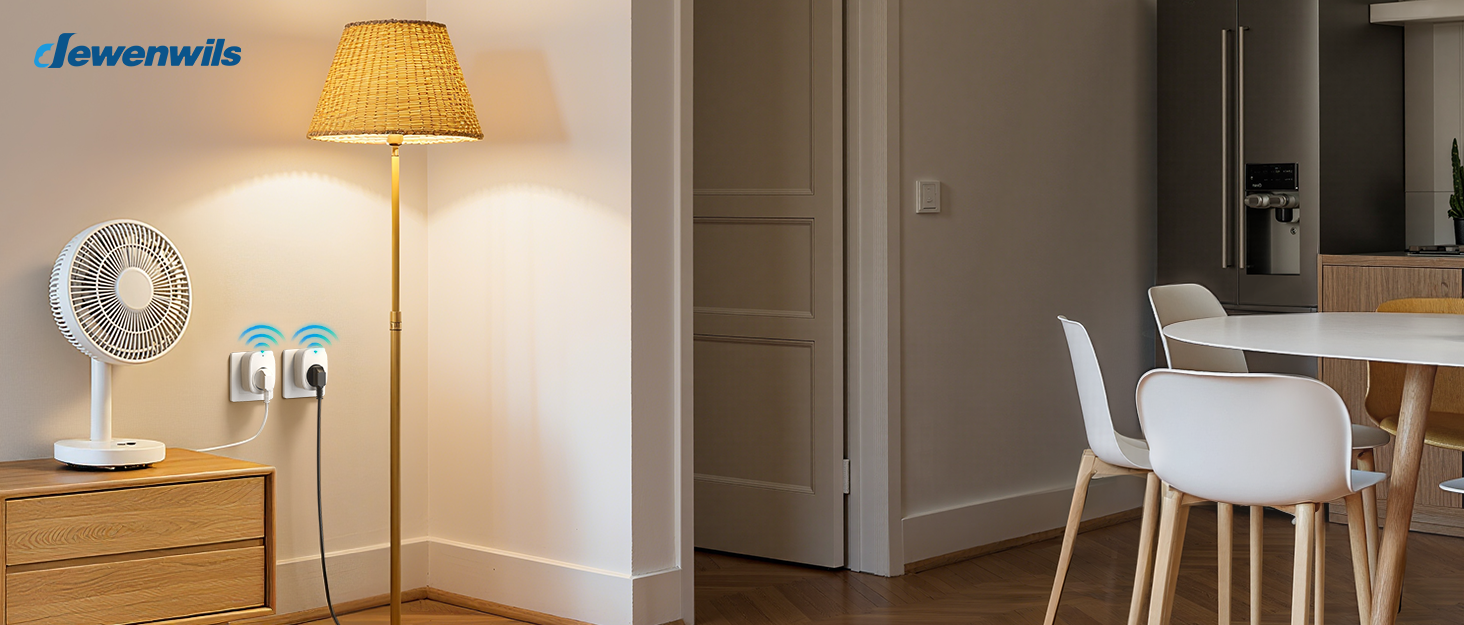
Image: A person comfortably using the remote control from a sofa to operate a lamp plugged into a DEWENWILS outlet, demonstrating ease of use.
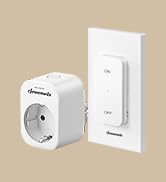
Image: Multiple DEWENWILS outlets plugged into wall sockets near a TV, with a remote control in hand, illustrating the programmable and expandable nature of the system.
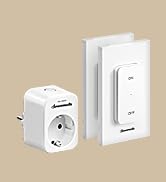
Image: A collage showing various household appliances like a microwave, TV, table lamp, humidifier, laptop, and fan, indicating the 10A max 2300W capacity and wide compatibility of the outlets.
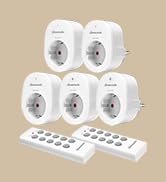
Image: A collage depicting elderly individuals, a person in a wheelchair, and a pregnant woman using the remote control outlets, emphasizing the convenience and accessibility for various users.
5. Nastavení
The DEWENWILS Remote Control Outlets are designed for simple Plug & Play installation.
5.1 Initial Setup (Pre-programmed)
- Unpack the remote control outlet(s) and remote control(s).
- Plug the remote control outlet into a standard wall socket.
- Plug your desired appliance (e.g., lamp, fan) into the remote control outlet.
- The remote control and outlet are pre-programmed. Press the corresponding ON/OFF button on the remote to control the appliance.
5.2 Pairing Additional Remotes or Outlets (Self-Learning)
If you wish to pair additional DEWENWILS remote controls or outlets (of the same model) or re-pair existing ones, follow these steps:
- Plug the remote control outlet into a wall socket.
- Press and hold the learning button on the side of the outlet (or the small button on the front, depending on the model) until the indicator light starts flashing.
- Within 5 seconds, press the desired ON or OFF button on the remote control you wish to pair.
- The indicator light on the outlet will stop flashing and remain solid for a moment, then turn off, indicating successful pairing.
- Test the connection by pressing the ON/OFF button on the remote.
6. Návod k obsluze
Operating your DEWENWILS remote control outlets is straightforward:
- Použití dálkového ovládání: Each button pair (1-5) on the remote corresponds to a specific channel. Press the 'ON' button for the desired channel to turn on the connected appliance. Press the 'OFF' button for the desired channel to turn off the connected appliance.
- Using the Wireless Wall Switch (if applicable): If your kit includes a wireless wall switch, it functions similarly to the remote control. Press the 'ON' or 'OFF' button on the switch to control the paired outlet.
- Ruční ovládání: Most outlets also feature a manual ON/OFF button directly on the unit for local control.
7. Údržba
7.1 Čištění
To clean the remote control outlets and remote controls:
- Ensure all devices are unplugged from the power source.
- Wipe surfaces with a soft, dry cloth. Do not use liquid cleaners or sprays.
7.2 Výměna baterií v dálkovém ovladači
If the remote control's range decreases or it stops responding, the battery may need replacement.
- Najděte přihrádku na baterie na zadní straně dálkového ovladače.
- Otevřete kryt přihrádky.
- Remove the old battery and insert a new one of the same type (typically CR2032 or similar, check the remote for specifics), ensuring correct polarity.
- Zavřete přihrádku na baterie.
8. Řešení problémů
| Problém | Možná příčina | Řešení |
|---|---|---|
| Zásuvka nereaguje na dálkové ovládání. | Battery in remote is dead or weak. Outlets and remote are not paired. Appliance is not plugged in or is faulty. | Replace remote battery. Re-pair the outlet and remote (see Section 5.2). Check appliance power. |
| Snížený dosah dálkového ovládání. | Weak remote battery. Excessive interference from other RF devices. Obstacles (thick walls, metal objects). | Replace remote battery. Move the outlet or remote to a different location. Ensure line of sight if possible, though RF works through walls. |
| Outlet does not turn on after power outage. | This is a safety feature to prevent appliances from turning on unexpectedly. | Manually turn on the outlet or use the remote control to activate it. |
| Appliance connected to outlet does not work. | Appliance is faulty. Outlet is off. Power outage. | Test appliance in a different socket. Ensure outlet is switched ON. Check household power supply. |
9. Specifikace
| Funkce | Specifikace |
|---|---|
| Číslo modelu | DHRS205M |
| Rozměry (D x Š x V) | 50 × 48 × 70 mm (5 × 4.8 × 7 cm) |
| Hmotnost | 630 gramů |
| Provozní režim | ZAPNUTO VYPNUTO |
| Aktuální hodnocení | 10 A |
| Provozní svtage | 230 voltů (AC) |
| Výkonový jmenovitý | 2300 wattů |
| Spotřeba energie v pohotovostním režimu | 0.6 W |
| Typ konektoru | Plug-in |
| Materiál | Plastic (housing), Copper (contact material) |
| Kontrolní metoda | Dálkové ovládání |
| Protokol připojení | Rádiová frekvence (433.92 MHz) |
| Bezdrátové Dosah | Až 30 metrů (100 stop) ve volném prostoru |
| Hodnocení vyšší teploty | 45 stupňů Celsia |
| Dodržování | CE |
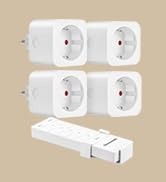
Image: A diagram showing the precise dimensions of the DEWENWILS remote control outlet (5.05cm x 4.08cm x 7.00cm) and its accompanying remote control (3.92cm x 1.83cm x 10.5cm).
10. Záruka a podpora
DEWENWILS products are designed for reliability and performance. This product is covered by the manufacturer's standard warranty, which typically covers defects in materials and workmanship under normal use.
- Záruční doba: Please refer to the product packaging or the official DEWENWILS website for specific warranty duration.
- Zákaznická podpora: For technical assistance, troubleshooting, or warranty claims, please contact DEWENWILS customer support through the retailer where the product was purchased or visit the official DEWENWILS webstránky pro kontaktní informace.