
DOOGEE T30Ultra
Uživatelská příručka k 11palcovému tabletu DOOGEE T30 Ultra
Model: T30Ultra | Brand: DOOGEE
1. Úvod
Welcome to the user manual for your new DOOGEE T30 Ultra 11-inch Tablet. This guide provides essential information to help you set up, operate, and maintain your device. The DOOGEE T30 Ultra is a high-performance Android 13 tablet featuring a stunning 2.5K display, powerful Helio G99 Octa-Core processor, ample memory and storage, and a long-lasting battery, designed for both productivity and entertainment.
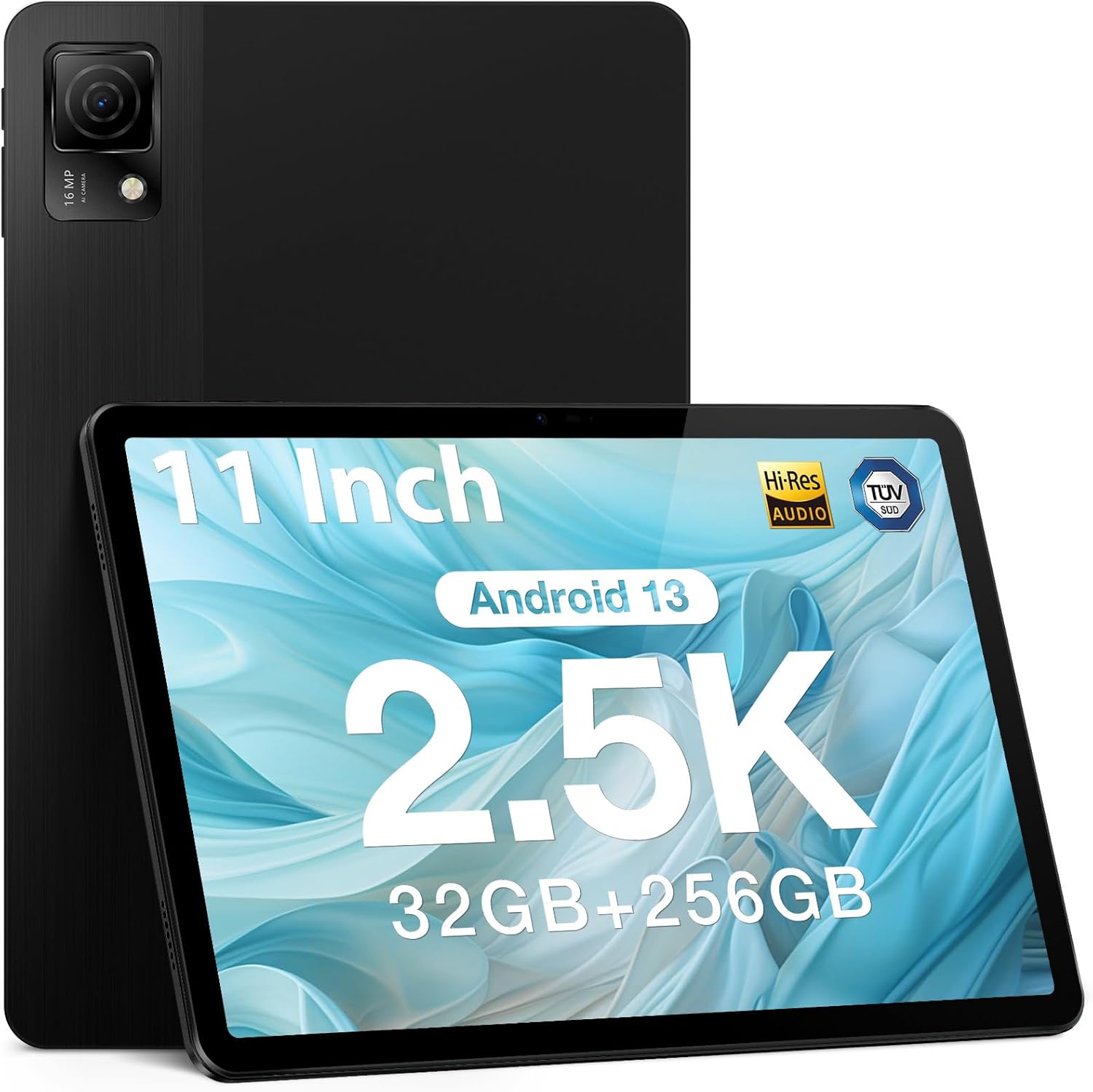
Figure 1.1: DOOGEE T30 Ultra Tablet (Black)
Konec produktuview Video
Video 1.1: Oficiální produkt skončilview of the DOOGEE T30 Ultra tablet, showcasinjeho design a klíčové vlastnosti.
2. Začínáme: Nastavení
2.1 Co je v krabici
- Tablet DOOGEE T30 Ultra
- Nabíječka
- Data line (USB Cable)
- Jehla pro vyjmutí karty
- Manuál
2.2 Počáteční nabíjení
Before first use, fully charge your tablet using the provided charger and data cable. The tablet supports 18W fast charging.

Figure 2.1: Illustration of the tablet charging, highlighting its 8580mAh battery capacity.
2.3 Zapnutí/vypnutí
- Zapnutí: Press and hold the power button until the DOOGEE logo appears.
- Vypnutí: Press and hold the power button, then select 'Power off' from the options.
2.4 Instalace SIM karty a TF karty
Use the provided card removal needle to open the SIM/TF card tray. Insert your SIM card(s) for 4G connectivity and/or a TF (microSD) card for expanded storage, ensuring correct orientation. The tablet supports up to 2TB TF card expansion.
3. Ovládání tabletu
3.1 Funkce displeje
The DOOGEE T30 Ultra features an 11-inch 2.5K FHD touch screen with a resolution of 1600 x 2560 pixels. It offers a high pixel density for detailed images and realistic color reproduction. The display also has TUV low blue light certification to reduce visual fatigue during prolonged use.
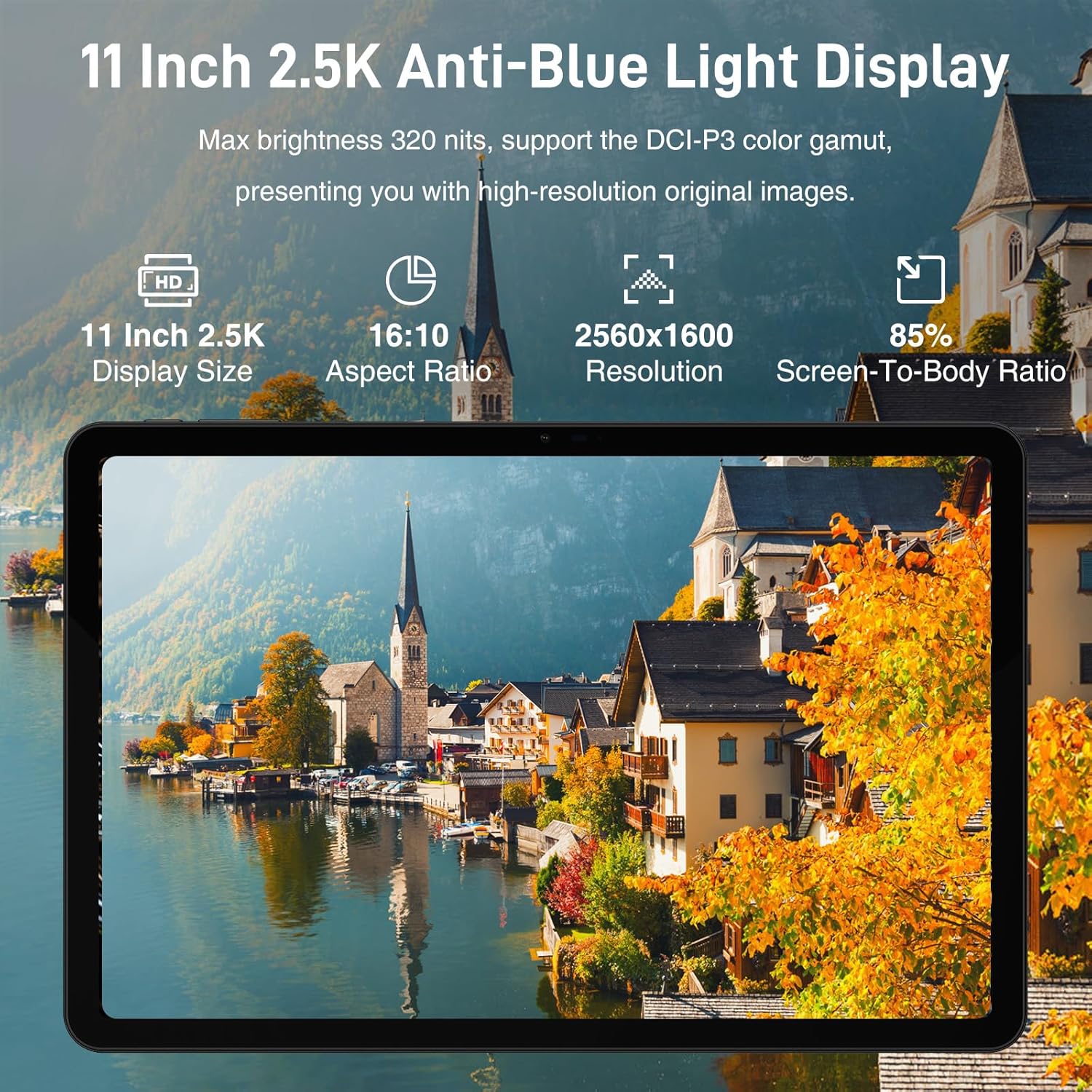
Figure 3.1: The 11-inch 2.5K Anti-Blue Light Display with 2560x1600 resolution.
3.2 Výkon a úložiště
Powered by the Helio G99 2.2GHz octa-core processor, the tablet ensures smooth performance for various tasks. It comes with 32GB (12GB physical + 20GB virtual) RAM and 256GB ROM, expandable up to 2TB via TF card, providing ampprostor pro aplikace, média a dokumenty.

Figure 3.2: Helio G99 Octa-Core Processor for powerful performance.

Figure 3.3: Super powerful storage capacity with 32GB RAM and 256GB ROM, expandable to 2TB.
3.3 Operační systém a připojení
The tablet runs on the latest Android 13 operating system, offering an improved user experience with enhanced privacy and security features. It supports dual-band Wi-Fi (2.4GHz and 5GHz) for faster and more stable network connections, as well as 4G LTE for mobile data. Bluetooth 5.0 is also integrated for wireless peripheral connections.

Figure 3.4: Android 13 GMS Authentication features.
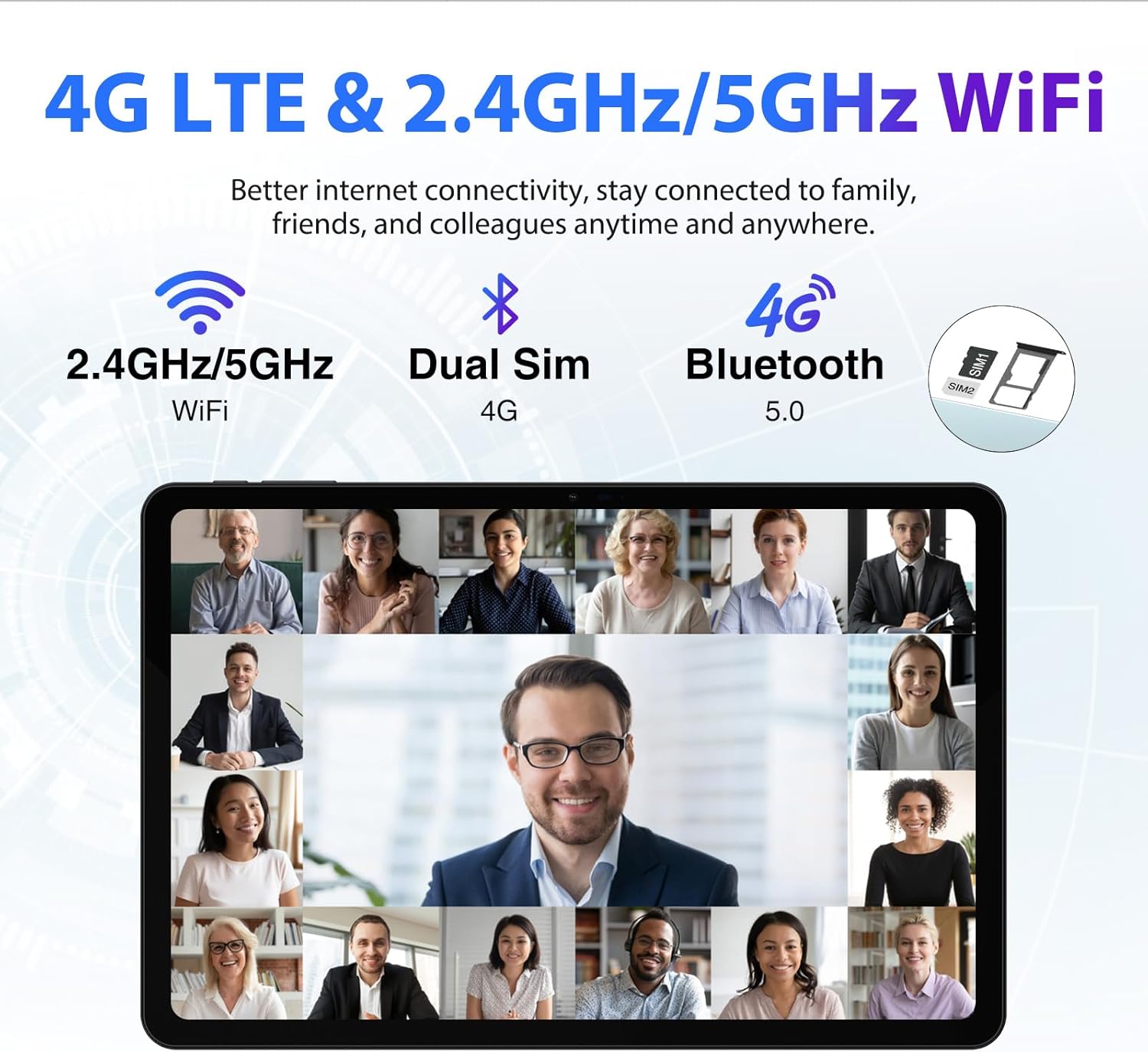
Figure 3.5: Connectivity options including 4G LTE and Dual Band WiFi.
Funkce 3.4 fotoaparátu
The tablet is equipped with a 16MP main camera and an 8MP front camera, allowing you to capture high-quality photos and engage in clear video calls.

Figure 3.6: Capture beautiful moments with the 16MP main camera and 8MP front camera.
3.5 Multimedia and Audio
The tablet features Quad Speakers that deliver richer and fuller audio, reducing resonance and distortion for an enhanced listening experience. It also supports Google Widevine L1, enabling you to watch 1080P and above-definition video content from streaming services.

Figure 3.7: Widevine DRM L1 Support for high-definition video streaming.
4. Údržba
4.1 Péče o baterii
The 8580mAh battery provides extended usage. To maximize battery lifespan, avoid extreme temperatures, use the original charger, and try to keep the battery level between 20% and 80% when possible.
4.2 Čištění tabletu
K čištění obrazovky a těla tabletu používejte měkký hadřík, který nepouští vlákna. Nepoužívejte agresivní chemikálie ani abrazivní materiály.
5. Řešení problémů
5.1 Běžné problémy a řešení
- Tablet se nezapíná: Ujistěte se, že je baterie nabitá. Připojte nabíječku a před opětovným zapnutím počkejte několik minut.
- Pomalý výkon: Zavřete nepotřebné aplikace na pozadí. Vymažte mezipaměť a dočasné files. Consider reducing the number of installed apps or moving large filena TF kartu.
- Problémy s připojením Wi-Fi: Restartujte tablet a Wi-Fi router. Zapomeňte na síť a znovu se připojte. Ujistěte se, že jste v dosahu signálu Wi-Fi.
- Nereagování obrazovky: Restart the tablet. If the issue persists, perform a factory reset (back up your data first).
V případě složitějších problémů se prosím obraťte na oficiální zdroje podpory DOOGEE nebo kontaktujte zákaznický servis.
6. Specifikace
| Funkce | Specifikace |
|---|---|
| Název modelu | T30 Ultra |
| Velikost displeje | 11 palce |
| Rozlišení obrazovky | 2560 x 1600 pixelů (2.5K) |
| Procesor | Osmijádrový procesor Helio G99 (2.2 GHz) |
| BERAN | 32 GB (12 GB fyzické + 20 GB virtuální) |
| Interní úložiště (ROM) | 256 GB |
| Rozšiřitelné úložiště | Až 2 TB (TF karta) |
| Operační systém | Android 13 |
| Kapacita baterie | 8580 XNUMX mAh |
| Rychlé nabíjení | 18W |
| Zadní kamera | 16 MP |
| Přední kamera | 8 MP |
| Bezdrátové připojení | 802.11ac (2.4GHz/5GHz Wi-Fi), 4G LTE, Bluetooth 5.0 |
| Rozměry (DxŠxV) | 10.11 x 6.64 x 0.3 palce |
| Hmotnost položky | 1.19 libry |
| Barva | Černý |
7. Záruka a podpora
7.1 Záruka na produkt
The DOOGEE T30 Ultra is backed by a 1-year warranty. Please retain your proof of purchase for warranty claims.
7.2 Zákaznická podpora
For technical assistance, troubleshooting, or warranty inquiries, please contact DOOGEE customer service. Refer to the official DOOGEE website or the contact information provided with your product packaging for support details.

Figure 7.1: DOOGEE customer service and warranty information.
Ask a question about this manual
Ask about setup, troubleshooting, compatibility, parts, safety, or missing instructions. Manuals+ will review the question and use this page’s manual context to help answer it.