
IPRO IP-P-A21M-K
Uživatelská příručka mobilního telefonu IPRO A21 Mini
Model: IP-P-A21M-K | Brand: IPRO
1. Úvod
This user manual provides comprehensive instructions for the IPRO A21 Mini mobile phone. It covers setup, operation, maintenance, and troubleshooting to ensure you get the most out of your device. Designed for ease of use, this phone is ideal for seniors and anyone seeking a straightforward mobile communication experience.
2. Obsah balení
Zaškrtněte prosím políčko u následujících položek:
- 1 x IPRO A21 Mini Mobile Phone
- 1x Micro USB nabíječka
- 1 x Baterie
- 1 x Uživatelská příručka
3. Konec produktuview

Obrázek 3.1: Přední a zadní strana view of the IPRO A21 Mini mobile phone, showcasinjeho kompaktní design a fyzická klávesnice.
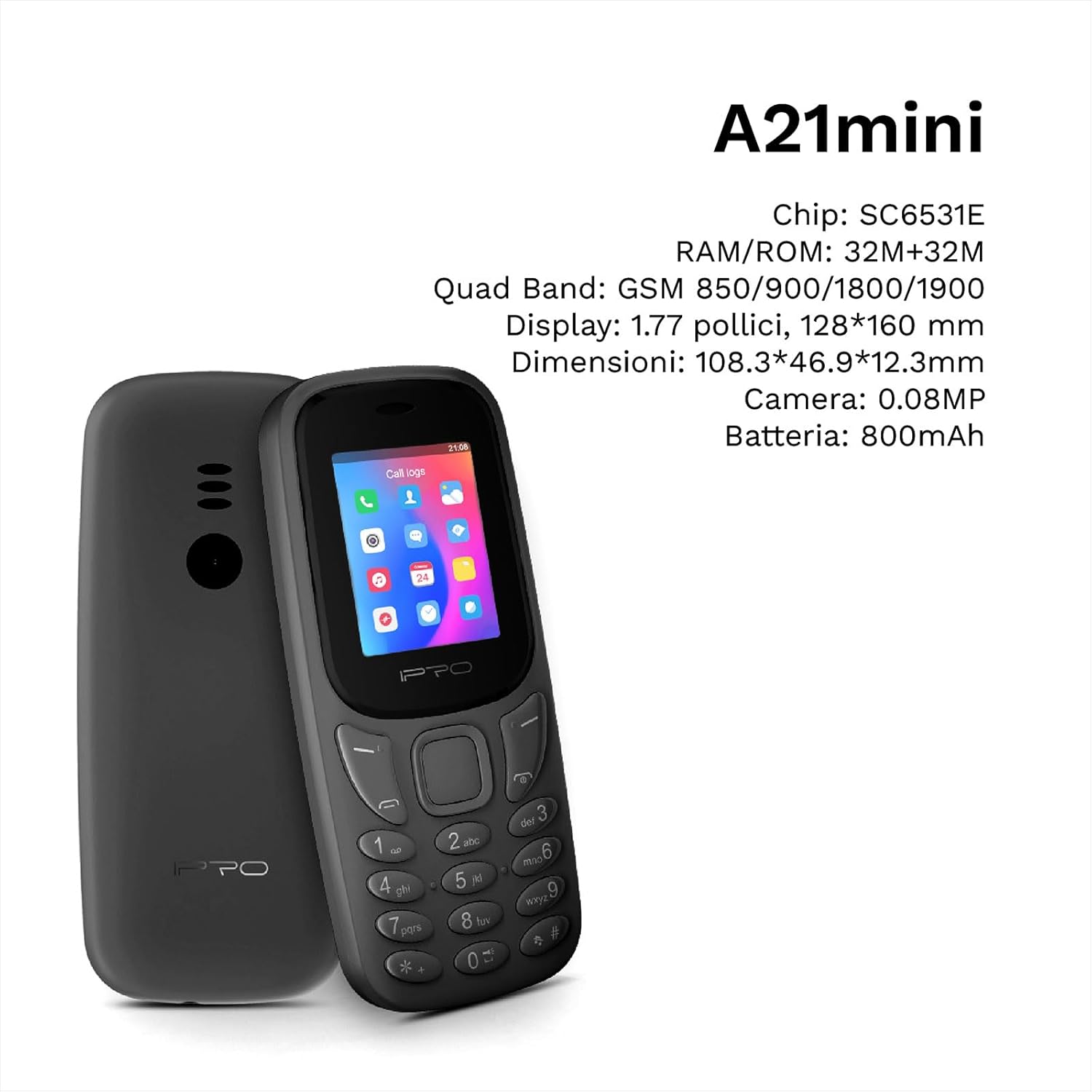
Figure 3.2: The IPRO A21 Mini highlighting its core specifications including the SC6531E chip, 32MB RAM/ROM, 1.77-inch display, and 800mAh battery.
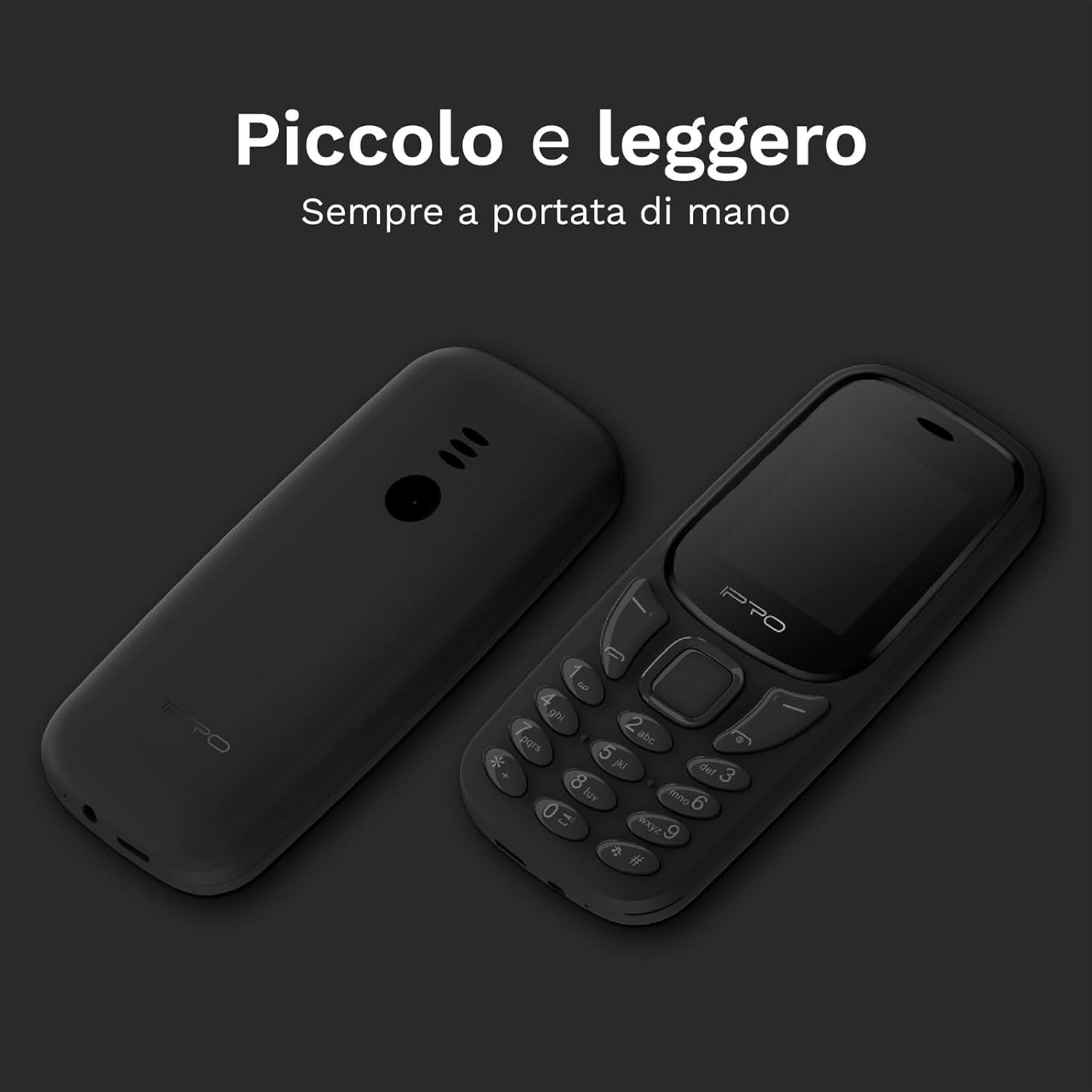
Figure 3.3: Two IPRO A21 Mini phones demonstrating their small and lightweight form factor, designed for easy portability.

Figure 3.4: The IPRO A21 Mini's 1.77-inch color screen, providing clear visibility for daily use.
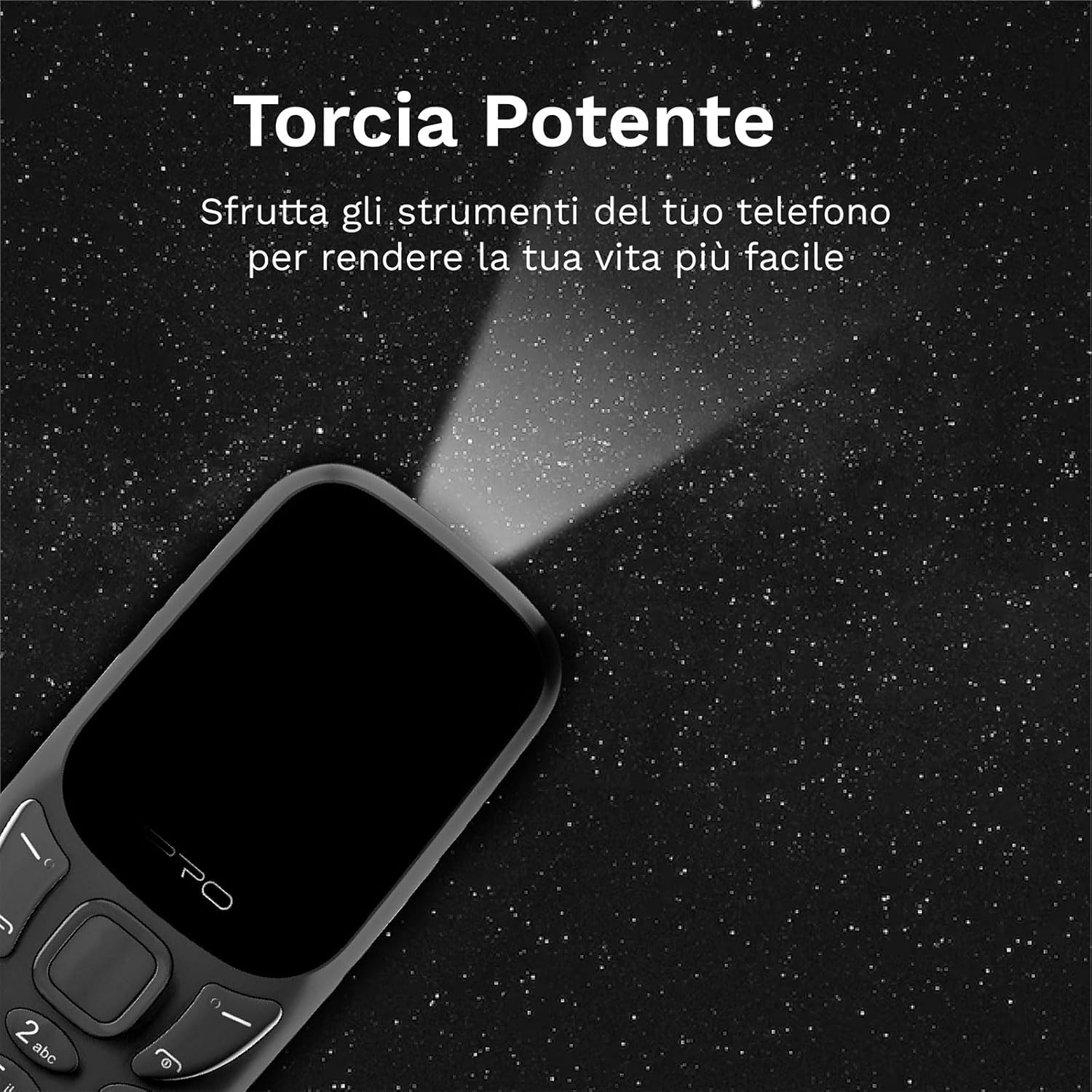
Figure 3.5: The IPRO A21 Mini's integrated powerful LED flashlight, useful for various situations.
The IPRO A21 Mini features a compact design with a 1.77-inch color display and large, easy-to-press buttons. It includes essential functions such as a camera, Bluetooth, FM radio, alarm clock, and a powerful LED flashlight.
4. Nastavení
4.1. Instalace SIM karty a baterie
- Jemným vypáčením od zářezu sejměte zadní kryt telefonu.
- Pokud je přítomna, vyjměte baterii.
- Insert the SIM card(s) into the designated slot(s) with the gold contacts facing down. This phone supports Dual SIM.
- Vložte baterii a ujistěte se, že kontakty jsou správně zarovnány.
- Nasaďte zadní kryt zpět, dokud nezacvakne na místo.
4.2. Nabíjení telefonu
- Connect the micro USB charger to the charging port on the phone.
- Zapojte nabíječku do elektrické zásuvky.
- Před prvním použitím nechte telefon plně nabít. Indikátor baterie na obrazovce bude zobrazovat stav nabíjení.
5. Návod k obsluze
5.1. Zapnutí/vypnutí
- To power on: Press and hold the Power/End Call button until the screen lights up.
- To power off: Press and hold the Power/End Call button, then select "Power off" from the options.
5.2. Uskutečňování a přijímání hovorů
- To make a call: Enter the phone number using the keypad and press the Call button (green).
- To receive a call: Press the Call button (green) when the phone rings.
- To end a call: Press the End Call button (red).
5.3. Odesílání a přijímání SMS zpráv
- Přejděte do nabídky „Zprávy“.
- Select "Write message" to compose a new SMS.
- Zadejte číslo příjemce a vaši zprávu a poté ji odešlete.
5.4. Používání FM rádia
- Access the "FM Radio" application from the main menu.
- Ensure headphones are connected as they act as an antenna.
- Pomocí navigačních tlačítek můžete vyhledávat stanice nebo je ladit ručně.
5.5. Activating the LED Flashlight
The IPRO A21 Mini features a dedicated LED flashlight. Refer to your phone's specific key mapping for direct activation, or access it via the tools menu.
6. Údržba
- Péče o baterie: To prolong battery life, avoid extreme temperatures and do not leave the phone charging for extended periods after it is fully charged.
- Čištění: K čištění obrazovky a těla telefonu používejte měkký, suchý hadřík. Nepoužívejte tekuté čisticí prostředky ani abrazivní materiály.
- Skladování: Store the phone in a cool, dry place when not in use for long periods.
7. Řešení problémů
| Problém | Možná příčina | Řešení |
|---|---|---|
| Telefon se nezapne | Slabá baterie; Baterie není správně nainstalována | Charge the phone; Reinstall the battery |
| Nelze uskutečňovat/přijímat hovory | Žádná SIM karta; SIM karta není aktivována; Mimo dosah sítě | Vložte SIM kartu; Kontaktujte svého poskytovatele služeb; Přesuňte se do oblasti s lepším signálem |
| Špatná kvalita zvuku | Low signal; Speaker/microphone obstructed | Move to an area with better signal; Clean speaker/microphone openings |
| Baterie se rychle vybíjí | Excessive usage; Old battery | Reduce usage; Replace battery if necessary |
8. Specifikace
| Funkce | Detail |
|---|---|
| Značka | IPRO |
| Model | IP-P-A21M-K |
| Network Technology | 2G GSM Quad Band (850/900/1800/1900MHz) |
| Čipová sada | SC6531E |
| Zobrazit | 1.77palcový barevný displej |
| BERAN | 4 MB |
| ROM | 4 MB |
| Rozšiřitelná paměť | Až 16 GB (MicroSD) |
| Podpora SIM | Duální SIM |
| Konektivita | Bluetooth |
| Fotoaparát | 2 MP |
| Zvukové formáty | MP3, MP4 |
| Baterie | Lithium-iontová kapacita 800 mAh |
| Doba hovoru | Až 240 minut |
| Pohotovostní doba | Až 150 hodin |
| Rozměry (D x Š x V) | 11.18 x 4.9 x 1.39 cm |
| Hmotnost | 200 g |
| Jazyky | Angličtina, španělština, francouzština, italština, portugalština |
| Další funkce | FM Radio, Alarm Clock, Calendar, Calculator, LED Flashlight, Games |
9. Záruka a podpora
IPRO offers comprehensive technical and customer service support for two years from the date of purchase. Please note that this warranty does not cover artificial damage.
For any inquiries or support needs, please refer to the contact information provided with your purchase documentation or visit the official IPRO webmísto.
Ask a question about this manual
Ask about setup, troubleshooting, compatibility, parts, safety, or missing instructions. Manuals+ will review the question and use this page’s manual context to help answer it.