
Zavedení
Thank you for choosing the Lexip Tsume Kakashi Kamui Naruto Shippuden Controller. This high-performance gaming controller is designed to enhance your gaming experience with its unique design and advanced features. This manual provides essential information for setting up, operating, and maintaining your controller.
Obsah balení
Zkontrolujte prosím balení, zda neobsahuje následující položky:
- Lexip Tsume Kakashi Kamui Naruto Shippuden Controller
- USB nabíjecí/datový kabel
- Uživatelská příručka (tento dokument)
Rozložení ovladače
Familiarize yourself with the various components of your controller.

Obrázek 1: Přední view of the controller, showcasing the limited edition design inspired by Naruto Shippuden.
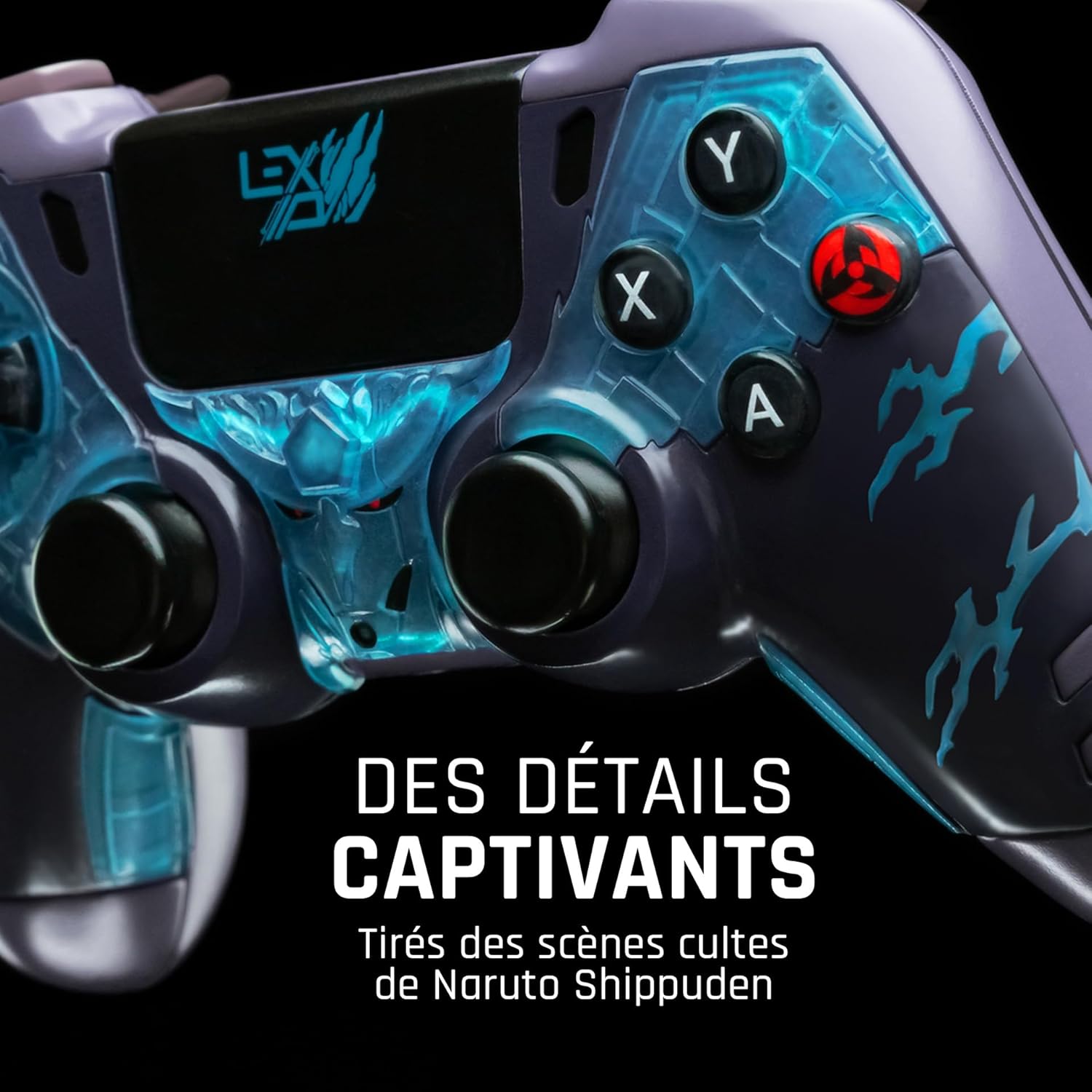
Obrázek 2: Detailní view of the controller's face buttons and analog sticks, highlighting the intricate Naruto Shippuden design elements.

Obrázek 3: Zadní view of the controller, illustrating the placement of the programmable paddles (M1, M2, M3) for enhanced gameplay.
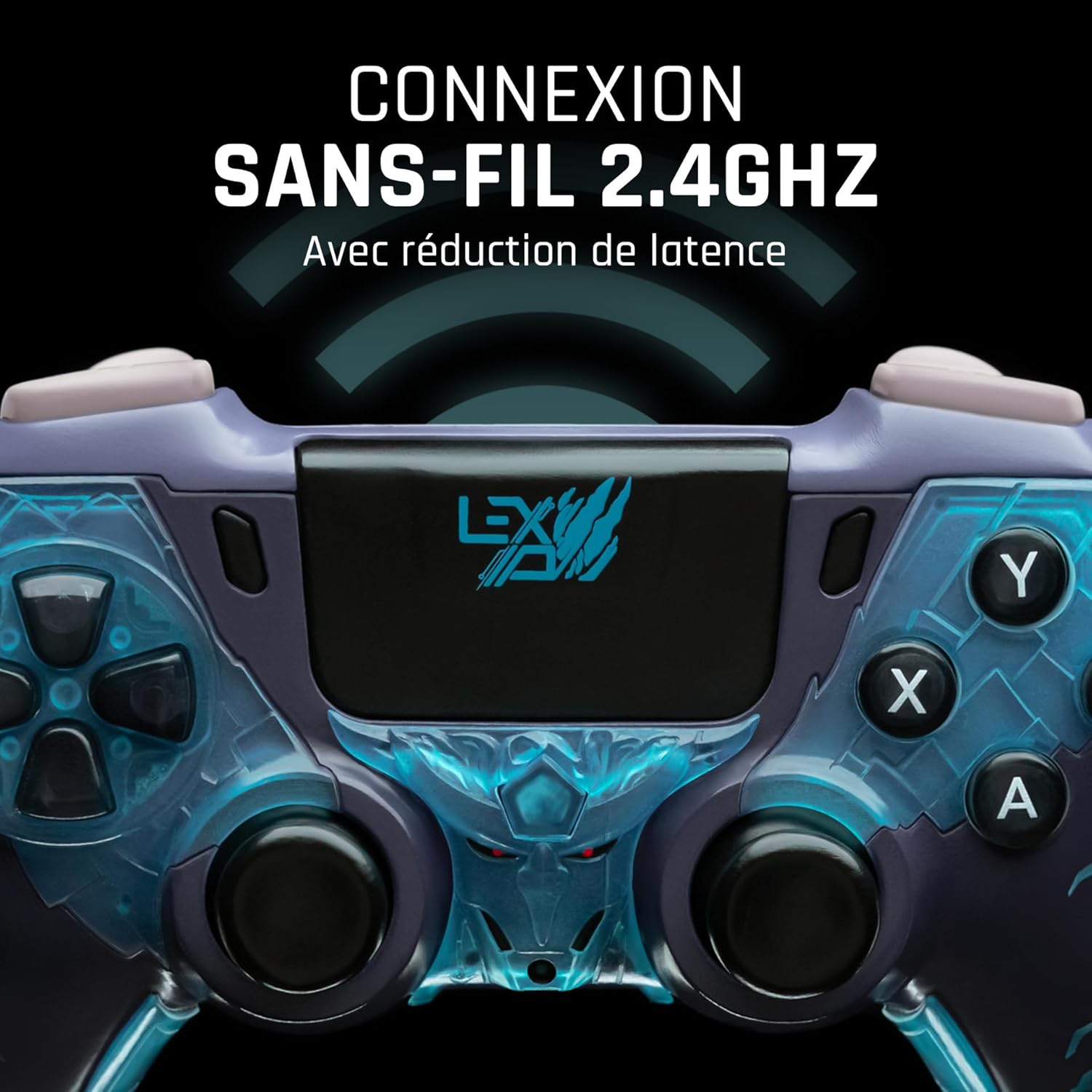
Obrázek 4: Přední view of the controller, indicating its 2.4GHz wireless connection capability for reduced latency.
Klíčové komponenty:
- Analogové páčky: Two high-precision analog sticks for movement and camera control.
- D-Pad: Směrový ovladač pro přesné zadávání.
- Tlačítka na obličeji (A, B, X, Y): Standardní akční tlačítka.
- Ramenní tlačítka (L1, R1) a spouštěče (L2, R2): Pro různé herní akce.
- Programmable Paddles (M1, M2, M3): Located on the rear for custom button assignments.
- Tlačítko Domů: For system menu access.
- Share/Options Buttons: For in-game menu and sharing functions.
- Port USB-C: Pro nabíjení a kabelové připojení.
Nastavení
1. Počáteční nabíjení
Before first use, fully charge the controller. Connect the supplied USB cable to the controller's USB-C port and the other end to a powered USB port (e.g., console, PC, or USB wall adapter). The charging indicator will show the charging status and turn off when fully charged.
2. Bezdrátové připojení (2.4 GHz)
- Insert the 2.4GHz wireless dongle (if included, typically found in the controller's packaging or a dedicated slot) into an available USB port on your gaming console or PC.
- Zapněte ovladač stisknutím tlačítka Domů.
- The controller will automatically attempt to pair with the dongle. The indicator light on the controller will stop flashing and remain solid once connected.
3. Připojení pomocí kabelu USB
To use the controller in wired mode or if wireless connection is not desired:
- Connect the USB cable to the controller's USB-C port.
- Connect the other end of the USB cable to an available USB port on your gaming console or PC.
- The controller will be recognized as a wired device and is ready for use.
Návod k obsluze
Zapnutí/vypnutí
- Zapnutí: Press the Home button. The controller will attempt to connect to the last paired device.
- Vypnutí: Press and hold the Home button for approximately 5-10 seconds until the indicator lights turn off. The controller will also power off automatically after a period of inactivity to conserve battery.
Using Programmable Paddles
The controller features three programmable paddles (M1, M2, M3) on the rear. These paddles can be assigned to replicate other button inputs for quick access during gameplay. Refer to your console or PC's controller settings for specific button remapping options, as dedicated software for programming these paddles may not be available.

Obrázek 5: A user holding the controller, demonstrating its ergonomic design during use.
Údržba
- Čištění: K čištění ovladače použijte měkký, suchý hadřík. V případě odolných nečistot lehceampOpláchněte hadřík vodou. Nepoužívejte agresivní chemikálie ani abrazivní čisticí prostředky.
- Skladování: Regulátor skladujte na chladném a suchém místě mimo dosah přímého slunečního záření a extrémních teplot.
- Péče o baterie: Chcete-li prodloužit životnost baterie, vyvarujte se častého úplného vybíjení ovladače. Pravidelně jej nabíjejte, i když jej delší dobu nepoužíváte.
Odstraňování problémů
Ovladač se nepřipojuje
- Ujistěte se, že je ovladač nabitý.
- For wireless connection, ensure the 2.4GHz dongle is securely plugged into the console/PC and the controller is powered on.
- Try connecting the controller via the USB cable to verify functionality.
- Restart your console/PC and try connecting again.
Buttons/Sticks Unresponsive
- Ujistěte se, že je ovladač správně připojen a zapnutý.
- Check for any physical obstructions or debris around the buttons or sticks.
- Test the controller with another game or application to determine if the issue is specific to one program.
Krátká životnost baterie
- Před použitím se ujistěte, že je ovladač plně nabitý.
- Reduce rumble intensity if possible through system settings, as vibration motors consume significant power.
- Během používání a skladování se vyhněte extrémním teplotám.
Specifikace
| Funkce | Detail |
|---|---|
| Číslo modelu | TSXLXGC0002 |
| Konektivita | Bezdrátové připojení 2.4 GHz, kabelové připojení přes USB |
| Rozměry (D x Š x V) | 3.94 x 1.97 x 0.5 palce |
| Hmotnost | 1.01 libry |
| Vstupní objemtage | 3V - 500mA |
| Programmable Paddles | Yes (M1, M2, M3) |
Záruka a podpora
For warranty information and technical support, please refer to the official Lexip website or contact Lexip customer service. Keep your proof of purchase for warranty claims.
Lexip Official Webmísto: www.lexip.com (Note: This is a placeholder link, please refer to actual Lexip support channels.)