
DOOGEE T30Ultra
DOOGEE T30 Ultra 11-Inch Tablet User Manual
Model: T30Ultra
1. Úvod
Welcome to the user manual for your new DOOGEE T30 Ultra tablet. This guide provides essential information on setting up, operating, maintaining, and troubleshooting your device to ensure optimal performance and user experience. Please read this manual thoroughly before using your tablet.
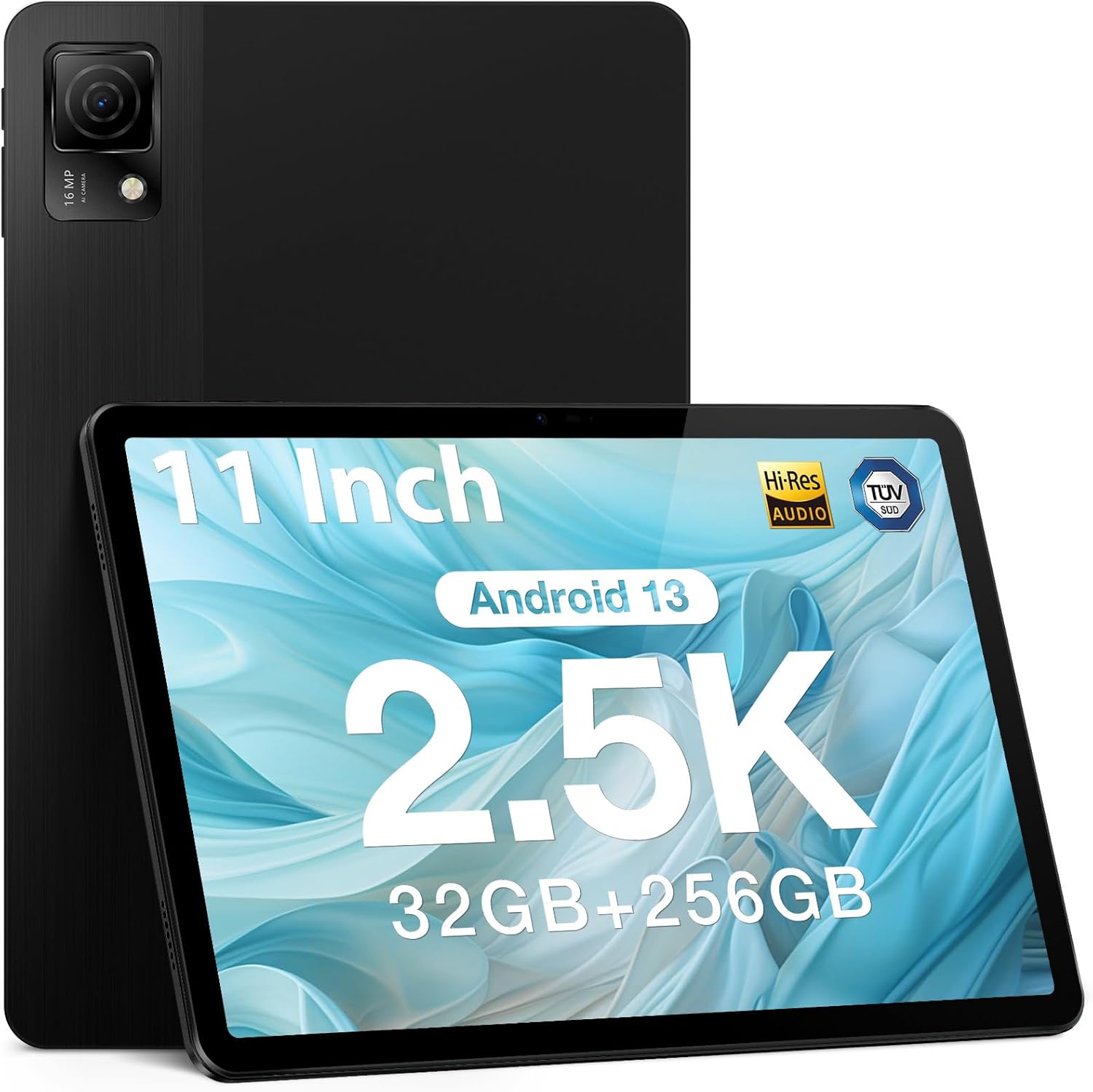
Figure 1.1: DOOGEE T30 Ultra Tablet
2. Co je v krabici
Upon opening your DOOGEE T30 Ultra package, please verify that all the following items are included:
- Tableta
- Nabíječka
- datové linky
- Jehla pro vyjmutí karty
- Manuál
3. Nastavení
3.1 Počáteční zapnutí
- Press and hold the Power button located on the side of the tablet until the DOOGEE logo appears on the screen.
- Postupujte podle pokynů na obrazovce a vyberte jazyk, region a připojte se k síti Wi-Fi.
- Pro přístup ke službám Google a Obchodu Play se přihlaste pomocí svého účtu Google nebo si vytvořte nový.
3.2 Vložení SIM/TF karty
To insert a SIM card for cellular data or a TF (microSD) card for expanded storage:
- Vyhledejte slot pro SIM/TF kartu na boku tabletu.
- Insert the provided card removal needle into the small hole next to the tray to eject it.
- Carefully place your Nano-SIM card(s) and/or TF card into the designated slots on the tray, ensuring correct orientation.
- Jemně zatlačte zásobník zpět do tabletu, dokud nezacvakne na místo.
4. Ovládání tabletu
4.1 Zobrazení a vizuální zážitek
The DOOGEE T30 Ultra features an 11-inch 2.5K FHD touch screen with a resolution of 1600 x 2560 pixels, providing high pixel density for detailed images and realistic color reproduction. It supports a wide color gamut and has an 87.2% screen ratio for an immersive visual experience.
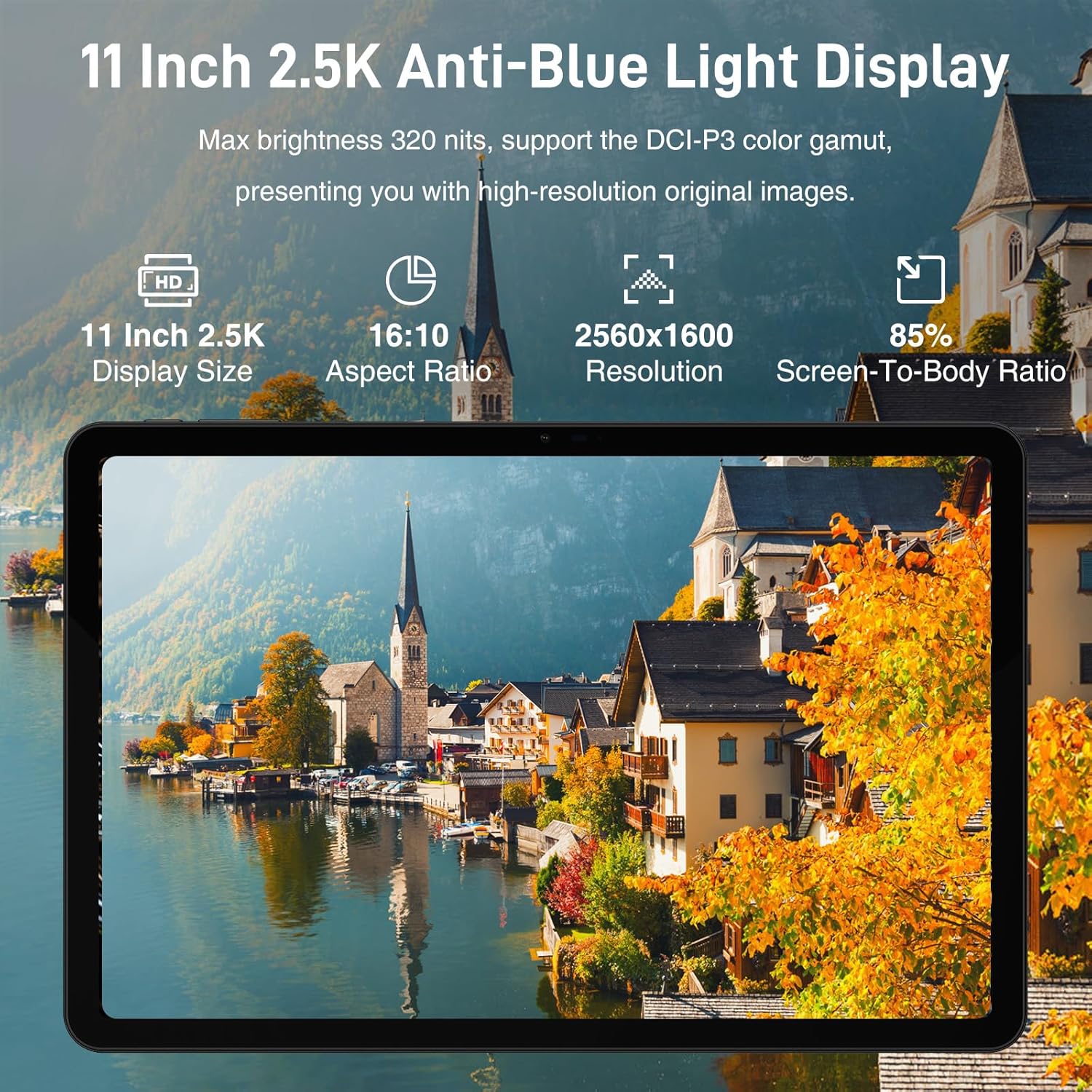
Figure 4.1: 11-inch 2.5K Anti-Blue Light Display
4.2 Výkon a úložiště
Powered by the Helio G99 2.2GHz octa-core processor, the tablet ensures smooth operation for various tasks, from reading to gaming. It comes with 32GB RAM (12GB physical + 20GB virtual) and 256GB ROM, expandable up to 2TB with a TF card, offering ampprostor pro aplikace a média.

Figure 4.2: Powerful Processor Performance

Figure 4.3: Super Powerful Storage Capacity
4.3 Výdrž baterie a nabíjení
The 8580mAh battery provides extended usage for entertainment and productivity. It supports 18W fast charging, allowing you to quickly recharge your device.

Figure 4.4: 8580mAh Ever-lasting Battery
4.4 Multimedia and Audio
The tablet supports Google Widevine L1, enabling 1080P and above-definition video streaming for a high-quality viewing experience. Its Quad Speakers deliver rich, clear audio, reducing distortion for an enhanced multimedia experience.

Figure 4.5: Widevine DRM L1 Support
4.5 Konektivita
The DOOGEE T30 Ultra offers robust connectivity options, including dual-band Wi-Fi (2.4GHz/5GHz) for faster and more stable network connections, Bluetooth 5.0, and 4G LTE with dual SIM support for reliable mobile data and communication.
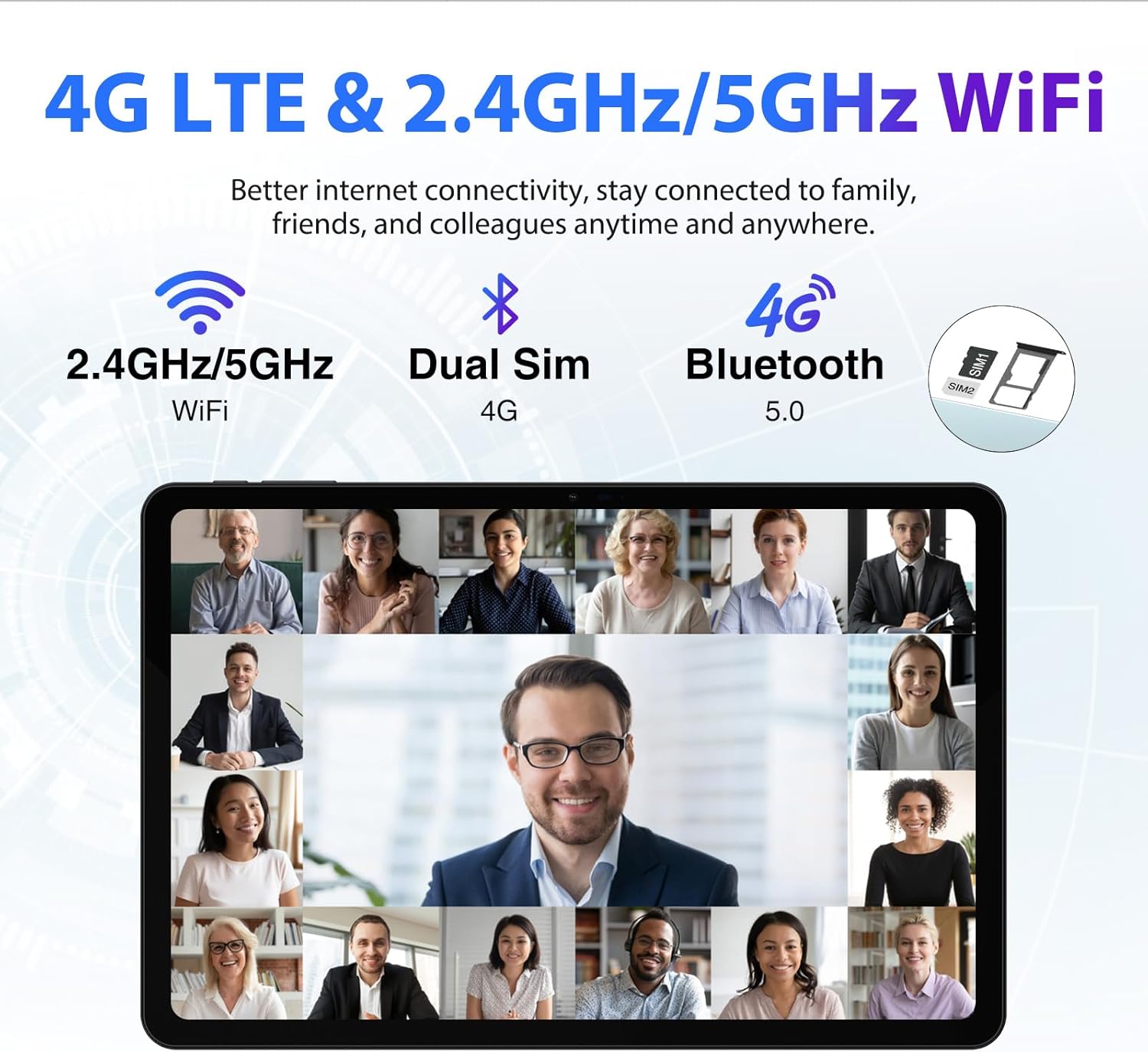
Figure 4.6: 4G LTE & 2.4GHz/5GHz WiFi
4.6 Funkce fotoaparátu
Equipped with a 16MP main camera and an 8MP front camera, the tablet allows you to capture high-quality photos and engage in clear video calls.

Figure 4.7: Capture Beautiful Moments
4.7 Operační systém
The DOOGEE T30 Ultra runs on Android 13, providing an improved user experience with enhanced functionality, privacy, and security features. It supports split-screen functionality for multitasking.

Figure 4.8: Android 13 GMS Authentication
4.8 GPS a navigace
The tablet supports 5 navigation modes (Beidou, Galileo, Glonass, GPS, AGPS), ensuring more accurate and real-time positioning for navigation purposes.

Figure 4.9: Advanced GPS and Navigation
4.9 Ochrana očí
The DOOGEE T30 Ultra Tablet has received German TUV Rheinland anti-blue light certification, which helps filter blue light and reduce eye strain during prolonged use. It features reading mode, eye protection mode, and dark mode for comfortable viewIng.

Figure 4.10: Low Blue Light Eye Protection
4.10 Produktové video
Pro lepší představu se podívejte na toto oficiální video o produktuview of the DOOGEE T30 Ultra tablet's features and design.
Video 4.1: DOOGEE T30 Ultra Product Overview
5. Údržba
To ensure the longevity and optimal performance of your DOOGEE T30 Ultra tablet, follow these maintenance guidelines:
- Čištění: K čištění obrazovky a těla tabletu používejte měkký hadřík, který nepouští vlákna. Nepoužívejte agresivní chemikálie ani abrazivní materiály.
- Teplota: Do not expose the tablet to extreme temperatures (hot or cold) or direct sunlight for extended periods.
- Vystavení vodě: The tablet is not waterproof. Avoid contact with water or other liquids.
- Skladování: Pokud tabletu delší dobu nepoužíváte, skladujte ji na chladném a suchém místě.
- Aktualizace softwaru: Pravidelně kontrolujte a instalujte aktualizace systému, abyste zajistili, že váš tablet má nejnovější funkce a bezpečnostní záplaty.
6. Řešení problémů
If you encounter issues with your DOOGEE T30 Ultra tablet, refer to the following common troubleshooting steps:
| Problém | Možné řešení |
|---|---|
| Tablet se nezapne | Ensure the battery is charged. Connect the charger and wait a few minutes before attempting to power on again. If unresponsive, try a forced restart (refer to device-specific instructions for button combinations). |
| Pomalý výkon | Close unused applications. Clear cache and data for frequently used apps. Restart the tablet. Check for available system updates. |
| Problémy s připojením Wi-Fi | Restartujte Wi-Fi router. Zapomeňte na síť v tabletu a znovu se připojte. Ujistěte se, že jste v dosahu signálu Wi-Fi. |
| Aplikace padá nebo zamrzávají | Vymažte mezipaměť a data aplikace v Nastavení > Aplikace. Odinstalujte a znovu nainstalujte aplikaci. Ujistěte se, že je aplikace aktualizována na nejnovější verzi. |
If the issue persists after trying these steps, please contact DOOGEE customer support for further assistance.
7. Specifikace
Key technical specifications for the DOOGEE T30 Ultra tablet:
| Funkce | Detail |
|---|---|
| Velikost displeje | 11 palce |
| Rozlišení obrazovky | 2560 x 1600 pixelů (2.5K) |
| Procesor | Osmijádrový procesor Helio G99 (2.2 GHz) |
| BERAN | 32 GB (12 GB fyzické + 20 GB virtuální) |
| Interní úložiště (ROM) | 256 GB UFS 2.2 |
| Rozšiřitelné úložiště | Až 2 TB (TF karta) |
| Operační systém | Android 13 |
| Kapacita baterie | 8580 XNUMX mAh |
| Nabíjení | Rychlé nabíjení 18W |
| Zadní kamera | 16 MP |
| Přední kamera | 8 MP |
| Bezdrátový typ | 802.11ac (2.4 GHz/5 GHz Wi-Fi) |
| Bluetooth | Bluetooth 5.0 |
| Rozměry | 10.11 x 6.64 x 0.3 palce |
| Hmotnost položky | 1.19 libry |
| Certifikace | Hi-Res Audio, TUV Low Blue Light |
8. Záruka a podpora
Your DOOGEE T30 Ultra tablet is backed by a 1-year warranty from the date of purchase. This warranty covers manufacturing defects and malfunctions under normal use. For warranty claims or technical support, please refer to the contact information provided in your product packaging or visit the official DOOGEE webmísto.
DOOGEE offers a 30-day money-back guarantee and free returns. Additionally, 24/7 one-on-one online support is available for customer assistance.
Ask a question about this manual
Ask about setup, troubleshooting, compatibility, parts, safety, or missing instructions. Manuals+ will review the question and use this page’s manual context to help answer it.