
1. Úvod
This manual provides detailed instructions for the installation, operation, and maintenance of your Hikvision 2-Wire Video Intercom Kit, Model 38084. This system is designed for single-family homes, offering enhanced security and convenience through its 7-inch touchscreen monitor, FullHD outdoor camera, and seamless integration with the Hik-Connect mobile application. Please read this manual thoroughly before installation and use to ensure proper functioning and safety.
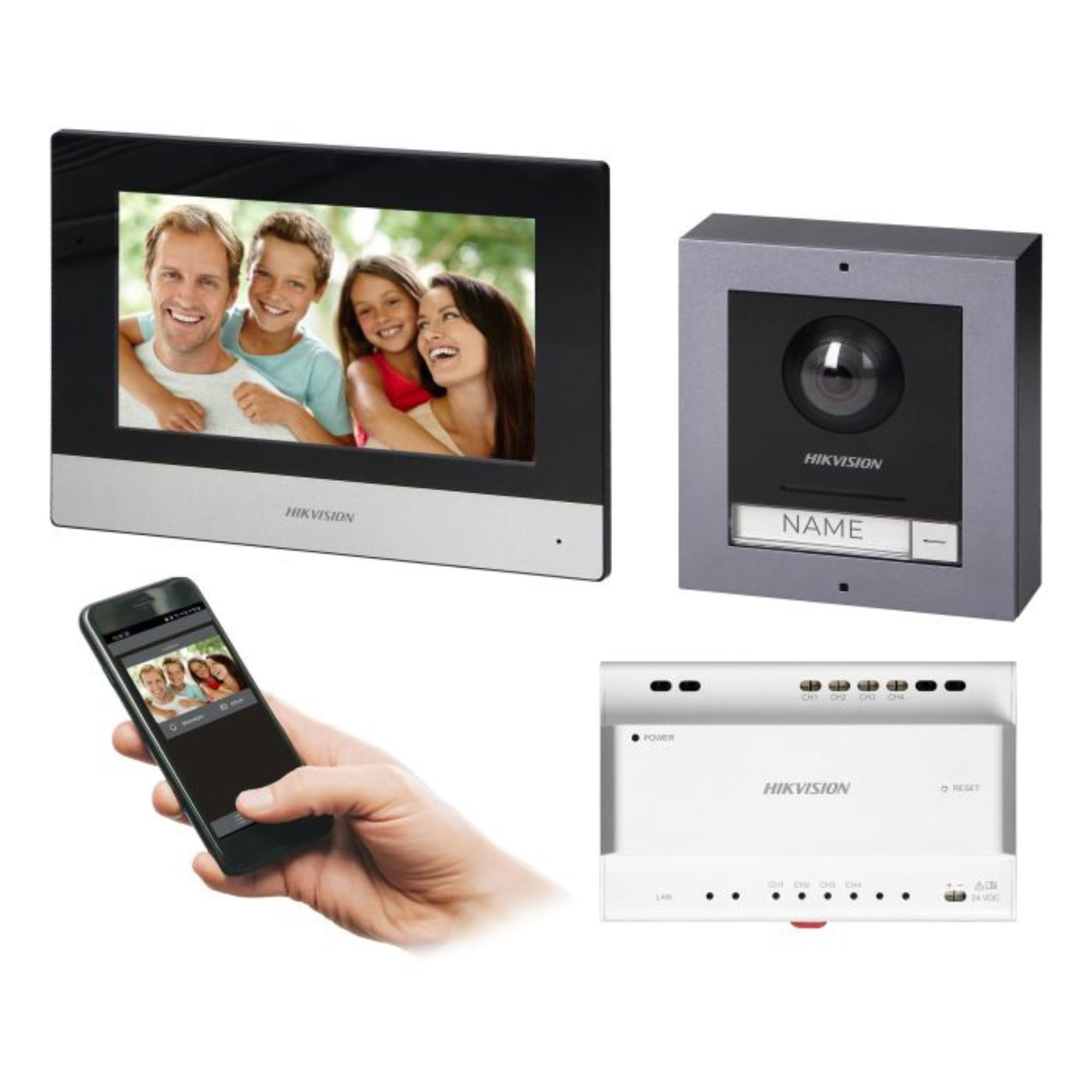
Figure 1: Hikvision 7-inch Video Intercom Monitor (Front View)
The image displays the front view of the Hikvision 7-inch video intercom monitor, featuring a large screen and the Hikvision logo at the bottom.
2. Bezpečnostní informace
Vždy dodržujte základní bezpečnostní opatření, abyste snížili riziko požáru, úrazu elektrickým proudem a zranění osob.
- Elektrická bezpečnost: Installation must be performed by qualified personnel in accordance with all local electrical codes. Disconnect power before installation or servicing.
- Voda a vlhkost: Do not expose the indoor monitor to rain or moisture. The outdoor panel is IP65 rated for weather resistance but should not be submerged.
- Teplota: Operate the device within the specified temperature range.
- Čištění: Use a soft, dry cloth for cleaning. Do not use liquid or aerosol cleaners.
- Rušení: Avoid installing near sources of strong electromagnetic interference.
3. Obsah balení
Ověřte, zda jsou v balení přítomny všechny komponenty:
- 7-inch Indoor Monitor (with WiFi)
- FullHD Outdoor Panel (with Camera and Night Vision)
- 4-Channel Distributor
- Montážní příslušenství (šrouby, hmoždinky)
- Uživatelská příručka (tento dokument)
- 16 GB MicroSD Card (pre-installed or included for video storage)

Figure 2: Hikvision Outdoor Panel and Mounting Accessories
This image shows the Hikvision outdoor panel alongside its rain shield and a flush-mount box, illustrating the various mounting options available.
4. Nastavení a instalace
The Hikvision video intercom system utilizes a 2-wire installation method, simplifying wiring. Both the indoor monitor and outdoor panel are designed for surface mounting.
4.1 Outdoor Panel Installation
- Vyberte umístění: Select a suitable location near the entrance, ensuring the camera has a clear view of visitors. The panel is IP65 rated for outdoor use.
- Montáž: Use the provided mounting bracket to mark drill holes on the wall. Drill holes, insert wall plugs, and secure the bracket.
- Zapojení: Connect the 2-wire cable from the distributor to the outdoor panel terminals. Ensure correct polarity.
- Zabezpečený panel: Attach the outdoor panel to the mounting bracket.

Figure 3: Hikvision Outdoor Panel (Front View)
This image shows the front of the Hikvision outdoor panel, featuring the FullHD camera, speaker grille, call button, and nameplate area.
4.2 Instalace vnitřního monitoru
- Vyberte umístění: Select an indoor location where the monitor is easily accessible and visible.
- Montáž: Use the provided mounting plate to mark and drill holes. Secure the mounting plate to the wall.
- Zapojení: Connect the 2-wire cable from the distributor to the indoor monitor terminals.
- Připojení napájení: Connect the monitor to a power source (mains electricity).
- Bezpečný monitor: Attach the indoor monitor to the mounting plate.

Figure 4: Hikvision Indoor Monitor (Back View) and Mounting Plate
The image displays the rear of the Hikvision indoor monitor, showing its connection ports and the separate mounting plate used for installation.
4.3 Schéma zapojení systému (obecné)
The 2-wire system connects the outdoor panel, indoor monitor, and the 4-channel distributor. The distributor manages power and data communication between the devices.
- Connect the outdoor panel to the distributor using a 2-wire cable.
- Connect the indoor monitor to the distributor using a 2-wire cable.
- Ensure the distributor is powered.
- For electric lock control, additional power may be required for the lock itself, connected via the outdoor panel.
4.4 Připojení WiFi
After physical installation, power on the monitor. Navigate to the network settings on the 7-inch touchscreen to connect to your 2.4 GHz Wi-Fi network (802.11 b/g/n standard). This enables smartphone communication via the Hik-Connect app.
5. Návod k obsluze
5.1 Indoor Monitor Functions
- Dotyková obrazovka: Navigate menus and control functions using the 7-inch touch screen.
- Funkce interkomu: Communicate with visitors at the outdoor panel or other indoor monitors (if expanded).
- Funkce paměti: The monitor supports a memory function, likely for capturing images or short video clips of visitors.
- Čtečka SD karet: A 16GB MicroSD card is included for storing recorded video streams.
- Ringtone Management: Choose from 3 available ringtones. Adjust volume or mute the ringtone as needed.
- Ovládání dveří: Use the monitor to remotely open an electric lock connected to the system.
- CCTV Camera Integration: The system can be expanded to integrate up to 16 CCTV cameras.
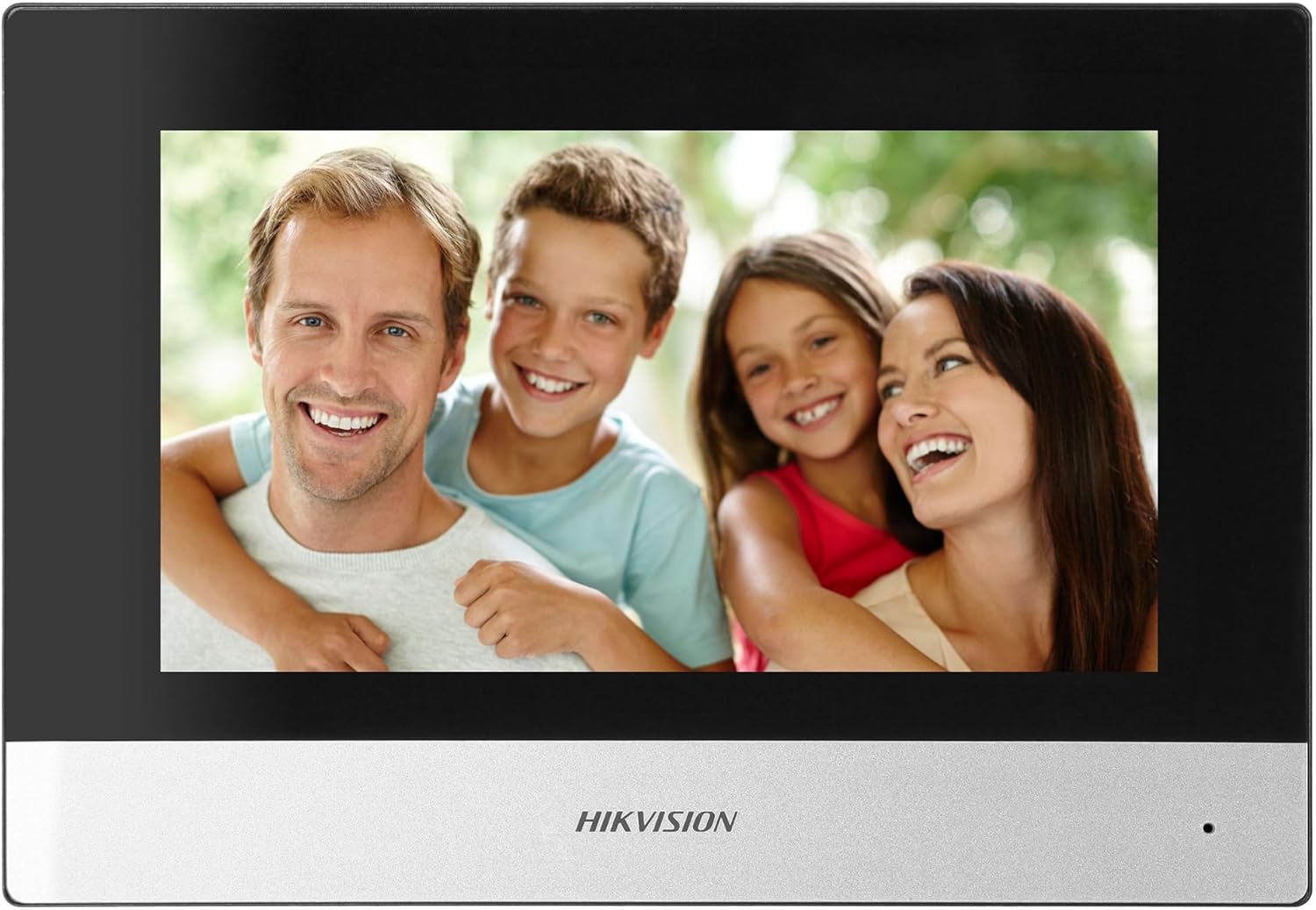
Figure 5: Hikvision Indoor Monitor (Front View)
This image shows the Hikvision 7-inch indoor monitor from the front, highlighting its sleek design and large display area.
5.2 Outdoor Panel Operation
- Volací tlačítko: Visitors press the single call button to initiate a call to the indoor monitor.
- FullHD Camera: Provides a 2MP (1920x1080p) video feed with a wide viewing angle (96°/180°).
- Noční vidění: Integrated IR illumination ensures clear visibility even in low-light conditions.
- jmenovka: A space is provided for a nameplate or label.

Figure 6: Hikvision Outdoor Panel (Angled View)
Úhlové view of the Hikvision outdoor panel, showcasing its robust construction and integrated camera and call button.
5.3 Hik-Connect Mobile Application
Download the Hik-Connect app from your smartphone's app store. Once installed and configured with your system, you can:
- Receive calls from the outdoor panel on your smartphone.
- View live video from the outdoor camera.
- Remotely open the door.
- Přístup k nahranému videutage.
6. Údržba
Pravidelná údržba zajistí dlouhou životnost a optimální výkon vašeho interkomového systému.
- Čištění: Wipe the monitor screen and outdoor panel with a soft, damp tkanina. Vyhněte se abrazivním čisticím prostředkům.
- Aktualizace firmwaru: Periodically check for firmware updates via the Hik-Connect app or Hikvision's official website to ensure your system has the latest features and security patches.
- Kontrola kabelů: Periodically inspect all wiring for any signs of wear or damage.
- Outdoor Panel Lens: Keep the camera lens on the outdoor panel clean for clear video quality.
7. Řešení problémů
Pokud narazíte na problémy, postupujte podle následujících běžných kroků pro řešení potíží:
- Bez napájení: Check all power connections and ensure the distributor is receiving power.
- Žádné video/zvuk: Verify the 2-wire connections between the outdoor panel, monitor, and distributor. Ensure correct polarity.
- Problémy s WiFi připojením: Ensure your router is operating on 2.4 GHz. Re-enter WiFi credentials on the monitor. Check signal strength.
- Zámek dveří se neotevírá: Confirm the electric lock has its own power supply if required. Check wiring from the outdoor panel to the lock.
- Špatné noční vidění: Ensure the outdoor camera lens is clean and free from obstructions.
8. Specifikace
| Typ | Rodinný dům |
| Funkce videa | Ano |
| Napájení | Síťová elektřina |
| Typ převodovky | Drátové (2vodičové) |
| Smartphone Communication | Yes (via Hik-Connect app) |
| Frekvence Wi-Fi | 2.4 GHz |
| Wi-Fi standard | 802.11 b/g/n |
| Způsob instalace | 2-wire, Surface Mount |
| Max. počet monitorů | Rozšiřitelné na 3 |
| Max. Outdoor Panels | Rozšiřitelné na 1 |
| Max. CCTV Cameras | Rozšiřitelné na 16 |
| Ovládání elektrického zámku | Yes (requires additional power for lock) |
| Funkce Den / Noc | Ano |
| Způsob montáže | Povrchová montáž |
| Hands-free System | Ano |
| Úhlopříčka obrazovky | 7 palců |
| Rezoluce | 1024 x 600 |
| Dotyková obrazovka | Ano |
| Videosystém | PAL, barevný |
| Funkce paměti | Ano |
| Čtečka SD karet | Yes (16GB card included) |
| Funkce interkomu | Ano |
| Vyzváněcí tóny | 3 |
| Materiál | Plast |
| Barva | Černý |
| Rozměry (Š x V x H) | 140 mm x 200 mm x 15 mm |
| Tlačítka volání | 1 |
| Způsob montáže | Povrchová montáž |
| Rozlišení fotoaparátu | 2MP, 1920x1080 (FullHD) |
| Fotoaparát Viewúhel | 96°/180° |
| Noční osvětlení | IR (infračervené) |
| Funkce PTZ | Žádný |
| Čtečka bezdotykových karet | Žádný |
| Nameplate Space | Ano |
| Odolné proti vandalům | Žádný |
| Hodnocení ochrany | IP65 |
| Materiál | Ocel |
| Barva | Stříbro |
| Rozměry (Š x V x H) | 98 mm x 99.8 mm x 43.9 mm |
| Rozměry produktu | 20 x 15 x 10 cm |
| Hmotnost položky | 1 kg |
| Číslo modelu | 38084 |
9. Záruka a podpora
Informace o záruce a technickou podporu získáte od oficiálního poskytovatele Hikvision. webnebo se obraťte na místního distributora. Uschovejte si doklad o koupi pro případ reklamace.
- Online podpora: Návštěva www.hikvision.com for product documentation, FAQs, and support resources.
- Služby zákazníkům: Contact your retailer or authorized Hikvision service center for assistance.