
1. Úvod
This manual provides essential information for the safe and efficient operation of your Skyworth 50SUE9500 50-Inch UHD QLED Google TV. Please read it thoroughly before using the television and retain it for future reference. This television features a 50-inch 4K UHD QLED display, integrated Google TV platform, and advanced audio technologies.
2. Bezpečnostní informace
Vždy dodržujte následující bezpečnostní opatření, abyste předešli úrazu elektrickým proudem, požáru nebo poškození televizoru:
- Nevystavujte televizor dešti ani vlhkosti.
- Do not open the television casing; veškerý servis svěřte kvalifikovanému personálu.
- Zajistěte dostatečné větrání v okolí televizoru.
- Use only the power cord supplied with the television.
- Keep the television away from direct sunlight, heat sources, and strong magnetic fields.
- Během bouřek nebo pokud televizor delší dobu nepoužíváte, odpojte jej ze zásuvky.
3. Obsah balení
Ověřte, zda jsou v balení přítomny všechny položky:
- 1 x Skyworth 50SUE9500 50-Inch UHD QLED Google TV
- Dálkové ovládání
- Napájecí kabel
- Komponenty TV stojanu
- Uživatelská příručka (tento dokument)
4. Nastavení
4.1. Instalace stojanu
Carefully place the television face down on a soft, clean surface. Attach the stand components to the designated slots on the bottom of the television using the provided screws. Ensure the stand is securely fastened before placing the TV upright.

Obrázek: Boční view of the Skyworth 50SUE9500 TV, illustrating the slim profile a upevňovací body pro stojan.
4.2. Připojení externích zařízení
Connect your external devices such as set-top boxes, gaming consoles, or sound systems to the appropriate ports on the television. The TV features multiple interfaces to meet various connectivity needs.

Image: Diagram illustrating the various input and output ports available on the Skyworth TV, including USB 2.0 (x2), RF, AV IN, HDMI 2.0 (x3), LAN, and SPDIF.
- HDMI porty: Connect high-definition devices like Blu-ray players or gaming consoles. This model includes 3 HDMI 2.0 ports.
- USB porty: Pro připojení paměťových zařízení USB pro přehrávání médií files. This model includes 2 USB 2.0 ports.
- LAN port: Pro kabelové připojení k internetu.
- RF vstup: Pro připojení antény nebo kabelové televize.
- AV IN: Pro připojení starších zařízení s kompozitním video a stereo audio výstupy.
- SPDIF: For digital audio output to a sound system.
4.3. Počáteční zapnutí a nastavení Google TV
After connecting all cables and the power cord, press the power button on the remote control or the TV. Follow the on-screen instructions to complete the initial setup, including network connection, Google account login, and channel scanning. This will personalize your Google TV experience.
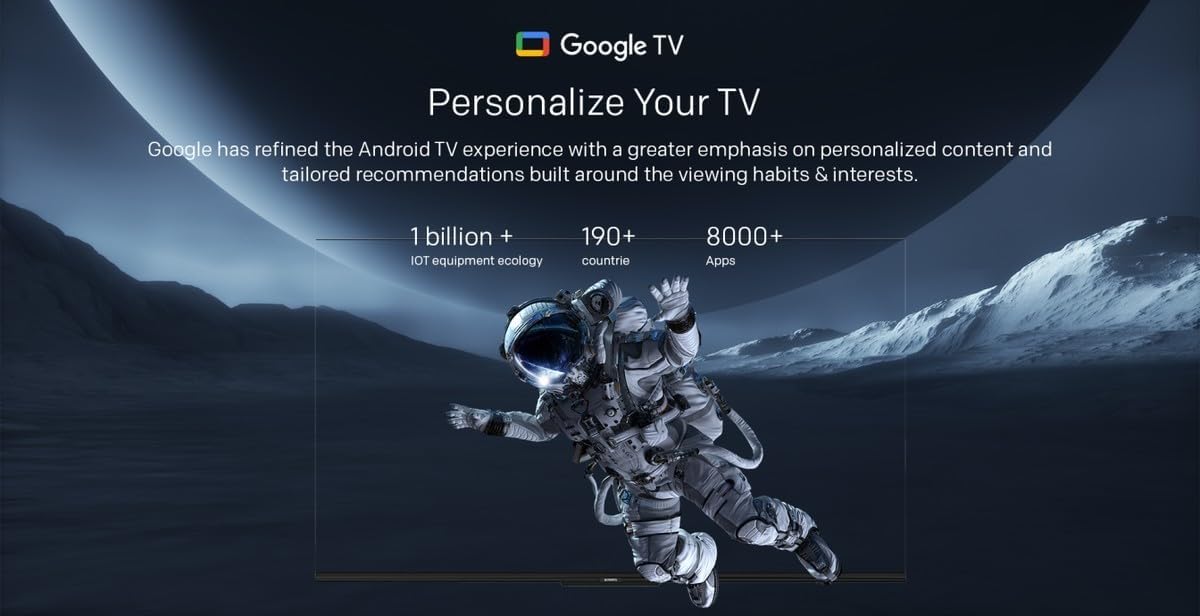
Image: A visual representation of the Google TV interface, highlighting personalized content and tailored recommendations based on viewnávyky a zájmy.
5. Ovládání televizoru
5.1. Základní funkce
- Zapnutí/vypnutí: Použijte tlačítko napájení na dálkovém ovladači nebo televizoru.
- Výběr vstupu: Press the 'Input' button on the remote to switch between HDMI, AV, and other sources.
- Ovládání hlasitosti: Použijte tlačítka „Zvýšit/snížit hlasitost“.
- Výběr kanálu: Use the 'Channel Up/Down' buttons or number pad.
5.2. Funkce Google TV
Your Skyworth TV integrates Google TV, offering a smart and personalized viewzkušenosti. Mezi klíčové vlastnosti patří:

Image: A collection of icons representing key features: Google TV, Flicker Free, Low Blue Light, Filmmaker Mode, Dolby Audio, DTS Studio Sound, and Bidirectional Bluetooth.
- Hlasové ovládání: Use the built-in 'Hey Google' voice assistant to search for content, control smart home devices, and manage TV functions.
- Přístup k aplikaci: Download and stream from a wide variety of applications available on the Google Play Store.
- Personalizovaná doporučení: Google TV learns your preferences to suggest movies, shows, and live TV.
- Daily Family Features: Access daily shortcuts, manage apps, and use daily key functions for simplified operation.

Image: A composite image demonstrating Google TV's 'Daily Family' features, including 'Daily Shortcuts' for common settings, 'Daily Manage' for app organization, and 'Daily Key' for direct access via remote, alongside 'Hey Google' voice control functionality.
5.3. Speciální funkce
- Obousměrné Bluetooth: Connect mobile phones or Bluetooth audio products to the TV, or use the TV as a soundbar for external devices.
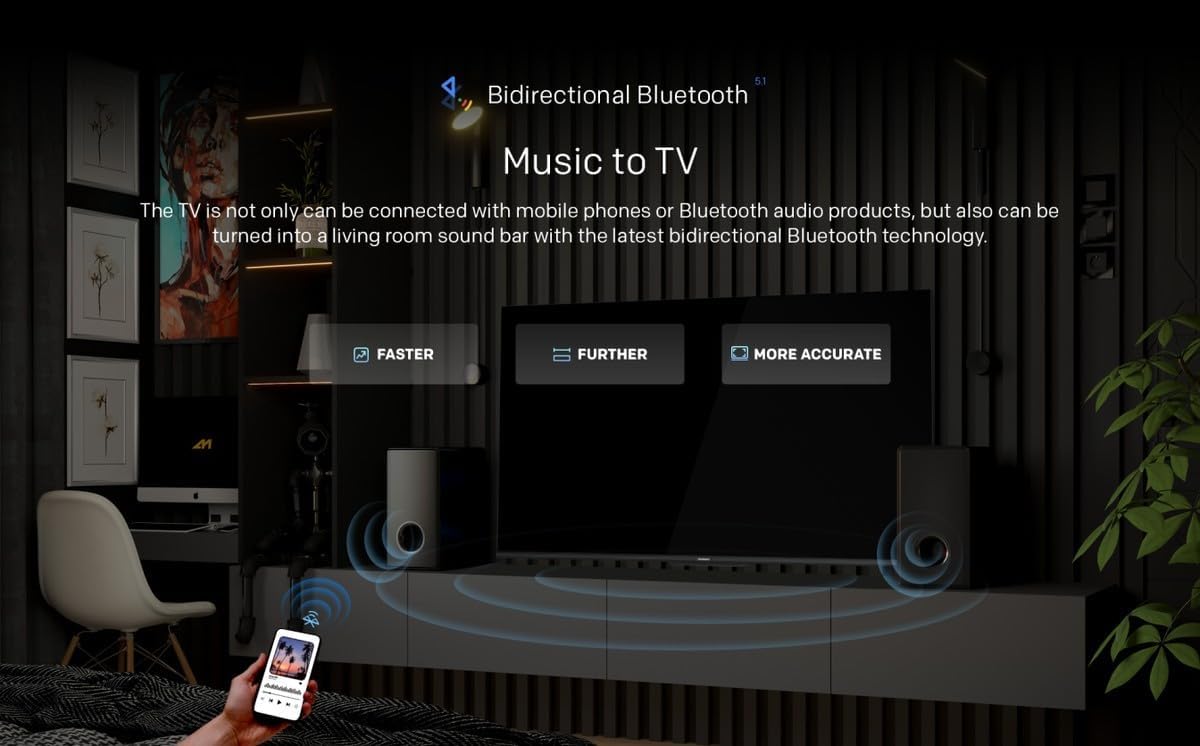
Image: A diagram showing how Bidirectional Bluetooth allows connecting mobile phones or Bluetooth audio products to the TV, or using the TV as a soundbar, emphasizing faster, further, and more accurate connections.
- Flicker Free & Low Blue Light: Designed to reduce eye strain during extended viewIng.
- Režim filmaře: Zachovává původní poměr stran, barvy a snímkovou frekvenci obsahu tak, jak to zamýšlel filmař.
- Swaiot Smart Home: Voice control connected home devices directly from your TV to adjust room temperature, lighting, and play music.
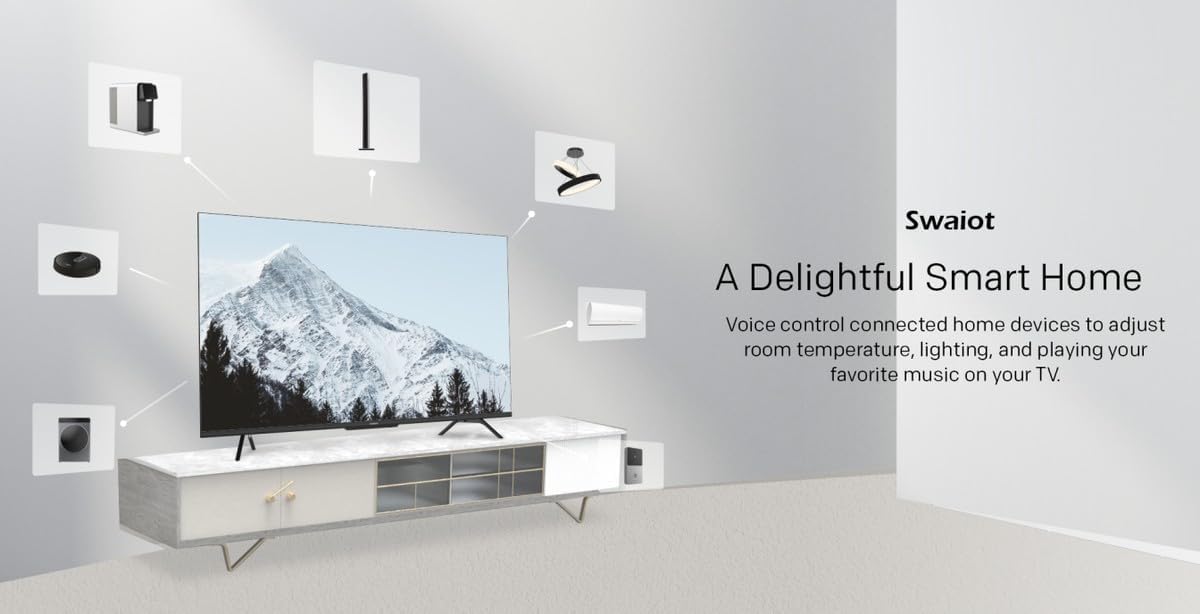
Image: An illustration of the Swaiot smart home ecosystem, showing various smart devices connected and controllable via the Skyworth TV.
6. Nastavení obrazu a zvuku
Your QLED TV offers advanced picture and sound customization. Navigate to the 'Settings' menu to adjust:
- Režim obrazu: Select from standard, vivid, movie, game, or custom settings.
- Jas, kontrast, barva: Jemné doladění charakteristik zobrazení.
- Režim zvuku: Choose from standard, music, movie, or custom audio profiles.
- Zvuk Dolby Audio a DTS Studio: Enhance your audio experience with these integrated technologies.
Skyworth has over 30 years of experience in picture quality adjustment, ensuring optimal visual performance.
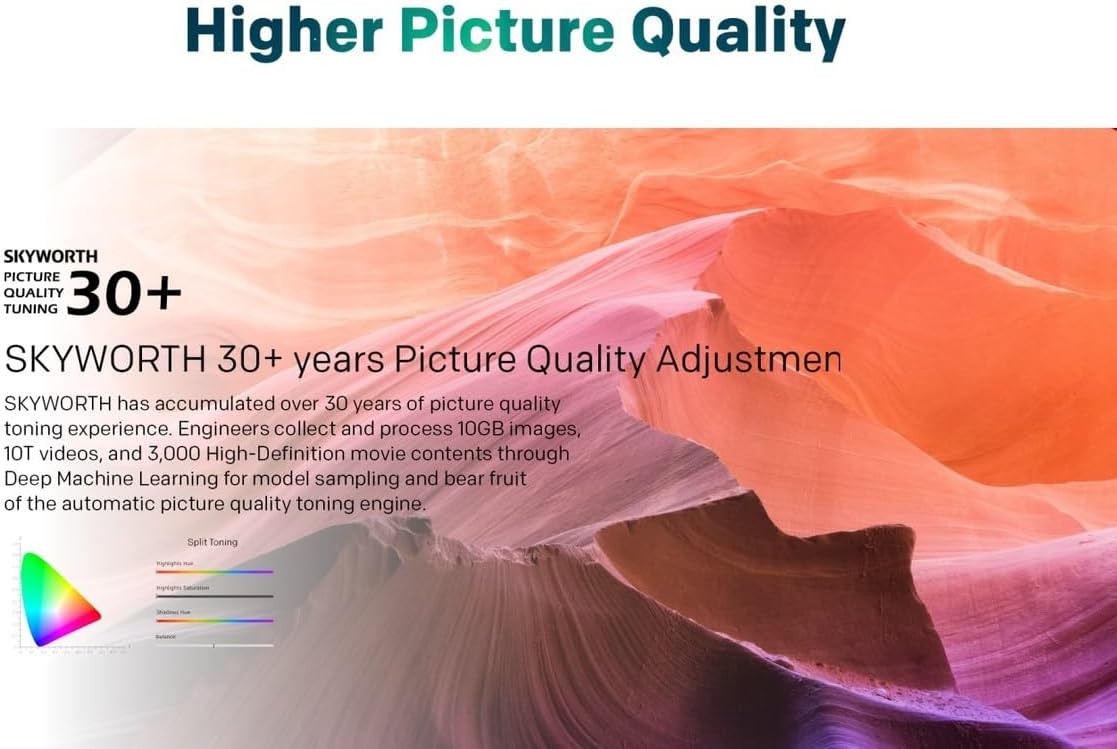
Image: A graphic highlighting Skyworth's 30+ years of picture quality adjustment experience, showcasing advanced color tuning and processing capabilities.
7. Údržba
7.1. Čištění obrazovky
Jemně otřete obrazovku měkkým hadříkem, který nepouští vlákna. V případě odolných skvrn lehceampOtřete hadřík vodou nebo specializovaným čističem obrazovek. Nestříkejte tekutinu přímo na obrazovku.
7.2. Čištění Casing
Use a soft, dry cloth to clean the television casing. Nepoužívejte abrazivní čisticí prostředky nebo rozpouštědla.
8. Řešení problémů
Pokud se s televizorem setkáte s problémy, podívejte se na následující běžné problémy a jejich řešení:
- Bez napájení: Ujistěte se, že je napájecí kabel bezpečně zapojený do televizoru i do funkční elektrické zásuvky. Zkontrolujte kontrolku napájení.
- Žádný obraz, ale zvuk: Ověřte, zda je vybrán správný vstupní zdroj. Zkontrolujte připojení kabelů k externím zařízením.
- Žádný zvuk, ale obraz: Check the volume level and mute settings. Ensure external audio systems are properly connected and powered on.
- Dálkové ovládání nefunguje: Vyměňte baterie. Ujistěte se, že mezi dálkovým ovladačem a infračerveným senzorem televizoru nejsou žádné překážky.
- Špatná kvalita obrazu: Check antenna or cable connections. Adjust picture settings in the menu. For streaming content, check your internet connection speed.
- Problémy s připojením k internetu: For Wi-Fi, ensure the password is correct and the router is working. For wired connection, check the LAN cable. Try restarting your router.
Pokud problém přetrvává, kontaktujte zákaznickou podporu.
9. Specifikace
| Funkce | Specifikace |
|---|---|
| Značka | Skyworth |
| Číslo modelu | 50SUE9500 QLED |
| Velikost obrazovky | 50 palce |
| Technologie displeje | QLED |
| Rezoluce | 4K (3840 x 2160) |
| Obnovovací frekvence | 60 Hz |
| Poměr stran | 16:9 |
| Technologie připojení | HDMI, USB |
| Total Number of HDMI Ports | 3 |
| USB porty | 2 2.0 (USB XNUMX) |
| Speciální funkce | Browser, Google TV, Bidirectional Bluetooth, Flicker Free, Low Blue Light, Filmmaker Mode, Swaiot |
| Rozměry produktu (D x Š x V) | 4.8 D x 120 W x 65.9 V centimetrů |
| Barva | Černý |
| Modelový rok | 2023 |
10. Záruka
This Skyworth 50SUE9500 50-Inch UHD QLED Google TV comes with a 3 rok záruka. Please retain your proof of purchase for warranty claims. The warranty covers manufacturing defects under normal use. It does not cover damage caused by misuse, accidents, unauthorized repairs, or acts of nature.
11. Podpora
For technical assistance, troubleshooting beyond this manual, or warranty inquiries, please contact Skyworth customer support. Refer to the official Skyworth webNejnovější kontaktní informace naleznete na webových stránkách nebo v dokumentaci k nákupu.
Online podpora: Visit the official Skyworth support webstránky s častými dotazy a další pomocí.
Telefonická podpora: Check your product packaging or Skyworth's official webmísto pro regionální kontaktní čísla.