
1. Úvod
Thank you for choosing the Bewinner Mini Body Camera 1080P. This portable and wearable video recorder is designed for various applications, including walking, riding, outdoor activities, and home monitoring. It features 1080P HD video recording, night vision, a 180° rotatable lens, and Wi-Fi connectivity for real-time monitoring. Please read this manual carefully to ensure proper use and optimal performance of your device.
2. Vlastnosti produktu
- Multifunkčnost: Supports video recording, photo capture, noise reduction recording, night vision mode, and motion detection.
- Otočný objektiv o 180°: The lens can rotate 180 degrees, offering flexible recording angles and allowing use as a car dash camera.
- Přímé nahrávání: Insert a memory card (up to 256GB, not included) to begin recording immediately.
- Wi-Fi připojení: Enables real-time monitoring and video viewing directly on your smartphone via a dedicated app.
- Vestavěný stereo reproduktor: Provides synchronized audio and video playback for an enhanced viewzkušenosti.

Obrázek 2.1: Přesview of Bewinner Mini Body Camera features.
3. Nastavení
3.1 Nabíjení zařízení
Before first use, fully charge the camera. Connect the camera to a USB power source using the provided USB cable. The charging indicator light will show the charging status and turn off when fully charged.
3.2 Vložení paměťové karty
This camera supports a Micro SD card (TF card) up to 256GB. Ensure the camera is powered off before inserting or removing the memory card. Insert the card into the designated slot until it clicks into place.
3.3 Zapnutí/vypnutí
- Zapnutí: Stiskněte a několik sekund podržte tlačítko napájení, dokud se obrazovka nerozsvítí.
- Vypnout: Stiskněte a podržte tlačítko napájení po dobu několika sekund, dokud se obrazovka nevypne.
4. Návod k obsluze
4.1 Nahrávání videa
To start video recording, ensure a memory card is inserted. Press the Video Record button once. The recording indicator will illuminate or flash. Press the button again to stop recording. Videos are saved to the memory card.
4.2 Fotografování
To take a photo, press the Photo button once. The camera will capture an image and save it to the memory card.

Figure 4.1: Simple operation with dedicated buttons for recording modes.
4.3 Otočný objektiv o 180°
The camera's lens can be manually rotated 180 degrees to adjust the recording angle as needed. This allows for versatile placement and capture from different perspectives.

Figure 4.2: The camera's lens can be rotated 180 degrees for flexible recording.
4.4 Režim nočního vidění
The camera is equipped with 4 LED fill lights for night vision. To activate night vision, locate the dedicated night vision button or setting in the menu. This feature allows for clear recording in low-light conditions.
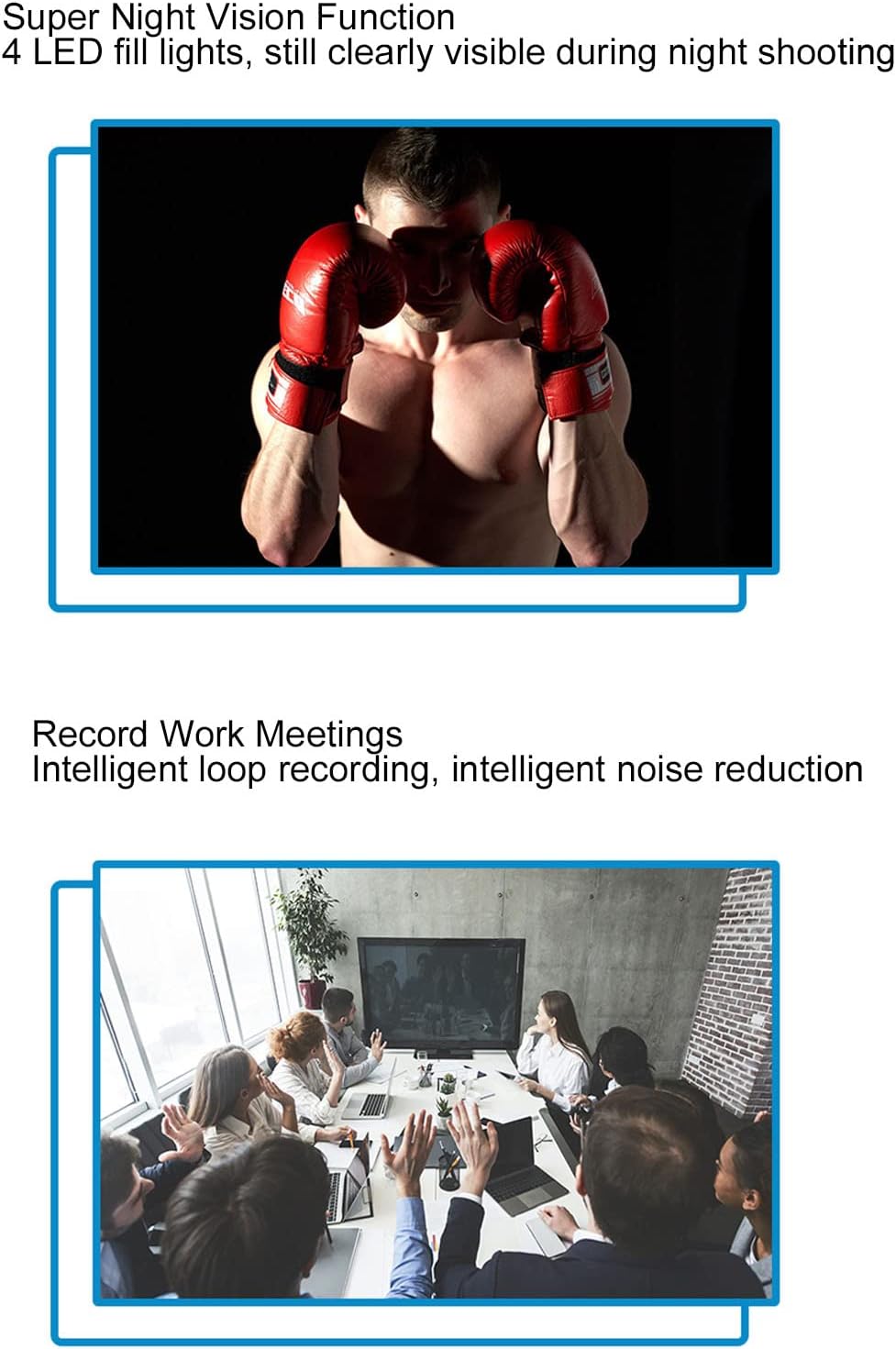
Figure 4.3: Night vision capability for clear recording in the dark.
4.5 Detekce pohybu
When motion detection is enabled, the camera will automatically begin recording when it detects movement within its field of view. This helps conserve memory and battery life by only recording relevant events.

Figure 4.4: Motion detection feature for automatic recording upon movement.
4.6 Wi-Fi Connection and Real-time Monitoring
The camera supports Wi-Fi connectivity, allowing you to connect it to your smartphone for real-time monitoring. Download the dedicated app (refer to the quick start guide for app name and download instructions). Once connected, you can view živé footage, adjust settings, and review zaznamenané filepřímo ve vašem telefonu.

Figure 4.5: Real-time monitoring via smartphone app using Wi-Fi connection.
4.7 Synchronized Audio and Video Playback
The built-in stereo external speaker ensures that audio is synchronized with video playback, providing a complete recording experience.
Video 4.1: Demonstration of the Bewinner Mini Body Camera's features and operation, including its 1080P HD recording capability.
5. Údržba
- Čištění: K čištění těla fotoaparátu používejte měkký, suchý hadřík. Na objektiv použijte speciální hadřík a roztok na čištění objektivů, abyste zabránili poškrábání.
- Skladování: Fotoaparát skladujte na chladném a suchém místě mimo dosah přímého slunečního záření a extrémních teplot.
- Péče o baterie: Chcete-li prodloužit životnost baterie, vyvarujte se častého úplného vybíjení. Fotoaparát pravidelně nabíjejte, i když jej delší dobu nepoužíváte.
- Paměťová karta: Periodically format the memory card to maintain optimal performance and prevent data corruption. Back up important files před formátováním.
6. Řešení problémů
| Problém | Možná příčina | Řešení |
|---|---|---|
| Fotoaparát se nezapne. | Slabá baterie; porucha zařízení. | Plně nabijte fotoaparát. Pokud problém přetrvává, kontaktujte podporu. |
| Nelze nahrávat video/fotit. | No memory card; memory card full; memory card error. | Vložte paměťovou kartu. Smažte staré files or replace the card. Format the memory card. |
| Připojení k Wi-Fi selhalo. | Incorrect app; Wi-Fi signal weak; camera Wi-Fi off. | Ensure correct app is installed. Move closer to the camera. Activate Wi-Fi on the camera. |
| Špatná kvalita obrazu. | Dirty lens; low light conditions (night vision off). | Clean the lens. Activate night vision in low light. |
7. Specifikace
| Funkce | Detail |
|---|---|
| Značka | Bewinner |
| Název modelu | Bewinner8io91n6b0z |
| Technologie připojení | Wi-Fi |
| Vnitřní/venkovní použití | Uvnitř, venku |
| Kompatibilní zařízení | Smartphone |
| Typ ovladače | Android |
| Barva | Černý |
| Typ upozornění | Pouze pohyb |
| Hodnocení voděodolnosti | IP54 |
| Rozlišení záznamu videa | 1080p |
| Formát záznamu videa | MOV |
| Zdroj napájení | Napájení z baterie |
| Kapacita baterie | 1400 XNUMX mAh |
| Typ zaměření | Manuální ostření |
8. Záruka a podpora
For warranty information and technical support, please refer to the product packaging or contact Bewinner customer service directly. Keep your purchase receipt for warranty claims.