
1. Úvod
The PhoFuta M832 is an ultra-portable wireless thermal printer designed for convenience and efficiency. Weighing approximately 1.5 pounds and compact in size, it is ideal for use in various settings including business trips, vehicles, offices, homes, and schools. This printer utilizes thermal technology, eliminating the need for ink cartridges and simplifying your printing experience.

2. Bezpečnostní informace
Please read all safety instructions carefully before using the device to ensure safe and proper operation.
- Nevystavujte tiskárnu extrémním teplotám, přímému slunečnímu záření ani vysoké vlhkosti.
- Keep the printer away from water or other liquids to prevent electric shock or damage.
- Používejte pouze dodaný nabíjecí kabel a adaptér.
- Nepokoušejte se tiskárnu rozebírat ani opravovat sami. Požádejte o pomoc zákaznickou podporu.
- Při nabíjení zařízení zajistěte řádné větrání.
3. Co je v krabici
Ověřte, zda jsou v balení přítomny všechny komponenty:
- 1 x PhoFuta M832 Portable A4 Printer
- 1 x USB Cable and Type-C Converter
- 1 x A4 Thermal Paper Roll
- 1 x Uživatelská příručka
4. Nastavení
4.1 Nabíjení zařízení
Before first use, fully charge the printer. Connect the provided USB-C cable to the printer's charging port and the other end to a compatible power source (e.g., wall adapter, computer USB port). The indicator light will show charging status.

4.2 Vkládání termopapíru
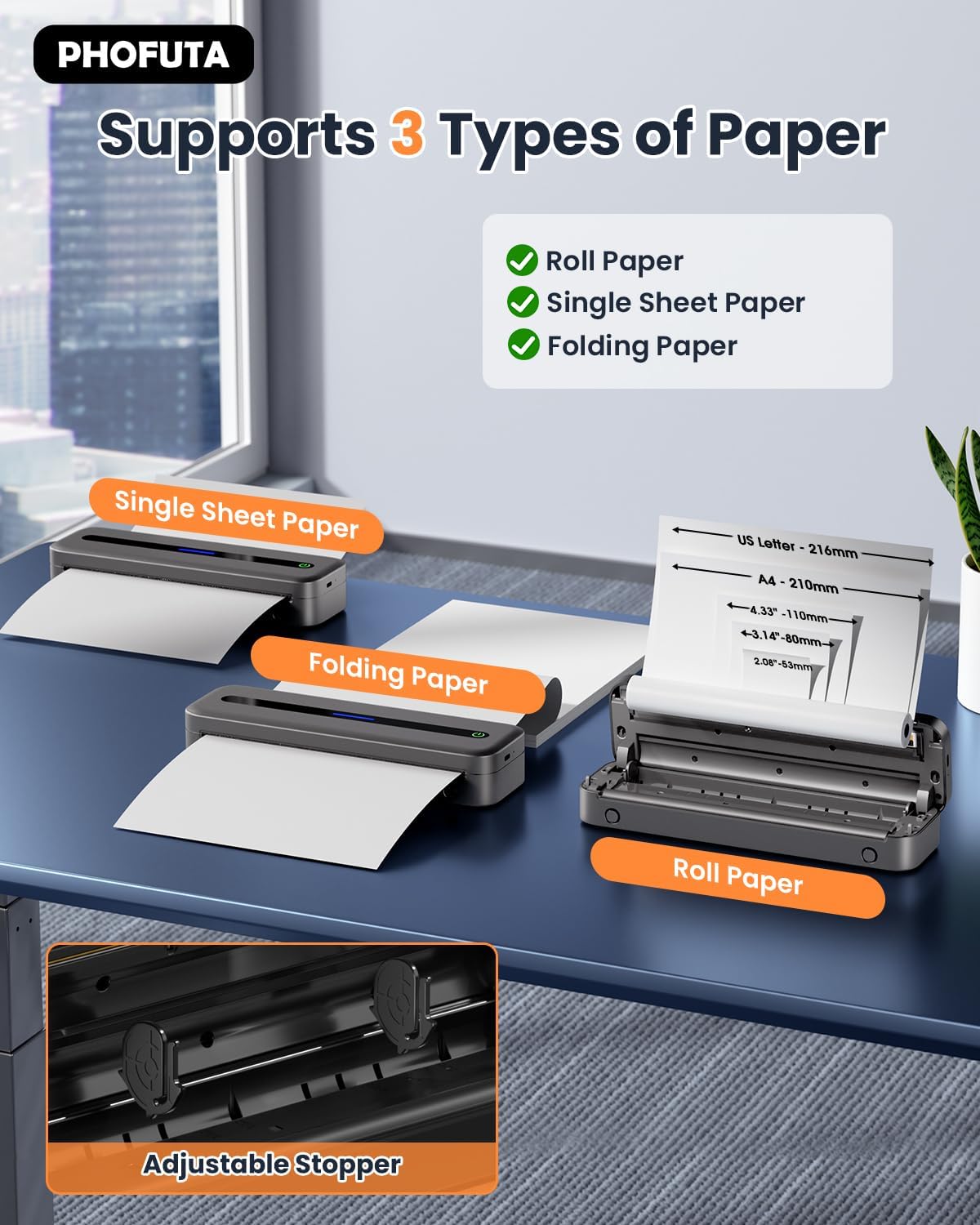
The PhoFuta M832 supports various thermal paper types, including roll paper, single sheets, and folding paper. Open the paper compartment cover, insert the thermal paper according to the diagram, ensuring the printable side faces the print head. Close the cover securely.
4.3 Připojení k vašemu zařízení
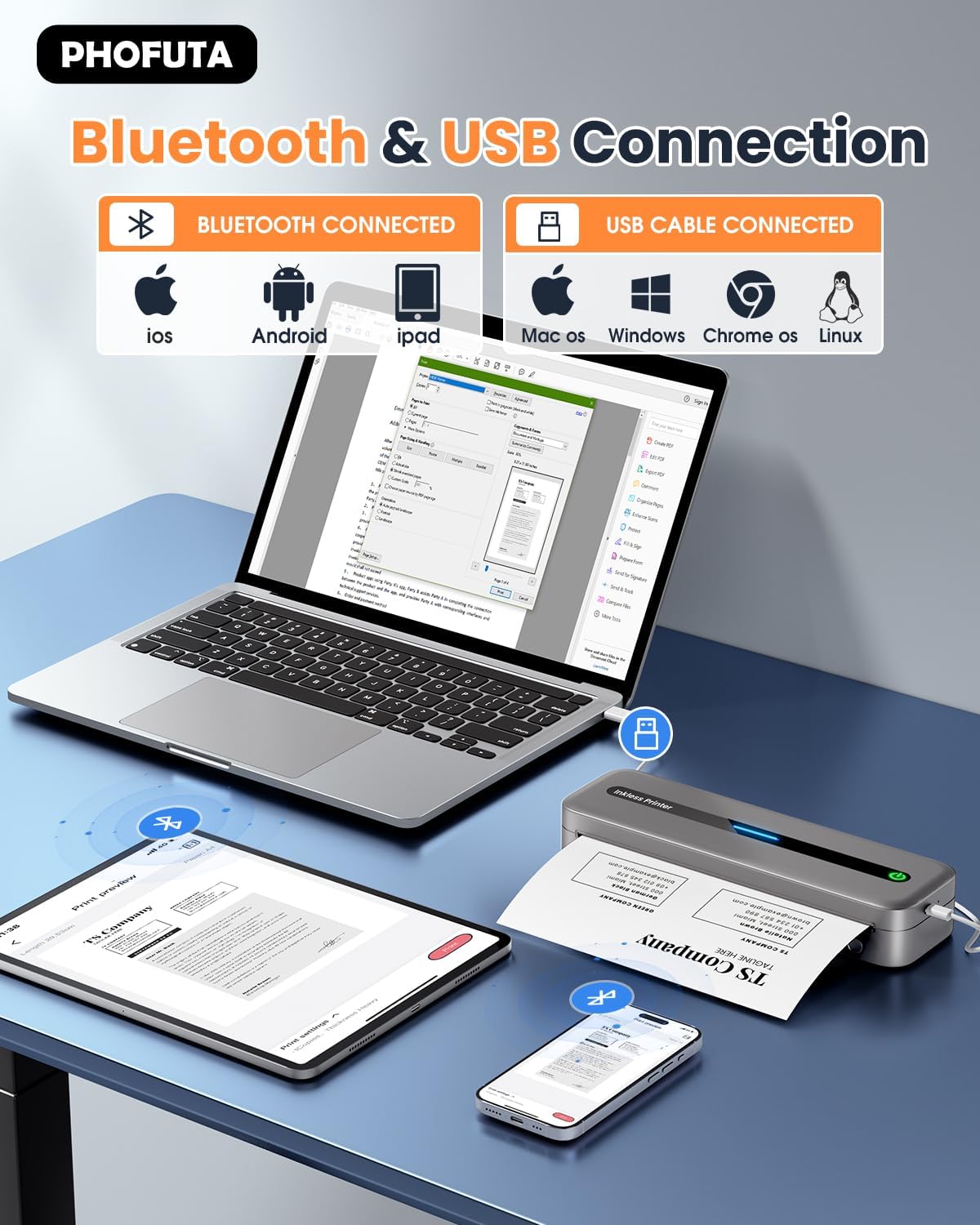
The printer offers both Bluetooth and USB connectivity options.
- Připojení Bluetooth: Turn on the printer and enable Bluetooth on your smartphone or tablet. Download the Phomemo app (available for iOS and Android). Open the app, search for the printer, and pair.
- USB připojení: Connect the printer to your laptop or computer using the provided USB-C cable. Install the necessary drivers (usually available from the PhoFuta website or included on a small disk/QR code).
5. Návod k obsluze
5.1 Základní tisk
Once connected, open the document or image you wish to print from your device. Select the PhoFuta M832 as your printer. Adjust print settings as needed (e.g., paper size, orientation) and initiate the print command. The printer will feed the thermal paper and produce the printout.
5.2 Kvalita tisku
The PhoFuta M832 offers a maximum print resolution of 300 DPI (dots per inch) for black and white prints, ensuring clear and legible documents.

5.3 Supported Paper Sizes
The printer supports various paper sizes, including US Letter, A4, and smaller sizes like 4-inch, 3-inch, and 2-inch (216mm, 210mm, 110mm, 80mm, 53mm respectively). Ensure you use thermal paper compatible with these dimensions.
6. Údržba
6.1 Čištění tiskárny
Regularly clean the printer to maintain optimal performance. Use a soft, dry, lint-free cloth to wipe the exterior. For the print head, use a cotton swab lightly dampened with isopropyl alcohol, wiping gently. Ensure the printer is off and disconnected from power before cleaning.
6.2 Thermal Paper Considerations
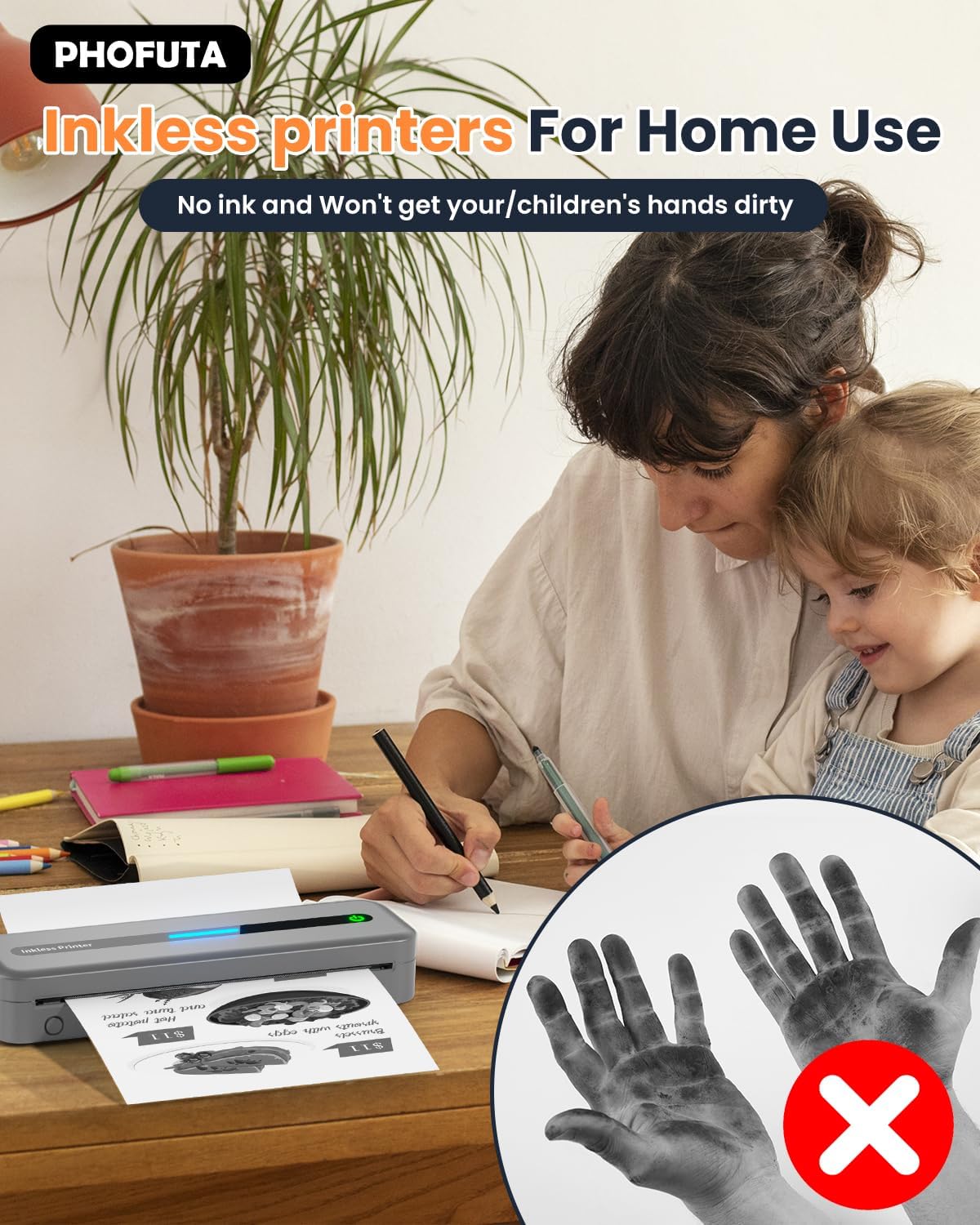
The PhoFuta M832 is an inkless printer, meaning it uses thermal paper that reacts to heat to create images. This eliminates the need for ink cartridges, preventing messy hands and reducing ongoing costs. However, it is crucial to use only thermal paper, as regular paper will not work. Thermal prints may fade over time if exposed to heat, light, or certain chemicals, so store important documents appropriately.

7. Řešení problémů
If you encounter issues with your PhoFuta M832 printer, refer to the following common problems and solutions:
- Tiskárna se nezapíná: Ujistěte se, že je baterie nabitá. Připojte tiskárnu ke zdroji napájení a zkuste to znovu.
- Nelze se připojit přes Bluetooth: Make sure Bluetooth is enabled on both devices. Restart the printer and your device. Ensure the Phomemo app is installed and updated.
- Špatná kvalita tisku: Check if you are using thermal paper. Ensure the paper is loaded correctly. Clean the print head if smudges or lines appear.
- Zaseknutý papír: Turn off the printer, open the paper compartment, and carefully remove any jammed paper. Ensure paper is loaded straight and not wrinkled.
- Tiskárna nereaguje: Try restarting the printer. If the issue persists, perform a factory reset (refer to the Phomemo app or detailed user manual for instructions).
8. Specifikace
| Funkce | Specifikace |
|---|---|
| Značka | PhoFuta |
| Model | M832 |
| Číslo produktu | PH-M832-GY |
| Barva | Šedá |
| Technologie tisku | Tepelný |
| Tiskový výstup | Monochromatický |
| Maximální rozlišení tisku (černobíle) | 300 DPI |
| Maximální rychlost tisku (černobíle) | 5 stran za minutu |
| Maximální vstupní kapacita listu | 300 listů |
| Podporovaný typ média | Plain Paper (Thermal Paper) |
| Velikost listu | US Letter/A4/4"/3"/2" (216mm/210mm/110mm/80mm/53mm) |
| Oboustranný tisk | Žádný |
| Technologie připojení | Bluetooth |
| Hardwarové rozhraní | USB-C |
| Kompatibilní zařízení | Chytré telefony, tablety, notebooky, počítače |
| Typ skeneru | Přenosný |
| Rozlišení skeneru | 203 x 203 DPI |
| Rozměry produktu | 31 x 11.4 x 9.2 cm |
| Hmotnost produktu | 992 g |
| Baterie | 1 Lithium Ion (součástí balení) |
| Složení baterie | Lithium |
| Aktualizace softwaru zaručeny do | Neznámý |
9. Záruka a podpora
9.1 Informace o záruce
The PhoFuta M832 Portable Thermal Printer comes with a Doživotní záruka. This warranty covers manufacturing defects and ensures the long-term reliability of your device. Please retain your proof of purchase for warranty claims.
9.2 Zákaznická podpora
For technical assistance, troubleshooting, or warranty inquiries, please contact PhoFuta customer support. Refer to the official PhoFuta webNejnovější kanály podpory naleznete na webových stránkách nebo na kontaktních informacích uvedených při nákupu.