
1. Úvod
The Lexar JumpDrive S80 USB 3.2 Gen 1 Flash Drive is designed for high-speed data transfer and secure storage. This manual provides instructions for setting up, operating, and maintaining your flash drive, along with important specifications and troubleshooting tips.
2. Vlastnosti produktu
- Vysokorychlostní výkon: Utilizes USB 3.2 Gen 1 technology for read speeds up to 150MB/s and write speeds up to 60MB/s, enabling quick transfer of large files.
- Pokročilé zabezpečení: Features 256-bit AES encryption software to protect your sensitive data from unauthorized access.
- Zatahovací design: A protective, retractable cover safeguards the USB connector when not in use.
- Široká kompatibilita: Backward-compatible with USB 3.0 and USB 2.0 devices, ensuring versatility across various systems.
- Multiple Capacities: Available in various storage capacities, including 512GB, to suit different user needs.
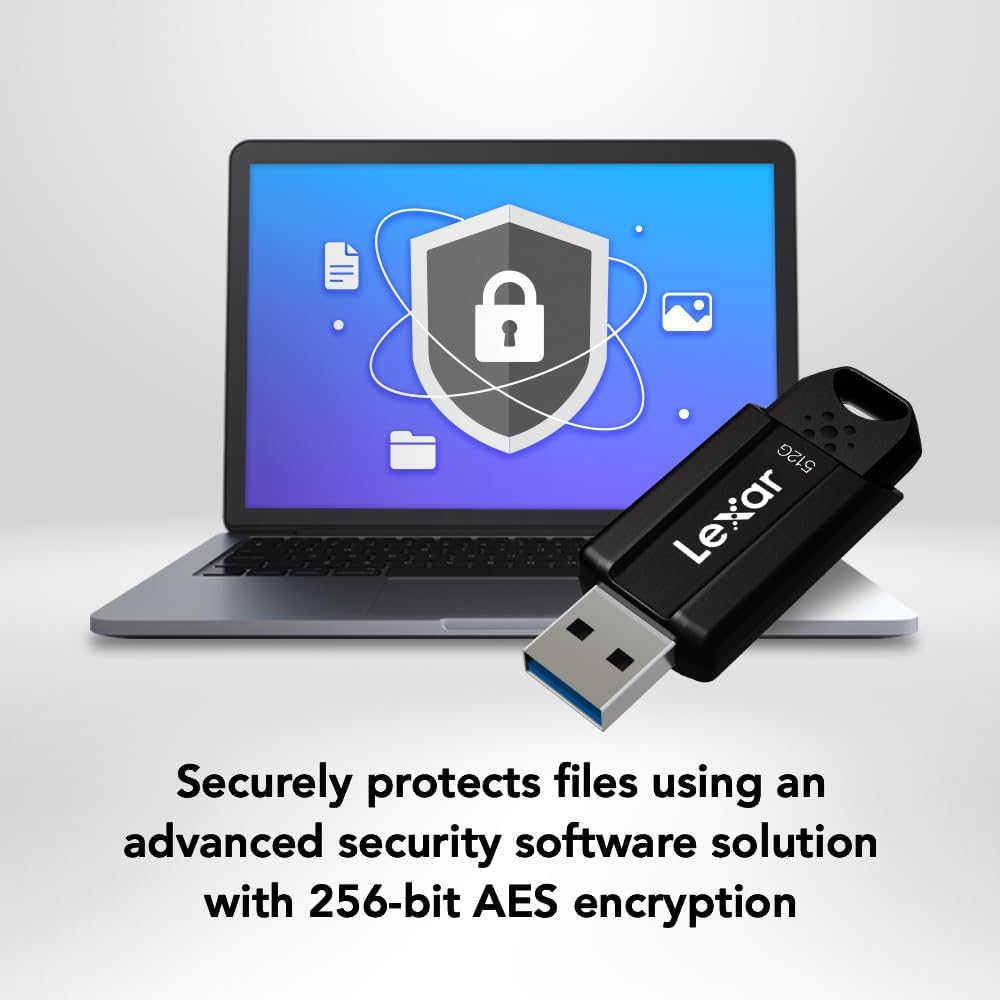
Image: The Lexar JumpDrive S80 connected to a laptop, highlighting its USB 3.2 Gen 1 performance for fast content transfer.
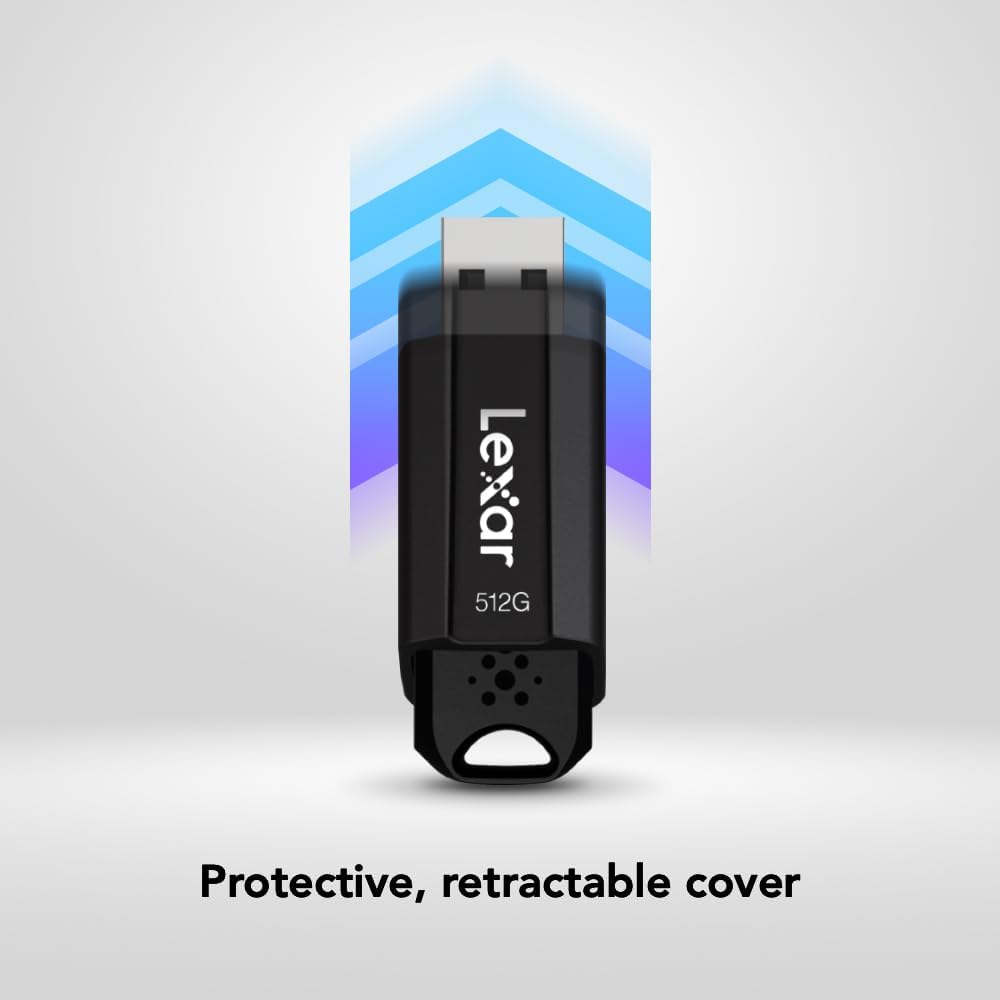
Image: The JumpDrive S80 with a laptop, emphasizing its advanced security software and 256-bit AES encryption.

Obrázek: Podrobný view of the JumpDrive S80's protective retractable cover.

Image: A display of Lexar JumpDrive S80 models showcasing the wide range of available storage capacities.

Image: The JumpDrive S80, highlighting that Lexar products undergo rigorous testing in Lexar Quality Labs for performance and reliability.
3. Nastavení
- Rozbalte disk: Carefully remove the Lexar JumpDrive S80 from its packaging.
- Identify USB Port: Locate an available USB port on your computer (PC or Mac). For optimal performance, use a USB 3.2 Gen 1 (or USB 3.0) compatible port, often identified by a blue insert. The drive is also compatible with USB 2.0 ports.
- Připojte disk: Extend the retractable USB connector by sliding the mechanism. Insert the flash drive firmly into the USB port. The drive should be automatically recognized by your operating system.
- Počáteční uznání: Your computer may display a notification indicating that a new device has been detected and is ready for use. The drive will appear as a removable storage device in your file Průzkumník (Windows) nebo Finder (Mac).
Video: Overview of the Lexar JumpDrive S80, demonstrating its connection to a laptop and highlighting key features like speed and security.
4. Návod k obsluze
4.1. Přenos Files
- Přístup k disku: Open "This PC" or "My Computer" (Windows) or "Finder" (Mac) and locate the Lexar JumpDrive S80. Double-click to open it.
- Kopie Files: Drag and drop files or folders from your computer to the JumpDrive S80, or copy and paste them into the drive's folder.
- Pasta Files: K převodu files from the JumpDrive S80 to your computer, drag and drop or copy and paste them from the drive's folder to your desired location on the computer.
- Sledovat průběh: A progress bar will indicate the transfer status. For large files, transfer times will vary based on file size and the USB port speed.
4.2. Bezpečné odebrání disku
To prevent data corruption, always safely remove the flash drive before physically disconnecting it from your computer.
- Windows: Click the "Safely Remove Hardware and Eject Media" icon in the system tray (bottom-right corner), then select the Lexar JumpDrive S80. Wait for the "Safe to Remove Hardware" message before unplugging.
- Mac: Drag the JumpDrive S80 icon from your desktop or Finder sidebar to the Trash icon, or right-click (Control-click) the drive icon and select "Eject." Wait for the icon to disappear before unplugging.
5. Bezpečnostní prvky
The Lexar JumpDrive S80 includes advanced security software with 256-bit AES encryption to protect your confidential files. This software allows you to create a password-protected safe that automatically encrypts data. Files deleted from this safe are securely erased and cannot be recovered.
Refer to the pre-loaded security software documentation on the drive for detailed instructions on setting up and managing your encrypted safe.
6. Specifikace
| Funkce | Detail |
|---|---|
| Název modelu | JumpDrive S80 USB 3.1 |
| Číslo modelu položky | LJDS080512G-BNBNU |
| Kapacita paměti | 512 GB |
| Hardwarové rozhraní | USB 3.2 Gen 1 |
| Rychlost čtení | Až 150 XNUMX MB/s |
| Rychlost zápisu | Až 60 XNUMX MB/s |
| Technologie připojení | USB |
| Barva | Černý |
| Speciální funkce | Protective, retractable cover |
| Hmotnost položky | 0.288 unce |
| Rozměry produktu | 5.5 x 0.54 x 4 palce |
| Výrobce | Lexar International |
| UPC | 843367130870 |
7. Údržba
- Fyzikální péče: Keep the flash drive clean and free from dust and debris. Use a soft, dry cloth for cleaning. Avoid exposing the drive to extreme temperatures, moisture, or direct sunlight.
- Chraňte konektor: Always retract the USB connector when the drive is not in use to prevent damage.
- Záloha dat: Pravidelně zálohujte důležitá data uložená na flash disku na jiné paměťové médium, abyste předešli jejich ztrátě.
- Aktualizace softwaru: Periodically check the Lexar website for any available firmware or security software updates for your JumpDrive S80.
8. Řešení problémů
- Disk nebyl rozpoznán:
- Ujistěte se, že je disk zcela zasunut do portu USB.
- Zkuste jiný port USB na počítači.
- Otestujte disk na jiném počítači, abyste vyloučili problém specifický pro daný počítač.
- Check Device Manager (Windows) or System Information (Mac) to see if the drive is listed, even if not assigned a drive letter.
- Restartujte počítač.
- Pomalé přenosové rychlosti:
- Ensure you are using a USB 3.2 Gen 1 (or USB 3.0) compatible port. USB 2.0 ports will result in significantly slower speeds.
- Vyhněte se přenosu velkého množství malých files simultaneously; compressing them into a single archive can sometimes improve speed.
- Zavřete ostatní aplikace, které mohou používat systémové prostředky nebo přistupovat k disku.
- Ujistěte se, že ovladače USB vašeho počítače jsou aktuální.
- Poškození dat nebo chyby:
- Always safely eject the drive before removing it.
- Run a disk check utility (e.g., Error Checking in Windows, Disk Utility in Mac) on the drive.
- If issues persist, consider reformatting the drive (this will erase all data).
9. Záruka a podpora
The Lexar JumpDrive S80 USB 3.2 Gen 1 Flash Drive comes with a tříletá omezená zárukaTato záruka se vztahuje na vady materiálu a zpracování při běžném používání. Uschovejte si prosím doklad o koupi pro případ uplatnění záruky.
For detailed warranty terms, technical support, or to register your product, please visit the official Lexar webmísto: www.lexar.com/support.