
1. Úvod
This manual provides detailed instructions for setting up, operating, and maintaining your TRIGKEY G5 Mini PC. Please read this guide thoroughly to ensure proper use and to maximize the performance and longevity of your device. The TRIGKEY G5 Mini PC is a compact and efficient computing solution designed for various tasks, from everyday browsing to demanding office applications and multimedia consumption.
2. Obsah balení
Ověřte, zda jsou v balení obsaženy všechny níže uvedené položky:
- 1x TRIGKEY Mini PC
- 1x napájecí adaptér
- 1x HDMI kabel
- 1x Uživatelská příručka
3. Konec produktuview
The TRIGKEY G5 Mini PC is designed for efficiency and versatility. Familiarize yourself with its physical components and ports.
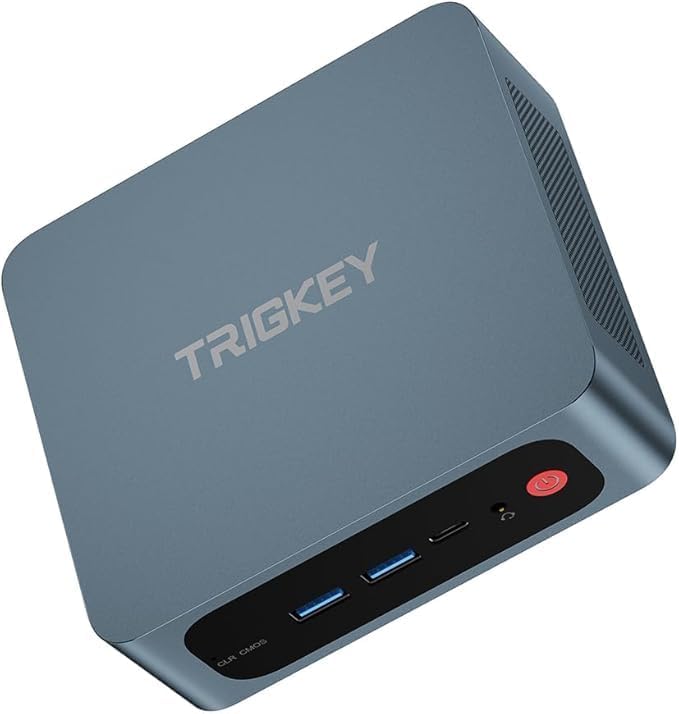
Obrázek 3.1: Přední strana view of the TRIGKEY G5 Mini PC. This image displays the compact design of the Mini PC, highlighting its small footprint suitable for various environments.
3.1. Porty a konektory
The Mini PC features a comprehensive set of ports for connectivity. Refer to the image below for port identification.
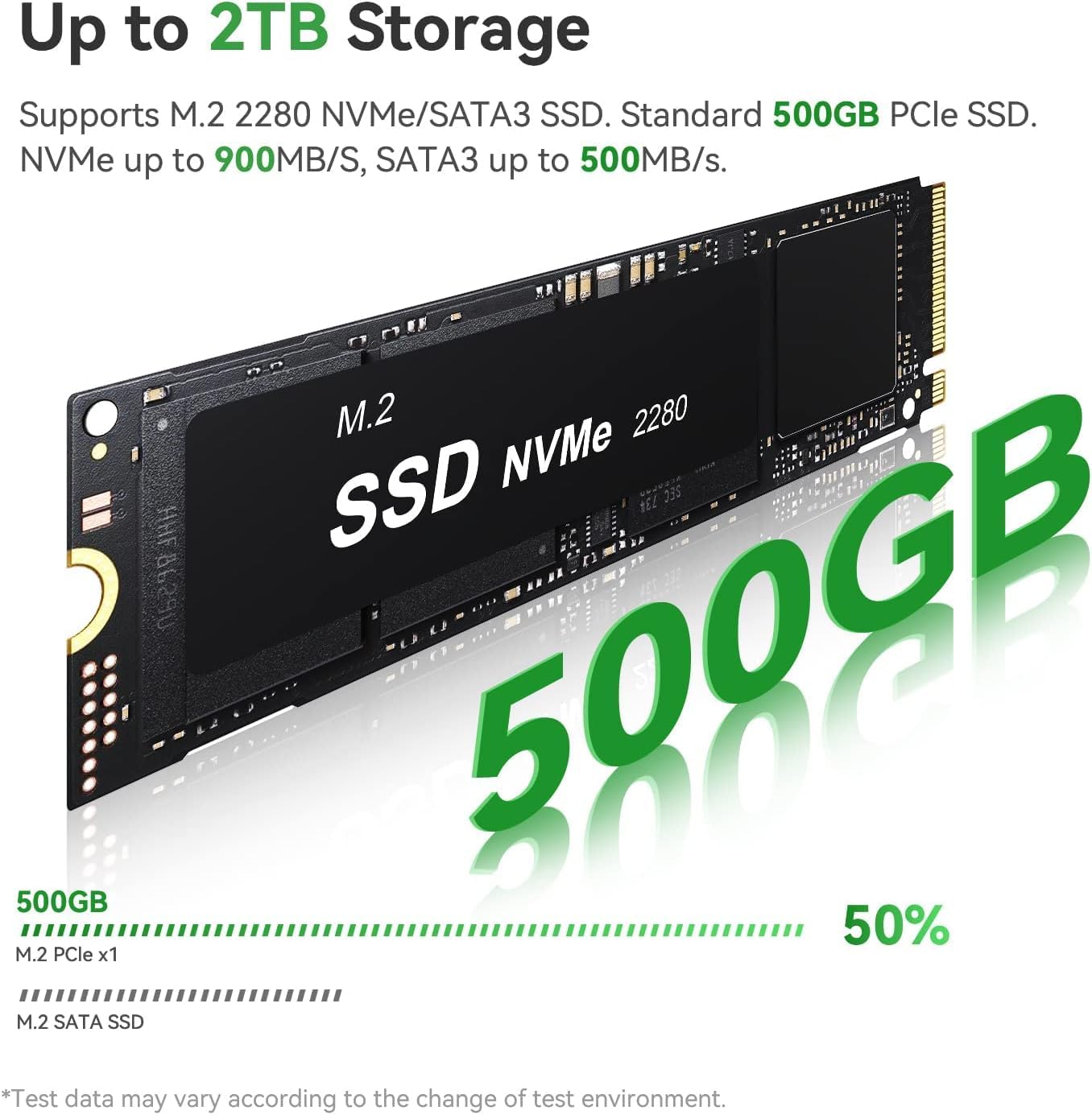
Obrázek 3.2: Detailní view of the front and rear ports on the TRIGKEY G5 Mini PC. This includes USB 3.2, HDMI 2.0, 2.5G Gigabit Ethernet, Audio Jack, Type-C, and the DC power jack.
- Přední panel: 3x USB 3.2 ports, 1x Audio Jack, 1x Power Button, 1x RTC Key (for CMOS reset).
- Zadní panel: 2x HDMI 2.0 ports, 2x 2.5G Gigabit Ethernet ports, 1x Type-C port (Date and video), 1x DC Power Jack.
4. Nastavení
Follow these steps for the initial setup of your TRIGKEY G5 Mini PC:
- Připojení displeje: Connect your monitor(s) to the HDMI ports or the Type-C port using appropriate cables. The Mini PC supports up to three displays simultaneously.
- Připojení periferií: Zapojte klávesnici, myš a další zařízení USB do dostupných portů USB.
- Připojit síť: For a wired connection, connect an Ethernet cable to one of the 2.5G Gigabit Ethernet ports. For wireless, ensure your WiFi network is available during the operating system setup.
- Připojte napájení: Connect the power adapter to the DC Power Jack on the rear panel, then plug the adapter into a power outlet.
- Zapnutí: Stisknutím tlačítka napájení na předním panelu zapněte Mini PC.
5. Návod k obsluze
5.1. First Boot and Operating System
Upon first boot, the Mini PC will guide you through the initial setup of Windows 11 Pro. Follow the on-screen prompts to configure your language, region, network, and user account. Ensure you have an active internet connection for Windows activation and updates.
5.2. Zapnutí/vypnutí
- Zapnutí: Stiskněte tlačítko napájení na přední straně zařízení.
- Vypnout: Use the standard Windows shutdown procedure (Start Menu > Power > Shut down). Avoid directly unplugging the power adapter during operation to prevent data loss or system damage.
- Wake On LAN: The device supports Wake On LAN functionality, allowing it to be powered on remotely via a network signal. This feature can be configured in the BIOS settings.
6. Úložiště a paměť
The TRIGKEY G5 Mini PC comes equipped with high-speed memory and storage components.
6.1. RAM (Random Access Memory)
The system includes 16GB of DDR5 4800MHz SO-DIMM RAM, providing efficient performance for multitasking and demanding applications.

Obrázek 6.1: Detailní záběr view of the DDR5 SO-DIMM RAM module, indicating its 4800MHz speed and 16GB capacity.
6.2. SSD (Solid State Drive)
A 500GB M.2 PCIe SSD is pre-installed, offering fast boot times and rapid data access. The system also supports expansion with a 2.5-inch SSD or HDD up to 2TB (not included).
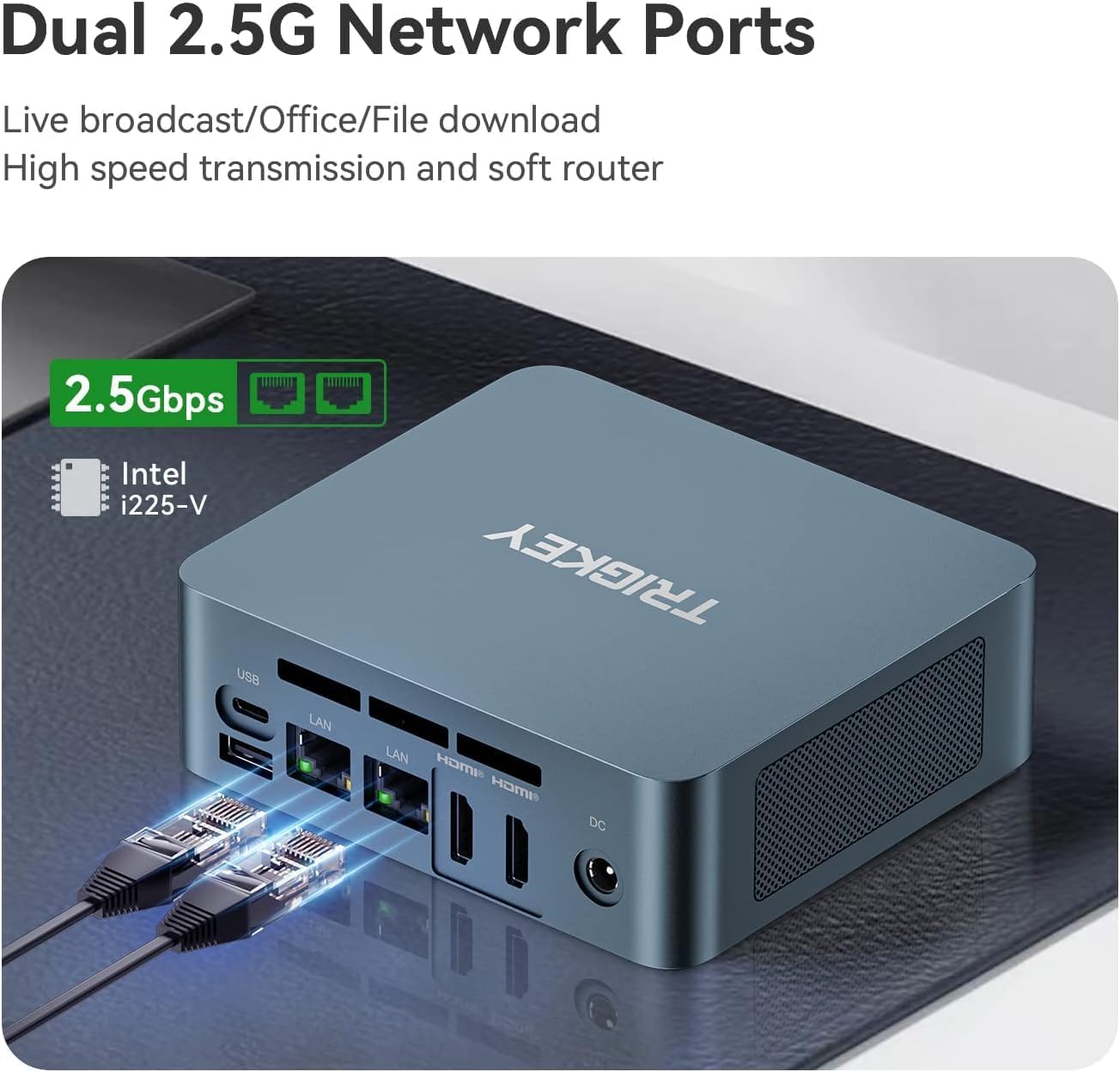
Figure 6.2: An M.2 NVMe SSD module, illustrating the compact form factor of the primary storage device.
7. Konfigurace displeje
The TRIGKEY G5 Mini PC supports multiple display setups and high-resolution output.
7.1. Triple Display Support
You can connect up to three displays simultaneously using the dual HDMI 2.0 ports and the Type-C port. This allows for extended desktop environments, enhancing productivity for various tasks.

Figure 7.1: An illustration of the TRIGKEY G5 Mini PC supporting a triple screen display setup, demonstrating its multi-monitor capabilities.
7.2. 4K@60Hz Output
The Mini PC supports Ultra HD 4K resolution at 60Hz, delivering crisp and detailed visuals for an immersive viewing experience. This is ideal for multimedia consumption and professional applications requiring high visual fidelity.

Figure 7.2: A visual comparison highlighting the enhanced detail and clarity of a 4K display at 60Hz compared to 1080P, showcasing the Mini PC's high-resolution output capability.
8. Připojení k síti
The TRIGKEY G5 Mini PC offers robust network options:
- Duální 2.5G LAN: Two 2.5 Gigabit Ethernet ports provide high-speed wired network connections, suitable for demanding network tasks and server applications.
- WiFi 6: Integrated WiFi 6 (802.11ax) ensures fast and stable wireless connectivity.
- Bluetooth 5.2: Bluetooth 5.2 allows for seamless connection with wireless peripherals such as keyboards, mice, and audio devices.
9. Údržba
9.1. Čištění
Regularly clean the exterior of the Mini PC with a soft, dry cloth. Ensure ventilation openings are free from dust and debris to maintain optimal airflow and prevent overheating.
9.2. Upgrades
The Mini PC's RAM and M.2 NVMe SSD are user-replaceable. Additionally, a 2.5-inch SATA SSD or HDD can be added for expanded storage. When performing upgrades, ensure the device is powered off and unplugged. Refer to the detailed instructions provided by TRIGKEY for specific upgrade procedures to avoid damaging components.
10. Řešení problémů
If you encounter issues with your TRIGKEY G5 Mini PC, refer to the following common solutions:
- Bez napájení: Ujistěte se, že je napájecí adaptér bezpečně připojen k Mini PC i k funkční zásuvce. V případě potřeby zkuste jinou zásuvku.
- Bez displeje: Verify that the HDMI or Type-C cables are correctly connected to both the Mini PC and the monitor. Check the monitor's input source settings.
- Žádné internetové připojení: For wired connections, check the Ethernet cable and router status. For wireless, ensure WiFi is enabled in Windows and you are connected to the correct network.
- Systém nereaguje: Press and hold the power button for 5-10 seconds to force a shutdown, then restart the device. If issues persist, consider using the RTC Key for a CMOS reset (consult support if unsure).
11. Specifikace
| Funkce | Specifikace |
|---|---|
| Procesor | Intel N100 (4C/4T, up to 3.4GHz) |
| BERAN | 16GB DDR5 4800 MHz |
| Skladování | 500GB M.2 PCIe SSD (Expandable with 2.5-inch SSD/HDD up to 2TB) |
| Grafika | Integrovaná grafika Intel UHD Graphics |
| Zobrazení výstupu | Dual HDMI 2.0, 1x Type-C (Supports Triple Display, 4K@60Hz) |
| Síť | Dual 2.5G Gigabit Ethernet, WiFi 6, Bluetooth 5.2 |
| Operační systém | Windows 11 Pro |
| Porty | 3x USB 3.2, 2x HDMI 2.0, 2x 2.5G LAN, 1x Audio Jack, 1x Type-C, 1x DC Jack |
| Rozměry (DxŠxV) | 4.96 x 4.45 x 1.57 palce |
| Hmotnost položky | 1.8 libry |
12. Záruka a podpora
TRIGKEY is committed to providing excellent customer service and technical support for its products.
12.1. Informace o záruce
All TRIGKEY Mini PCs undergo strict inspections before shipment. For specific warranty details, please refer to the documentation included with your product or contact TRIGKEY customer service.
12.2. Technická podpora
TRIGKEY offers lifetime technical support for its products. If you encounter any issues or have questions, please contact TRIGKEY customer service for one-to-one assistance. Contact information can typically be found on the official TRIGKEY webna webu nebo v obalu vašeho produktu.
13. Konec produktuview Video
Watch this video for a compact overview of the TRIGKEY G5 Mini PC and its features.
Video 13.1: A compact yet powerful desktop computer solution. This video provides a visual demonstration of the TRIGKEY G5 Mini PC, showcasing its size, design, and various functionalities in a concise format.