
1. Úvod
Thank you for choosing the Devoko Computer Desk. This manual provides essential information for the safe assembly, operation, and maintenance of your new desk. Designed with a robust metal frame and high-density panels, this desk offers a stable and versatile workspace for various environments.
Před montáží si prosím pečlivě přečtěte tyto pokyny a uschovejte si je pro budoucí použití.
2. Bezpečnostní informace
- Do not exceed the maximum recommended weight capacity of 80 kg.
- Ensure the desk is stable on all surfaces. Use the adjustable feet to compensate for uneven floors.
- Follow all assembly instructions precisely to prevent structural instability.
- Během montáže uchovávejte malé díly mimo dosah dětí, aby se zabránilo nebezpečí udušení.
Nedodržení těchto bezpečnostních pokynů může vést ke zranění nebo poškození produktu.
3. Obsah balení
Před zahájením montáže zkontrolujte, zda jsou všechny součásti přítomny a nepoškozené. Pokud některé součásti chybí nebo jsou poškozené, kontaktujte zákaznickou podporu.
- Desk tabletop (high-density engineered wood)
- Metal frame components (legs, support bars)
- Montážní materiál (šrouby, vruty, podložky)
- Šestihranný klíč
- Klíč
- Nastavitelné nožičky
- Návod k použití
4. Nastavení a montáž
Assembly typically takes 20-30 minutes and requires one person. All necessary tools are included.
- Rozbalte komponenty: Opatrně vyjměte všechny díly z obalu a položte je na čistý, měkký povrch, abyste zabránili poškrábání.
- Připevnění nohou k desce stolu: Align the metal frame components with the pre-drilled holes on the underside of the tabletop. Secure them using the provided screws. Do not overtighten screws initially.
- Instalace podpůrných tyčí: Attach the diagonal support bars to the frame as indicated in the diagram. These bars enhance stability.
- Instalace nastavitelných nožiček: Přišroubujte nastavitelné nožičky do spodní části každé nohy.
- Utáhněte všechny upevňovací prvky: Once all components are loosely assembled, gradually tighten all screws and bolts until secure. Avoid excessive force.
- Vyrovnejte stůl: Place the desk in its desired location. Adjust the leveling feet to ensure the desk is stable and does not wobble.


5. Návod k obsluze
The Devoko Computer Desk is designed for versatile use in various settings:
- Počítačová pracovní stanice: Place your computer, monitor, keyboard, and mouse on the spacious tabletop.
- Studijní stůl: Ideal for reading, writing, and other academic activities.
- Obecný pracovní prostor: Suitable for crafts, hobbies, or as an additional surface in any room.
Ensure that the total weight placed on the desk does not exceed 80 kg to maintain stability and prevent damage.

6. Údržba
To ensure the longevity and appearance of your Devoko Computer Desk, follow these simple maintenance guidelines:
- Čištění: Wipe the desk surface and frame with a dry or damp hadříkem. Nepoužívejte agresivní chemikálie nebo abrazivní čisticí prostředky, které by mohly poškodit povrchovou úpravu.
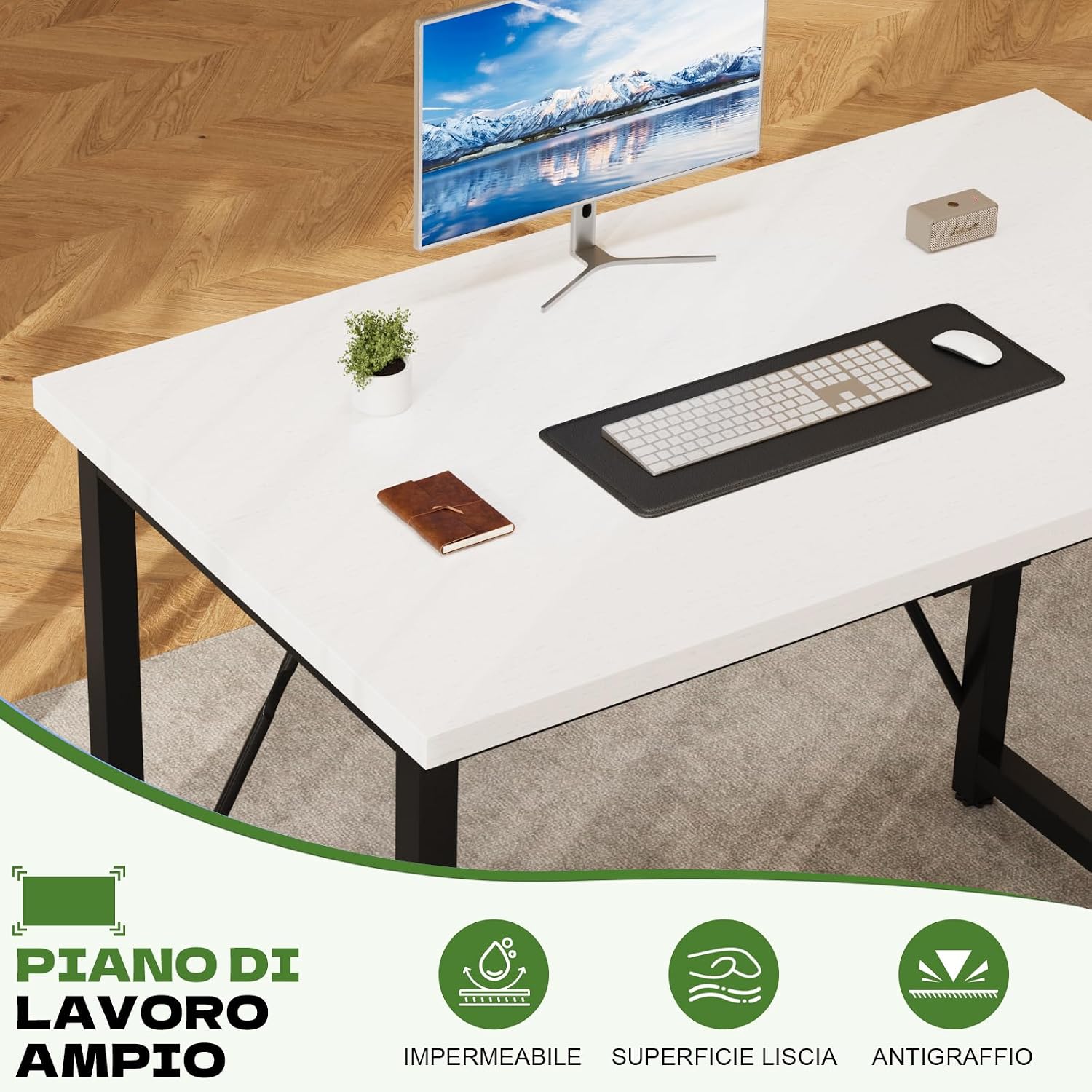
- Rozlití: Clean up spills immediately to prevent staining or damage to the tabletop. The surface is waterproof and wear-resistant, but prompt cleaning is always recommended.
- Spojovací materiál: Pravidelně kontrolujte všechny šrouby a vruty, zda jsou pevně utažené. V případě potřeby je dotáhněte, aby byla zachována stabilita stolu.
7. Řešení problémů
If you encounter any issues with your Devoko Computer Desk, refer to the following common solutions:
- Stůl je nestabilní/kývavý:
- Ujistěte se, že všechny montážní šrouby a vruty jsou bezpečně utažené.
- Adjust the leveling feet on each leg to compensate for uneven floor surfaces. Turn them clockwise or counter-clockwise until the desk is stable.
- Verify that the diagonal support bars are correctly installed and tightened.
- Chybějící části: If any parts were missing upon delivery, please contact Devoko customer support immediately for assistance.
8. Specifikace
| Značka | Devoko |
| Číslo modelu | 0266 |
| Rozměry produktu (D x Š x V) | 100 x 50 x 75 cm |
| Barva | White (Tabletop), Matte Black (Base) |
| Materiál (deska stolu) | High-density Engineered Wood |
| Materiál (rám) | Legovaná ocel |
| Hmotnost položky | 9.5 kg |
| Maximální doporučená hmotnost | 80 kg |
| Montáž Vyžadována | Ano (nářadí je součástí balení) |
| Doporučený počet osob pro shromáždění | 1 |
| Speciální funkce | Portable, Adjustable Feet |

9. Záruka a podpora
Your Devoko Computer Desk comes with a limited warranty. For specific details regarding warranty coverage, please refer to the documentation included with your purchase or contact Devoko customer support.
Devoko offers 24-hour customer assistance to address any questions or concerns you may have regarding your product. Please reach out to our support team for help with assembly, missing parts, or any other product-related inquiries.
For support, please visit the official Devoko webwebu nebo se obraťte na prodejce, u kterého jste produkt zakoupili.