
1. Úvod
This manual provides detailed instructions for the MEETION MT-M915 USB Gaming Mouse with Backlight. Please read this guide thoroughly before using the product to ensure correct installation, optimal performance, and to understand its features. This mouse is designed for gaming and general computer use, offering reliable performance and a comfortable design.
2. Obsah balení
- MEETION MT-M915 USB Gaming Mouse
- Návod k použití (tento dokument)
3. Systémové požadavky
- Operating System: Windows XP, Linux
- Compatible Devices: Personal Computer, Laptop
- K dispozici port USB
4. Nastavení
4.1 Připojení myši
- Najděte volný USB port na vašem počítači nebo notebooku.
- Plug the USB connector of the MEETION MT-M915 mouse into the USB port.
- The operating system will automatically detect and install the necessary drivers. This is a plug-and-play device, so no additional software installation is typically required.
- The mouse backlight will illuminate upon successful connection.
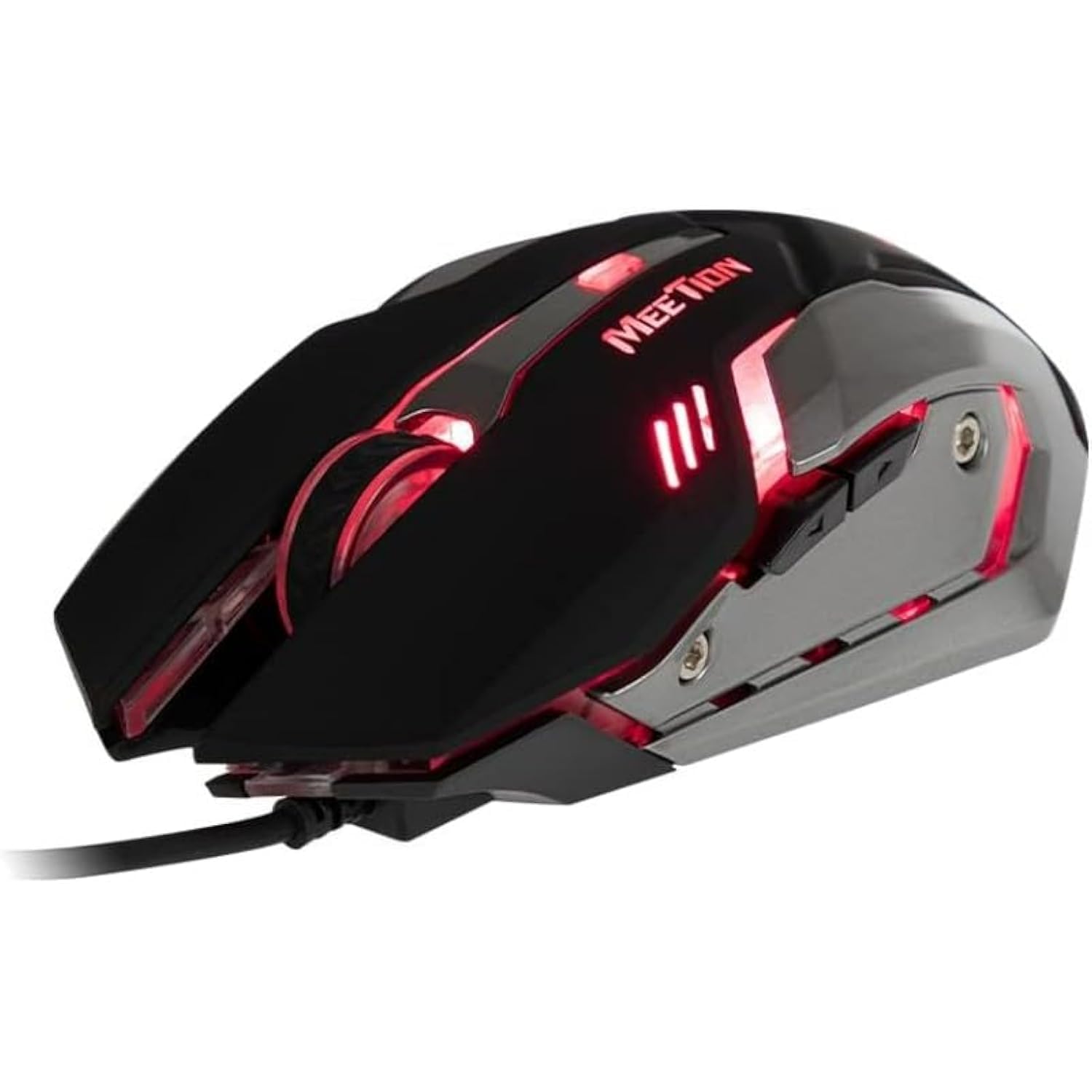
Obrázek 1: Strana view of the MEETION MT-M915 mouse with red backlight.
5. Ovládání myši
5.1 Základní funkce
- Levé kliknutí: Primary action button, typically used for selecting items, opening files, or interacting with software.
- Klikněte pravým tlačítkem myši: Secondary action button, typically used for opening context menus or accessing additional options.
- Rolovací kolečko: Používá se k procházení dokumentů a web stránky. Může také fungovat jako tlačítko pro kliknutí prostředním tlačítkem myši.
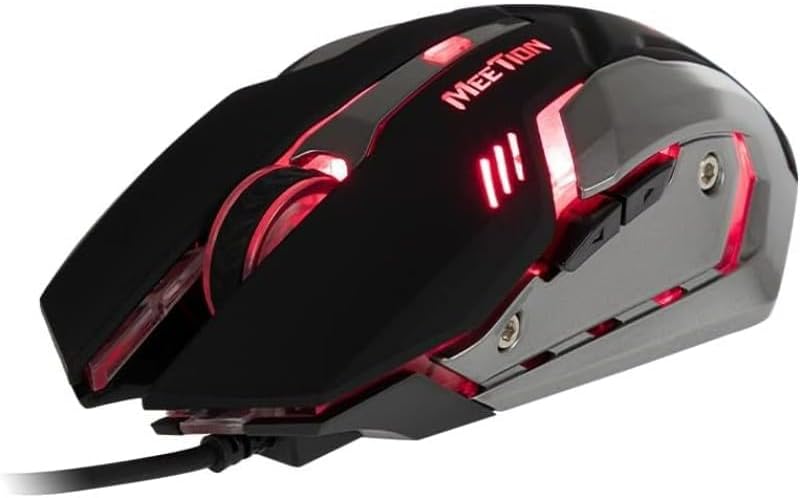
Obrázek 2: Shora dolů view of the MEETION MT-M915 mouse, showing button layout.
5.2 Provoz podsvícení
The MEETION MT-M915 mouse features an integrated backlight. The backlight activates automatically when the mouse is connected to a powered USB port. The color of the backlight may vary or cycle through different colors, as shown in Figure 3.

Obrázek 3: Strana view of the MEETION MT-M915 mouse with purple backlight.
5.3 Ambidextrous Design
The mouse is designed for ambidextrous use, meaning it can be comfortably used by both left-handed and right-handed individuals.
6. Údržba
6.1 Čištění
- Před čištěním odpojte myš od počítače.
- K otření povrchu myši použijte měkký, suchý hadřík.
- Pro odolnou špínu lehceampOtřete hadřík vodou nebo jemným čisticím roztokem. Vyhněte se agresivním chemikáliím.
- Zabraňte vniknutí tekutin do myši casing.
6.2 Skladování
Pokud myš delší dobu nepoužíváte, skladujte ji na chladném a suchém místě mimo dosah přímého slunečního záření a extrémních teplot.
7. Řešení problémů
7.1 Myš nereaguje
- Ujistěte se, že je kabel USB bezpečně zapojený do funkčního portu USB v počítači.
- Zkuste zapojit myš do jiného USB portu.
- Restartujte počítač.
- Test the mouse on another computer to determine if the issue is with the mouse or your computer's USB ports.
7.2 Podsvícení nefunguje
- Verify the mouse is properly connected to a powered USB port.
- If the mouse functions but the backlight does not, there might be an internal issue. Contact customer support if the mouse is still under warranty.
7.3 Nepravidelný pohyb kurzoru
- Ensure the optical sensor on the bottom of the mouse is clean and free from dust or debris.
- Use the mouse on a clean, uniform surface. Avoid highly reflective or transparent surfaces.
- Zkuste restartovat počítač.
8. Specifikace
| Funkce | Detail |
|---|---|
| Značka | SETKÁNÍ |
| Název modelu | MT-M915 |
| Číslo modelu výrobce | CE ELECTRON-559 |
| Technologie připojení | USB |
| Technologie detekce pohybu | Optický |
| Orientace rukou | Obouruký |
| Speciální funkce | Lehký |
| Doporučená použití pro produkt | Hraní |
| Kompatibilní zařízení | Osobní počítač, notebook |
| Operační systém | Linux, Windows XP |
| Hmotnost položky | 50 gramů |
| Rozměry balení | 20.7 x 14.3 x 6.1 cm |
| Baterie jsou součástí dodávky | Žádný |
9. Záruka a podpora
9.1 Informace o záruce
This product is covered by a standard manufacturer's warranty. Please refer to the warranty card included with your purchase or contact your retailer for specific warranty terms and conditions.
9.2 Zákaznická podpora
For technical assistance, troubleshooting, or warranty claims, please contact the retailer where you purchased the product or visit the official MEETION webmísto pro zdroje podpory.